As an Amazon Associate, we earn from qualifying purchases. Some links on this site are affiliate links at no extra cost to you. Our recommendations are based on thorough research and editorial judgment.


How to Make Headphones Louder: Simple Tips and Tricks

Increasing headphone volume requires both software and hardware approaches. Software solutions include FxSound, Equalizer APO, and enabling Windows Sonic effects to boost perceived volume. Hardware options involve external amplifiers, DAC upgrades, and ensuring proper impedance matching. Mobile users can access hearing enhancement features in accessibility settings or adjust equalizers. Computer users should maximize all volume sliders and update drivers regularly. These methods enhance audio output while maintaining sound quality, but users should consider safety limits to protect hearing health.
Key Takeaways
- Install FxSound or Sound Booster software to increase volume up to 500% while maintaining audio clarity.
- Update audio drivers regularly and maximize all volume sliders in your device’s sound settings.
- Use external amplifiers or DACs to boost audio signals for louder, clearer sound with better dynamic range.
- Adjust equalizer settings to enhance specific frequencies that make quieter elements more audible.
- Select closed-back or noise-cancelling headphones to contain sound waves and eliminate background noise.
Software Adjustments to Boost Your Headphone Volume
You may be interested
10 Best Active Noise Cancelling
July 5, 2024
10 Best Bone Conduction Headphones
May 4, 2024
When your headphones aren’t delivering the volume you need, software solutions offer an effective first line of intervention before considering hardware upgrades. Several Audio Enhancers can greatly increase sound output beyond standard limitations.
FxSound, a free open-source option, runs quietly in the background while boosting volume without distortion. Equalizer APO provides extensive customization to enhance specific frequencies, making quieter elements more audible.
For more substantial amplification, Sound Booster can increase system volume by up to 500% while maintaining audio clarity. Windows users can activate Windows Sonic’s Virtual Effects for an immersive surround sound experience that enhances perceived volume.
When selecting volume-boosting software, verify compatibility with your operating system and consider options that include real-time amplification and dynamic volume control to protect both your hearing and hardware. Combining these software adjustments with headphones featuring active noise cancellation can further enhance perceived loudness without compromising audio quality.
Recommended Products
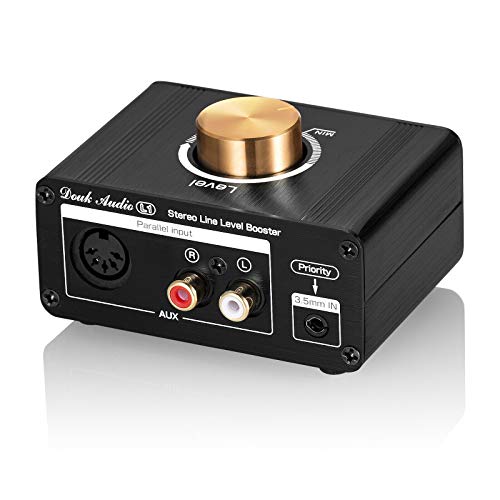
Mutiple input/output interfaces: with 3.5mm AUX/stereo RCA/5-DIN inputs and stereo RCA/5-DIN outputs, can be compatible with most low-volume audio sources such as ipod, ipad,...
Hardware Solutions for Maximum Sound Output
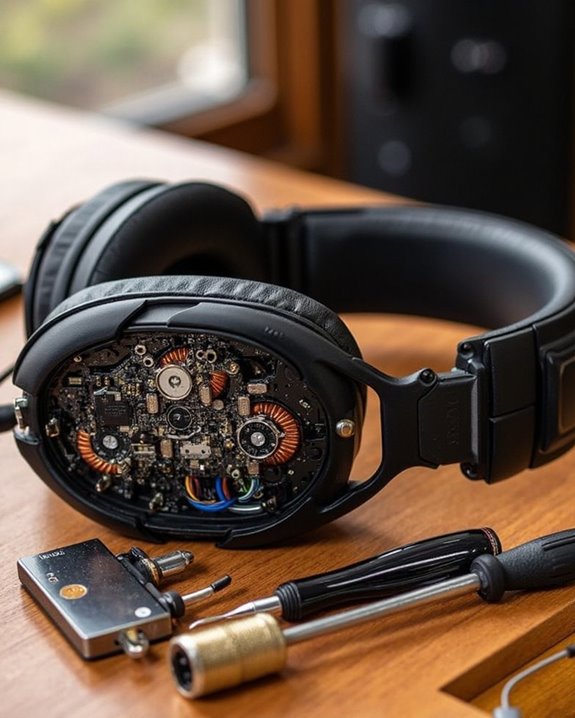
While software adjustments provide significant improvements to headphone output, dedicated hardware solutions offer even greater potential for maximizing sound volume. External amplifiers boost audio signals before they reach headphones, resulting in louder, clearer sound with improved dynamic range.
DAC upgrades represent another valuable option, converting digital signals to analog with greater precision. These devices enhance both volume perception and audio quality, making them ideal companions for smartphones and computers.
Impedance tips worth noting include ensuring compatibility between headphones and amplifiers. Proper impedance matching prevents power loss and optimizes sound output. Additionally, closed-back headphones naturally contain sound waves, creating a more immersive listening experience.
For maximum results, consider pairing noise-cancelling headphones with an amplifier, effectively eliminating background noise while boosting your audio signal.
Popular DAC/amp combos like the FiiO K5 Pro offer professional-grade components and versatile connectivity under 200 euros, making them an excellent choice for enhancing headphone loudness and clarity.
Recommended Products

The upgraded version of Fosi Audio Q4 adds microphone function, K5 Pro headphone DAC amp combo, next-generation audio converter with unrivaled internals, more outstanding performance, and richer audio details. Born for Gaming. K5 Pro stereo DAC headphone amplifier is perfect for your home gaming system, equivalent to an external sound card, suitable for PS5/Computers/PC/MAC/active speakers, etc

Versatile Entry-Level: The Fosi Audio Q4 is an entry-level DAC and headphone amp, featuring USB, Optical, and Coaxial inputs, plus RCA and 3.5mm outputs. It drives headphones from 16Ω to 200Ω, enhances audio quality, and connects to speakers or amplifiers
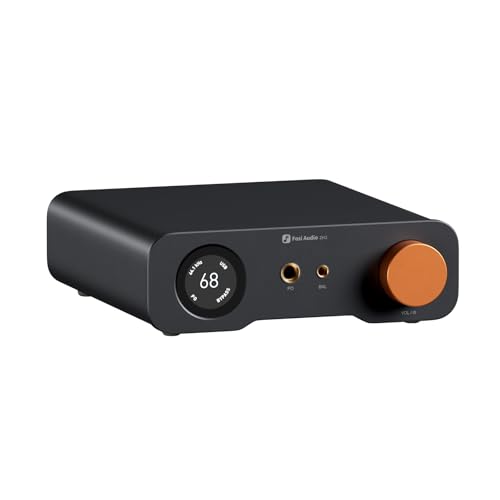
An all-in-one desktop HiFi DAC/headphone amp/preamp: With premium chipsets and self-developed fully balanced circuitry, low noise and low distortion. Perfect for HiFi headphones or active speakers, it's the ultimate desktop audio solution
Mobile Device Tricks to Enhance Audio Levels
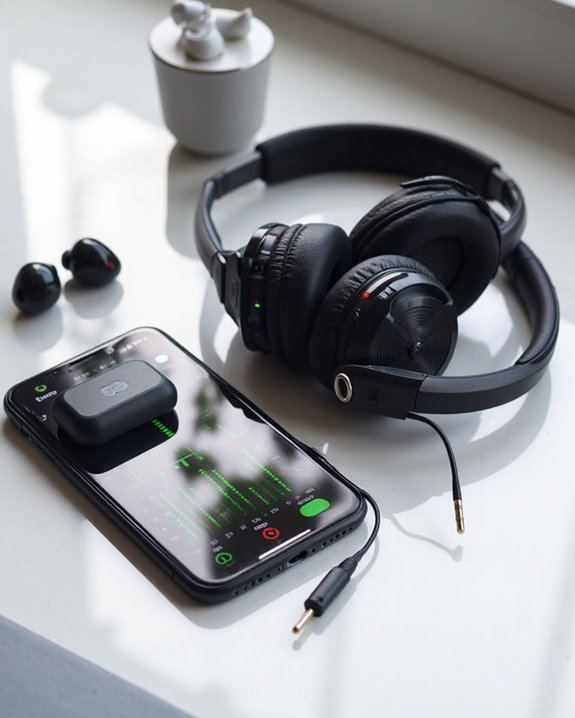
Modern smartphones offer numerous built-in options to boost headphone volume beyond their default settings. Users can access dedicated hearing enhancement features in accessibility settings, which utilize device Sensor Enhancements to optimize audio output based on listening conditions.
Both Android and Samsung devices provide customizable audio profiles that can be adjusted for different Location Tweaks, whether using headphones in noisy environments or quiet spaces. These profiles allow for precise frequency adjustments through built-in equalizers, enhancing specific sound ranges most important for clarity.
Users should explore their device’s audio settings menu for options like sound amplification or noise reduction. For Bluetooth headphones, selecting higher-quality audio codecs such as aptX can greatly improve sound quality and volume perception, effectively making headphones sound louder without increasing actual decibel levels.
Additionally, premium earbuds like the Samsung Galaxy Buds 3 Pro utilize hybrid drivers with adaptive equalizers that optimize sound for immersive and louder audio experiences.
Recommended Products

【Next-Generation TV Audio】 Upgrade your TV listening with Auracast technology – stream audio directly to compatible Auracast hearing aids or headphones, supporting multiple listeners with independent volume control.
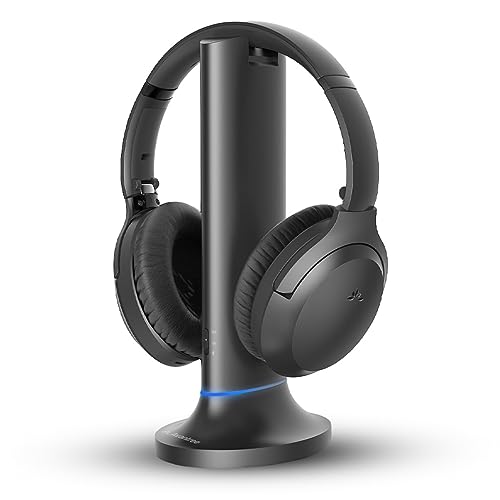
【Designed for Clear TV Dialogue】Designed for wireless TV watching, ideal for seniors or viewers who struggle to hear TV dialogue clearly while watching news, dramas, or talk shows, without increasing the TV volume for others.

[Designed for Various Ages] The "Graffiti" noise cancelling headphones earmuffs are designed to fit children aged 3 to 12 years old. With vibrant and flamboyant colors that will captivate your kids' attention, they'll love wearing these fun and stylish earmuffs. The meticulous craftsmanship ensures that the high visibility colors remain bright and fade-resistant over time, keeping your children safe and noticeable in any environment and weather condition
Computer and Gaming Console Volume Optimization
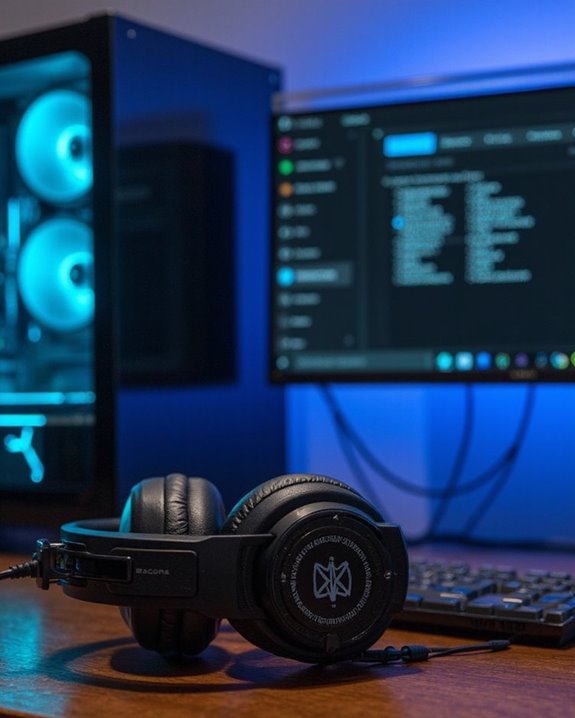
Similar to smartphones, computers and gaming consoles offer numerous options for maximizing headphone volume and enhancing audio experiences. Users can access sound settings to guarantee headphones are selected as the default device and all volume sliders are maximized.
For Computer Sound enhancement, the Enhancements tab in Windows provides valuable features like Bass Boost and Loudness Equalization. Regular driver updates guarantee best performance, while external amplifiers can greatly boost volume output, especially for high-impedance headphones.
Gaming Audio can be optimized through console-specific settings menus. Players should explore custom sound profiles and equalizer settings available on PlayStation and Xbox systems. For the best experience, selecting appropriate gaming headphones with compatible impedance ratings is essential. Wired headphones typically deliver more consistent volume than wireless alternatives, though both can benefit from external amplification devices.
Recommended Products
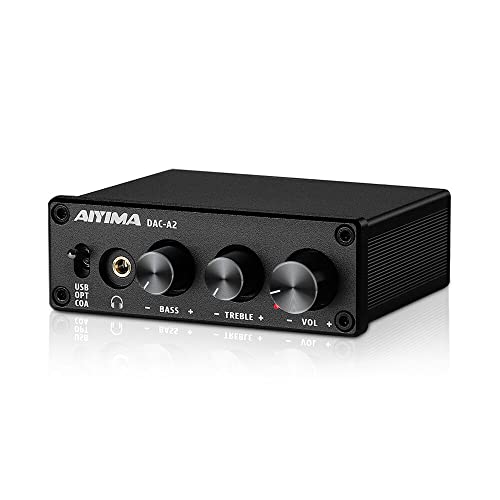
[Plug and Play Audio Upgrade] No drivers or software downloads required. Connect the DAC-A2 directly to your PC, MAC, television, or gaming console for an instant high-fidelity sound enhancement. It efficiently converts optical, coaxial, and USB digital audio signals into RCA or 3.5mm analog outputs for seamless desktop integration.DC 5V power input,

1️⃣ 🚗 “Alexa, find me a small amplifier that makes my old car’s AUX input sound louder and clearer without upgrading the stereo.”----:For drivers of older vehicles without Bluetooth: This portable headphone amp connects between your phone/MP3 player and your car’s AUX input. It boosts the signal – so you get louder volume, fuller bass, and cleaner treble than plugging your phone directly into the car. The 16-300Ω impedance range means it can drive even high‑impedance headphones if you want to use them in the car. Compact and rechargeable (8+ hours), toss it in your glove box.

【Clamp-on Headphone Stand】The E-Hold Series headphone holder fits desks from 0.31 inch to 1.57 inch thick, making it a versatile choice for most setups. The spring clamp is a breeze to remove and reattach. No glue, no mess. It blends seamlessly into your space, whether it's your desk, shelf, or other surface.
Safety Considerations When Increasing Headphone Volume
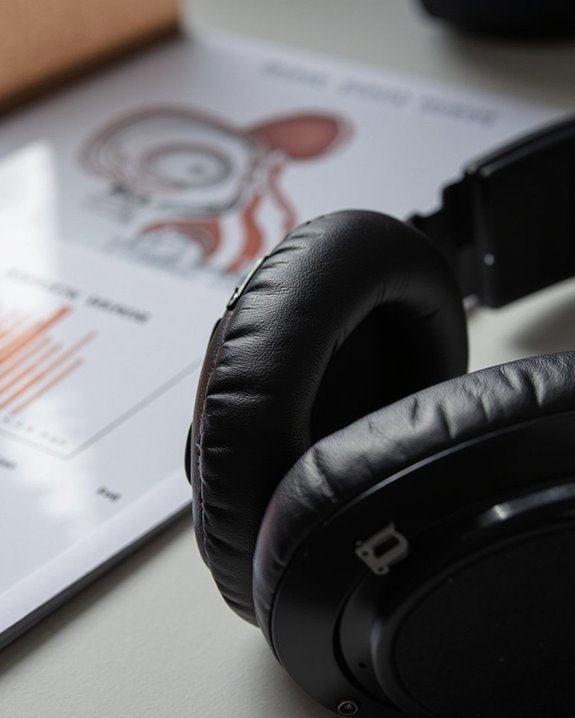
Although increasing headphone volume can enhance the listening experience, users must prioritize auditory health when making adjustments. The well-established 60/60 rule provides a practical framework for ear protection: limit volume to 60% of maximum and listen for no more than 60 minutes before taking a break.
Sounds exceeding 85 dB can cause damage with prolonged exposure, while volumes above 105 dB may harm hearing in just five minutes. Most headphones can reach dangerous levels of 120 dBA—equivalent to rock concert volumes—making vigilance essential.
Implementing regular hearing monitoring practices helps detect potential issues early. Users should watch for warning signs like post-listening tinnitus (ear ringing) and consider using volume-limiting features or monitoring apps to maintain sound levels within the safe 60-85 dB range.
Frequently Asked Questions
Can Different Music Genres Require Separate Volume Optimization Techniques?
Different music genres often necessitate distinct Genre Optimization approaches. Each genre’s unique dynamic range, acoustic features, and auditory characteristics require specific Music Adaptation techniques to achieve ideal listening experiences across various musical styles.
Do Wireless Headphones Lose Volume Over Continuous Usage Time?
Like Icarus flying too close to the sun, wireless headphones do lose volume over continuous usage. Battery impact gradually diminishes power to drivers, while signal interference increases with usage time, affecting audio output.
Can Weather Conditions Affect Headphone Volume Performance?
Weather conditions greatly impact headphone volume. Temperature effects can stiffen diaphragms, reducing responsiveness and output. Humidity impact alters air density, affecting sound wave transmission and perceived loudness, especially in bass frequencies.
How Often Should Headphone Amplifiers Be Recalibrated?
Headphone amplifiers typically require recalibration every 3-6 months depending on usage patterns. Environmental changes, device switching, and sound preference adjustments may necessitate more frequent Amp Calibration using appropriate Recalibration Tools for best performance.
Will Using Volume Boosters Void My Headphones’ Warranty?
A fine line exists regarding Warranty Risks. Software volume boosters typically won’t void warranties, but physical modifications will. Booster Impact depends on whether alterations are made to the headphones themselves or just software settings.