As an Amazon Associate, we earn from qualifying purchases. Some links on this site are affiliate links at no extra cost to you. Our recommendations are based on thorough research and editorial judgment.


Why Do My Headphones Sound Muffled? Common Causes Explained

Headphones sound muffled due to several common issues. Improper volume or EQ settings can overemphasize bass while sacrificing clarity. Bluetooth connections may use low-quality codecs that compress audio excessively. Accumulated dirt and earwax physically block sound output. Hardware deterioration from wear or moisture exposure degrades audio quality. Poor fit creates sound leakage that reduces perceived detail. Environmental factors like ambient noise can also impact clarity. Understanding these causes leads to effective solutions.
Key Takeaways
- Dirt buildup including earwax, sweat, and oils can accumulate on headphone components, blocking sound output and muffling audio quality.
- Improper volume settings and incorrect EQ configurations often overemphasize bass while sacrificing mid and high frequencies.
- Bluetooth codec limitations compress audio during transmission, particularly with basic SBC codecs operating at lower bitrates.
- Physical damage to speakers, cables, or connectors deteriorates sound quality as diaphragms wear out and connections become unreliable.
- Poor fit or improper ear seals allow sound to escape, reducing perceived audio clarity and creating a muffled listening experience.
Volume Settings and Software Adjustments
You may be interested
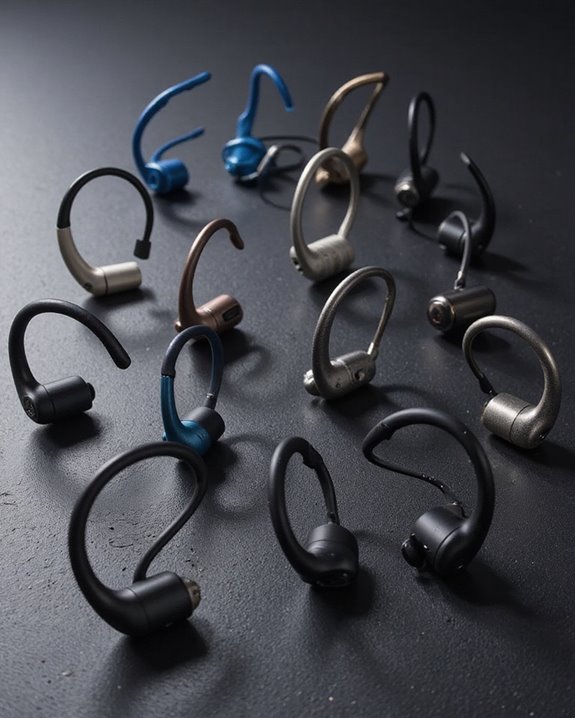
10 Best Bone Conduction Headphones
May 4, 2024
When headphones produce muffled audio, the culprit often lies in improper volume settings across devices and applications. Extremely low volume levels can make higher frequencies inaudible, while excessive volume can cause distortion that degrades clarity. Many devices implement volume limiters or normalization features that inadvertently compress dynamic range, creating a muffled listening experience.
Incorrect EQ settings greatly impact sound quality, particularly when bass frequencies are overemphasized at the expense of mids and highs. Users should consider reverting to flat EQ settings when troubleshooting muffled audio. Additionally, software-based audio enhancements like surround sound or bass boost often degrade rather than improve sound quality.
Outdated or corrupted audio drivers frequently cause signal processing issues. Regular Driver Updates can resolve many muffling problems by eliminating conflicts and ensuring proper communication between hardware and software components. Using headphones with customizable EQ options can help tailor the sound profile to prevent muffled audio and enhance clarity.
Bluetooth Connectivity and Codec Limitations
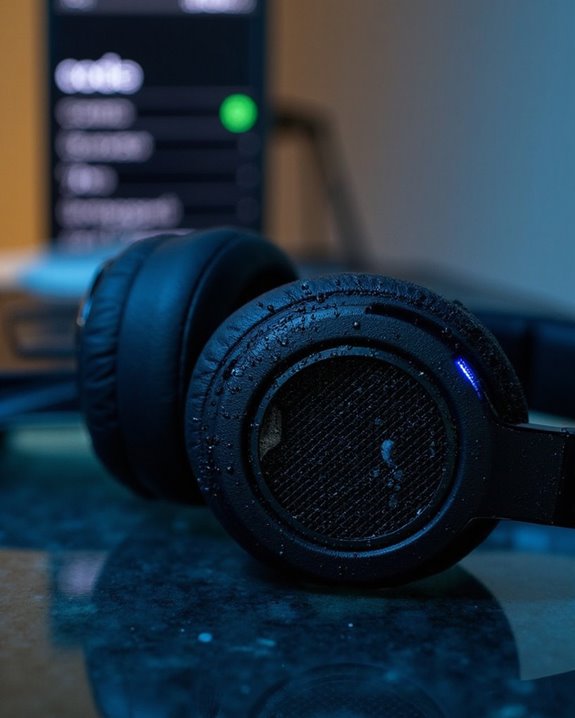
Bluetooth connectivity introduces an entirely different set of challenges that can cause headphones to sound muffled. The fundamental issue lies in Codec Compression, where audio data must be compressed to transmit over limited bandwidth, resulting in quality degradation from the original source.
Lower-quality codecs like SBC (the default fallback) operate at just 192-328 kbps and typically produce less detailed sound than higher-bitrate options like aptX HD or LDAC, which can reach up to 990 kbps. When devices don’t share compatible advanced codecs, they default to SBC, often causing muffled audio.
Environmental interference and unstable connections force devices to downgrade codec quality to maintain connectivity. Additionally, Audio Latency and buffering strategies implemented to handle connection issues can further alter perceived sound clarity and detail.
Modern earbuds with Bluetooth 5.2 connectivity help maintain stable wireless performance within a 10-meter range, reducing the likelihood of audio quality loss due to connection instability.
Recommended Products
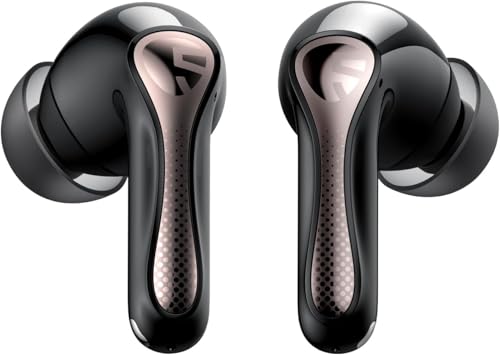
【CNET 】- "The SOUNDPEATS Air5 Pro buds not only fit comfortably, but they also offer good overall performance, including solid sound quality, for the money."
【CNET 】- "The SOUNDPEATS Air5 Pro buds not only fit comfortably, but they also offer good overall performance, including solid sound quality, for the money."
Dirt and Debris Buildup in Headphone Components
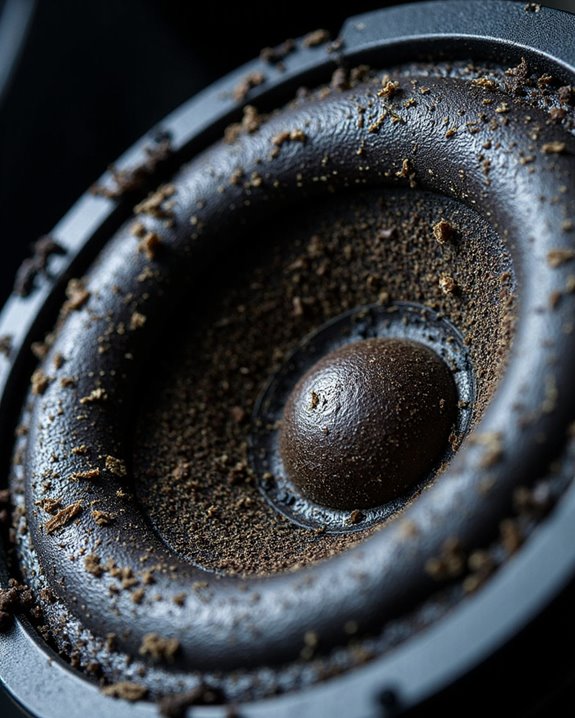
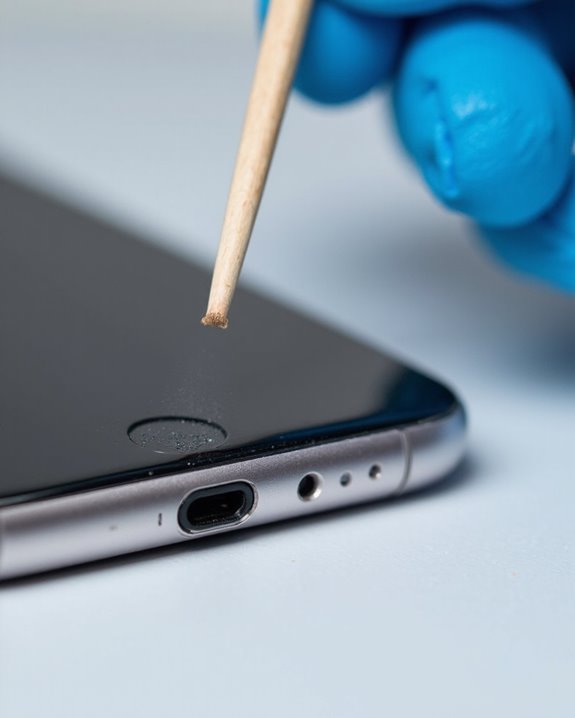
Invisible enemies lurk within your headphones, gradually degrading sound quality with each use. Earwax, sweat, dust, and oils accumulate on drivers and cushions, muffling audio output and compromising sound clarity. This buildup doesn’t just affect performance—it creates bacterial risks that can lead to ear infections with prolonged exposure.
Regular cleaning methods are essential for maintaining ideal sound quality. Experts recommend gently wiping headphone surfaces with a dry microfiber cloth after each use and using soft-bristled brushes for reaching crevices. For more thorough maintenance, slightly damp cloths can remove stubborn residue, though excessive moisture should be avoided.
Components particularly vulnerable to debris include drivers, ear cushions, and headphone jacks—all critical to sound reproduction. Without proper cleaning, these elements deteriorate over time, potentially causing permanent damage and greatly shortening device lifespan.
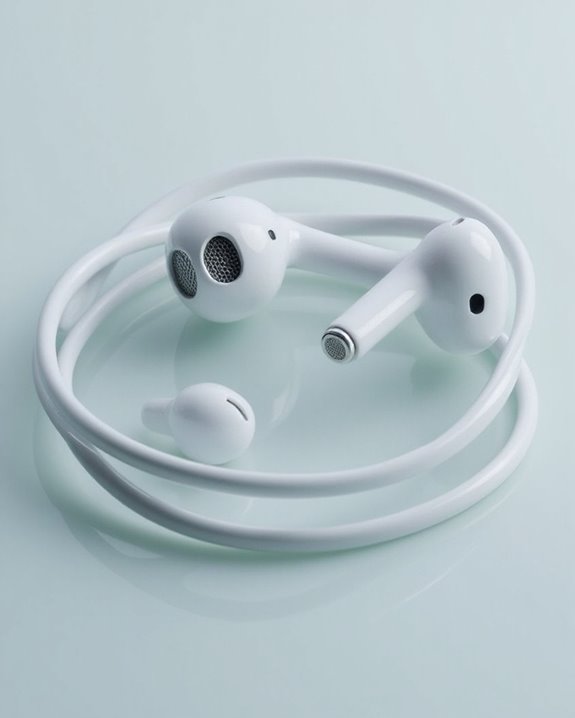
For white headphones, special attention to safe cleaning products is important to maintain their aesthetic while ensuring sound quality.
Recommended Products
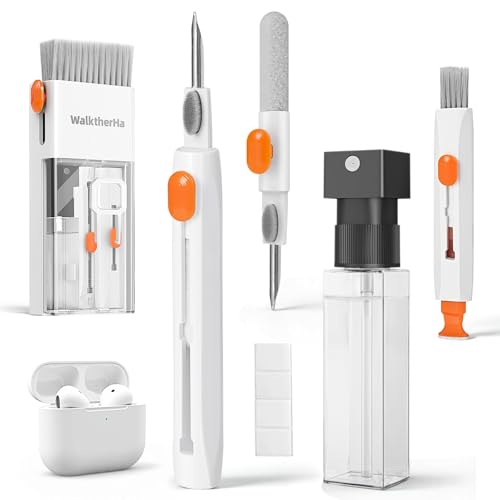
Professional & Powerful: Say goodbye to dirt, grime, and earwax with our 20-in-1 AirPod Cleaner Kit. The metal tip cleans small crevices, sound holes, and charging ports, while the soft brush with high-density bristles gently cleans speaker mesh. The flocking sponge is perfect for earpods charging cases. Airpods cleaning kit also includes a 15ml screen cleaner spray, microfiber cloth, and Airpod cleaning putty for thorough maintenance, preventing build-up and ensuring peak performance

32-IN-1 ALL-IN-ONE SET – One compact kit cleans your iPhone, AirPods, iPad, MacBook, keyboard, earbuds and camera lens, so you stop buying separate tools.

【UPGRADED LAPTOP CLEANING KIT 】 The macbook cleaning kit computer screen cleaner comes with a number of accessories including a retractable large brush, polishing cleaning cloth X 2, keycap puller, metal pen tip, flocking sponge, thin soft brush, soft plastic lens cleaning pen, 5 replacing cloth, large cleaning microfiber cloth. You deserve the comprehensive computer cleaning kit keyboard vacuum at a low cost
Physical Damage and Hardware Deterioration
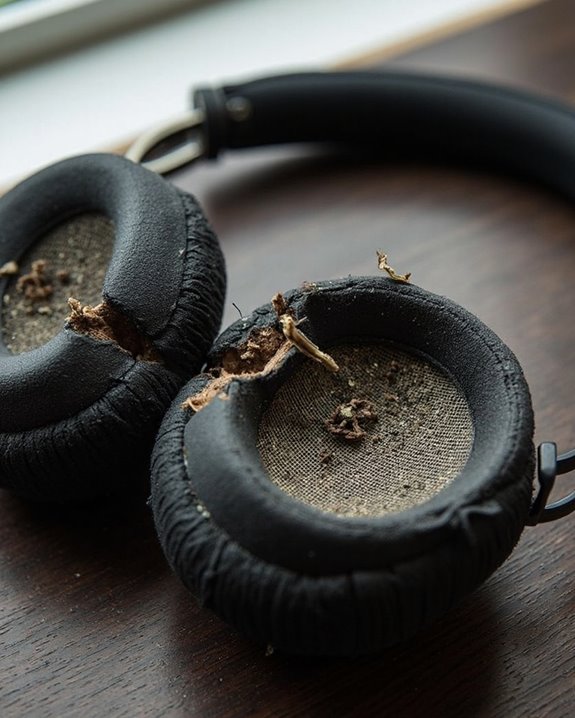
Physical damage presents as much risk to headphone audio quality as accumulated debris. Speaker wear occurs naturally through regular use, where delicate diaphragms and components gradually deteriorate, resulting in distorted or muffled sound output. Excessive volume levels accelerate this deterioration by overpowering the drivers.
Cable breakage represents another common failure point in headphones. Repeated bending, improper storage, and tension create internal wire damage or fraying, particularly near connection points where stress concentrates. Even when damage isn’t visible, interrupted signal transmission causes audio muffling.
Additionally, moisture exposure corrodes internal components, while connector wear from repeated plugging/unplugging compromises electrical contact. Over time, internal components such as solder joints and driver suspensions naturally degrade, especially when exposed to heat, mechanical stress, and environmental factors.
Recommended Products

ELIMINATE CABLE BENDING IN TIGHT SPACES: Our 90-degree right-angle design prevents stress and damage. Perfect for cramped car AUX connections or resting a gaming controller comfortably against your body without bulky, annoying interference.

Replacement Audio Cable Cord Wire,for beats Studio,Solo,Executive, Mixr,HD,Wireless,and Pro On-ear headphones by Dr. Dre

【Hi-Fi Sound Quality】: 24k gold-plated connector, Enameled wire core, which ensure seamlessly transmit stereo audio for premium sound experience.
Device Compatibility and Connection Issues
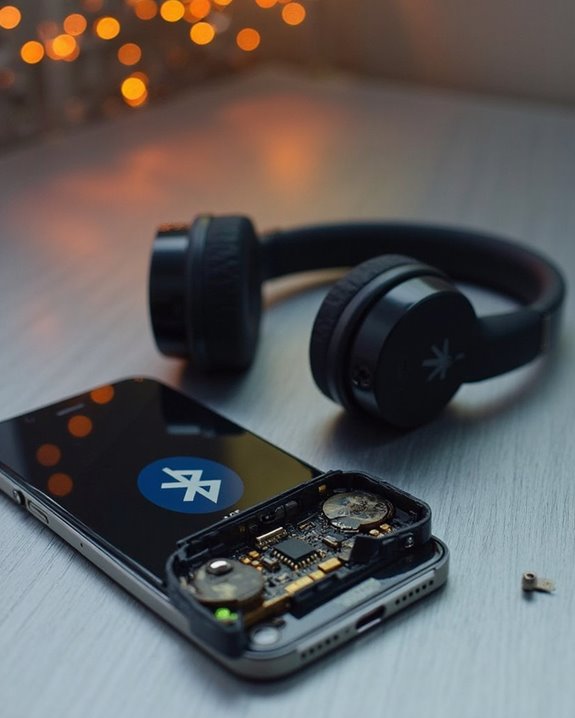
Connection issues and device compatibility mismatches represent significant yet often overlooked causes of muffled headphone audio. Ecosystem Integration problems occur when headphones designed for specific platforms (featuring proprietary chips like Apple’s H1) deliver suboptimal performance when paired with non-native devices.
Version Support discrepancies between older Bluetooth standards and newer headphones can prevent advanced audio codecs from functioning properly. When incompatible, devices often default to basic SBC codec, resulting in noticeably muffled sound quality.
Signal interference from other 2.4 GHz devices, low battery levels in wireless headphones, and exceeding recommended Bluetooth range all degrade transmission quality. Additionally, incorrect audio port usage, loose connections, or damaged connectors create poor electrical contact that distorts audio output.
Driver software conflicts and outdated firmware frequently cause devices to improperly recognize headphones, leading to substandard audio processing.
Recommended Products

Latest Bluetooth 6.0 Technology: With Bluetooth 6.0, connect the device faster and get a more stable signal transmission. Whether watching videos or playing games, the synchronization of audio and video is significantly improved, reducing the trouble caused by delay and improving the entertainment experience. (If pairing fails, please reset the adapter: With the device powered off, press and hold the multifunction button for 10 seconds.)

Upgraded Bluetooth 5.3 Adapter: This bluetooth adapter for pc uses the latest upgraded Bluetooth 5.3 BR+EDR technology, greatly improves the stability of the connection data transfer speed, reduces the possibility of signal interruption and power consumption.

SHARE IN-FLIGHT AUDIO — Connect two pairs of Bluetooth headphones or earbuds to one airplane entertainment screen, so you and a travel partner can listen together without wires.
Environmental Factors Affecting Audio Perception
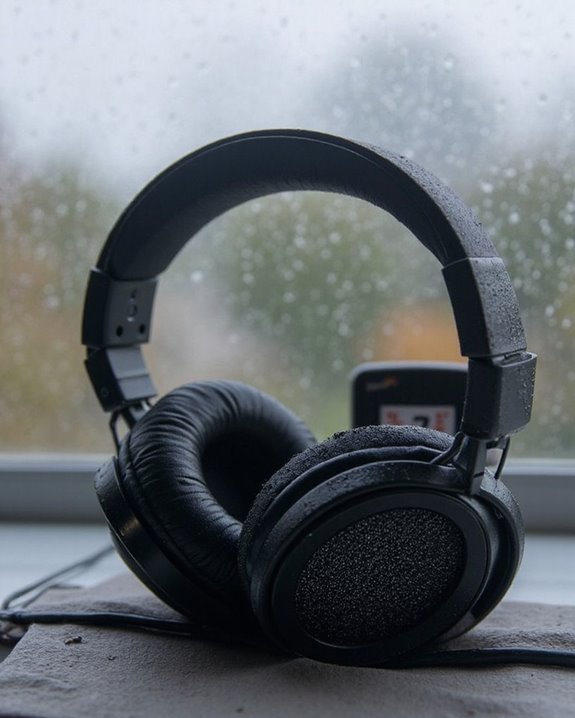
Beyond hardware issues and compatibility concerns, environmental conditions greatly influence how users perceive headphone audio quality. Weather Impact directly affects sound transmission and perception in several ways:
- High-temperature, low-humidity environments increase sound absorption, particularly for high frequencies, creating a muffled effect
- Snow-covered surfaces absorb rather than reflect sound waves, reducing audio clarity
- Rainfall creates competing ambient sounds that mask headphone output
Noise Interference from surrounding environments greatly impacts perceived audio quality:
- Urban settings with high ambient noise levels increase auditory masking
- Background sounds like traffic, wind, or machinery reduce signal-to-noise ratio
- Reflective surfaces in built environments can create echoes that distort headphone audio
These environmental factors often explain why identical headphones might sound clear indoors but muffled in outdoor settings.
Proper Fit and Positioning for Optimal Sound Quality
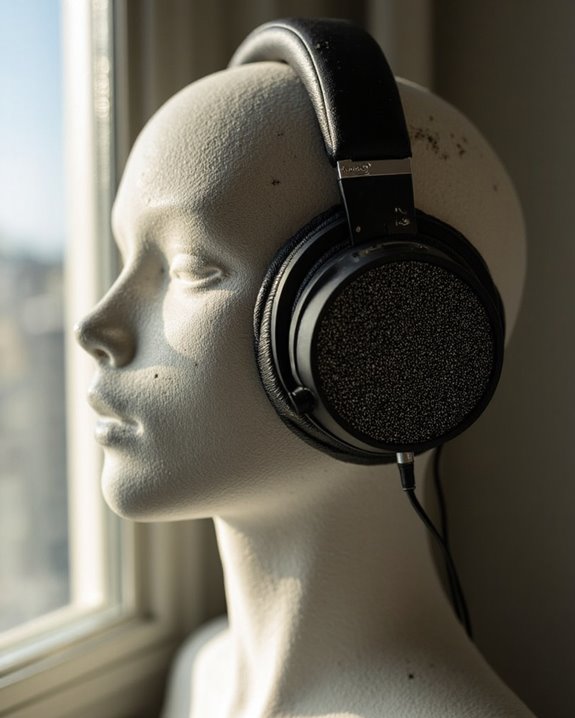
Achieving best sound quality from headphones often hinges on something many users overlook: proper fit and positioning. The relationship between ear anatomy and headphone design directly impacts audio clarity, especially bass response. When headphones fail to seal properly against or within the ears, sound waves escape and create a muffled listening experience.
For over-ear models, earpads must create a complete seal around the ear bowl, while in-ear monitors require properly sized tips that align with the ear canal. Fit adjustments may include:
- Repositioning headphones to center drivers over ear canals
- Selecting appropriate ear tip sizes for IEMs
- Ensuring cables don’t create tension that breaks the seal
- Replacing worn earpads that no longer maintain proper acoustics
Regular assessment of fit can resolve muffled audio issues without technical intervention.
Recommended Products
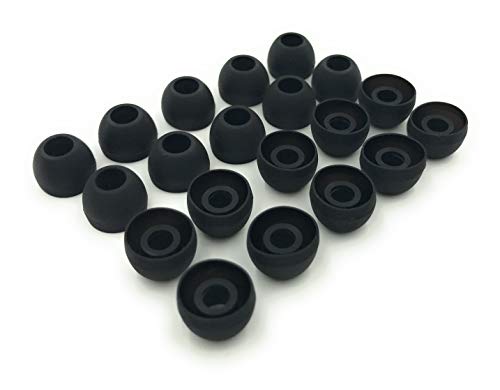
10 Pairs of Medium Black Rubber Replacement Earbud Tips (20 pieces)
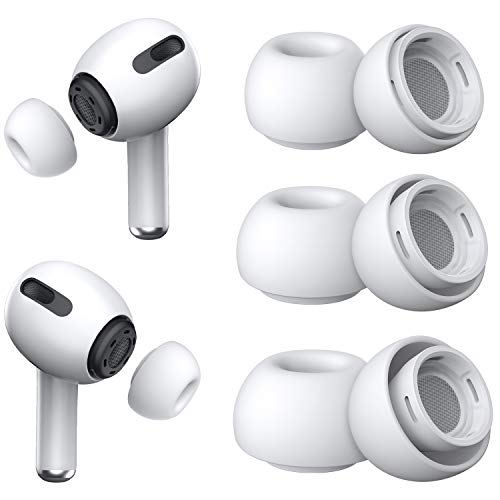
Excellent Noise Reduction Function: YUWAKAYI Airpods pro replacement ear tips have two noise reduction holes on the side, which are almost the same as the original(other silicone ear tips do not have them), which can reduce noise to keep the best noise reduction effect of the original headphone

PREMIUM MATERIAL: These premium replacement earbud tips are made of high-quality rubber material to enhance your earbud experience. They are comfortable and secure to wear, allowing you to enjoy hours of listening pleasure.
Frequently Asked Questions
Can Temperature Extremes Affect Headphone Sound Quality?
Temperature extremes greatly impact headphone sound quality through thermal effects on materials and audio propagation. Cold stiffens diaphragms while heat alters density and humidity, creating notable climate impact on overall acoustic performance and fidelity.
Do Specific Music Genres Sound More Muffled on Certain Headphones?
A jazz enthusiast using bass-heavy Beats headphones might experience genre distortion where complex instrumental passages sound muffled. Headphones optimized for specific frequency ranges can obscure others, though proper equalizer effects can mitigate this issue.
How Quickly Do Foam Ear Tips Degrade and Affect Sound?
Foam ear tips typically degrade within three months of regular use. Tip maintenance can extend foam longevity, but eventually, they become mushy and floppy from ear wax, sweat, and environmental factors, affecting sound isolation.
Can Voice Assistant Processing Impact Overall Headphone Audio Clarity?
Clear as mud, voice processing algorithms can indeed impact headphone audio clarity. Voice assistants impose processing loads that may cause audio latency, degrade spectral cues, and prioritize speech frequencies over full-range sound reproduction.
Do Headphone Break-In Periods Actually Improve Sound Quality?
Scientific evidence does not support claims that headphone break-in periods substantially improve sound quality. Research suggests “Break-in Myths” persist largely due to psychological factors like listener adaptation rather than actual Audio Evolution in the equipment.