As an Amazon Associate, we earn from qualifying purchases. Some links on this site are affiliate links at no extra cost to you. Our recommendations are based on thorough research and editorial judgment.

How to Connect Headphones to Your TV

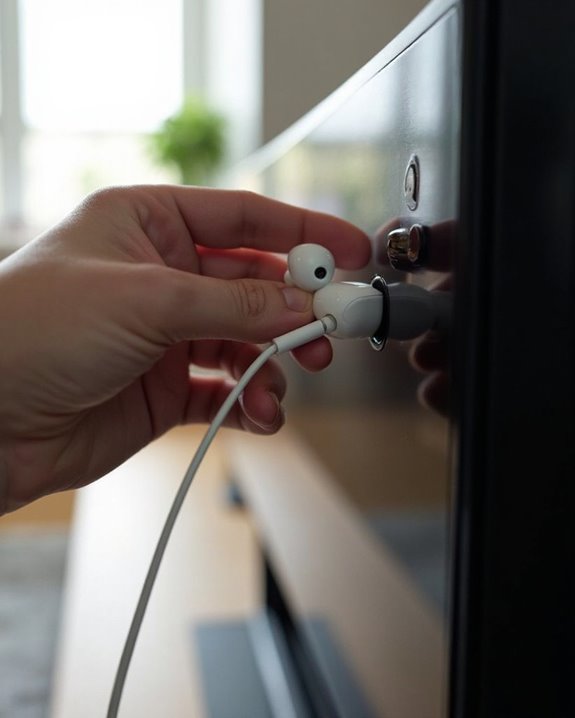
Connecting headphones to a TV can be accomplished through several methods. Direct connection via a 3.5mm headphone jack offers simple plug-and-play functionality. For TVs without this port, alternatives include using RCA outputs with adapters, optical connections with digital-to-analog converters, or HDMI audio extractors. Wireless options like Bluetooth, RF, and IR transmitters eliminate cable constraints while maintaining quality audio. Each connection type offers specific benefits depending on the TV model and desired listening experience. Further details below explain compatibility requirements and setup procedures.
Key Takeaways
- Use the TV’s 3.5mm headphone jack for direct, reliable connection with automatic speaker muting.
- Connect to RCA audio outputs using a stereo Y-adapter for older TV models.
- For digital audio, use an optical (TOSLINK) cable with a DAC/amplifier to convert signals for headphones.
- Extract audio from HDMI sources using dedicated extractors that separate video and audio signals.
- Choose wireless options like Bluetooth, RF, or IR transmitters for cable-free listening up to 300 feet away.
Connecting Through Direct Wired Headphone Jacks
You may be interested
Do TVs Still Have Headphone Jacks in 2026?
August 15, 2025

How Do Bone Conduction Headphones Work?
June 17, 2025
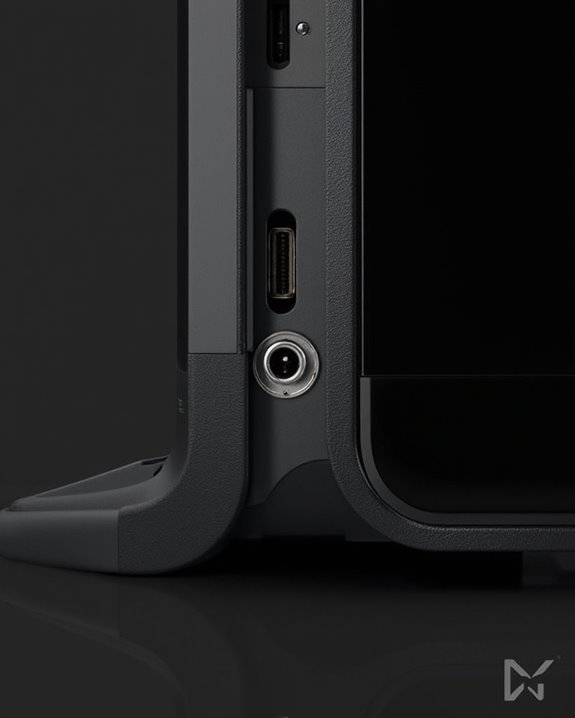
The simplest method of connecting headphones to a television is through the direct wired headphone jack. Most modern TVs feature a 3.5mm stereo headphone port located on either the side or back panel, designed for easy access and connection. This standard jack type accommodates most consumer headphones without requiring additional adapters.
Among the Wired Benefits are reliable, low-latency audio transmission and automatic speaker muting when headphones are connected. Different Jack Types may be present depending on the TV model, though the 3.5mm (1/8 inch) is most common. Users should consult their television’s manual to confirm exact port locations and compatibility specifications.
After firmly inserting the headphone plug, the TV typically detects the connection automatically. Volume adjustments can usually be made directly through the television’s remote control. Using headphones with gold-plated 3.5mm connectors can improve audio quality and ensure better compatibility.
Recommended Products

Lightweight 1.38 in neodymium dynamic drivers deliver a punchy, rhythmic response to even the most demanding tracks. Driver Unit: Dome type.Specific uses for product : Travel

UPDATED 2021: Refer to user's feedback, we've made some important improvements: 1) The buds are changed from straight to the tilted shape for secure wearing, no falling off anymore! 2) The microphone and hands-free botton are built-in for great convenience. 3) The length of coiled cord is increased by 50cm (20 inches) longer, now it can be extended to 12 feet very easily.
Using RCA Outputs With Adapters
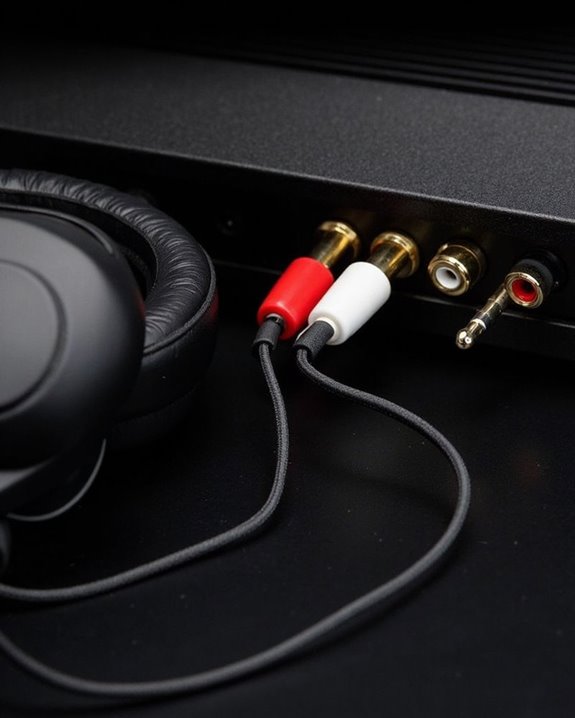
While newer televisions increasingly favor digital audio solutions, RCA outputs remain a versatile connectivity option for headphone users, particularly with older TV models. These analog connections transmit stereo audio signals effectively when paired with the appropriate adapter.
To utilize RCA outputs, viewers need a 3.5mm to RCA stereo Y adapter that converts standard headphone connections to the red and white RCA jacks. Adapter Quality greatly influences sound reproduction, making investment in premium cables worthwhile for audiophiles seeking clearer audio.
The setup process is straightforward:
- Locate the TV’s RCA audio output jacks
- Connect the adapter’s RCA ends to these jacks
- Plug headphones into the adapter’s 3.5mm port
- Adjust volume on both devices
Analog Benefits include reliable connectivity without digital conversion delays and compatibility with virtually all headphone types. For an optimal audio experience, consider headphones that support multiple connection options like RCA, AUX, and optical inputs.
Recommended Products

【Excellent Sound Quality】JSAUX RCA to 3.5mm built with dual-shielding gold-plated connector and oxygen copper wire core making it less susceptible to outside interference, which ensure seamlessly transmit stereo audio for premium sound experience.

3.5mm to 2RCA Audio Cable: UGREEN 3.5mm to 2RCA stereo cable is suitable for plugging the 3.5mm connector into the headphone jack of your mobile device and the 2 RCA connector to the port on your sound system. This RCA to Aux cable from UGREEN is a perfect choice for audio connections both in professional or domestic settings

3.5mm to 2RCA Cable: This adapter can both work for 3.5mm to 2RCA Phono or 2RCA to 3.5mm Aux. Seamless transmission of stereo audio for high-quality sound.Total length including adapters:(8 Inch/20CM)
Optical Output Connection Methods
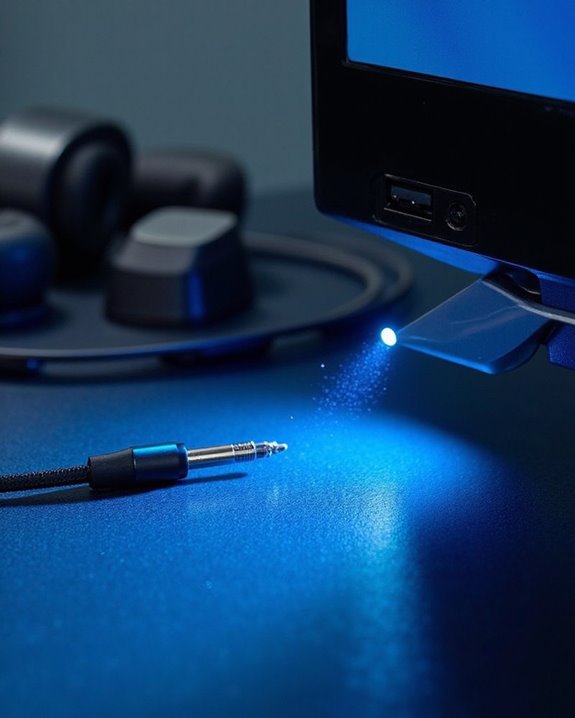
Digital optical outputs represent one of the most reliable methods for connecting headphones to modern televisions, transmitting audio signals through light pulses rather than electrical currents. These connections utilize TOSLINK connectors, the standard interface for digital audio transfer between devices.
When setting up this connection, users should be aware of Distance Limits—optical cables perform best within 10 meters (33 feet) before signal degradation occurs. For headphone listening, this typically provides sufficient range for comfortable viewing positions.
The process requires:
- Connecting an optical cable from the TV’s digital audio output to an audio converter
- Attaching headphones to the converter’s 3.5mm jack
- Configuring TV settings to output audio through the optical port
This method supports various audio formats including PCM, Dolby Digital, and DTS up to 5.1 channels. For enhanced audio quality and amplification, consider using a DAC/Amp combo with 24-bit/192kHz processing to drive headphones effectively.
Recommended Products

【192 kHz Optical to RCA Converter】AUTOUTLET 192kHz DAC converter is designed for professional audio signal processing. 192 kHz optical to RCA male cable can directly connect to stereo amplifier and convert optical toslink digital audio signals to RCA analog audio signal

【HDMI Audio Extractor】The HDMI audio extractor can extract audio from HDMI signal and transmit it to AV receiver through optical or 3.5mm Cable.(Note: Devices do not support ARC and eARC.TV is not supported as the input source,otherwise product doesn't p video.)

SPDIF to RCA Converter : DAC Converter Converts Optical Toslink Digital Audio Signals to Analog RCA L/R Audio.TV Optical to RCA Audio Converter.Make Your New TV Work With Old Speakers
Extracting Audio From HDMI Signals
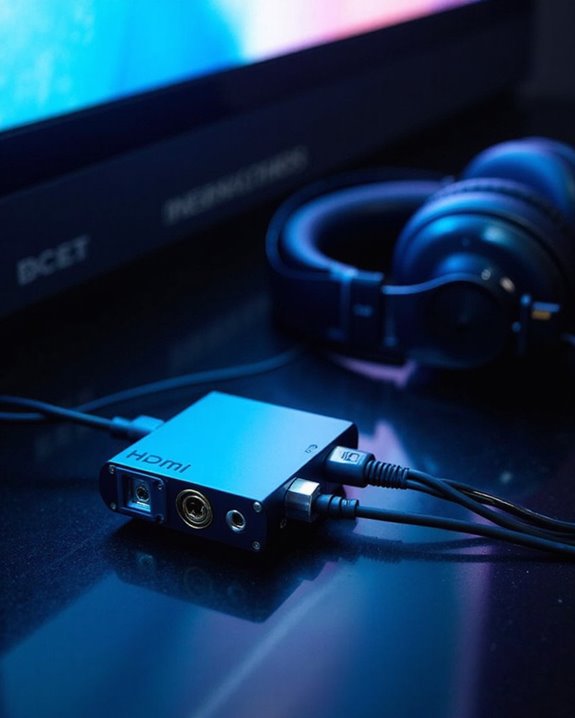
For many home entertainment setups, HDMI cables serve as the primary conduit for both video and audio signals between devices. When users wish to connect headphones while maintaining video quality, HDMI audio extractors provide an elegant solution through signal isolation technology.
These specialized devices intercept the HDMI signal before it reaches the display, separating the audio component for format conversion into various output types. Typical configurations include:
- Optical SPDIF outputs for digital audio transmission
- 3.5mm analog ports for direct headphone connection
- HDMI-ARC options for soundbar integration
Most extractors support resolutions up to 4K@60Hz while maintaining HDCP compliance for streaming services. When selecting an appropriate extractor, consumers should verify compatibility with their TV’s specifications and desired audio format, ensuring seamless integration with existing equipment.
Recommended Products

8K HDMI Audio Extractor: Designed to extract audio from any HDMI-compliant source and convert it to Optical (S/PDIF) or high-quality stereo 3.5mm audio output. Input: 1× HDMI | Output: 1× HDMI ARC, 1× L/R Audio Out, 1× Optical Out (S/PDIF).

【Wide Compatibility】Works with various HDMI players, such as Roku or Chromecast without dedicated audio output, and Blu-ray/DVD/HD players, cable/satellite boxes, PS3/4, PS4 Pro, PS5 Xbox, Fire TV, HD camera, HD DVR, etc.Note: Devices do not support ARC and eARC. TV is not supported as the input source,otherwise product doesn't work.)

[📺eSynic Professional ARC/eARC Audio Extractor]----:Our eSynic Professional eARC/ARC to 3.5mm& L/R Audio Extractor Support From HDTV eARC/ARC to 3.5MM Headphone & L/R Stereo Audio System [Only Work With HDTV ARC/eARC Interface and Not Support Others HDMI Devices]
Wireless Headphone Connection Options
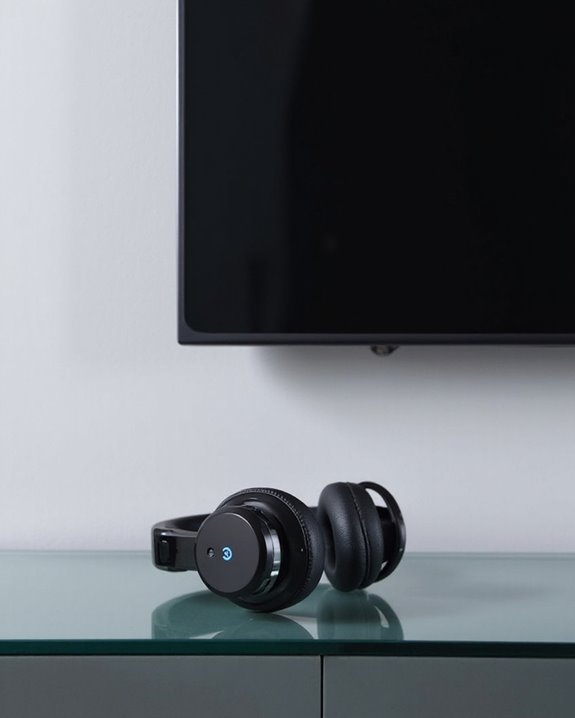
Beyond physical extraction methods, wireless technologies offer a cable-free approach to TV audio listening. Three primary technologies dominate the market: Bluetooth, Radio Frequency (RF), and Infrared (IR).
Bluetooth headphones provide convenience within approximately 30 feet but may suffer interference from other devices. Battery life typically ranges from 8-30 hours depending on the model. For TVs without built-in Bluetooth, transmitters starting at $15 can be connected to audio outputs.
RF headphones deliver superior signal range—up to 300 feet—with less interference than Bluetooth options. These systems include a base station that connects to the TV’s audio output.
IR headphones require direct line of sight between the transmitter and headphones, limiting mobility but offering reliable connections within their 30-foot range when properly positioned.
Recommended Products
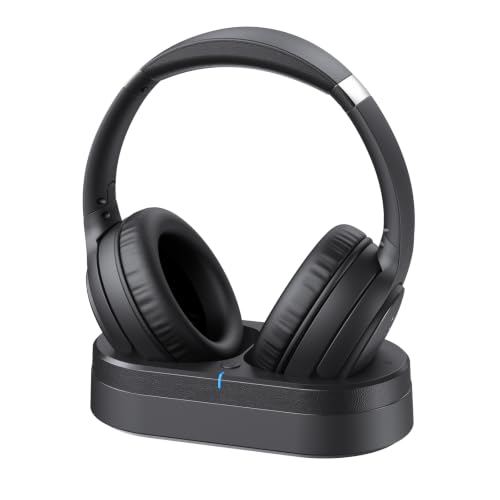
Crystal Clear TV Dialogue for Easy Listening: Hear every conversation, every line and every moment more clearly with wireless TV headphones made for relaxing everyday viewing. Ideal for seniors and anyone who struggles with unclear TV audio, these TV headphones wireless for seniors deliver enhanced dialogue clarity for movies, news, sports and late-night shows without turning up the TV volume for everyone else
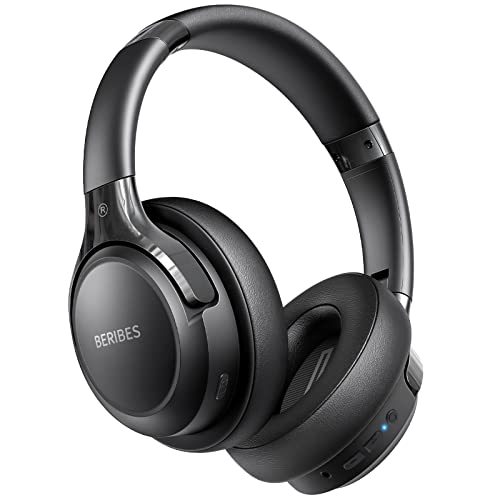
65 Hours Playtime: Low power consumption technology applied, BERIBES bluetooth headphones with built-in 500mAh battery can continually play more than 65 hours, standby more than 950 hours after one fully charge. By included 3.5mm audio cable, the wireless headphones over ear can be easily switched to wired mode when powers off. No power shortage problem anymore.

【Immersive TV Experience】Enjoy private television viewing without disturbing others. These Bluetooth headphones for TV provide a comfortable, immersive audio experience, ideal for late-night sessions & 2026 World Cup. Easy volume adjustment and clear sound output also accommodate seniors and individuals with hearing impairments.
Troubleshooting Common Connection Issues
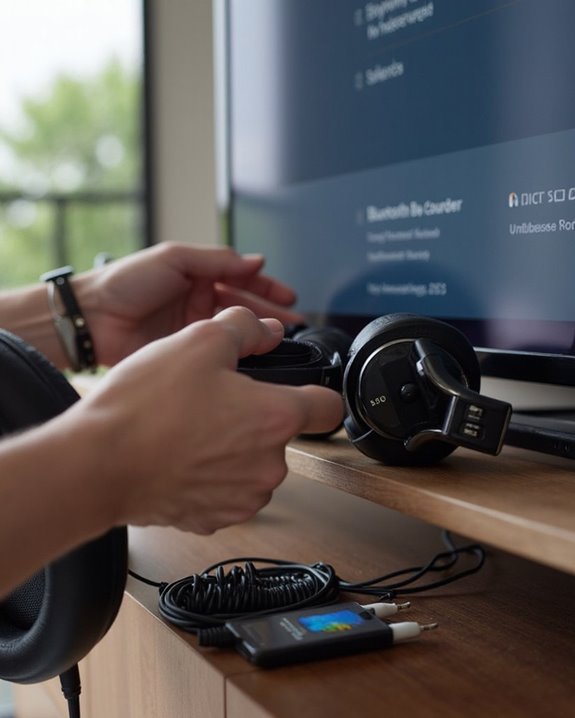
Even the most sophisticated audio setup can encounter issues that prevent headphones from working properly with a television. When sound fails to transmit, users should first verify all devices are powered on and properly connected, with volume settings appropriately adjusted on both the TV and headphones.
For wireless headphones experiencing connectivity problems, initiating a Device Restart often resolves temporary glitches. Simply power off both the headphones and transmitter, wait 30 seconds, then power them back on to reestablish the connection.
If issues persist, check for a Firmware Update for the headphones or transmitter. Outdated firmware can cause compatibility problems with newer television models. Additionally, verify the TV’s audio output settings match the headphones’ requirements, particularly when using optical connections that may need PCM format enabled.
Frequently Asked Questions
Can I Connect Multiple Headphones to One TV Simultaneously?
Multiple headphones can connect to one TV simultaneously through headphone sharing technology. This is achievable using Bluetooth transmitters or newer smart TVs that support simultaneous pairing of two or more Bluetooth devices.
Will Connecting Headphones Mute the TV Speakers Automatically?
The Mute Mechanism varies by TV model. Many modern TVs automatically silence speakers when headphones connect, while older sets may require manual adjustment. This Audio Impact depends on the television’s specific design and capabilities.
Do Gaming Consoles Require Different Headphone Connection Methods Than TVS?
Yes, gaming consoles often have different audio output specifications than TVs. Console differences include proprietary wireless systems and specific controller ports. Many require special adapter requirements for headphone compatibility across various platforms.
Can I Adjust Headphone Volume Separately From TV Volume?
Clear as a bell, volume control varies by setup. Some TVs offer audio isolation, allowing separate headphone volume adjustment. External amplifiers or wireless headphones with built-in controls provide alternative solutions when independent adjustment isn’t natively supported.
Are Wireless TV Headphones Compatible With Hearing Aids?
Many wireless TV headphones offer Aid Compatibility with hearing devices. Some feature telecoil technology for direct Hearing Integration, while Bluetooth-enabled hearing aids can connect to compatible headphones for enhanced audio experiences.