As an Amazon Associate, we earn from qualifying purchases. Some links on this site are affiliate links at no extra cost to you. Our recommendations are based on thorough research and editorial judgment.


How to Connect JLab Headphones to Any Device

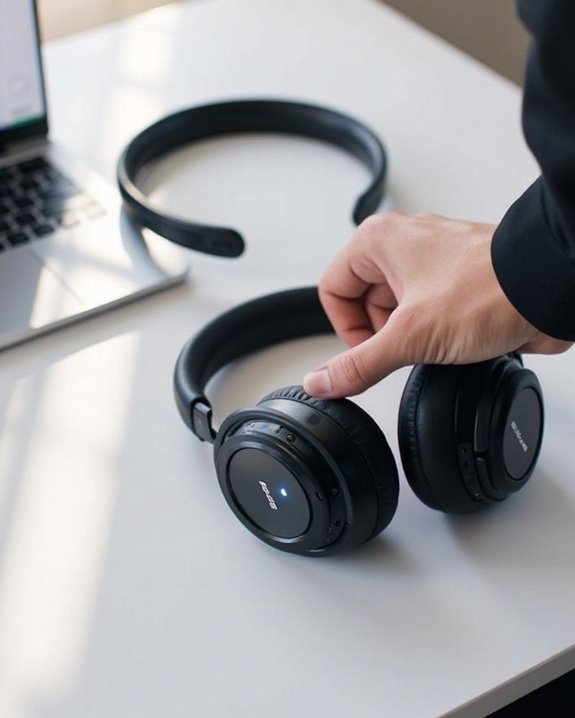
Connecting JLab headphones requires model-specific steps but follows a general process. For true wireless models like GO Air Pop, activation occurs automatically when removed from the case. For other models, hold the power button for 2-3 seconds until indicator lights flash blue and white. Enable Bluetooth on your device, select the JLab model from the available devices list, and wait for confirmation via voice prompt or steady light. The complete connection guide reveals additional multipoint capabilities and troubleshooting techniques.
Key Takeaways
- Remove true wireless earbuds like GO Air Pop from the charging case or press the power button for other models.
- Put headphones in pairing mode by holding the power button until blue and white lights flash alternately.
- Open Bluetooth settings on your device, locate your JLab model name, and select it to connect.
- Use the JLab App to manage connections, toggle between paired devices, and remove unwanted connections.
- Reset your headphones by holding the power button for 10+ seconds if experiencing persistent connection issues.
Getting Started: Powering On Your JLab Headphones
You may be interested
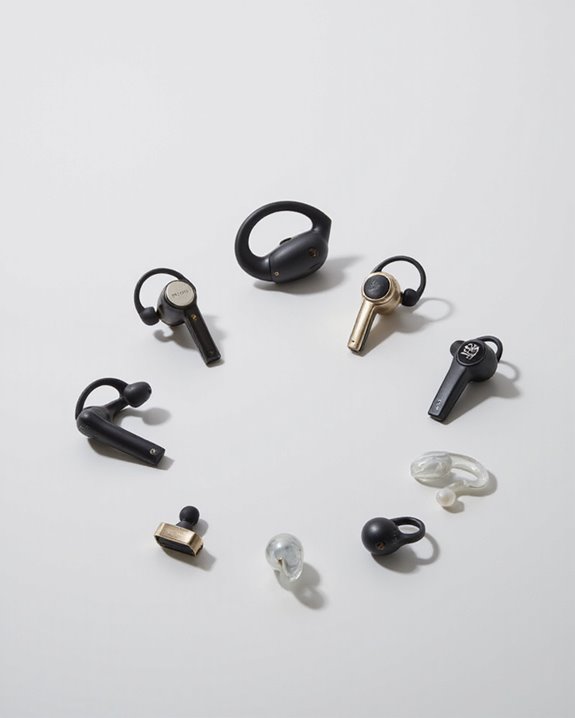
10 Best Bluetooth Earpiece
June 23, 2024
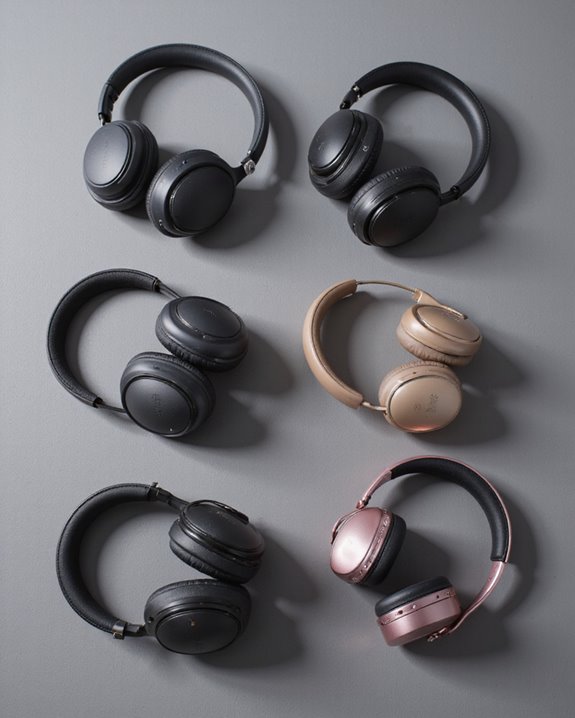
For true wireless models like GO Air Pop, removing earbuds from their charging case automatically powers them on. Studio Wireless and GO Work Headset models require holding the power button for at least 2 seconds. JBuds Air Pro needs a slightly longer 3-second press.
Charging methods vary by model but follow consistent patterns. When charging, look for solid red power indicators on most models. A blue light typically signals a full charge. For troubleshooting power issues, try resetting by holding the power button for an extended period or check the USB connection to verify proper power delivery. Many wireless headphones now use Bluetooth 5.2 connectivity for stable and seamless device pairing within a 10-meter range.
Pairing JLAB Headphones With Your Primary Device
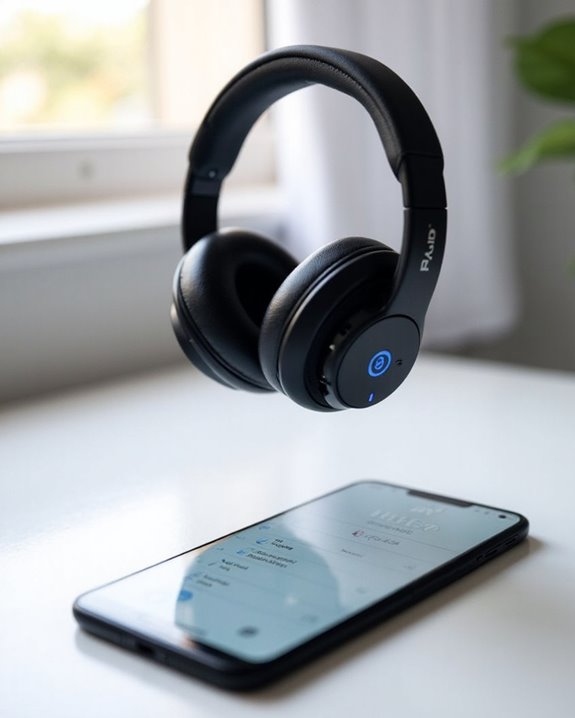
Once your JLab headphones are properly powered on and charged, establishing a Bluetooth connection with your primary device becomes the next step. Users should make sure both devices remain within close proximity to prevent interference during this critical setup phase.
To initiate pairing, press and hold the power button on your JLab headphones until indicator lights begin flashing blue and white. While wireless charging capabilities are available on select models, this feature doesn’t affect the pairing process. Open Bluetooth settings on your device and select the corresponding JLab model name when it appears.
For devices that don’t support standard Bluetooth, alternative protocols may be utilized, though this requires additional accessories. Confirmation of successful pairing typically comes via a voice prompt or steady indicator light. Remember that specific models like GO Air Pop and Epic Air ANC have unique pairing sequences.
To ensure a stable and secure connection, it is helpful to use devices equipped with Bluetooth 5.4 technology, which offers enhanced security and a stable connection up to 33 feet.
Recommended Products

65 Hours Playtime: Low power consumption technology applied, BERIBES bluetooth headphones with built-in 500mAh battery can continually play more than 65 hours, standby more than 950 hours after one fully charge. By included 3.5mm audio cable, the wireless headphones over ear can be easily switched to wired mode when powers off. No power shortage problem anymore.

【Amazing Stable Connection-Quick Access to Games】Real-time gaming audio with our 2.4GHz USB & Type-C ultra-low latency wireless connection. With less than 30ms delay, you can enjoy smoother operation and stay ahead of the competition, so you can enjoy an immersive lag-free wireless gaming experience.

JBL PURE BASS SOUND: These wirelss headpones feature the renowned JBL Pure Bass sound, which can be found in the most famous venues all around the world.
Connecting to Multiple Devices With Multipoint Technology
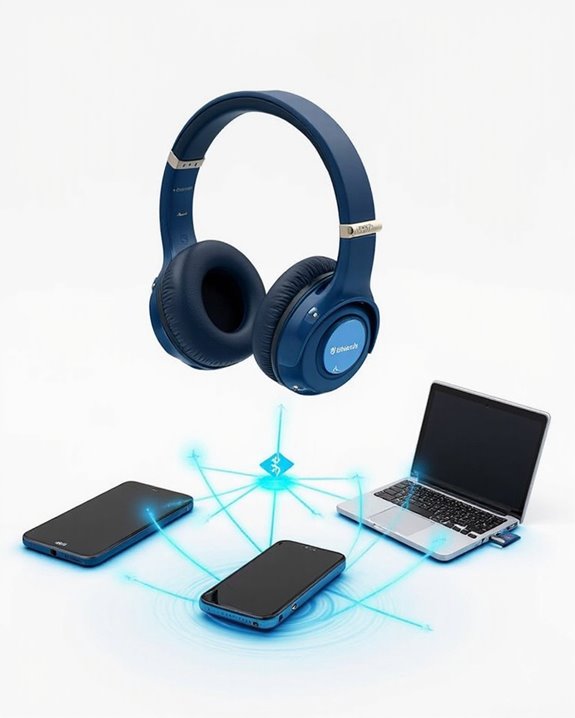
Many JLab headphone users need to connect their audio devices to multiple sources without constantly repeating the pairing process. This is where Bluetooth multipoint technology comes into play, allowing compatible JLab models like the GO Work Wireless Headset and JBuds Air Pro to connect to two devices simultaneously.
Recommended Products

Cutting-edge Noise Cancelling - Bluetooth headset with microphone adopts powerful ENC noise cancellation technology that eliminates 95% of harmful interfering noises, which means that the far-end caller won't notice even if you're calling in the noise-filled airport. Hence well loved by truckers and businessmen.
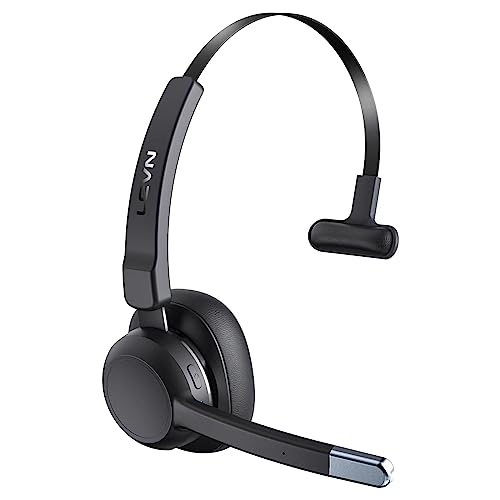
99% Noise Cancellation: The trucker bluetooth headset incorporates advanced ENC noise canceling technology, effectively eliminating 99% of disruptive background noise. Whether you're on traveling or commuting, it can ensure that the details of each call are clearly transmitted to the caller, ensuring that your communication is always as smooth as silk. The wireless headset's single-ear design keeps you connected with the people around you at all times, you don't miss every important moment

[Open-ear Comfort] Unlike the traditional earphones, this Bluetooth headset with open-ear design don't go in your ears, which can cause less damage to hearing than other in/over-ear earbuds. G9 headset Bluetooth wireless ensures both all-day comfort for long-term wearing and situational awareness & connection with your colleagues. Not only suitable for office/home, but also fit for outdoor activities. Make you safe and never miss friends greeting on your run.
Multipoint Advantages
- Seamless switching between devices
- Enhanced productivity through multitasking
- Convenience when answering calls while listening to music
Technology Limitations
- Audio streams are sequential, not simultaneous
- Signal quality may vary by environment
- Not all JLab models support multipoint functionality
Users should check their specific model’s specifications to confirm multipoint capability. While current Bluetooth standards have limitations, this technology greatly improves the versatility of JLab headphones for everyday use. For example, models with Bluetooth 5.0 dual-device connectivity provide a reliable way to switch between devices effortlessly.
Managing Your Bluetooth Connections Through the JLab App
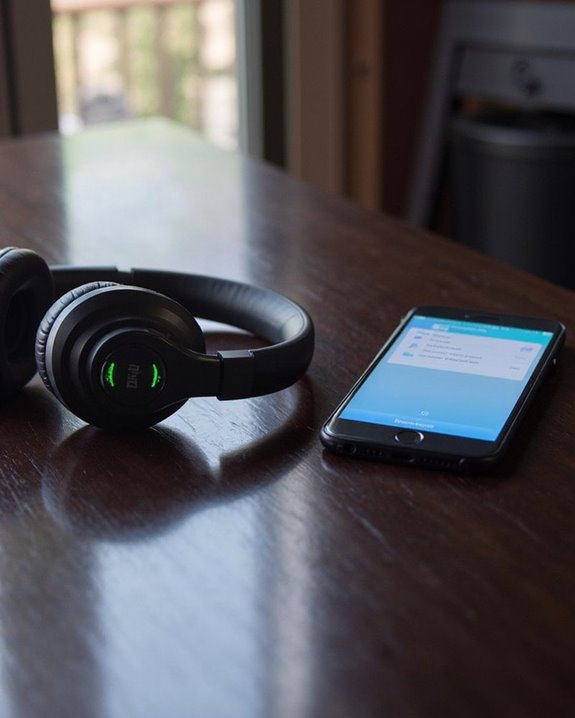
JLab’s dedicated mobile application transforms the way users control their headphone connectivity. Available for both iOS and Android platforms, the app offers a centralized hub specifically designed for GO and JBuds Lux models, where users can view and manage all paired devices.
App Navigation is straightforward—after pairing headphones with a primary device, users access the Bluetooth Connections page to toggle active connections on or off without entering system settings. The interface clearly indicates which devices are currently connected, supporting up to two simultaneous connections via Multipoint technology.
For organization purposes, Device Removal functionality allows users to delete unwanted connections by tapping the trash icon beside device names. Beyond connectivity management, the app provides sound customization features, creating a complete control center for JLab headphone users.
Recommended Products

Advanced Noise Cancellation Technology: Maintain your focus with Life Q30’s hybrid active noise cancellation. Dual noise-detecting microphones pick up and filter out up to 95% of low-frequency ambient sound to ensure nothing distracts you from your music.

[Open-Ear Comfort for All-Day Wear] - Designed with a non-intrusive open-ear style, the Truefree DS1 headphones deliver breathable comfort without ear fatigue. Each earbud weighs just 8.9g and features ultra-flexible 0.6mm titanium memory wire hooks and a detachable neckband, comfortable even for glasses wearers.

JBL Pure Bass Sound: The JBL Tune 720BT features the renowned JBL Pure Bass sound, the same technology that powers the most famous venues all around the world.
Troubleshooting Connection Issues With JLAB Headphones
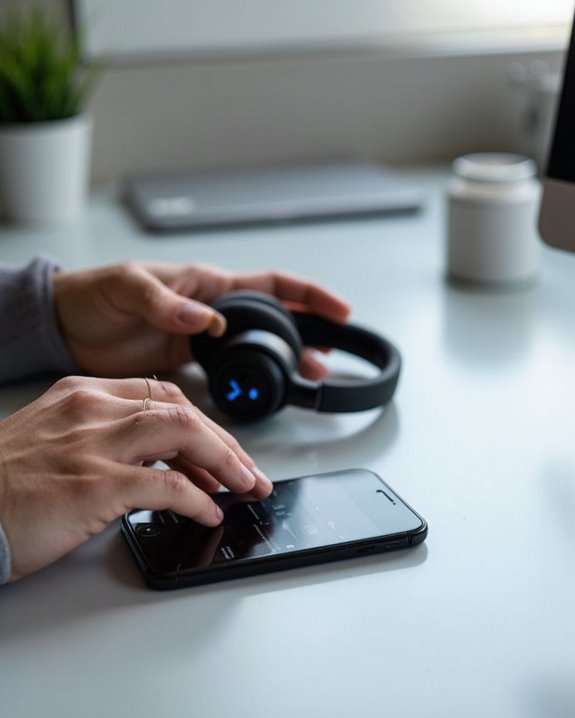
When Bluetooth headphones refuse to connect properly, users often face frustration that can be resolved through systematic troubleshooting. Connection problems typically stem from device recognition failures, interference, or power issues.
For initial connection problems, make sure the headphones are in pairing mode and visible in the device’s Bluetooth settings. Battery troubleshooting is essential – verify headphones are adequately charged before attempting to pair them.
Signal interference from other electronic devices can disrupt Bluetooth connections. Maintain a clear line of sight between the headphones and the connected device, and keep away from microwaves, wireless routers, and cordless phones.
For persistent issues, try resetting both devices, updating firmware, or performing a factory reset on the headphones. Checking for physical damage to charging ports and cables can also resolve connection problems related to power supply.
Recommended Products

Compatible with AfterShokz Aeropex, AfterShokz OpenRun, AfterShokz OpenComm, AfterShokz OpenRun Pro, AfterShokz OpenRun mini. Compatible with Shokz charging cable.

【ASTONISHING SOUND PRODUCTION 】: High Definition Stereo Headphones, specially developed software and noise reduction technology designed to prevent you from heating ambient noises and makes you focus on what you want to hear. Lose yourself in immersive music even in the lowest volume levels! The goal that provide Customers with outstanding sound quality is our constant pursuit.

Dual Charging, Zero Downtime: It is designed for the PS5 ecosystem, which can charge your PS5 controller & gaming headset at the same time, fully charging devices in just 6 hours. Featuring charging contacts/interfaces fully compatible with official PS5 accessories, this charging dock eliminates cable clutter and reduces outlet congestion – all designed to maintain a clean, battle-ready setup. The dock does not support charging XBOX series controllers.
Advanced Connection Features and Customization Options
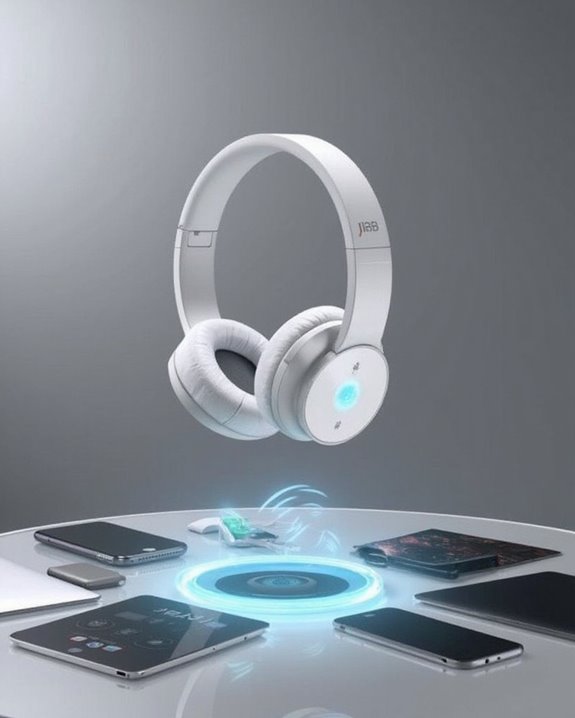
Beyond troubleshooting basic connection issues, JLab headphones offer sophisticated features that elevate the listening experience. The Bluetooth Multipoint technology allows simultaneous connection to two devices, enabling users to switch seamlessly between media on one device and calls on another without manual reconnecting.
The JLab app provides extensive customization through adjustable EQ profiles tailored for music, movies, or voice modes. Users can fine-tune their audio experience while accessing Smart Active Noise Control settings that adapt to varying environments.
Advanced microphone systems with Environmental Noise Cancelling technology guarantee clear communication during calls, complemented by “Hear Yourself” mode for natural conversation flow. The combination of Bluetooth 5.3 connectivity with customizable comfort features—including Cloud Foam™ cushions and adjustable hinges—creates a versatile audio solution for both professional and recreational use.
Recommended Products
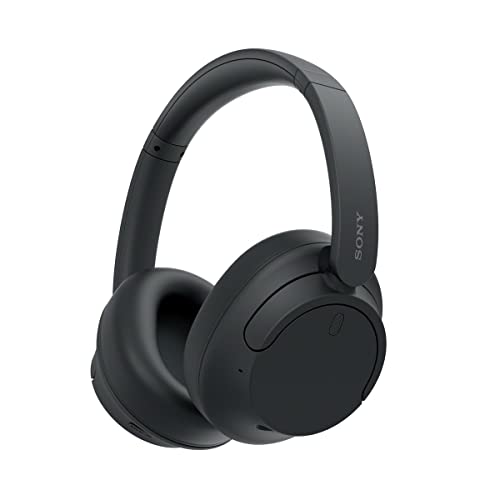
SONY’S LIGHTEST WIRELESS NOISE CANCELING HEADBAND EVER: Weighing just 192g, our lightest overhead wireless headphones with Noise Canceling yet, for incredible comfort without compromising on technology.

Hybrid Active Noise Cancelling: 2 internal and 2 external mics work in tandem to detect external noise and effectively reduce up to 90% of it, no matter in trains or offices.

Adaptive Noise Cancelling with Smart Ambient: Adaptive Noise Cancelling means zero distractions whether you’re studying or getting lost in the music. If you want to hear the world around you, activate Ambient Aware and TalkThru in the JBL Headphones app.
Frequently Asked Questions
Can JLAB Headphones Connect to Non-Bluetooth Devices?
Some JLab headphones offer wired alternatives for non-Bluetooth devices through audio cables. For models without wired options, adapter solutions like Bluetooth transmitters can enable connectivity between JLab headphones and non-Bluetooth devices.
How Long Does the Bluetooth Pairing Mode Stay Active?
JLab headphones’ Bluetooth pairing mode typically remains active for 2-5 minutes. This Mode Timeout Setting conserves battery when no connection is established. Users must manually reinitiate the process if Pairing Duration Limits are exceeded.
Will JLAB Headphones Work With Gaming Consoles?
Like a versatile gaming controller, JLab headphones offer Game Compatibility with most consoles. They connect to PS4/Xbox via 3.5mm cables and may support Nintendo Switch wirelessly, though Audio Latency concerns make wired connections preferable for competitive gaming.
Can I Connect JLAB Headphones to Smart TVS?
JLab headphones can connect to smart TVs with Bluetooth capabilities. TV integration is generally smooth across models like JBuds Air Sport and Epic Air. For best signal stability, users should minimize distance between devices.
Do JLAB Headphones Reconnect Automatically After Battery Replacement?
Like a spark seeking its flame, JLab headphones typically do not automatically reconnect after battery replacement. Users must manually reconnect them through Bluetooth settings or perform a power cycle to establish connection again.