As an Amazon Associate, we earn from qualifying purchases. Some links on this site are affiliate links at no extra cost to you. Our recommendations are based on thorough research and editorial judgment.

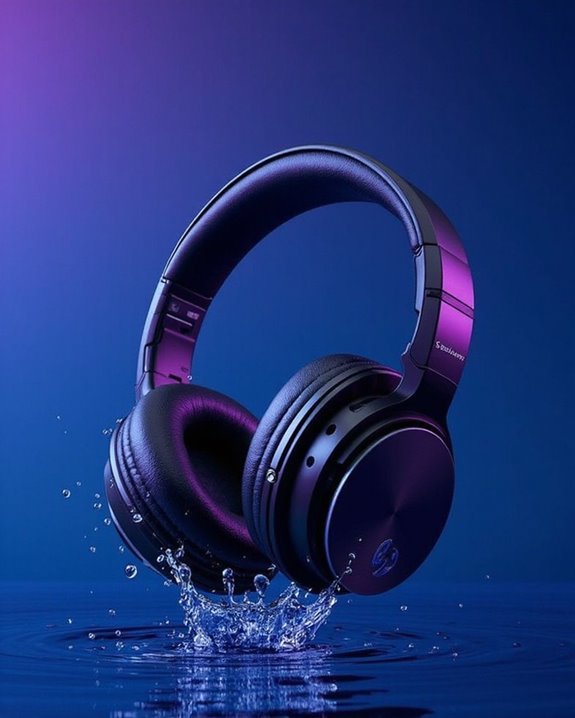
What Is Windows Sonic for Headphones?

Windows Sonic for Headphones is Microsoft’s free spatial audio technology that transforms regular stereo headphones into virtual surround sound devices. It utilizes head-related transfer functions (HRTF) to simulate 3D audio positioning, creating immersive soundscapes for gaming and media consumption. Available on both Windows 10 and Xbox platforms, this technology requires no specialized hardware and works with any standard headphones. The system provides directional audio cues that enhance positional awareness in games and multimedia experiences.
Key Takeaways
- Windows Sonic is Microsoft’s free spatial audio technology that transforms regular stereo headphones into virtual surround sound devices.
- It uses head-related transfer functions (HRTF) to simulate 3D audio positioning, creating immersive soundscapes for games and media.
- Available on Windows 10 and Xbox platforms, Windows Sonic works with any standard headphones without requiring specialized hardware.
- Users can enable it through Settings > System > Sound by selecting “Windows Sonic for Headphones” in the spatial sound dropdown menu.
- Windows Sonic enhances gaming experiences by providing 360-degree sound positioning that helps players precisely locate enemies and sound sources.
Understanding Windows Sonic Spatial Audio Technology
You may be interested
10 Best Active Noise Cancelling
July 5, 2024
10 Best Bone Conduction Headphones
May 4, 2024
Windows Sonic represents Microsoft’s innovative spatial audio technology that transforms how sound is experienced through standard headphones. This software-based solution draws on decades of Audio History and research in psychoacoustics to create immersive listening environments without specialized hardware.
The technology leverages Perception Science principles to simulate how sound waves interact with the human ear and brain. By incorporating head-related transfer functions, Windows Sonic can position audio objects precisely in a three-dimensional space around the listener. This creates the illusion that sounds are coming from specific directions—above, below, behind, or to either side.
Available on both Windows and Xbox platforms, this technology works with regular stereo headphones to deliver virtual surround sound that enhances gaming, movies, and music experiences. Many gaming headsets with surround sound utilize similar spatial audio technologies to provide realistic and immersive audio cues.
Key Features and Capabilities of Windows Sonic
The core features of Windows Sonic transform ordinary headphones into powerful spatial audio devices without requiring additional hardware investments. This free Windows enhancement utilizes HRTF (Head-Related Transfer Function) technology to deliver convincing Surround Simulation that converts standard stereo signals into immersive 3D soundscapes.
Windows Sonic excels in creating directional audio cues, particularly valuable for gaming where precise sound localization can provide competitive advantages. The 3D Enhancement capabilities work across various media types, including games, movies, and streaming platforms like Netflix.
Unlike paid alternatives such as Dolby Atmos or DTS Sound Unbound, Windows Sonic offers spatial audio processing at no additional cost. The technology’s universal compatibility guarantees it works with any stereo headphones, from budget options to premium models, making advanced audio processing accessible to all Windows users.
Many popular gaming headsets, such as the Logitech G432 with its DTS Headphone:X 2.0 technology, complement Windows Sonic by providing immersive surround sound experiences.
How Windows Sonic Enhances Your Gaming Experience
While Windows Sonic offers impressive technical capabilities for all users, gamers experience particularly significant benefits from this spatial audio technology. The system dramatically improves Player Engagement by creating a three-dimensional soundscape that precisely locates audio cues within the gaming environment.
Windows Sonic transforms standard stereo headphones into powerful spatial audio tools, allowing players to detect opponent positions through footsteps, gunfire, and environmental sounds. This enhanced Sensory Feedback provides competitive advantages without requiring specialized hardware.
The technology excels in competitive scenarios where audio awareness directly impacts performance. Players report more immersive experiences as the spatial audio separation creates a fuller, more realistic sound environment. Windows Sonic effectively balances enhanced positional audio with minimal system performance impact, making it an accessible option for gamers seeking improved spatial awareness. Many gaming headsets also complement Windows Sonic by offering 7.1 surround sound and noise-cancelling microphones that elevate the overall audio experience.
Setting Up Windows Sonic on Your Windows PC
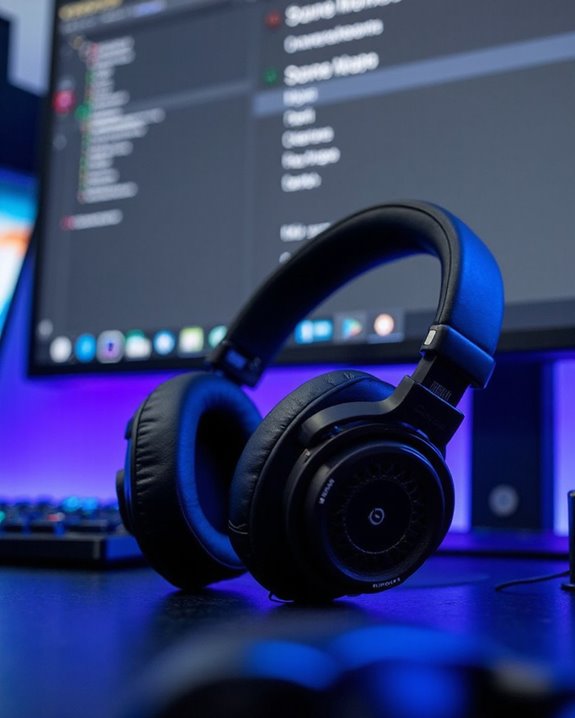
Setting up Windows Sonic for Headphones requires minimal effort but delivers substantial audio improvements for everyday PC users. This beginner guide outlines the straightforward process to enable this spatial sound technology.
To activate Windows Sonic, navigate to Settings > System > Sound, then select your desired output device. Within the device properties, locate the Spatial sound dropdown menu and choose “Windows Sonic for Headphones.” Click Apply to save your changes.
Several setup variations exist for different Windows versions. Some users can access this feature by right-clicking the sound icon in the system tray, while others might find it under Display & sound > Audio output > Headset format.
Windows Sonic works with standard headphones without requiring specialized equipment, making it an accessible option for enhancing gaming and movie experiences.
Recommended Products

【Multi-Platform Compatible】Support PlayStation 4, PlayStation 5, Xbox, Xbox Series X|S, Xbox One, PC, Nintendo 3DS, Laptop, PSP, Tablet, iPad, Computer, Mobile Phone. Please note you need an extra Microsoft Adapter (Not Included) when connect with an old version Xbox One controller.

Zero-Latency Audio for Competitive Edge: Dominate your matches with the AOC wireless gaming headset. Featuring ultra-fast 2.4GHz lossless technology (≤20ms latency), this ps5 headset ensures your audio is always perfectly synced with the action. Tuned 50mm drivers deliver clear gaming sound for footsteps, reloads, dialogue, and in-game effects in FPS, action, and open-world games. The closed over-ear design helps keep you focused during Fortnite, Call of Duty, Roblox, Discord chat, online classes, and movie watching.

[Wide Compatibility] This professional gaming headset for PC gamers is compatible with PC (Windows 7/8/10), PS4/PS5 console, laptops, and other devices with a USB audio port.(Note: EKSA E1000 is not compatible with game controllers.)
Windows Sonic vs. Other Spatial Audio Solutions
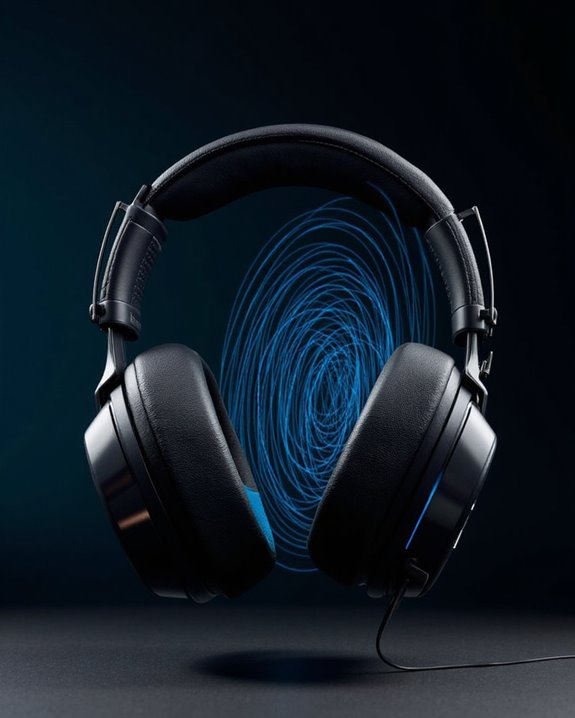
Comparing spatial audio technologies reveals significant differences in features, costs, and compatibility that can influence user experience. Windows Sonic positions itself as a cost-effective option in current Audio Comparisons, offering free spatial sound without additional licensing fees, unlike Dolby Atmos ($14.99) and DTS Sound Unbound.
While Windows Sonic provides adequate 3D audio for gaming through standard headphones, Dolby Atmos delivers superior height differentiation and immersion, particularly beneficial for cinematic experiences. Market Trends indicate consumers often select Windows Sonic for gaming applications due to its straightforward setup and zero-cost implementation.
The technical trade-off becomes apparent in sound staging capabilities—Windows Sonic offers basic spatial simulation while premium alternatives provide more precise sound positioning and broader device compatibility, including home theater systems and mobile platforms.
Recommended Products
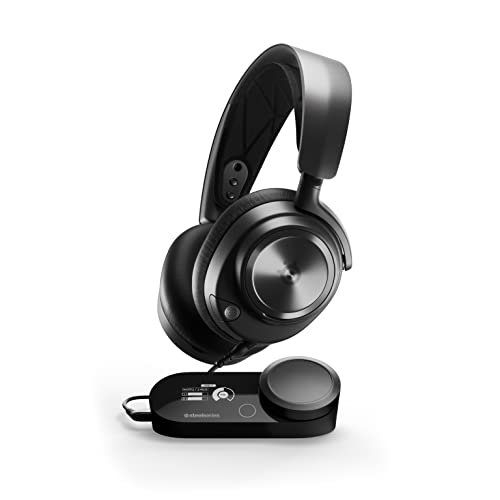
Almighty Audio - Experience ultimate clarity and sound quality with Premium High Fidelity Drivers. Fully customize the sound experience with the Sonar Software by using a first-in-gaming Pro-grade Parametric EQ.
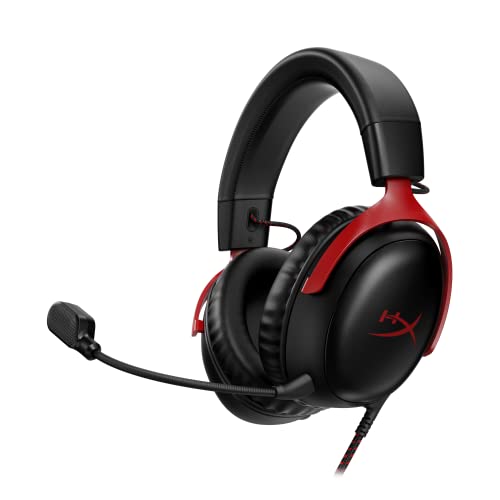
Comfort is King: Comfort’s in the Cloud III’s DNA. Built for gamers who can’t have an uncomfortable headset ruin the flow of their full-combo, disrupt their speedrun, or knocking them out of the zone.

Almighty Audio — Custom-designed Nova Acoustic System features best-in class audio for gaming with High Fidelity Drivers. Fully customize your ideal sound experience with a first-in gaming Pro-grade Parametric EQ.
Compatible Devices and Hardware Requirements
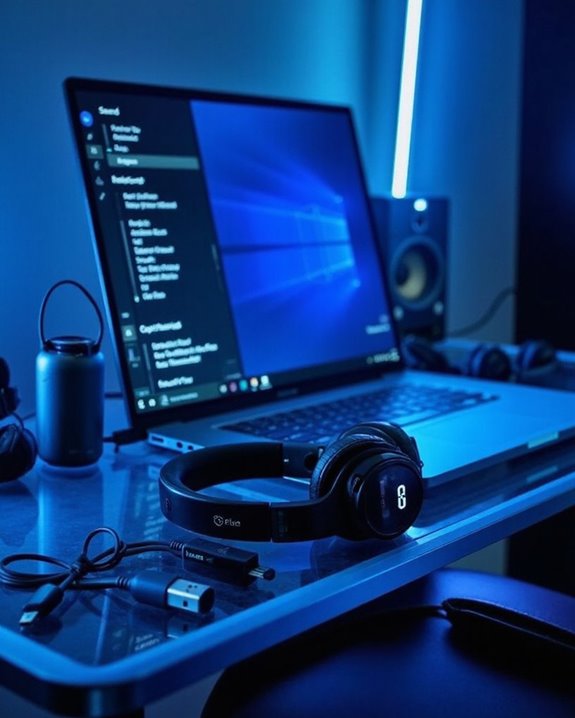
The remarkable accessibility of Windows Sonic for headphones stems from its broad device compatibility and minimal hardware requirements. Any stereo headphones can utilize this spatial audio technology, regardless of price point or brand, as the processing occurs entirely in software rather than hardware.
For best performance, headphones must connect to a Windows PC through compatible audio interfaces. Various cable types work seamlessly with Windows Sonic, including USB, 3.5mm analog, and wireless connections. Port compatibility extends across standard audio outputs, requiring only that the device can transmit a stereo signal.
Users need only a Windows operating system with appropriate audio drivers installed. The configuration process simply requires setting the headphones as the default audio device and enabling spatial sound through Windows settings, with no minimum audio specifications necessary for basic functionality.
Recommended Products

Digital Stereo Sound: Fine-tuned drivers provide enhanced digital audio for music, calls, meetings and more

Versatile headset: Great for Internet calls and listening to music from your Mac or Windows computer

【Multi-platform Compatible】 Gaming headset with microphone for PC, PS4, PS5, Xbox One Series X/S (older version requires adapter), Nintendo 3DS, Switch, Laptop, PSP, Tablet, iPad, Computer, Mobile Phone, 3.5mm jack device.
Windows Sonic for Xbox: Configuration and Benefits
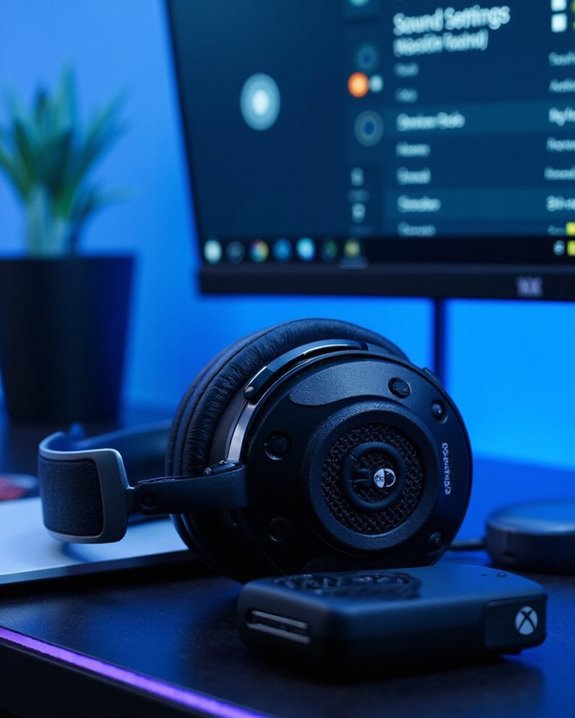
Xbox owners enjoy the same spatial audio benefits as PC users, with Windows Sonic offering integrated support across both Xbox One and Xbox Series X|S consoles. Enabling this feature requires going to Profile & system > Settings > General > Volume & audio output, then selecting Windows Sonic for Headphones under Headset audio format.
The technology enhances both gaming and Media Integration by downmixing surround sound to stereo headphones, creating immersive directional audio without additional hardware requirements. This spatial audio solution improves sound localization during gameplay while maintaining Chat Optimization, ensuring clear communication during multiplayer sessions.
Unlike Dolby Atmos or DTS Headphone:X alternatives, Windows Sonic requires no additional purchase or subscription, making it an accessible entry point to spatial audio technology for all Xbox users with standard stereo headsets.
Recommended Products

TRIFORCE TITANIUM 50 MM DRIVERS — Our cutting-edge proprietary design divides the driver into 3 parts for the individual tuning of highs, mids, and lows—producing brighter, clearer audio with richer highs and more powerful lows

IMMERSE YOURSELF IN THE GAME — Game loud and clear with the XBOX Wireless Headset, featuring enhanced auto-mute and voice isolation for crystal-clear chat, intuitive design, plus direct pairing to your console, PC, or phone.
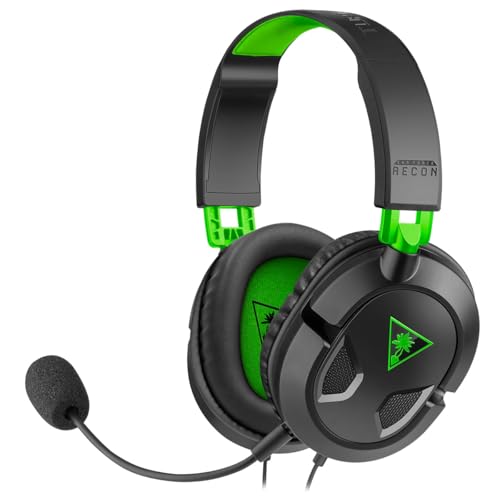
Comfortable Lightweight Headset Design
Common Issues and Troubleshooting Tips
Many users encounter technical difficulties when implementing Windows Sonic for Headphones, despite its promise of immersive audio experiences. Common complaints include “hollow” or “distant” sound quality and reduced dialog clarity in games, symptoms often associated with Audio Distortion.
When troubleshooting these issues, users should first disable audio enhancements in their headphone properties, which can resolve the hollow sound effect. Driver Conflicts frequently occur between Windows Sonic and other audio software, particularly Realtek drivers. Reinstalling sound card drivers often resolves these compatibility problems.
For persistent issues, adjusting in-game audio settings may improve the overall mix. If Windows Sonic continues to underperform, users might consider alternative solutions like Dolby Atmos, which many consider superior for spatial audio despite its cost.
Recommended Products
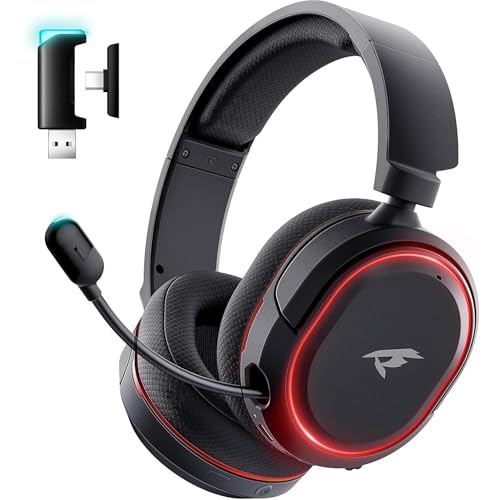
🎵【7.1 Surround Sound & Aesthetic Decorative Light】 UG-08S PC gaming headset can provide you with a cinema 3D stereo surround sound experience, designed specifically for gamers and audiophiles and multi-platform Compatibility. Long-press the 'M' key to activate 7.1 surround sound and dynamic driver reproduces deep bass and clear highs. Which allows you to hear every detail in the game with pin-drop clarity from up to 40 feet away. Such as teammates' voices, footsteps, direction, and more. Double-click the M key to activate the ambient light, then single-click the M key to switch between two modes: steady light and gradient. Valorise wireless pc headset will bring a cooler gaming atmosphere.

Cool style gaming experience: Colorful RGB lights create a gorgeous gaming atmosphere, adding excitement to every match. Perfect for most FPS games. These eye-catching lights give your setup a gamer-ready look while maintaining focus on performance. (Note: The USB connector is for LED lighting only)

Enjoy expansive cinematic sound. Big 50 mm audio drivers deliver an incredible sound experience
Future Developments and Updates for Windows Sonic

While addressing current audio limitations remains important, looking ahead reveals Microsoft’s ambitious roadmap for Windows Sonic. Upcoming HRTF algorithm refinements promise to enhance 3D positional accuracy while reducing the “hollowness” reported in earlier versions.
Machine Learning integration stands as a key innovation, potentially enabling personalized audio profiles based on individual ear shapes. Expanded device compatibility beyond Windows and Xbox will extend to HoloLens and mixed reality headsets, with improved APIs simplifying developer implementation.
Microsoft is exploring Hybrid Integration approaches combining Windows Sonic with premium technologies like Dolby Atmos. User experience improvements include intuitive presets and calibration tools in Windows settings. The platform will also support more Bluetooth headphone models, with optimizations for reduced latency and improved wireless performance across diverse media applications.
Frequently Asked Questions
Does Windows Sonic Drain Battery Life on Laptops?
Penny-wise, pound-foolish. Windows Sonic may slightly increase battery consumption on laptops due to additional processing requirements, though impacts are generally minimal. Most users won’t notice significant differences in power efficiency during normal usage.
Can Windows Sonic Cause Audio Lag During Competitive Gaming?
Yes, Windows Sonic can introduce audio latency of 50-100ms during competitive gaming. This delay affects responsiveness and timing. Serious gamers often disable it or use gaming alternatives that offer spatial sound without significant lag.
Does Windows Sonic Work With Bluetooth Earbuds?
Windows Sonic offers full Earbuds Compatibility with Bluetooth models. The Sonic Integration works seamlessly with most wireless earbuds, requiring no special hardware while enhancing spatial audio for content supporting 7.1 channel formats.
Can I Use Windows Sonic While Recording Gameplay Footage?
Yes, audio enhancements remain present during content capture. Windows Sonic integrates seamlessly with gameplay recording, preserving spatial sound effects in footage. For ideal Recording Tips, make sure Audio Integration settings match between recording sessions and playback devices.
Does Windows Sonic Affect Microphone Quality During Voice Chats?
Windows Sonic typically does not affect microphone quality during voice chats. It primarily enhances audio output rather than input, so users shouldn’t experience voice distortion or audio feedback issues related to its activation.