As an Amazon Associate, we earn from qualifying purchases. Some links on this site are affiliate links at no extra cost to you. Our recommendations are based on thorough research and editorial judgment.

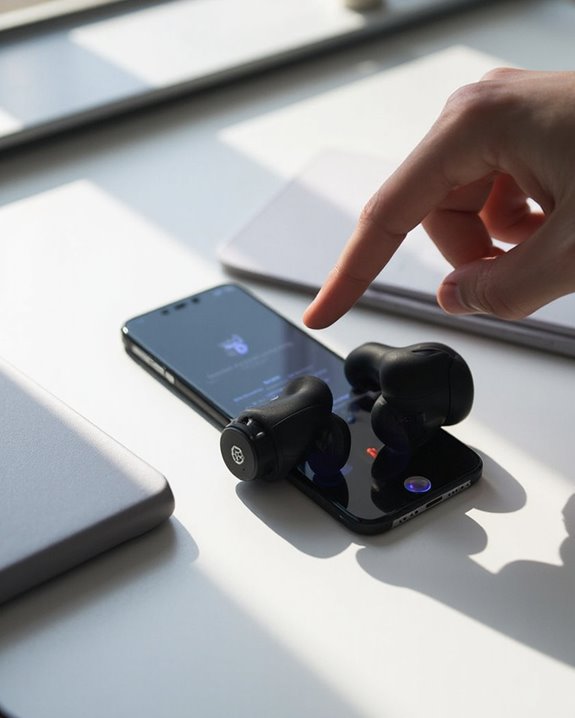
How to Pair Skullcandy Headphones: A Simple Step-by-Step Guide

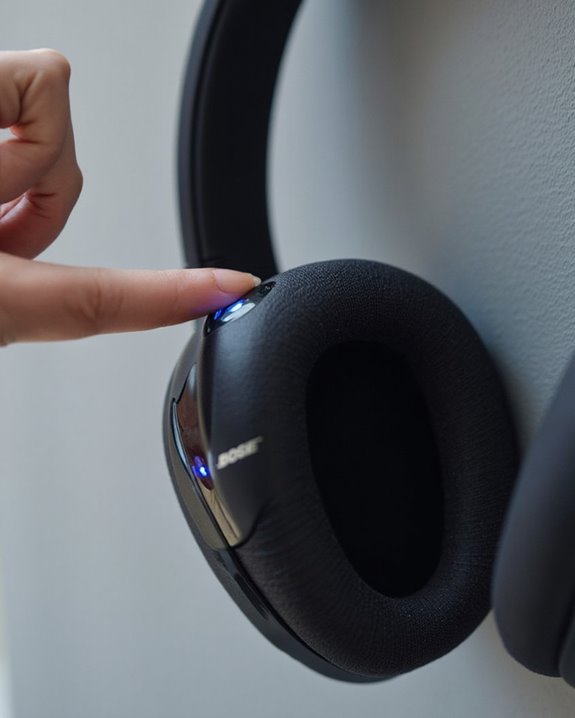
Pairing Skullcandy headphones requires activating pairing mode by holding specific buttons until the LED flashes. For most models, press and hold the power button for 4-5 seconds or press volume buttons simultaneously for 3 seconds. Once in pairing mode, navigate to Bluetooth settings on your device, select the Skullcandy headphones from the available devices list, and wait for connection confirmation. The complete process varies slightly by model but follows these fundamental steps for seamless audio enjoyment.
Key Takeaways
- Hold the power button for 3-4 seconds or press Volume +/- simultaneously until LED flashes red/blue.
- Turn on Bluetooth in your device settings (Settings > Bluetooth on iOS/Android).
- Select your Skullcandy headphones from the available devices list.
- Wait for connection confirmation via steady LED light or voice prompt.
- Test the connection by playing audio and ensure both devices remain in close proximity.
Getting Ready for Bluetooth Pairing
You may be interested
Do TVs Still Have Headphone Jacks in 2026?
August 15, 2025

How Do Bone Conduction Headphones Work?
June 17, 2025
Before establishing a connection between Skullcandy headphones and any device, proper preparation guarantees a smooth and successful pairing process. Users should first verify both devices have Bluetooth capabilities and are powered on.
Battery Maintenance is vital—charge headphones adequately before pairing to prevent disruptions during the process. Remove the headphones from any previously paired devices’ lists to avoid interference issues that commonly occur with Bluetooth technology.
Software Updates greatly impact pairing compatibility. Check that both the headphones and connecting device have the latest firmware and operating system versions installed. This preventative measure addresses many common connection problems before they occur.
For ideal results, position devices within close proximity during the initial pairing process, minimizing potential interference from other electronic equipment operating on similar frequencies.
Skullcandy Riff 2 headphones also support Multipoint Pairing, allowing simultaneous connections to two devices for enhanced convenience during use.
Recommended Products

65 Hours Playtime: Low power consumption technology applied, BERIBES bluetooth headphones with built-in 500mAh battery can continually play more than 65 hours, standby more than 950 hours after one fully charge. By included 3.5mm audio cable, the wireless headphones over ear can be easily switched to wired mode when powers off. No power shortage problem anymore.

【40MM DRIVER & 3 MUSIC MODES】Picun B8 bluetooth headphones are designed for audiophiles, equipped with dual 40mm dynamic sound units and 3 EQ modes, providing you with stereo high-definition sound quality while balancing bass and mid to high pitch enhancement in more detail. Simply press the EQ button twice to cycle between Pop/Bass boost/Rock modes and enjoy your music time!

✅ Never Run Out of Music with 80-Hour Marathon Battery: Experience ultimate freedom. These over ear bluetooth headphones play for 80 hours on a single charge—enough for cross-country flights, a full workweek, or a month of gym sessions. The included AUX cable and quick charge ensure your audio never stops, making them perfect for travelers and busy commuters.
Activating Pairing Mode on Your Skullcandy Headphones
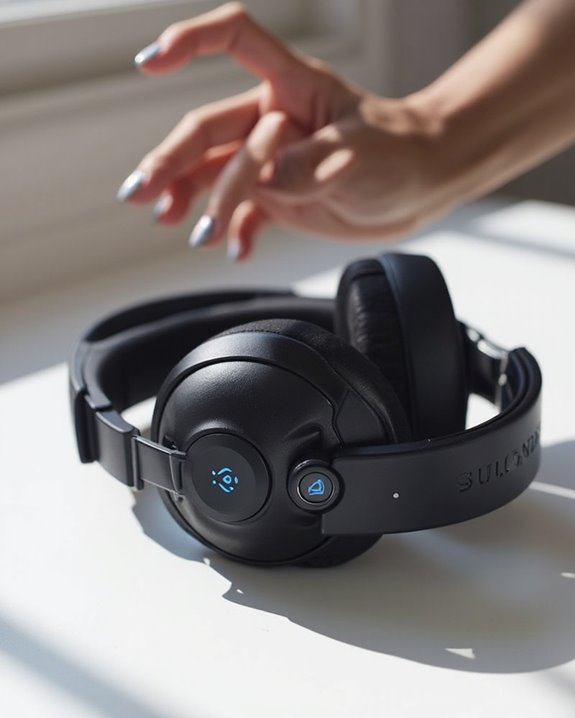
Activating pairing mode correctly represents the essential next step after preparing devices for Bluetooth connection. Each Skullcandy model features unique activation methods that users must follow precisely, clearing any existing Pairing History before attempting new connections.
The most common activation methods include:
- Method Active: Hold Volume + and Volume – simultaneously for 3 seconds until two beeps sound
- Crusher Evo: Press and hold power button for 4 seconds
- EcoBuds: Press Skullcandy button on both earbuds for 3 seconds until LEDs flash red/white
- Indy: Earbuds automatically enter pairing mode when removed from case
Model Variations affect both button sequences and confirmation indicators. Most models display flashing red/blue or red/white LED patterns to signal active pairing status, while some provide audible confirmations to indicate readiness for device discovery. Using earbuds with the latest Bluetooth 5.3 or higher ensures a stable and efficient pairing experience.
Recommended Products

REBUILT FOR COMFORT - AirPods 4 have been redesigned for exceptional all-day comfort and greater stability. With a refined contour, shorter stem, and quick-press controls for music or calls.

[Swimming Headphones IPX8 Waterproof] Fully IPX8 waterproof, designed for swimming, diving, snorkeling and any water sport.

[Immersive Sound with OrigX Acoustics] Powered by TOZO OrigX 2.0 acoustic tuning and an advanced 8 mm dynamic driver, T10 delivers deep bass, natural mids, and crisp highs. Whether you are listening to music, podcasts, or watching videos, every detail sounds clear and balanced.
Navigating Bluetooth Settings on Different Devices
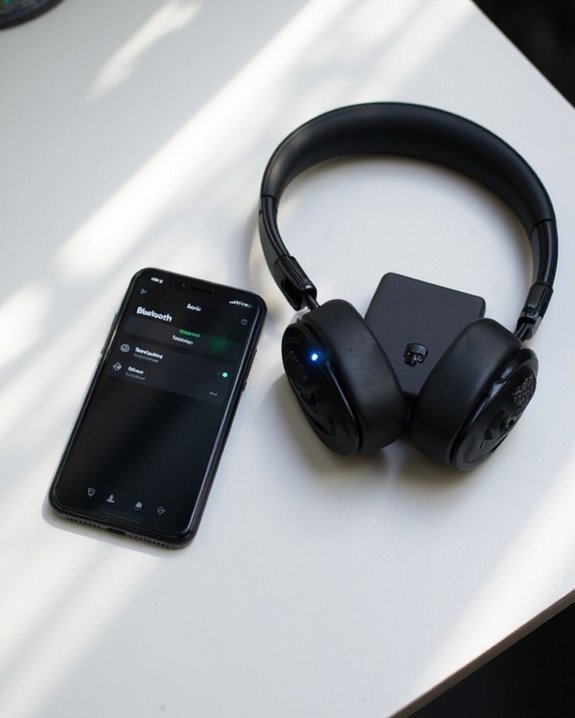
After successfully placing Skullcandy headphones in pairing mode, users must navigate through device-specific Bluetooth settings to complete the connection process. Platform differences greatly impact how Bluetooth settings are accessed across operating systems.
On iOS, users should open Settings and tap Bluetooth, while Android users typically find Bluetooth under Settings > Connections. Windows users can access Bluetooth settings via Settings > Devices > Bluetooth & other devices, whereas macOS users navigate to System Settings or System Preferences.
Interface variations extend to non-mobile devices as well. Car stereos and home audio systems often require accessing Bluetooth through menu buttons or remote controls. Regardless of platform, the fundamental connection process remains consistent: access Bluetooth settings, wait for the Skullcandy device to appear in the available devices list, and select it to complete pairing. Using Bluetooth 5.0-5.4 technology ensures stable connections and minimizes interruptions during the pairing process.
Recommended Products

Excellent Sound & 6EQ Modes: Wireless Bluetooth headphones equipped with 40mm dynamic driver, which produces hi-fi stereo sound, crisp and clean, great balanced Bassup and reduces environmental noise.Switch freely between 6 sound effects with the EQ button: Bass, pop, rock, classic, jazz and vocal. Listening to a variety of music,just like you are in a concert with a wide sense of space
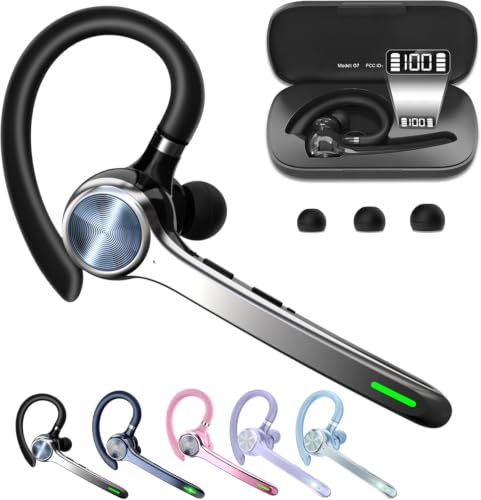
Smart Digital Display: Easy-to-read digital display shows the remaining power of the charging case for the refill in time.
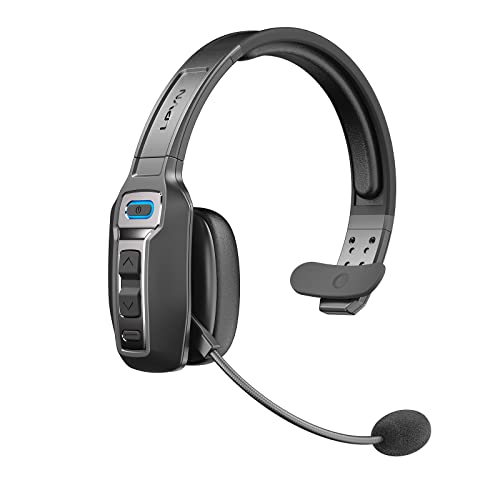
Advanced Environmental Noise Cancelling Technology: LEVN Bluetooth headset adopts unique adaptive environmental noise-cancelling chipset technology, which can identify various background noises in the monitoring environment, thereby effectively suppressing 96% of harmful interfering noises. Bluetooth headset with microphone can provide a quieter environment for listeners and improve the quality of communication even on the go
Connecting Your Skullcandy Headphones Successfully
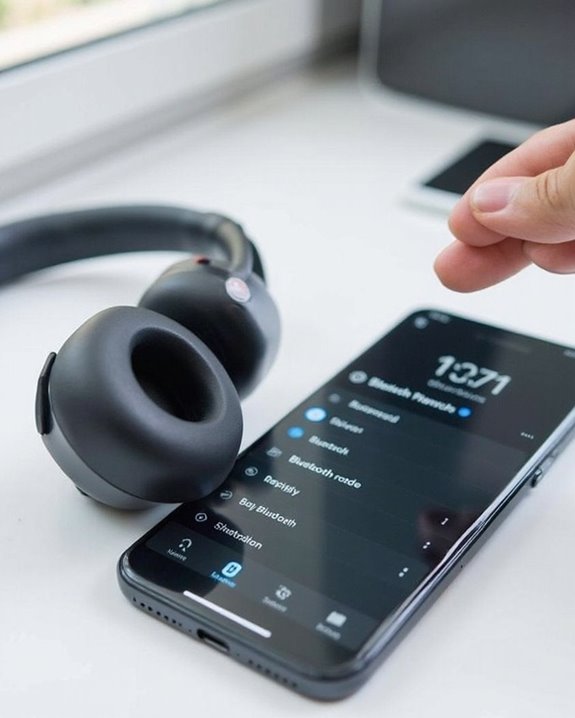
Successfully establishing a connection with Skullcandy headphones involves several preparatory steps that build upon the device-specific Bluetooth navigation. Users should make sure headphones are fully charged and in discoverable mode before proceeding with the pairing process.
Most Skullcandy models enter pairing mode when the power button is held until LED indicators flash red and blue alternately. A Compatibility Check is recommended to verify device compatibility before attempting connection.
To complete pairing:
- Select the Skullcandy headphones from available Bluetooth devices
- Wait for confirmation via steady LED or voice prompt
- Test audio functionality immediately after connection
Once successfully paired, the Automatic Reconnect feature enables headphones to connect to previously paired devices when both are powered on and within range, eliminating the need to repeat the pairing process during regular use.
Recommended Products

【Amazing Stable Connection-Quick Access to Games】Real-time gaming audio with our 2.4GHz USB & Type-C ultra-low latency wireless connection. With less than 30ms delay, you can enjoy smoother operation and stay ahead of the competition, so you can enjoy an immersive lag-free wireless gaming experience.

【3 Connection Modes】Enjoy maximum flexibility with the AOC Wireless Headset with Mic for Work, offering three connection modes: V5.3 Bluetooth, 2.4G (USB A/C Dongle), and a wired 3.5mm audio cable (4ft). Whether you’re in a busy office, working from home, or on the go, easily switch between modes for uninterrupted calls and meetings. This adaptability boosts productivity and communication efficiency, making the wireless headphones with microphone a perfect fit for any environment

Great Noise Cancelling & Mute Function: Experience crystal-clear calls with environmental noise cancelling (ENC) technology in our wireless headset. Our noise cancelling headphones for work blocks most background distractions (loud pets/children), making it the ideal headset for noisy environments. One-touch mute button instantly silences your mic during Zoom/Teams meetings.【NOTE】 Mute function activates only during calls
Resolving Common Connection Problems
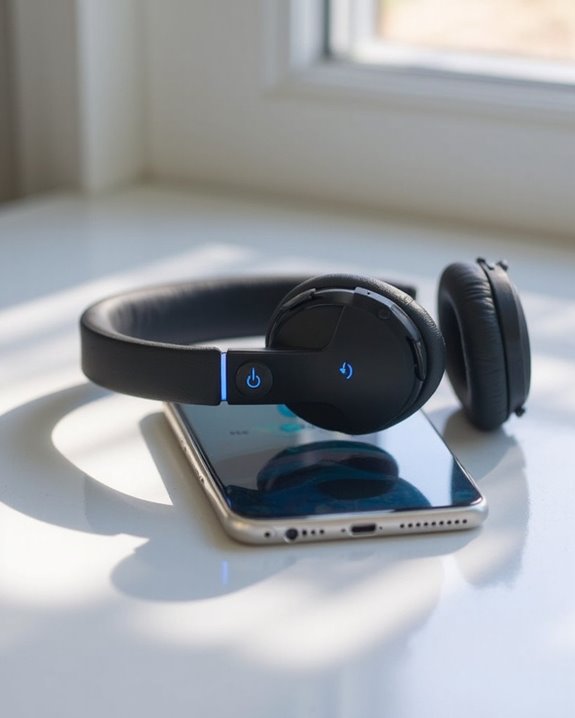
When Skullcandy headphones fail to connect properly, users may encounter several distinct issues that require specific troubleshooting approaches. The most effective resolution often begins with removing the headphones from the device’s paired list before attempting to pair again.
For persistent issues, performing a reset can initiate pairing mode, while monitoring LED indicators provides valuable connection status feedback. Battery troubleshooting should include checking the charging surface and ensuring power output doesn’t exceed 18-Watts (5V/3.6A).
Interference solutions involve identifying and relocating potential signal-disrupting devices nearby. Users should stay within Bluetooth range and restart both headphones and connected devices when experiencing disconnections. If problems persist despite these measures, firmware updates may resolve compatibility issues, or warranty replacement might be necessary.
Recommended Products
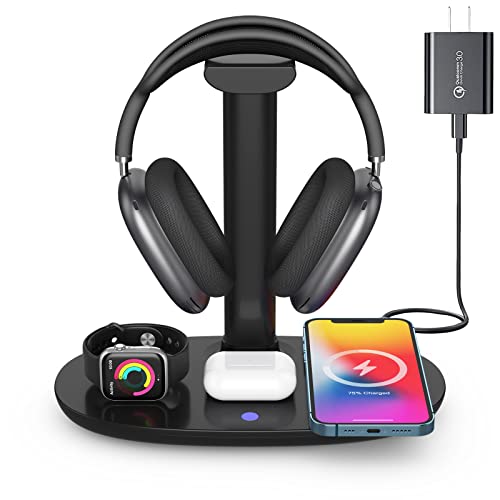
Universal Compatibility: This 15W fast wireless charging stand is compatible with All -Enabled Device(Normally 2~3 hours fully charged). 3W for iWatch series 10/9/8/7/6/SE/5/4/3/2/1. 5W for Airpods pro/Airpods 4/3/2[Only for Wireless Version!] Galaxy buds/buds+. 7.5W fast charging mode for iPhone 17/iPhone 16/iPhone 15/iPhone 14/iPhone 13/13 Mini/iPhone 12/12 Pro/12 Pro Max/12 Mini/11/11 Pro/11 Pro Max/XS Max/XS/XR/X/8/8 Plus. 15W/10W for Samsung S21Ultra/21/S20Ultra/S20/Note10/S10/S10 Plus/S9

【20ms Ultra‑Low Latency – Perfect Lip‑Sync】NUBWO TV wireless headphones engineered with advanced 2.4GHz wireless technology, HT02 delivers <20ms audio delay – the same low latency found in premium gaming headsets. Whether you're watching the 2026 World Cup, your favorite movie, the nightly news, or gaming, the sound stays perfectly synced with the screen. No lag. No frustrating lip‑sync delays. Just real‑time audio for every moment.
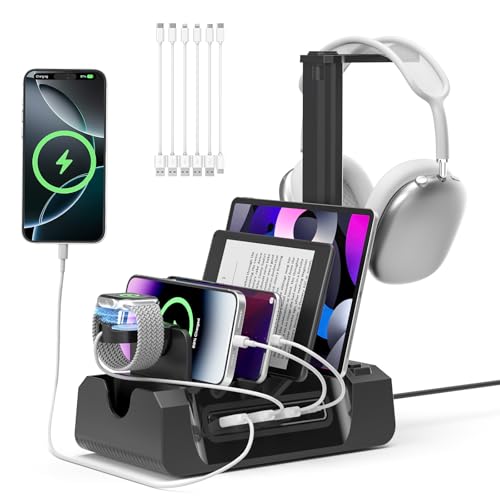
【4 Port Smart USB Charger】 Extra USB port allow you to charge your smartphone, tablet or other smart device without plug in wall, conveniently and organized. It can detects your device automatically to deliver its fastest possible charge speed up to 2.4A per port. This charging station comes with 6 mixed cables, including 2 USB-A to iPhone cables, 2 USB-A to Type-C cables, 1 USB-A to Micro cable, and 1 Type-C to Type-C adapter.
Testing and Using Your Newly Paired Headphones
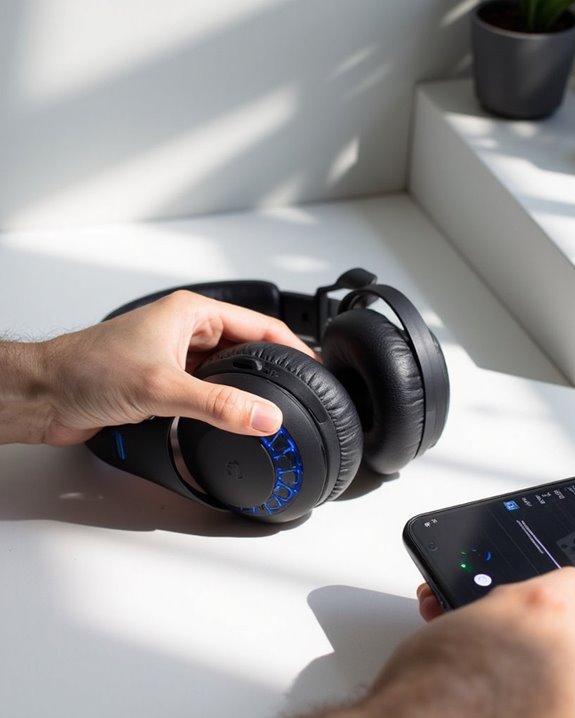
Once the connection issues have been resolved, users can fully explore the capabilities of their Skullcandy headphones. Initial Audio Testing should include playing various music genres to experience the frequency response and sound profiles unique to Skullcandy products, which often feature enhanced bass and clear highs.
Users should toggle between available noise cancellation settings and transparency modes to determine ideal settings for different environments. Many models allow access to these features through on-ear controls or the companion app.
Comfort Evaluation is equally important for long-term satisfaction. Users should test their headphones during extended listening sessions to assess the fit of ear tips or cushions. The lightweight design of Skullcandy products typically guarantees comfort during prolonged use, but finding the right ear tip size is essential for both comfort and sound quality.
Frequently Asked Questions
Can I Pair My Skullcandy Headphones With Multiple Devices Simultaneously?
Some Skullcandy models support multi device pairing for simultaneous connectivity with two devices. Select headphones like Mod earbuds offer this feature, while others require manual disconnection before switching between devices.
How Do I Reset My Skullcandy Headphones to Factory Settings?
Like flipping a digital switch, resetting Skullcandy headphones requires holding specific button combinations for 3-10 seconds. The Reset Frequency varies by model, while Reset Impact includes restored connectivity and resolved sound issues.
Why Does My Audio Lag When Watching Videos?
Audio lag when watching videos often results from network latency, video buffering, or device processing delays. Insufficient bandwidth, encoding issues, or hardware problems can cause audio to fall out of sync with visuals.
How Do I Update My Skullcandy Headphones’ Firmware?
To update Skullcandy headphones’ firmware, users should connect them to the Skullcandy App which automatically performs a version check. When updates are available, the app displays notifications, guiding users through the firmware update process.
Can I Use Only One Earbud While Keeping the Other Charging?
While some might worry about audio quality, mono listening with a single earbud is possible with most Skullcandy models. Users can keep one earbud charging in the case while enjoying music through the other.