As an Amazon Associate, we earn from qualifying purchases. Some links on this site are affiliate links at no extra cost to you. Our recommendations are based on thorough research and editorial judgment.

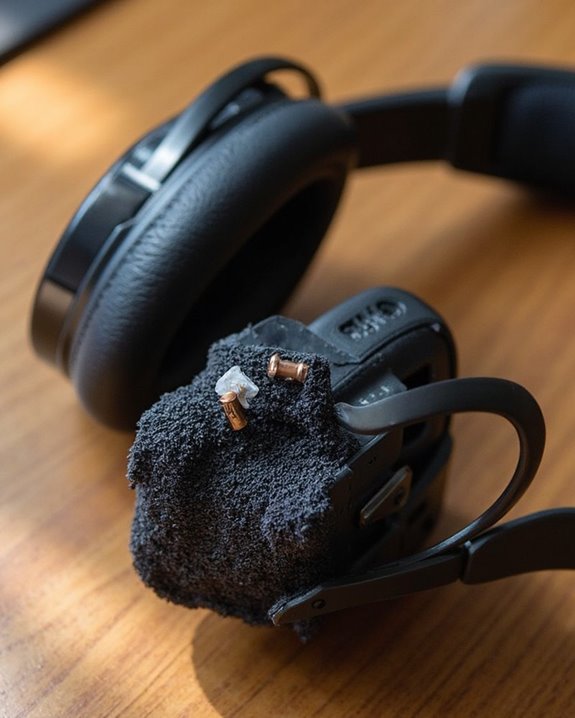
Why Do My Headphones Keep Cutting Out? Common Causes Explained

Headphone audio cutouts typically result from six key technical factors. Signal interference from other 2.4GHz devices disrupts connectivity, while exceeding Bluetooth’s 30-foot range causes dropouts. Physical damage to cables or internal components compromises audio transmission. Low battery levels weaken wireless signals, and outdated firmware creates compatibility issues. Environmental factors like walls and furniture block transmission paths. Understanding these common causes helps pinpoint specific solutions for more reliable audio performance.
Key Takeaways
- Bluetooth headphones often cut out when you exceed their 30-foot range or move behind walls that block signals.
- Interference from other 2.4GHz devices like Wi-Fi routers and microwaves can disrupt your headphone’s Bluetooth connection.
- Physical damage to headphone cables or internal components from drops or bending causes intermittent audio cuts.
- Low battery levels in wireless headphones lead to weak signals and frequent disconnections before complete power loss.
- Outdated firmware or software creates compatibility issues between your headphones and playback device, causing audio dropouts.
Distance and Range Issues
You may be interested
10 Best Active Noise Cancelling
July 5, 2024
10 Best Bone Conduction Headphones
May 4, 2024
The most common culprit behind headphone cutouts is exceeding the operational range of Bluetooth technology. Standard Bluetooth connections typically maintain stability within approximately 30 feet (10 meters), with performance degrading rapidly beyond this threshold.
Environmental factors greatly impact effective range. Walls, furniture, and even the human body can absorb or block Bluetooth signals, causing unexpected disconnections. When the transmitting device is positioned on the opposite side of your body from the headphones, signal strength often weakens considerably.
Bluetooth version differences also play a vital role in connection stability. While Bluetooth 4.0 supports ranges up to 10m indoors, Version 5 offers substantial Range Extension capabilities—reaching up to 200m in ideal outdoor conditions. Version Upgrades to newer Bluetooth standards can dramatically improve connectivity, reducing frustrating audio interruptions during everyday use. Many of the latest earbuds now use Bluetooth 5.3/5.4 technology, which provides an extended range of up to 33 feet and ultra-low latency for more reliable connections.
Signal Interference From Other Devices
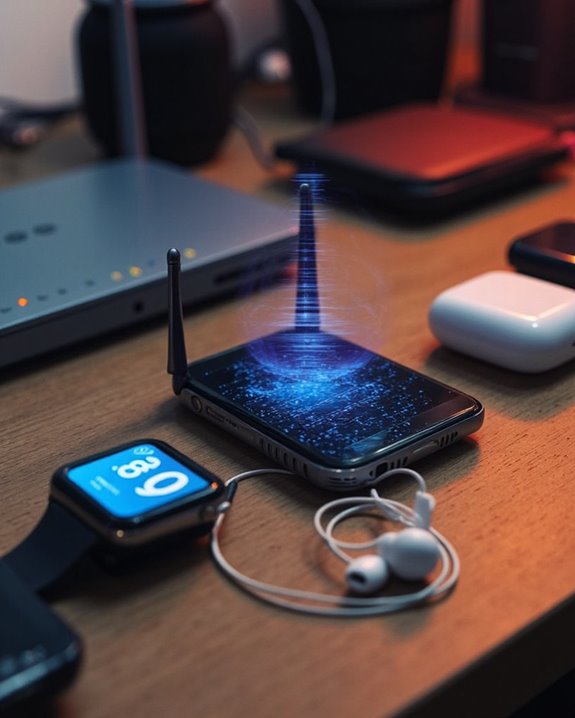
Wireless devices flooding modern environments create a complex electromagnetic battlefield where your headphones must constantly compete for clear transmission paths. These signal conflicts often occur when devices operate on similar frequency bands, particularly in the crowded 2.4 GHz spectrum.
Common culprits behind these device clashes include Wi-Fi routers, microwave ovens, and other Bluetooth devices. Even everyday items like wireless keyboards, smart home devices, and cordless phones can disrupt your audio connection. Physical obstacles between your headphones and source device further compound these interference issues.
To minimize disruptions, consider relocating your devices away from interference sources, adjusting Wi-Fi router channels, or turning off unused wireless devices. Modern Bluetooth versions with adaptive frequency hopping technology provide improved resistance against the electromagnetic congestion that characterizes today’s wireless environments. Devices featuring Bluetooth 5.4 technology offer faster, more stable signal transmission, helping reduce cut-out issues caused by interference.
Recommended Products

Advanced Hybrid Active Noise Cancellation: UGREEN Noise Cancelling Headphones features both Adaptive ANC (Active Noise Cancellation) and physical noise isolation, achieving up to 43dB deep noise reduction for enhanced audio clarity. Equipped with an AI-powered noise-cancelling chip, the over-ear Headphones intelligently separate ambient noise in real time. Perfect for blocking out daily bus, metro, or office background noise

Hi-Fi Deep Bass Stereo and Crystal Clear Calls: Bluetooth earbuds 14.2mm large size speaker driver delivers powerful bass, mellow midrange, and clear treble, reproducing your music vividly to power your workout. Noise cancelling headphones are equipped with high quality ENC noise reduction mics to passively cancel 80% background noise so you and the caller can hear each other better and make crystal-clear calls with minimal background noise. Enjoy top-notch conversations wherever you are.
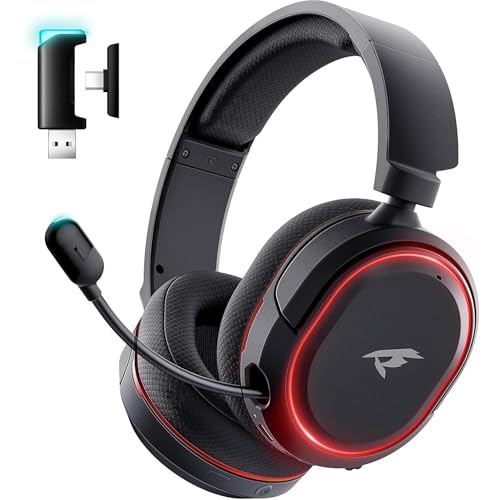
🎵【7.1 Surround Sound & Aesthetic Decorative Light】 UG-08S PC gaming headset can provide you with a cinema 3D stereo surround sound experience, designed specifically for gamers and audiophiles and multi-platform Compatibility. Long-press the 'M' key to activate 7.1 surround sound and dynamic driver reproduces deep bass and clear highs. Which allows you to hear every detail in the game with pin-drop clarity from up to 40 feet away. Such as teammates' voices, footsteps, direction, and more. Double-click the M key to activate the ambient light, then single-click the M key to switch between two modes: steady light and gradient. Valorise wireless pc headset will bring a cooler gaming atmosphere.
Hardware Damage and Compatibility Problems
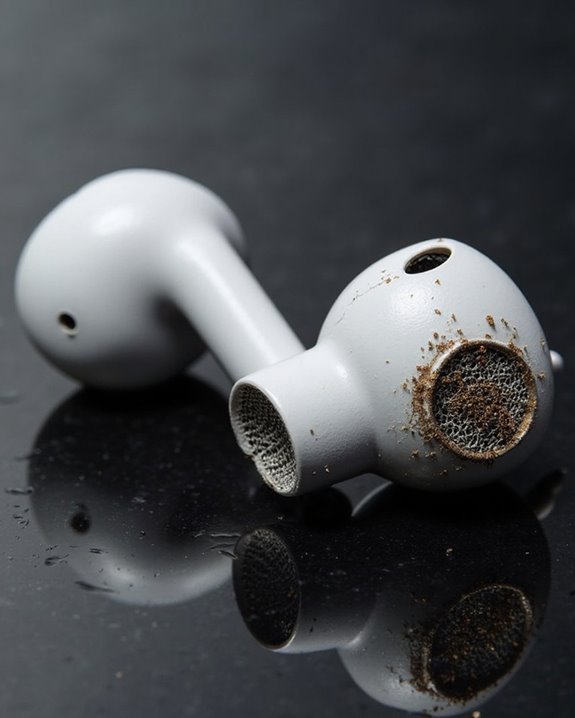
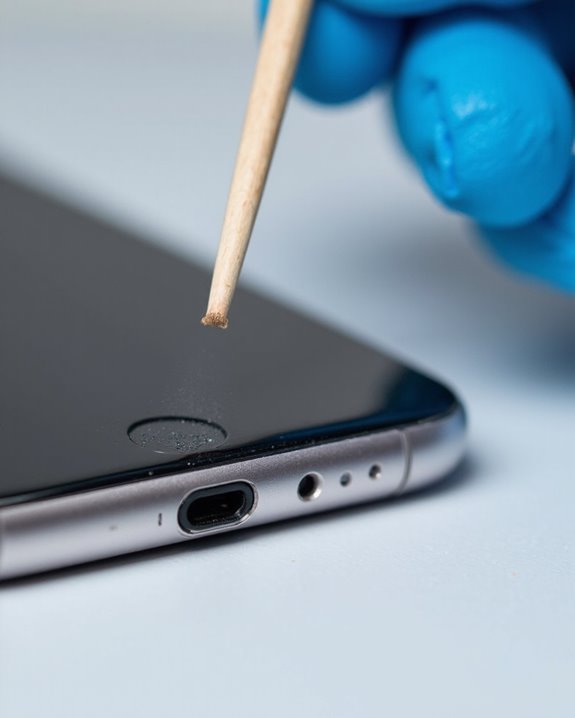
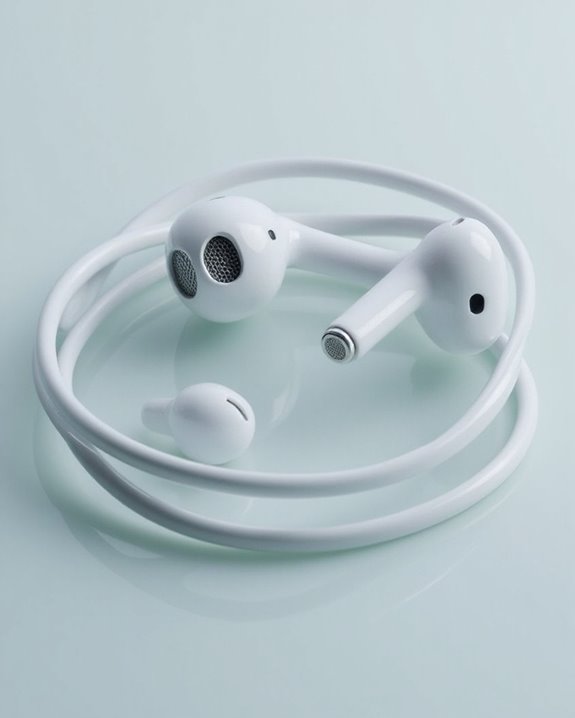
Physical damage represents one of the most common culprits behind headphone audio cutouts, often developing gradually through everyday use. Frayed cables resulting from improper storage, frequent tangling, or excessive bending can disrupt the internal wiring, causing intermittent signal loss. Similarly, dropping headphones may damage internal components or misalign critical parts, even when external damage isn’t visible.
Compatibility issues frequently cause audio interruptions when hardware components don’t properly interface. Incompatible jacks that don’t match the device’s port specifications can create loose connections, resulting in sporadic audio performance. Additionally, outdated device drivers and firmware may fail to properly communicate with newer headphone models. When operating systems lack proper driver support, even physically perfect headphones may experience signal dropouts during playback. Regular maintenance and timely replacement are essential since the lifespan of wired vs wireless budget headphones varies and can impact overall audio reliability.
Recommended Products

Universal Compatibility: Perfectly compatible with any devices with a 3. 5mm aux port. Such as Apple iPhone, iPod, iPad, Headphones, Hi-Fi, Car Stereos, Tablet, Laptop, Smartphones, MP3 Player, Speaker and any other audio-playing devices. (ATTENTION: Incompatible with Life proof Cases And Otter Box cases)

Replacement Audio Cable Cord Wire: Compatible with Bose QuietComfort QC45 QC35II QC35 QC25 NC700 OE2 OE2i Soundlink Soundtrue JBL E45BT E55BT E50 E35 E30 Headsets
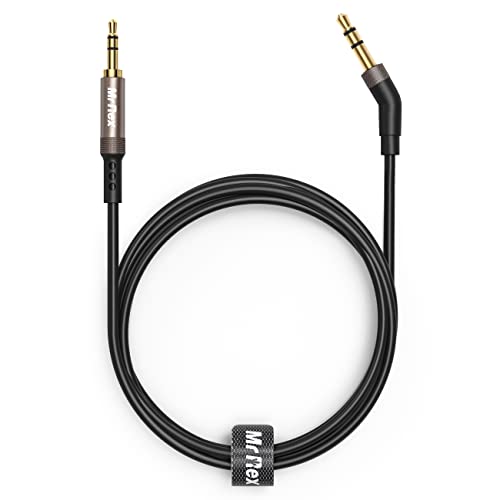
2.5mm thin jack connector can easily plug into your Bose Quietcomfort Ultra / 700, QC45, QC35II, QC35, QC25 Over-ear headphones, AKG Y55BT, Y55, Y50, Y45, Y40 headphones, JBL E45BT, E55BT, E65BTNC, 750NC, Duet BT, Duet NC, Live 400BT, Live 500BT, Live 650BTNC and more other headphone with 2.5mm jack port.
Low Battery Power and Charging Concerns
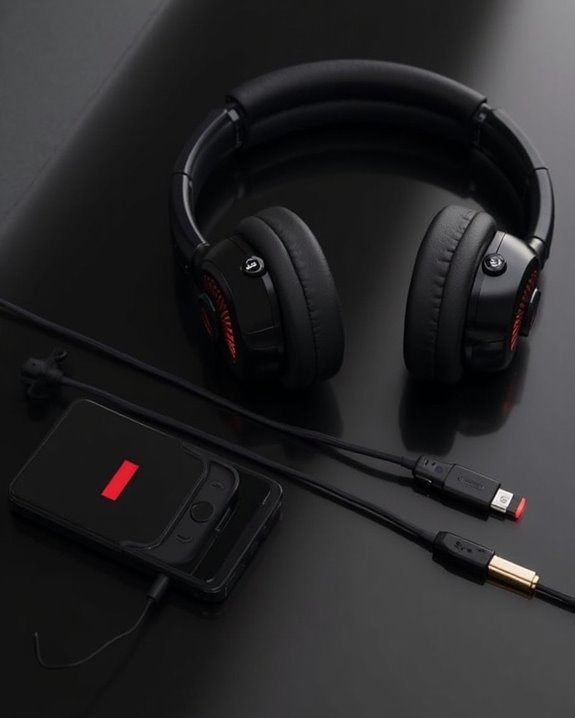
Battery performance plays a critical role in maintaining stable connections for wireless headphones, with depleted power levels often causing frustrating audio disruptions. When battery levels drop, headphones prioritize core functions over stable connectivity, resulting in signal weakness and unexpected disconnections without warning.
Proper Battery Maintenance extends device lifespan and guarantees consistent performance. Avoiding overcharging, preventing deep discharge during storage, and unplugging once fully charged are essential practices. Charging Efficiency depends greatly on environmental conditions and equipment quality—damaged cables, extreme temperatures, and inconsistent voltage can all compromise battery health.
Improper charging practices often lead to shorter battery life, quick discharge cycles, and variable performance. To prevent these issues, users should consider regular battery calibration and charging under ideal conditions, maintaining temperatures within manufacturer-recommended ranges.
Recommended Products

The battery is manufactured and tested under strict quality control standards before sent out
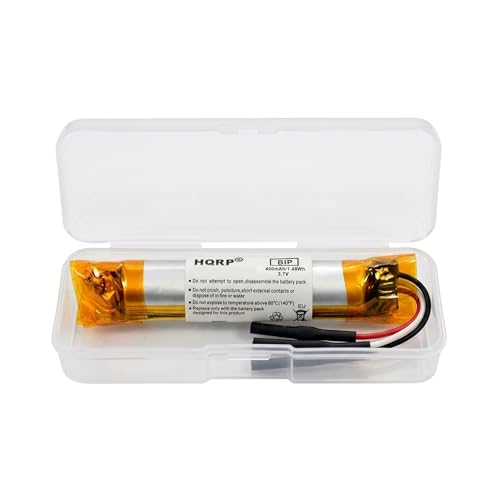

Model number: SM-002-BAT. Voltage: 3.7V Current: 350mAH
Outdated Software and Firmware
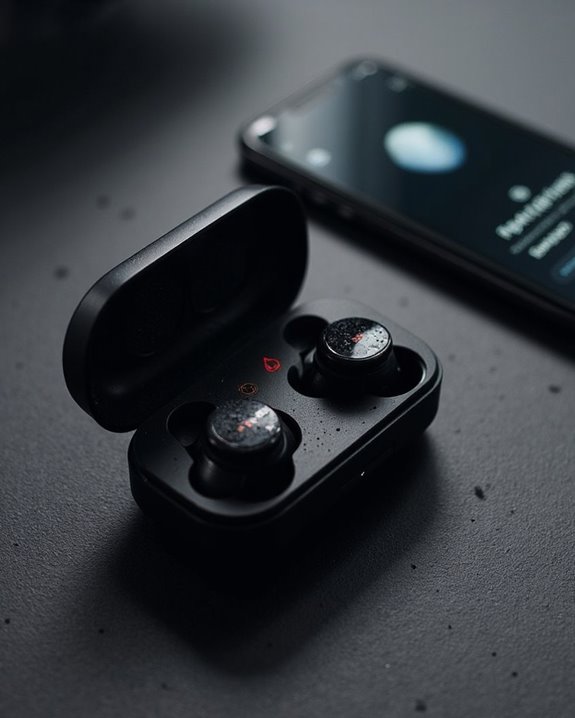
Although modern headphones feature sophisticated hardware components, outdated software and firmware represent significant yet often overlooked causes of connection instability and audio dropouts. When either the headphone’s internal programming or the connected device runs obsolete versions, compatibility issues emerge that manifest as stuttering audio and disconnections.
Regular software updates and firmware patches resolve bugs that interfere with Bluetooth signal stability. These updates often contain essential fixes for known connectivity problems and enhance overall performance. Device compatibility challenges frequently occur when headphones and smartphones operate on mismatched software versions.
Troubleshooting these issues typically involves:
- Checking for available updates on both devices
- Restarting equipment after installing updates
- Unpairing and re-pairing devices
- Resetting Bluetooth connections completely
Implementing a consistent update schedule prevents most software-related connectivity problems.
Recommended Products

Upgraded Bluetooth 5.3 Adapter: This bluetooth adapter for pc uses the latest upgraded Bluetooth 5.3 BR+EDR technology, greatly improves the stability of the connection data transfer speed, reduces the possibility of signal interruption and power consumption.

Bluetooth 5.4 + Broad Compatibility - Provides Bluetooth 5.4 plus EDR technology and is backward compatible with Bluetooth V5.3/5.0/4.2/4.0/3.0/2.1/2.0/1.1.

SHARE IN-FLIGHT AUDIO — Connect two pairs of Bluetooth headphones or earbuds to one airplane entertainment screen, so you and a travel partner can listen together without wires.
Environmental Factors Affecting Connectivity
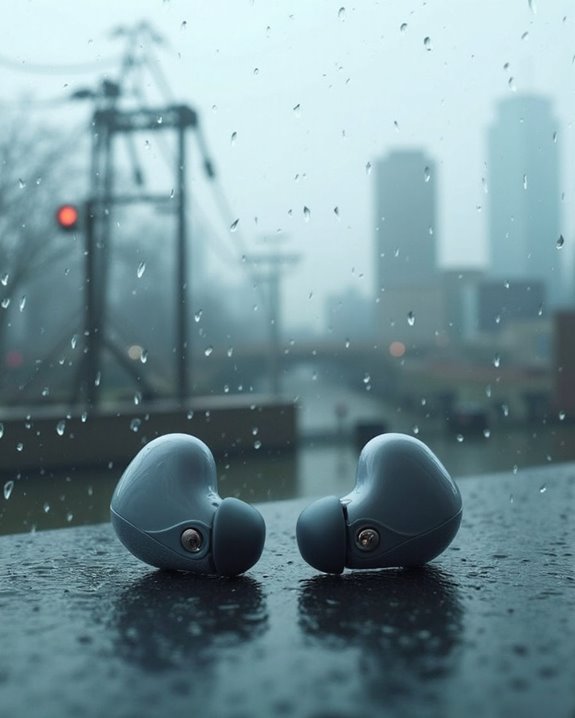
Environmental interference represents one of the most significant yet overlooked culprits behind headphone connection failures and audio dropouts. Physical barriers like walls, furniture, and metal objects can obstruct Bluetooth signals, with concrete and brick being particularly problematic. Signal strength deteriorates beyond the standard 10-meter Bluetooth range.
Wireless device interference creates substantial connectivity challenges. Wi-Fi networks, other Bluetooth devices, and common household electronics operating on 2.4 GHz frequencies can disrupt headphone signals. In crowded spaces like airports, this interference intensifies dramatically.
EMR Effects from surrounding electronics compound these issues, creating electromagnetic noise that degrades signal integrity. Meanwhile, signal reflections in environments with glass or metal surfaces cause multipath interference. Additionally, Noise Acoustics can impact performance when environmental noise cancellation systems struggle to adapt to rapidly changing ambient sounds.
Recommended Products

Turn Your Wired Earphones, Headphones & Speakers into Wireless Devices!

Make Wired Headphones Wireless (Receiver Only): Receives Bluetooth audio from phones or tablets and plays it through wired headphones via a 3.5mm AUX connection. Receiver only — not a transmitter for TVs, PCs,or game consoles

BTR11 supports the LDAC Bluetooth audio format, providing HiFi-level wireless Bluetooth sound quality, and also supports Bluetooth 5.3!
Frequently Asked Questions
Can Headphone Cutouts Indicate Counterfeit or Fake Products?
Mountains of evidence suggest frequent cutouts can indicate counterfeit headphones. Authenticity checks reveal fake products typically have inferior components and poor craftsmanship. Counterfeit detection may involve examining audio performance alongside physical quality indicators.
How Do Different Audio Codecs Affect Bluetooth Connection Stability?
Different audio codecs impact Bluetooth stability greatly. Higher bitrate codecs like LDAC demand more bandwidth, potentially reducing stability. Lower bitrate options offer better AptX Stability but sacrifice quality. Codec Latency also affects real-time audio synchronization performance.
Will Using Headphones During Exercise Increase Chances of Cutouts?
While gym sessions elevate the heart, they may also amplify Workout Drops. Exercise Glitches increase during physical activity due to sweat damage, body interference with Bluetooth signals, and movement causing cable strain in wired options.
Can Certain Music Genres or Audio Frequencies Trigger More Cutouts?
Genre impact is minimal on Bluetooth cutouts. However, music with high dynamic ranges may highlight existing signal issues. Frequency triggers can occur when audio contains ranges that strain the headphone’s processing capabilities or Bluetooth bandwidth.
Do True Wireless Earbuds Cut Out More Than Over-Ear Headphones?
Like tiny islands in a vast ocean, true wireless earbuds face more connectivity challenges than their over-ear counterparts. Their compact Earbud Design creates antenna limitations, while over-ear models typically offer better Range Stability with stronger signal transmission.