As an Amazon Associate, we earn from qualifying purchases. Some links on this site are affiliate links at no extra cost to you. Our recommendations are based on thorough research and editorial judgment.


How to Connect Bluetooth Headphones to PS4

PlayStation 4 doesn’t natively support most Bluetooth headphones due to system limitations. To connect wireless headphones, users need either Sony-certified audio devices or a Bluetooth adapter that plugs into the console’s USB port. For adapter-based connections, insert the dongle, put headphones in pairing mode, and adjust audio output settings in the PS4 menu. Some third-party headsets use included 2.4GHz dongles for guaranteed compatibility. The following steps will guarantee seamless audio connectivity for your gaming sessions.
Key Takeaways
- PS4 only natively supports Sony-certified Bluetooth headphones, requiring adapters for most third-party headsets.
- Purchase a USB Bluetooth adapter or 2.4GHz wireless dongle for connecting non-Sony headphones to your PS4.
- Put your headphones in pairing mode, connect the adapter to PS4, then select the headphones from detected devices.
- Verify audio output settings by going to PS4 Settings > Devices > Audio Devices > Output to Headphones.
- If connection fails, restart both devices, ensure sufficient battery power, and keep headphones within 10 meters range.
PlayStation 4 Bluetooth Compatibility Overview
You may be interested

Are Bluetooth Headphones Bad for Your Health?
June 3, 2025
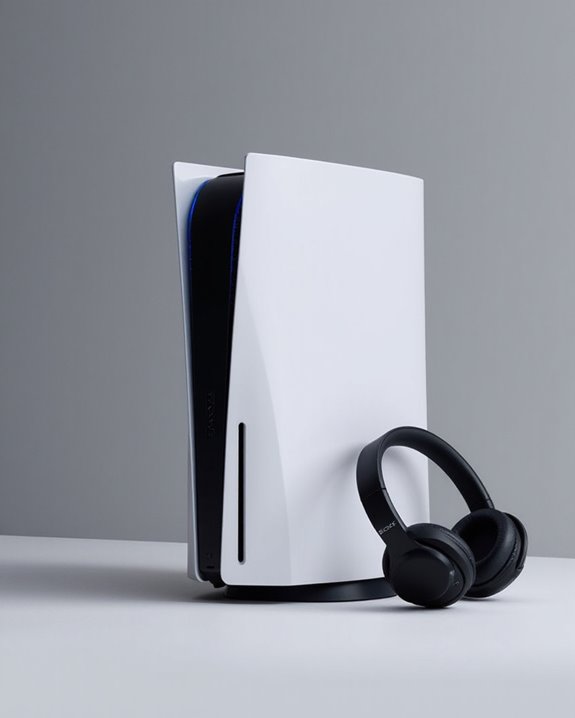
Can You Connect Bluetooth Headphones to PS5?
May 26, 2025
The PlayStation 4 incorporates Bluetooth technology, but with significant limitations regarding audio device connectivity. Sony’s console adheres to specific Bluetooth standards that restrict universal compatibility with headphones, primarily supporting Sony-certified peripherals. This selective compatibility stems from Sony’s focus on minimizing Gaming Latency through their proprietary wireless connection system.
The PS4 prioritizes AptX Low Latency codec technology to guarantee synchronized audio during gameplay—a feature absent in many standard Bluetooth headphones. This optimization for gaming performance creates a technical barrier for connecting non-Sony audio devices.
While the console technically contains Bluetooth functionality, its implementation deliberately limits compatibility to maintain performance standards. Users seeking to connect third-party Bluetooth headphones typically require adapters or other workarounds to bridge these compatibility gaps. Many modern PS4 headsets, such as the NUBWO G06, use dual wireless connectivity combining 2.4GHz and Bluetooth 5.3 to offer seamless switching between devices despite these limitations.
Official Sony Headsets vs. Third-Party Options
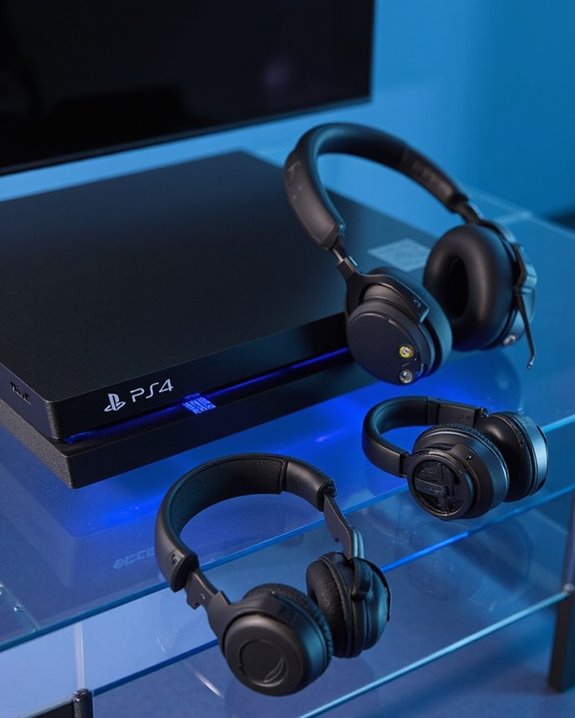
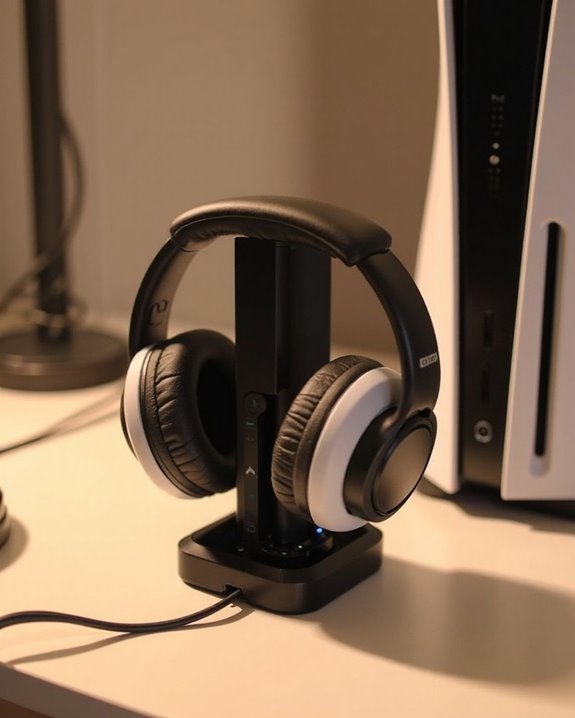
Given the PS4’s selective Bluetooth compatibility, consumers face a meaningful choice between official Sony headsets and third-party alternatives when seeking audio solutions. Sony’s proprietary options, like the Pulse series, deliver optimized Audio Performance with spatial sound features specifically engineered for PlayStation systems, though typically at a premium price point.
Third-party manufacturers such as SteelSeries and HyperX offer competitive alternatives with notable advantages in versatility. A Price Comparison reveals these options span from budget-friendly to high-end models, often including broader device compatibility beyond PlayStation consoles. Many third-party headsets utilize 2.4GHz wireless dongles to circumvent the PS4’s Bluetooth limitations while providing comparable or sometimes superior audio quality.
When selecting between official and third-party options, consumers should weigh platform-specific optimization against multi-device functionality and value proposition. For example, the NUBWO G06 features dual wireless connectivity enabling seamless switching between PC and PS4, exemplifying the versatility offered by third-party headsets.
Recommended Products

Zero-Latency Audio for Competitive Edge: Dominate your matches with the AOC wireless gaming headset. Featuring ultra-fast 2.4GHz lossless technology (≤20ms latency), this ps5 headset ensures your audio is always perfectly synced with the action. Tuned 50mm drivers deliver clear gaming sound for footsteps, reloads, dialogue, and in-game effects in FPS, action, and open-world games. The closed over-ear design helps keep you focused during Fortnite, Call of Duty, Roblox, Discord chat, online classes, and movie watching.

Hear your Voice Level with Variable Mic Monitoring
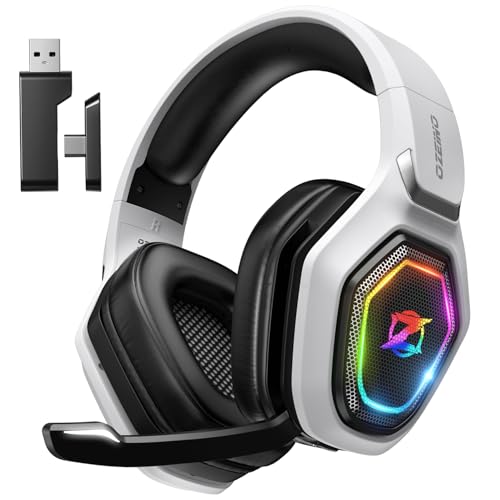
【Amazing Stable Connection-Quick Access to Games】Real-time gaming audio with our 2.4GHz USB & Type-C ultra-low latency wireless connection. With less than 30ms delay, you can enjoy smoother operation and stay ahead of the competition, so you can enjoy an immersive lag-free wireless gaming experience.
Step-by-Step Connection Guide
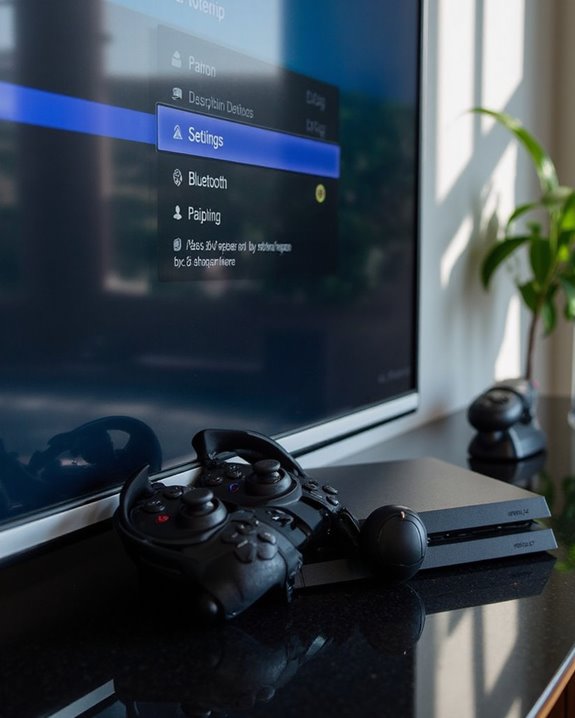
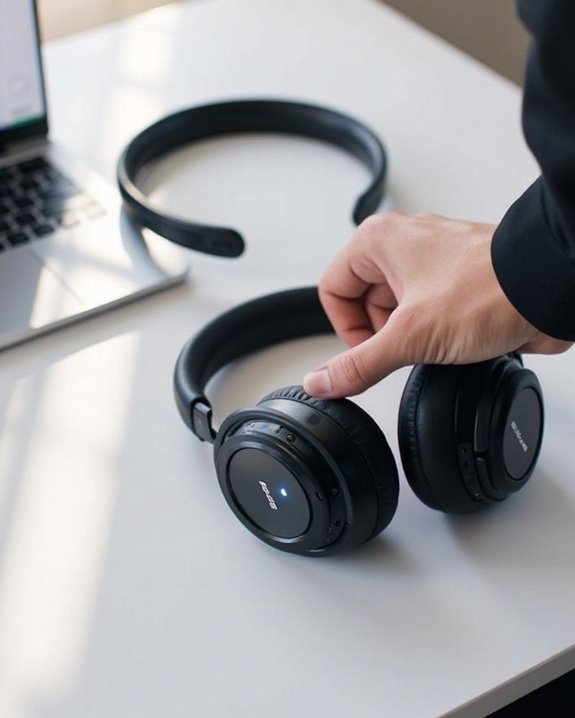
While Guide Variations exist across different headphone models, the PS4 scanning process remains consistent. Once the headphones appear in the detected devices list, select them to complete the connection. User Experiences indicate that allowing approximately 30-60 seconds for device detection optimizes success rates. If connection issues occur, restart both devices and make sure no competing Bluetooth connections exist nearby. After successful pairing, verify audio output settings to confirm headphones are selected as the primary output device. For enhanced clarity during multiplayer games, consider headphones equipped with AI-powered noise cancellation to minimize background noise.
Recommended Products
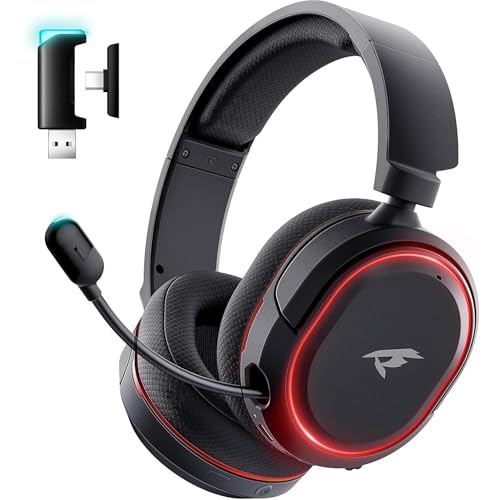
🎵【7.1 Surround Sound & Aesthetic Decorative Light】 UG-08S PC gaming headset can provide you with a cinema 3D stereo surround sound experience, designed specifically for gamers and audiophiles and multi-platform Compatibility. Long-press the 'M' key to activate 7.1 surround sound and dynamic driver reproduces deep bass and clear highs. Which allows you to hear every detail in the game with pin-drop clarity from up to 40 feet away. Such as teammates' voices, footsteps, direction, and more. Double-click the M key to activate the ambient light, then single-click the M key to switch between two modes: steady light and gradient. Valorise wireless pc headset will bring a cooler gaming atmosphere.

【Universal 3-Mode Connectivity】Engineered for total compatibility, the TA2000 headset seamlessly connects to all your devices. ① Experience lag-free wireless audio on PC, PS5, PS4, and laptops via the 2.4GHz USB receiver. ② Directly connect to Mac, mobile phones, and modern devices using the included Type-C cable. ③ Enjoy wireless freedom with Bluetooth mode for Switch, Mac, and mobile. (Note: Bluetooth is not compatible with PS5/PS4). ④ For Xbox One, Xbox Series X|S, and other classic consoles, simply use the universal 3.5mm wired connection.

EXCLUSIVE PS5 DESIGN - This wireless gaming headset features a new generation upgraded design aligned with the gaming family, delivering high-end performance for hardcore gamers, eSports athletes and casual gamers.
Using Bluetooth Adapters and Dongles
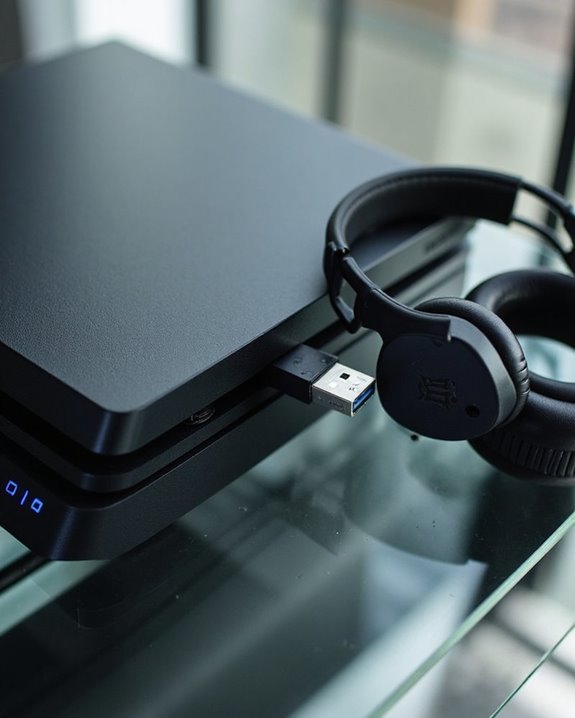
Bluetooth adapters and dongles present a viable solution for PS4 users seeking to connect incompatible wireless headphones to their gaming console. These devices can bypass the PS4’s native Bluetooth limitations, enabling connectivity with a wider range of headsets.
When selecting an adapter, consumers should prioritize models from reputable brands like TP-Link and Buffalo that offer range extension capabilities. Standard Bluetooth operates within 10 meters, but higher-quality adapters may provide enhanced signal strength for uninterrupted gaming sessions.
Power efficiency remains an important consideration, as USB dongles draw energy from the console. Third-party adapters often require workarounds for full functionality, including male-to-male auxiliary cables for audio routing. While not all adapters are compatible with PS4, those designed specifically for gaming typically deliver lower latency and better performance.
Recommended Products

Plug and Play: This PS5 bluetooth adapter is designed to work with a wide range of devices and makes it simple for previously unsupported devices to have Bluetooth capability now, adding Bluetooth audio capability (AUDIO devices ONLY, no data) with ease to your PS4, PS5, Switch, Desktop or iMac. No need to install any driver/software. Simply plug the CM668 into your device's USB port, then set your headphones or speakers to pairing mode, and an automatic connection will be made.

【For PS5 Users Only】 Specifically designed for PS5 to connect Bluetooth headphones (e.g., AirPods, Bose, & more) for audio playback. For optimal voice chat experience, please use the PS5 controller microphone instead of headphone mics.

User-Friendly: Connect your wireless headphones to your PS5 or other gaming consoles with the UGREEN adapter and enjoy high-quality audio with no wires, drivers, or software required. Also Add Bluetooth audio capability (AUDIO devices ONLY, no data) with ease to your Desktop, Computer, iMac
Alternative Connection Methods and Workarounds
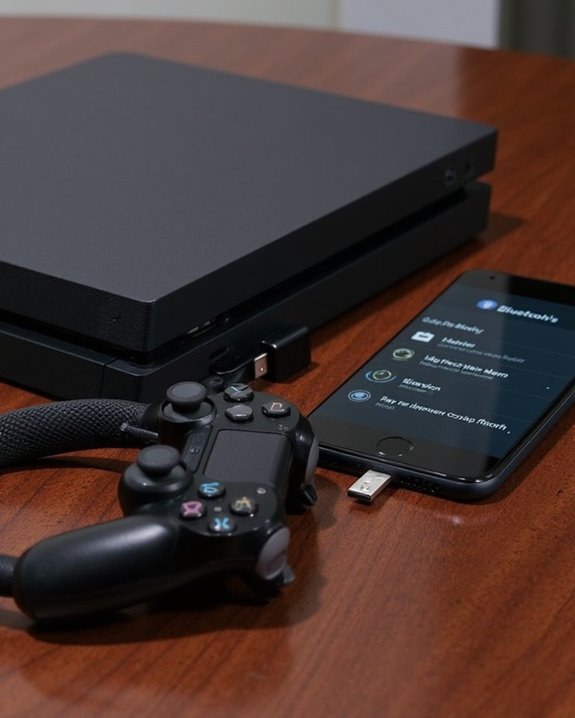
Although the PS4’s native Bluetooth capabilities are limited, several alternative connection methods exist for gamers seeking to use their preferred headphones. Wired connections via 3.5mm audio cables offer zero Latency Impact, making them ideal for competitive gaming where audio-visual synchronization is critical.
For wireless solutions, external Bluetooth transmitters can be connected to the PS4’s optical or USB ports. These devices convert audio signals but may introduce slight delays compared to wired setups. Quality Comparison tests show that optical audio connections typically deliver superior sound fidelity over USB alternatives.
Audio mixing devices and smart hubs represent more advanced solutions, allowing gamers to route console audio through intermediary devices. While these setups require additional investment, they often provide enhanced audio customization options that outweigh the complexity of installation.
Recommended Products

Bluetooth 5.4 Technology: Featuring advanced Bluetooth 5.4 technology with low latency, this wireless USB bluetooth adapter can allow your non-bluetooth PC laptop/desktop/computer to feature Bluetooth 5.4 function, it offers faster data transfer speeds & a more stable connection, and it support A2DP, ensure that you can enjoy high quality music audio transmission and more stable bluetooth pairing.
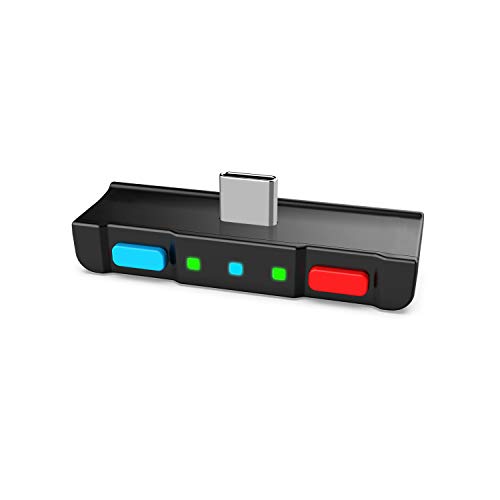
[Perfect Match] A Bluetooth transmitter tailor-made exclusively for the Nintendo Switch Family of portable game consoles. Compatible with both regular Switch and Switch Lite, with two Buttons in color Neon Red & Neon Blue respectively. Note: This product cannot be used when protective casing is installed on the Switch or Switch Lite.
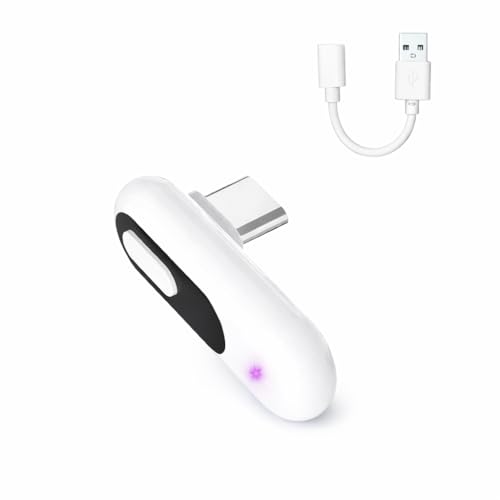
【Wireless Audio for Gaming】Connect your AirPods or Bluetooth headphones to PS5, PS4, PC, or Mac with the YOCOWOCO USB-C Bluetooth Audio Dongle. Enjoy clean, wireless audio without bulky wired headsets for a more comfortable gaming experience.
Troubleshooting Common Connection Issues
Despite Sony’s robust gaming ecosystem, connecting Bluetooth headphones to PS4 consoles often presents frustrating challenges for users. When connectivity issues arise, several systematic troubleshooting steps can resolve common problems.
First, verify that both devices have sufficient power, as Battery Drain can cause intermittent connection failures. Restart both the PS4 and headphones to clear temporary software glitches. Verify the headphones are in pairing mode and within ideal range of the console.
Check audio output settings on the PS4, confirming “Output to Headphones” is set to “All Audio.” For persistent issues, Firmware Updates should be applied to both the PS4 and headphones to address compatibility issues. Navigate to Settings > Devices > Audio Devices to verify proper headphone recognition and adjust volume controls.
Recommended Products

Bluetooth 5.4 + Broad Compatibility - Provides Bluetooth 5.4 plus EDR technology and is backward compatible with Bluetooth V5.3/5.0/4.2/4.0/3.0/2.1/2.0/1.1.

Upgraded Bluetooth 5.3 Adapter: This bluetooth adapter for pc uses the latest upgraded Bluetooth 5.3 BR+EDR technology, greatly improves the stability of the connection data transfer speed, reduces the possibility of signal interruption and power consumption.

This Bluetooth adapter for PC utilizes the latest Bluetooth 6.0 EDR technology, delivering faster data transfer speeds, seamless high-quality audio/video streaming, and efficient large-file transfers.
Frequently Asked Questions
Will Connecting Bluetooth Headphones Affect My Ps4’s Performance?
Wireless audio solutions may introduce minimal latency effects on PlayStation 4 systems. Signal interference could occasionally impact connection quality, but the console’s performance remains largely unaffected as audio processing operates independently from main gaming functions.
Can I Connect Multiple Bluetooth Headphones Simultaneously to My PS4?
Standard PS4 Bluetooth adapters don’t support Multi Device Pairing for multiple headphones simultaneously. Third-party solutions for Audio Sharing exist, but typically require specialized adapters not specifically designed for PS4 gaming systems.
Do Bluetooth Headphones Drain the PS4 Controller Battery Faster?
Like a butterfly disconnected from a flower, Bluetooth headphones don’t drain the PS4 controller’s battery—they connect directly to the console. For best Controller Tips, reserve battery power by using Bluetooth rather than wired headsets.
Is There a List of Bluetooth Headphones Guaranteed to Work?
Sony doesn’t provide official compatibility lists for PS4 Bluetooth headphones. Users rely on community-reported verification methods, forums, and manufacturer claims to identify potentially compatible devices, but no headphones are guaranteed to work without testing.
Can I Use My PS4 Bluetooth Headphones With PS5?
Nearly 80% of PS4 compatible headsets work with PS5 through USB connection. PS5 compatibility varies with Bluetooth headphones from PS4, typically requiring headphone adaptation through USB dongles, though official headsets offer the most seamless experience.