As an Amazon Associate, we earn from qualifying purchases. Some links on this site are affiliate links at no extra cost to you. Our recommendations are based on thorough research and editorial judgment.

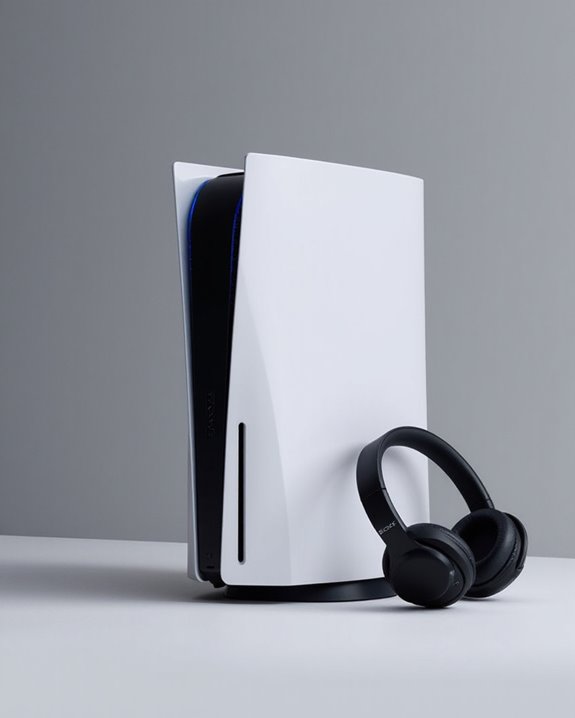
Can You Connect Bluetooth Headphones to PS5?

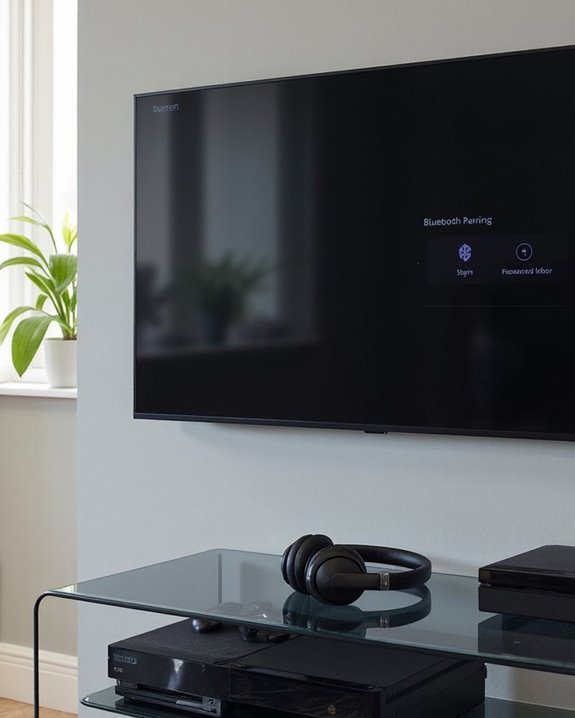
The PS5 doesn’t natively support standard Bluetooth headphones due to bandwidth prioritization for controllers and latency concerns. Users can connect Bluetooth headphones through USB adapters—simply insert the adapter into the PS5’s USB port and pair with headphones. Sony offers official wireless audio solutions like the PULSE lineup that leverage PlayStation Link technology for best performance. Third-party adapters vary in quality, with Bluetooth 5.0 models providing the most reliable connections. Further exploration reveals additional compatibility options and performance optimizations.
Key Takeaways
- PS5 has no native Bluetooth support for most headphones, prioritizing controller connectivity and low latency for gaming.
- Bluetooth headphones can connect to PS5 using USB adapters inserted into the console’s ports.
- Sony’s official PULSE headset lineup offers optimized solutions with PlayStation Link technology and 3D audio support.
- Popular Bluetooth headphones like AirPods can work with adapters but may lack microphone functionality and experience audio latency.
- For best results, use Bluetooth 5.0+ adapters, keep devices close to minimize interference, and select “All Audio” in output settings.
PS5’s Default Bluetooth Audio Limitations
You may be interested
10 Best Bluetooth Earpiece
June 23, 2024
Gamers keen to use their favorite Bluetooth headphones with the PlayStation 5 quickly encounter a significant obstacle: the PS5 does not natively support Bluetooth audio connections for most headphones. This limitation stems from deliberate design choices made by Sony to prioritize gaming performance over peripheral connectivity.
The console’s Bandwidth Allocation reserves most Bluetooth resources for DualSense controller connectivity, leaving insufficient bandwidth for additional audio devices. This constraint helps minimize latency—crucial for competitive gaming experiences—but restricts headphone compatibility.
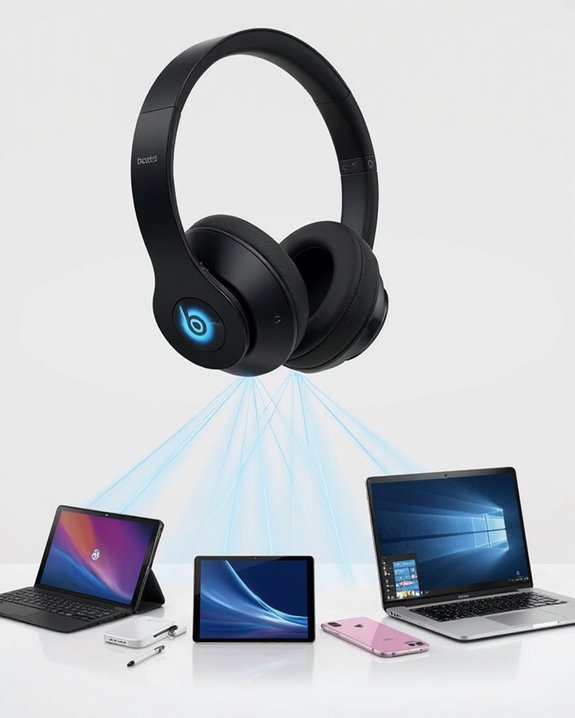
Protocol Incompatibilities further complicate matters, as the PS5 primarily works with devices supporting the A2DP profile. Sony’s engineering approach focuses on reducing audio delay and maintaining performance integrity rather than accommodating a wide range of Bluetooth headphones, reflecting the company’s emphasis on optimized gaming experiences over universal accessory support. However, some gaming headsets utilize dual wireless connectivity to support PS5 audio while maintaining Bluetooth functionality for other devices.
How to Connect Bluetooth Headphones Using Adapters
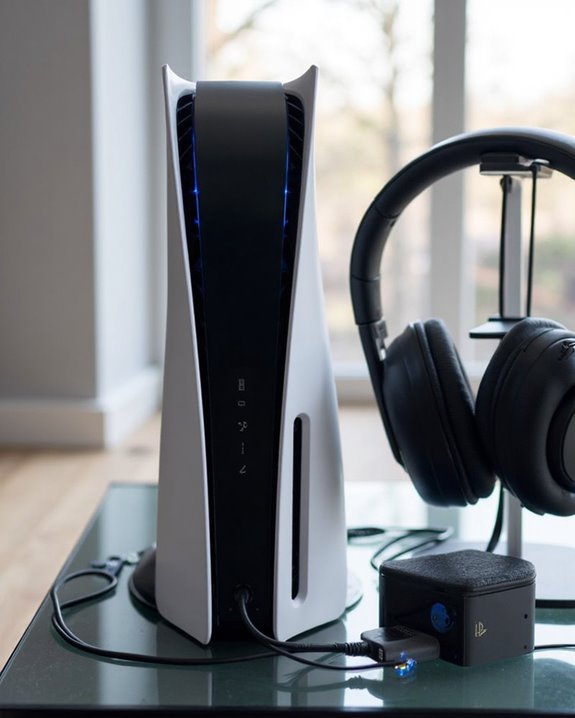
Despite the PS5’s native Bluetooth limitations, connecting wireless headphones remains possible through specialized adapters that bridge the compatibility gap. These USB devices plug directly into the console’s ports and create a wireless audio connection to any Bluetooth headphones.
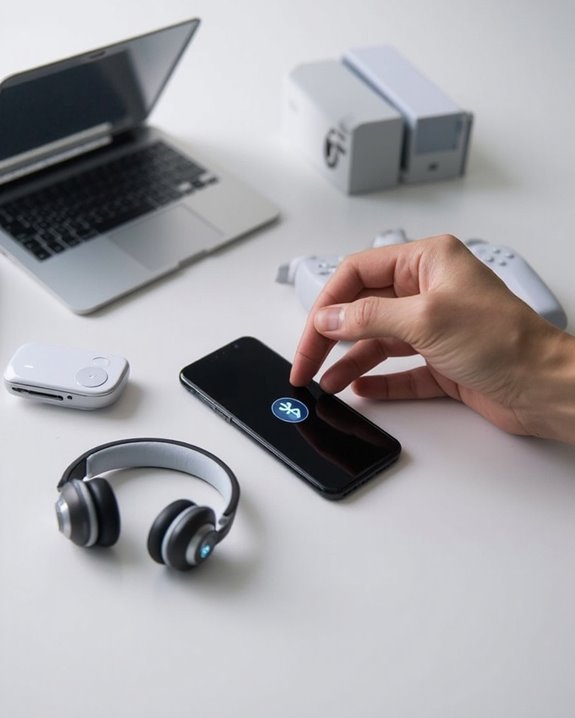
The connection process involves simple Sync Techniques: insert the adapter into a PS5 USB port, then simultaneously hold the pairing buttons on both the adapter and headphones until they establish a connection. Most adapters feature LED indicators that confirm successful pairing.
Power Management capabilities vary across adapter models, with premium options like the Lab Link Pro offering up to 18 hours of gameplay on a single charge, requiring approximately 2 hours to fully recharge. Many adapters include convenient features such as volume controls, mute buttons, and support for the PS5’s original microphone for voice chat functionality.
For the best gaming experience, consider adapters that support dual connectivity to switch seamlessly between gaming audio and phone calls without interrupting gameplay.
Recommended Products

User-Friendly: Connect your wireless headphones to your PS5 or other gaming consoles with the UGREEN adapter and enjoy high-quality audio with no wires, drivers, or software required. Also Add Bluetooth audio capability (AUDIO devices ONLY, no data) with ease to your Desktop, Computer, iMac

【For PS5 Users Only】 Specifically designed for PS5 to connect Bluetooth headphones (e.g., AirPods, Bose, & more) for audio playback. For optimal voice chat experience, please use the PS5 controller microphone instead of headphone mics.

Enjoy Wireless Audio on PS5 or PC: The UGREEN PS5 Bluetooth adapter is plug and play-no drivers required. Easily connect wireless headphones to PS5 or gaming consoles to enjoy high-quality game audio. This Bluetooth 6.0 adapter also allows PCs and iMac computers to add Bluetooth audio easily, providing a great listening experience. (Note: Supports Bluetooth audio devices only. Not compatible with mice, keyboards or other data devices.)
Official Sony Wireless Audio Solutions for PS5
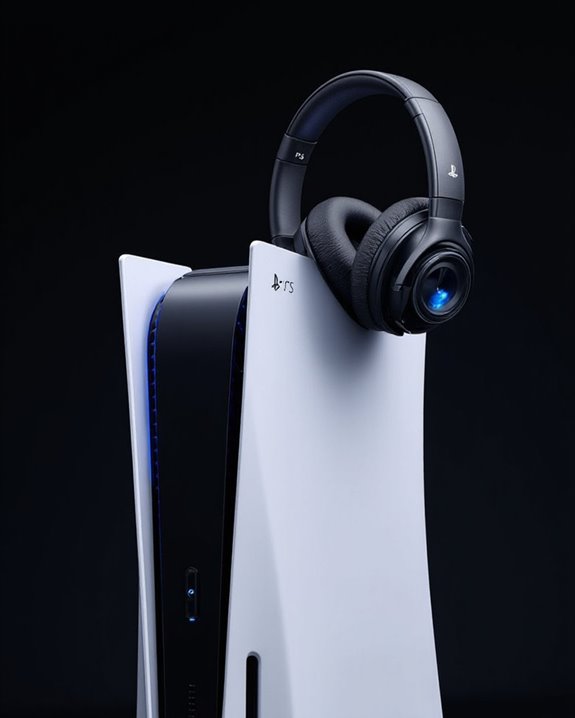
While adapters offer a workaround for Bluetooth compatibility, Sony has developed purpose-built wireless audio solutions specifically optimized for PS5 users. The company’s PULSE lineup includes the PULSE 3D Wireless Headset, PULSE Elite, and PULSE Explore Wireless Earbuds, all designed to deliver immersive gaming experiences.
These official solutions leverage proprietary PlayStation Link technology rather than standard Bluetooth, ensuring lower latency and superior audio quality. The PULSE 3D Headset showcases the PS5’s Tempest 3D Audio capabilities, creating precise spatial sound that enhances gameplay immersion. Each product features an Ergonomic Design with adjustable headbands and over-ear cushioning for extended gaming sessions.
For multi-device users, the PULSE Elite offers both PlayStation Link and Bluetooth connectivity, allowing simultaneous connections to PS5 and mobile devices with up to 30 hours of battery life. Additionally, many wireless gaming headsets provide extended battery life and customizable audio features, enhancing the overall gaming experience with multi-platform compatibility.
Recommended Products

Zero-Latency Audio for Competitive Edge: Dominate your matches with the AOC wireless gaming headset. Featuring ultra-fast 2.4GHz lossless technology (≤20ms latency), this ps5 headset ensures your audio is always perfectly synced with the action. Tuned 50mm drivers deliver clear gaming sound for footsteps, reloads, dialogue, and in-game effects in FPS, action, and open-world games. The closed over-ear design helps keep you focused during Fortnite, Call of Duty, Roblox, Discord chat, online classes, and movie watching.

【Universal 3-Mode Connectivity】Engineered for total compatibility, the TA2000 headset seamlessly connects to all your devices. ① Experience lag-free wireless audio on PC, PS5, PS4, and laptops via the 2.4GHz USB receiver. ② Directly connect to Mac, mobile phones, and modern devices using the included Type-C cable. ③ Enjoy wireless freedom with Bluetooth mode for Switch, Mac, and mobile. (Note: Bluetooth is not compatible with PS5/PS4). ④ For Xbox One, Xbox Series X|S, and other classic consoles, simply use the universal 3.5mm wired connection.
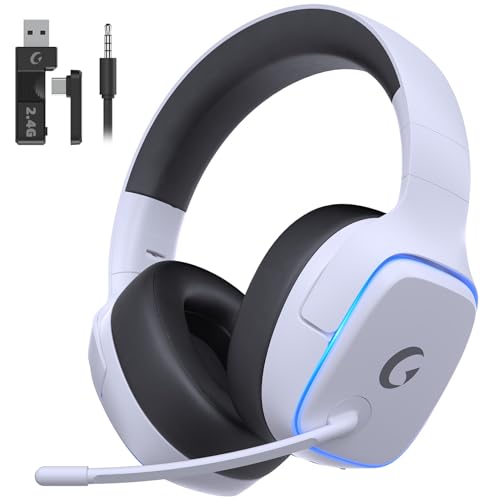
EXCLUSIVE PS5 DESIGN - This wireless gaming headset features a new generation upgraded design aligned with the gaming family, delivering high-end performance for hardcore gamers, eSports athletes and casual gamers.
Using AirPods and Other Popular Bluetooth Headphones
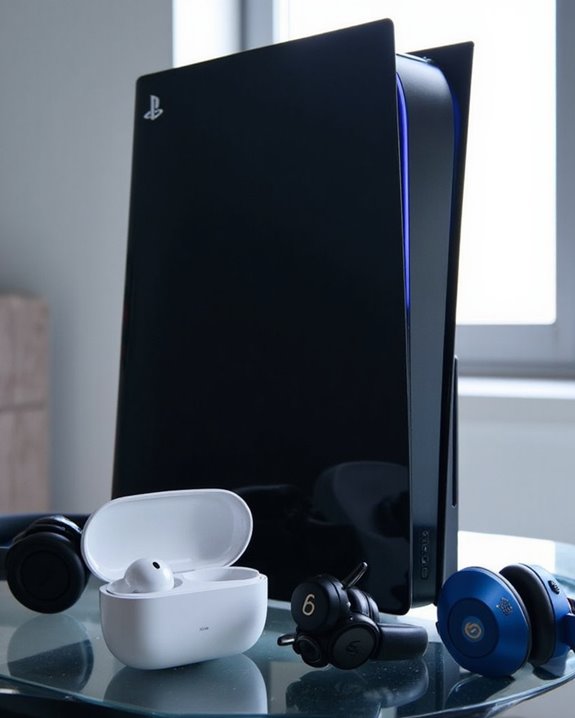
Connecting popular Bluetooth headphones like AirPods to the PlayStation 5 presents a common challenge for audiophiles and casual gamers alike. The PS5 doesn’t natively support Bluetooth audio connections, requiring users to implement workarounds for wireless freedom.
The most effective solution involves purchasing a Bluetooth 5.0 adapter that plugs into the console’s USB port. This enables audio immersion without traditional wired constraints. To connect AirPods:
- Insert the Bluetooth adapter into the PS5
- Put AirPods in pairing mode using the sync button
- Adjust PS5 audio settings to output “All Audio” to headphones
Important limitations exist with this setup – microphone functionality for voice chat remains unavailable, and some users may experience minor audio latency during gameplay. For competitive gaming, dedicated wireless gaming headsets offer superior performance.
Recommended Products

Bluetooth 5.4 + Broad Compatibility - Provides Bluetooth 5.4 plus EDR technology and is backward compatible with Bluetooth V5.3/5.0/4.2/4.0/3.0/2.1/2.0/1.1.

This Bluetooth adapter for PC utilizes the latest Bluetooth 6.0 EDR technology, delivering faster data transfer speeds, seamless high-quality audio/video streaming, and efficient large-file transfers.

Bluetooth 5.0 for Faster, Further Coverage- Transfer data up to twice as fast as before, and with 4X the range in BLE
Potential Audio Issues and Performance Considerations
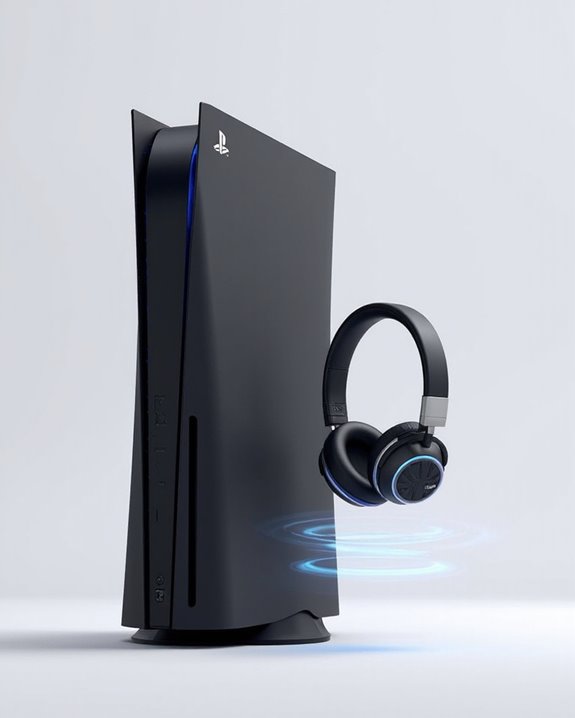
Users may encounter several audio complications when connecting Bluetooth headphones to the PS5, regardless of the adapter solution implemented. Issues range from interference from nearby devices to latency problems that can disrupt gaming experiences, regardless of the headphones’ Comfort Levels.
Audio crackling often occurs due to incorrect output settings, which requires adjusting the PS5’s sound configuration to “All Audio” for headphones. Distance between devices creates connectivity challenges, while bandwidth limitations may arise with multiple connected peripherals.
Durability Concerns become relevant when considering adapter quality, as subpar dongles greatly impact audio performance. Users sensitive to audio delay might prefer wired alternatives for more responsive gameplay. Regular reassessment of settings and maintaining appropriate proximity between devices can mitigate many common audio problems.
Recommended Products

Plug and Play: This PS5 bluetooth adapter is designed to work with a wide range of devices and makes it simple for previously unsupported devices to have Bluetooth capability now, adding Bluetooth audio capability (AUDIO devices ONLY, no data) with ease to your PS4, PS5, Switch, Desktop or iMac. No need to install any driver/software. Simply plug the CM668 into your device's USB port, then set your headphones or speakers to pairing mode, and an automatic connection will be made.
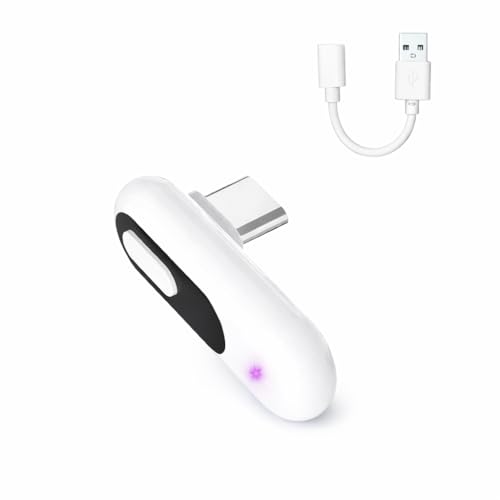
【Wireless Audio for Gaming】Connect your AirPods or Bluetooth headphones to PS5, PS4, PC, or Mac with the YOCOWOCO USB-C Bluetooth Audio Dongle. Enjoy clean, wireless audio without bulky wired headsets for a more comfortable gaming experience.
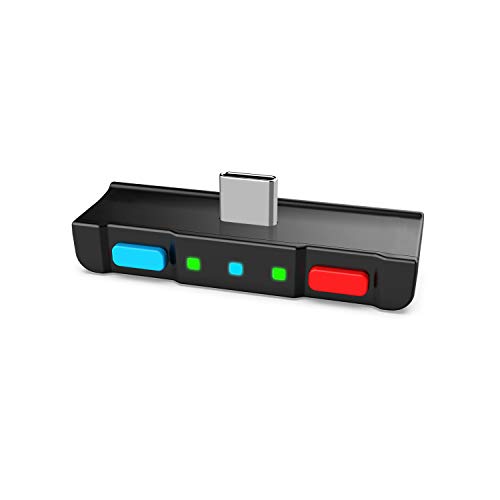
[Perfect Match] A Bluetooth transmitter tailor-made exclusively for the Nintendo Switch Family of portable game consoles. Compatible with both regular Switch and Switch Lite, with two Buttons in color Neon Red & Neon Blue respectively. Note: This product cannot be used when protective casing is installed on the Switch or Switch Lite.
Best Bluetooth Adapters and Setup Tips for PS5
The selection of an appropriate Bluetooth adapter represents the cornerstone of successful wireless audio connectivity with PlayStation 5 consoles. Sony-recommended options like the TP-Link UB500 and Avantree C81 offer reliable performance for both basic and advanced setups, with the latter providing USB-C compatibility specifically designed for PS5.
Budget adapters such as the Maxuni USB Bluetooth 5.3 Dongle deliver satisfactory performance while maintaining cost-effectiveness. For best results, users should:
- Insert adapters into USB-C ports when available
- Enable pairing mode on headphones before connecting
- Update PS5 system software to latest version
- Select adapters supporting Bluetooth 5.0+ and aptX Low Latency
Advanced setups may incorporate USB hubs to expand connectivity options while maintaining dedicated ports for controllers and other peripherals.
Recommended Products

Bluetooth 5.4 Technology: Featuring advanced Bluetooth 5.4 technology with low latency, this wireless USB bluetooth adapter can allow your non-bluetooth PC laptop/desktop/computer to feature Bluetooth 5.4 function, it offers faster data transfer speeds & a more stable connection, and it support A2DP, ensure that you can enjoy high quality music audio transmission and more stable bluetooth pairing.
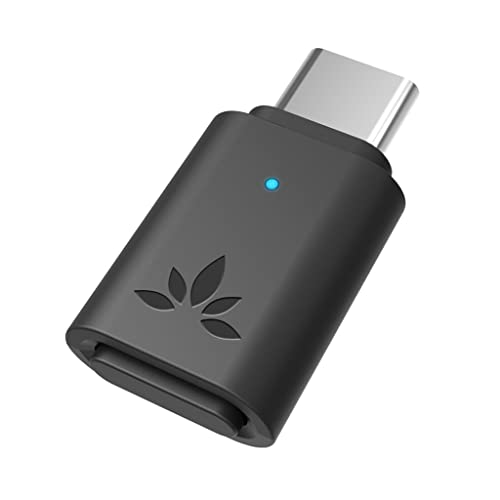
[Hassle-Free Set Up]: Get wireless Bluetooth audio streaming in no time with the C81. Simply plug it into your device’s USB-C port, set your headphones or speakers to pairing mode, and an automatic connection will be made. No driver or software installation is needed!

2-IN-1 AURACAST & CLASSIC BLUETOOTH: Switch effortlessly between Classic Bluetooth and next-gen Auracast Broadcast Mode with a single button. Pair one Bluetooth headset for private listening or broadcast audio to virtually unlimited Auracast-compatible headphones, speakers, and hearing aids at the same time. Enjoy up to 33ft (10m) wireless range in Bluetooth Mode and an extended 164ft (50m) broadcast range in Auracast Mode for more stable, wider coverage.
Frequently Asked Questions
Will Sony Add Native Bluetooth Headphone Support in Future PS5 Updates?
Like a mirage in the desert, Sony’s PS5 native Bluetooth headphone support remains elusive. Update rumors suggest it’s technically possible, but no official confirmation exists. Firmware speculation continues among users awaiting this potential enhancement.
Can I Use Multiple Bluetooth Headphones Simultaneously With One PS5?
Multiple Bluetooth headphones can be used simultaneously with a PS5 via Bluetooth adapters supporting Simultaneous Pairing or dual-link technology. Dongles like Avantree DG80 or C81 enable Audio Splitting between two headsets for co-op gaming.
Do Bluetooth Adapters Drain the Dualsense Controller Battery Faster?
Bluetooth adapters don’t directly drain DualSense battery life. However, adapter interference can cause the controller to work harder maintaining connections. Controller overheating may occur if adapters are placed too close, potentially affecting battery performance indirectly.
Will Bluetooth Headphones Work With PS5 Games That Use 3D Audio?
Bluetooth headphones can work with PS5 3D audio games, but users may experience audio latency issues. Sound quality might be compromised compared to Sony’s recommended headsets specifically designed for ideal 3D audio performance.
Can I Use Playstation VR Headphones With the Regular PS5 Setup?
Perfectly pairing PlayStation VR headphones with regular PS5 setups is possible. These headphones connect directly to the console without requiring Bluetooth adapters. VR compatibility isn’t limited to VR sessions, making headphone setup straightforward for standard gaming.