As an Amazon Associate, we earn from qualifying purchases. Some links on this site are affiliate links at no extra cost to you. Our recommendations are based on thorough research and editorial judgment.

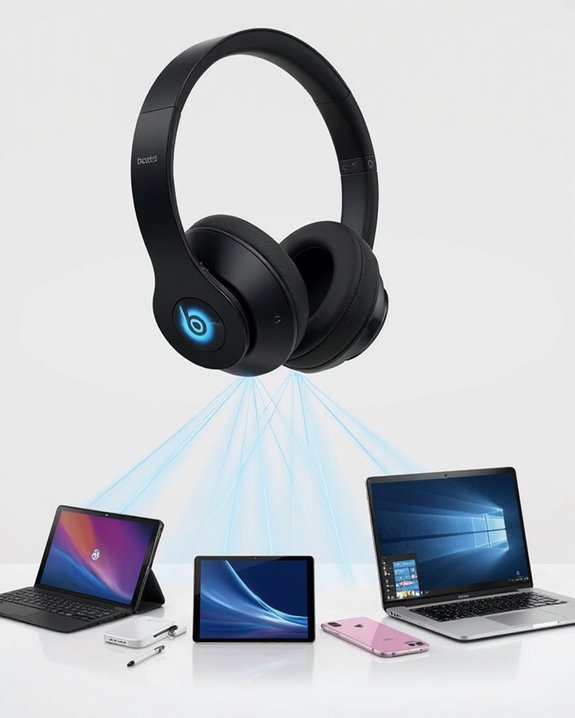
How to Connect Beats Solo 4 Headphones to Any Device

Connecting Beats Solo 4 headphones offers multiple options for various devices. For wireless pairing, hold the power button for 5-10 seconds until the LED flashes white, then select “Solo 4” in your device’s Bluetooth menu. Alternatively, use the included 3.5mm audio cable for universal compatibility or the USB-C cable for simultaneous charging and audio. Connection issues can be resolved by restarting devices, checking battery levels, or performing a headphone reset. The following methods guarantee best audio performance across all compatible technology.
Key Takeaways
- For Bluetooth pairing, hold the power button 5-10 seconds until LED flashes white, then select “Solo 4” in device settings.
- Connect via included 3.5mm audio cable to any device with a headphone jack without requiring battery power.
- Use USB-C connection for simultaneous charging and high-quality audio playback with compatible devices.
- Reset connection issues by restarting both headphones and device or performing a headphone reset with power/volume buttons.
- Wired connections offer lower latency, lossless audio support, and expanded compatibility with TVs and gaming consoles.
Pairing Beats Solo 4 via Bluetooth Connection
You may be interested
Can You Connect Bluetooth Headphones to PS5?
May 26, 2025
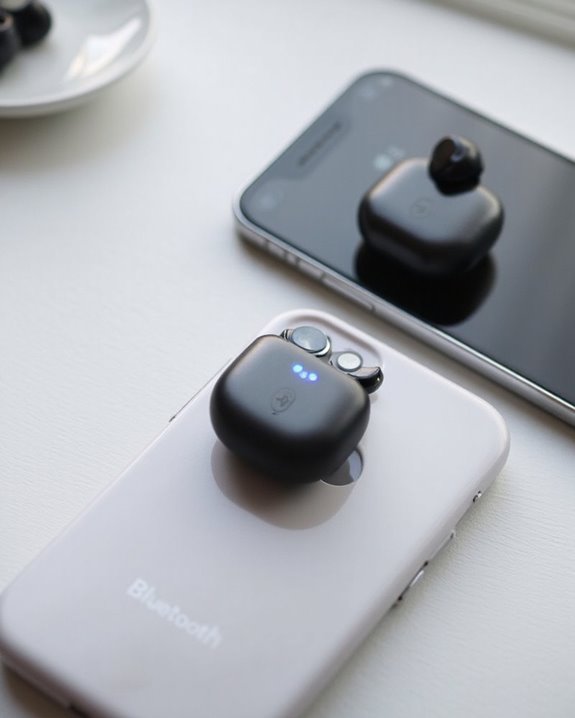
Connecting your Beats Solo 4 headphones to a device requires activating the headphones’ Bluetooth pairing mode. This process begins by locating the Power Button on the right ear cup of the headphones. Users need to press and hold this button for approximately 5-10 seconds until the LED Flash begins pulsing white on the left ear cup, indicating pairing mode is active.
Once the headphones are discoverable, users should navigate to their device’s Bluetooth settings menu and make sure Bluetooth functionality is enabled. “Solo 4” or “Beats Solo 4” will appear in the available devices list when the headphones are properly in pairing mode. Selecting this option initiates the connection process, which typically completes within seconds.
Successful pairing is confirmed by an audible tone from the headphones, after which audio will route through them automatically. For optimal call clarity, it is important to ensure your device supports Bluetooth 5.0 connectivity to match modern wireless headphone standards.
Using Wired Options for Universal Compatibility
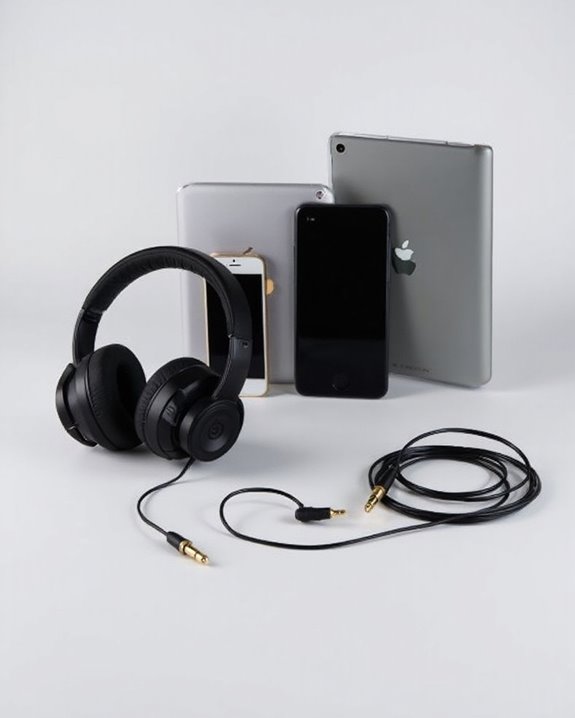
Diversifying connection methods beyond Bluetooth provides Beats Solo 4 users with expanded compatibility across various devices. The headphones come equipped with two essential cables: a USB-C cable and a 3.5 mm audio cable, offering versatile wired connection options.
Recommended Products

Stunning DAC Performance: With an advanced DAC chip, the Type C to aux cable achieves high audio output capacity, improves the signal-to-noise ratio, decreases frequency range rata, and maintains original sound quality. Note: Only Support Audio Transmission

【Multi-function Dongle】This compact usb c to aux adapter can connect your usb c devices without audio jack to headphones, headset, speakers and other audio devices. Call, volume control, pause via function keys on the headphones are possible. [Note: Microphone functionality and volume adjustment function of Apple EarPods Headphones with 3.5mm Plug are not supported!]

【Multi-function Dongle】This Seulliya USB C to 3.5mm aux cable cord can easily connect your Type C devices to car stereo, home stereo, speaker, headphones or any device with standard 3.5mm audio jack or Aux-in port and offers you the freedom of listening to music
Wired Advantages
The 3.5 mm connection delivers Universal Compatibility with virtually any device featuring a headphone jack, from TVs to gaming consoles. This connection requires no battery power, making it ideal for extended listening sessions.
For modern devices with USB-C ports, the included cable offers dual functionality—simultaneously charging the headphones while delivering high-quality audio. This connection supports lossless audio formats when paired with compatible source devices.
Gamers particularly benefit from wired connections, which provide lower latency and more stable audio performance compared to wireless alternatives—crucial for competitive gaming environments.
Additionally, USB-C wired connections often feature built-in DAC chips that enhance audio clarity and fidelity without the need for external adapters.
Troubleshooting Common Connection Issues
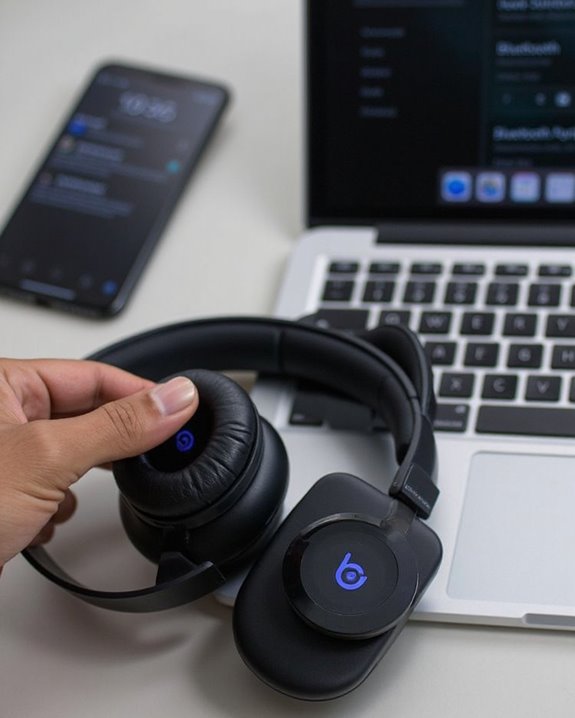
Despite the Beats Solo 4’s sophisticated wireless technology, users may occasionally encounter connectivity challenges that disrupt their listening experience. Signal interference from nearby electronic devices or physical barriers can greatly impact Bluetooth performance.
When connection problems occur, first confirm both devices are compatible and within proper range. Restart both the headphones and connected device to reset the connection pathway. For persistent issues, perform a headphone reset using the power and volume buttons.
Battery troubleshooting is essential, as low power can cause unexpected disconnections. Always verify battery levels are sufficient before extended use sessions. In environments with multiple wireless signals, minimize potential interference by turning off unnecessary Bluetooth devices.
For device-specific issues, check manufacturer support pages and confirm all firmware and software remain updated to maintain best connectivity.
Additionally, ensuring your headphones support the latest Bluetooth 5.0+ standard can help maintain consistent and strong wireless connections.
Recommended Products

【Enjoy Wireless Streaming Music】This car Bluetooth adapter can be connected to non-Bluetooth car audio systems, home stereos, speakers, wired headphones via the 3.5mm AUX adapter; And equipped with a Bluetooth 5.0 chip for stable connection / fast transmission / wide signal range. Just pair it with your phone and start listening to your favorite music!

User-Friendly: Connect your wireless headphones to your PS5 or other gaming consoles with the UGREEN adapter and enjoy high-quality audio with no wires, drivers, or software required. Also Add Bluetooth audio capability (AUDIO devices ONLY, no data) with ease to your Desktop, Computer, iMac

Turn Your Wired Earphones, Headphones & Speakers into Wireless Devices!
Optimizing Your Beats Solo 4 Connection Experience
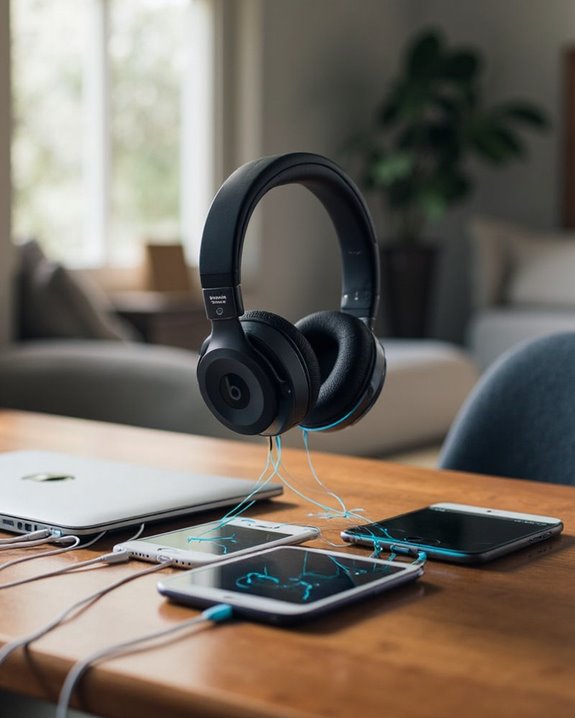
Beyond solving connection problems, maximizing the capabilities of Beats Solo 4 headphones requires understanding their full connectivity potential. Users can achieve superior audio quality by utilizing USB-C or 3.5mm cables for lossless audio playback, particularly when streaming high-definition content.
Battery Optimization becomes essential during wireless use. The headphones conserve power when connected via 3.5mm cable, while USB-C allows simultaneous charging and listening. The auto power-off feature helps extend battery life when not in use.
For Audio Enhancement, users should enable Spatial Audio settings and verify their streaming services are configured for lossless playback. The built-in DAC provides improved sound quality when connected to compatible devices.
Customizing controls on the left earcup allows for personalized call management and playback functions, creating a seamless interface between devices and headphones.
Recommended Products

【Universal Compatibility】This headphone audio adapter compatible with most of the type c phones Compatible with iPhone 17/iPhone Pro/ iPhone 16/iPhone 16 Pro/ iPhone 15/ 15 Pro/ 15 Pro Max, Galaxy S21 Ultra/ S21 Plus/ S21 5G 2021, Google Pixel 5, 4, 4 XL, 3, 3 XL, 2, 2 XL, S20 FE 5F 2020, S20 5G, S20 Plus, S20 Ultra, Note 20, Note 20 Ultra, Note 10, Note 10+, Galaxy Tab S5e, Tab S6, Huawei P40 Pro, P30 Pro, P20 Pro, Mate 20 Pro, Mate 30 Pro, Mate 40 Pro, HTC, More.

Unlock Hi-Fi Audio with our aux to usb c cable. Simply plug and play to connect your car's stereo, headphones, or speakers to any USB-C device. The built-in DAC smart chip ensures high-definition, noise-reduction sound, transforming your digital device into a premium audio source.

Using with iPhone or iPad - Connect your iOS or iPadOS device to the audio-in port on your car stereo or other speaker system.
Frequently Asked Questions
Can I Connect Beats Solo 4 to Multiple Devices Simultaneously?
Beats Solo 4 does not support Bluetooth Multipoint technology for connecting to multiple devices simultaneously. Users cannot stream from two sources at once, though they can pair with several devices for seamless switching between them.
How Long Does the Bluetooth Pairing Mode Last?
The Beats Solo 4’s Bluetooth pairing mode typically lasts for a few minutes before timing out. This pairing duration allows sufficient time for device discovery, after which the mode timeout automatically occurs if no connection is established.
Will Using a Non-Beats Cable Affect Audio Quality?
When considering Cable Alternatives for Beats Solo 4, high-quality third-party cables generally maintain sound quality. However, poorly shielded options may introduce Audio Interference, affecting clarity. OEM cables guarantee ideal compatibility and performance in all scenarios.
Can I Still Use Voice Commands When Connected via Cable?
Like a conductor leading an orchestra, voice commands remain accessible when connected via cable. Voice activation functions through the headphones’ integrated microphones, though microphone compatibility and assistant performance may vary slightly depending on the connected device.
Do Beats Solo 4 Work With Gaming Consoles?
Beats Solo 4 offers console support for gaming systems. They connect to PS5 via USB cable for full functionality or Bluetooth with limitations. For Xbox, an analog cable to the controller works, minimizing gaming latency concerns.