As an Amazon Associate, we earn from qualifying purchases. Some links on this site are affiliate links at no extra cost to you. Our recommendations are based on thorough research and editorial judgment.

How to Connect Headphones to Any Device: A Step-by-Step Guide

Connecting headphones varies by device type and connector requirements. For wired connections, identify the appropriate port (3.5mm, USB-C, or Lightning) and plug directly or use an adapter if needed. Wireless headphones require Bluetooth pairing—activate pairing mode, enable Bluetooth on your device, and select the headphones from available devices. For specialized equipment, consider impedance ratings and additional adapters for best sound quality. The following guide breaks down connection methods for every situation and troubleshooting steps.
Key Takeaways
- Match your headphone connector (3.5mm, USB-C, Lightning) to your device’s available ports or use an appropriate adapter.
- For wireless headphones, activate pairing mode and enable Bluetooth on your device to discover and connect.
- Connect to computers via the green 3.5mm audio jack, USB port, or Bluetooth depending on your headphone type.
- Gaming consoles support headphone connections through controller jacks, USB dongles, or Bluetooth pairing.
- Check impedance ratings when connecting to professional audio equipment to ensure optimal sound quality and volume levels.
Understanding Headphone Connector Types
You may be interested
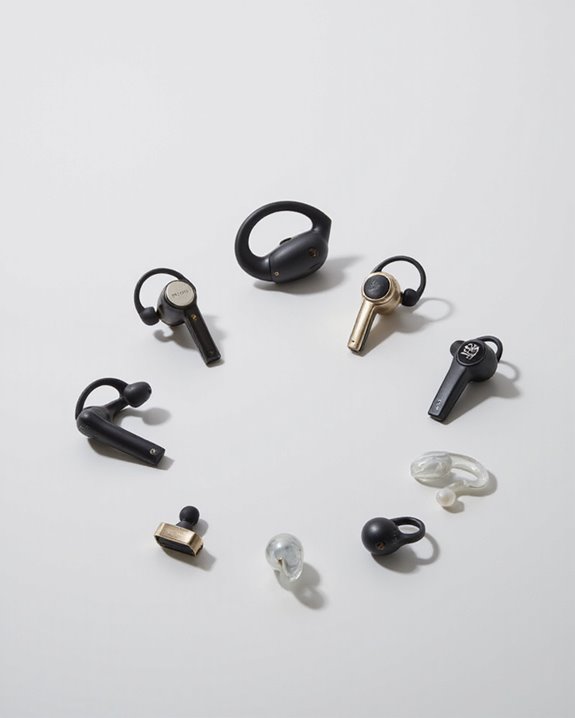
10 Best Bluetooth Earpiece
June 23, 2024
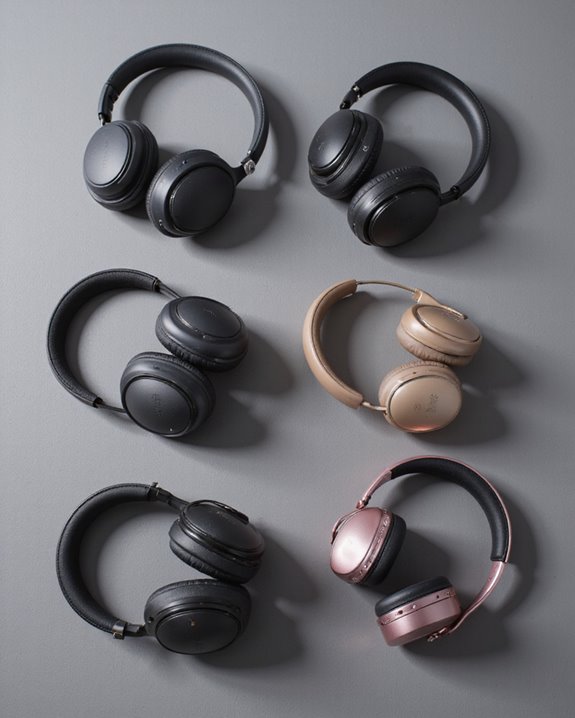
The world of headphone connectors represents a diverse ecosystem of technologies designed to bridge audio devices with listening equipment. This landscape has undergone significant Connector Evolution over decades, from simple mono plugs to complex digital interfaces.
The most ubiquitous connectors include TRS (Tip, Ring, Sleeve) for stereo audio, simpler TS connectors for mono applications, and professional-grade XLR connectors. Size variations range from compact 2.5mm plugs to robust 6.35mm options commonly found in studio environments.
Material Durability plays an essential role in connector performance, with premium options featuring gold-plated contacts and reinforced strain relief. Higher-end headphones often utilize Mini-XLR connections, prized for their secure locking mechanism and resistance to wear.
Digital connections have expanded the ecosystem further, with USB and Lightning connectors enabling direct digital audio transmission without analog conversion stages. Many popular models, such as Apple’s EarPods, use Lightning connectors to provide high-fidelity audio and integrated controls for iOS devices.
Recommended Products

【Multi-function Dongle】This compact usb c to aux adapter can connect your usb c devices without audio jack to headphones, headset, speakers and other audio devices. Call, volume control, pause via function keys on the headphones are possible. [Note: Microphone functionality and volume adjustment function of Apple EarPods Headphones with 3.5mm Plug are not supported!]

【Universal Compatibility】This headphone audio adapter compatible with most of the type c phones Compatible with iPhone 17/iPhone Pro/ iPhone 16/iPhone 16 Pro/ iPhone 15/ 15 Pro/ 15 Pro Max, Galaxy S21 Ultra/ S21 Plus/ S21 5G 2021, Google Pixel 5, 4, 4 XL, 3, 3 XL, 2, 2 XL, S20 FE 5F 2020, S20 5G, S20 Plus, S20 Ultra, Note 20, Note 20 Ultra, Note 10, Note 10+, Galaxy Tab S5e, Tab S6, Huawei P40 Pro, P30 Pro, P20 Pro, Mate 20 Pro, Mate 30 Pro, Mate 40 Pro, HTC, More.
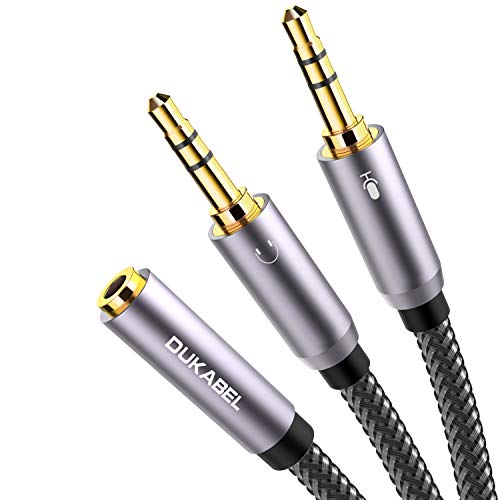
For wide-ranging use: The DuKabel 4-Position 3.5mm to dual 3.5mm Headset Splitter Adapter features one 3.5mm Female and two 3.5mm Male connectors, enabling you to connect a 4-position headset with Audio and Microphone input to your PC or Laptop. Perfect solution for online gaming or use with VOIP applications- Skype, MSN Messenger, Yahoo, Google Voice etc. (NOT for IOS Earphones or BEATS headset)
Connecting Wired Headphones to Smartphones and Tablets
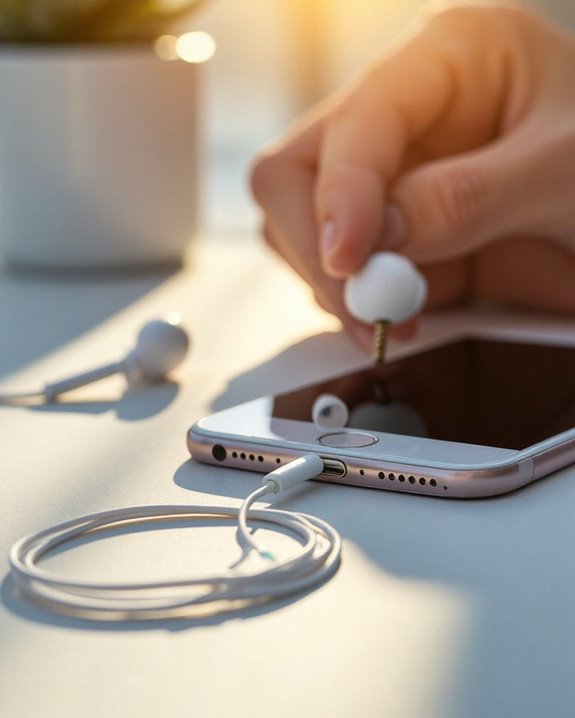
Connecting wired headphones to modern smartphones and tablets presents both straightforward options and occasional challenges, depending on the device’s available ports. Devices featuring a standard 3.5mm audio jack enable Direct Connection without additional accessories, commonly found in older models.
Most recent smartphones and tablets, however, have eliminated the traditional headphone jack in favor of USB-C ports. These devices require a USB-C to 3.5mm adapter to establish audio output connections. The adapter converts the digital signal from the USB-C port to an analog signal compatible with standard headphones.
For Simultaneous Use of headphones while charging, specialized splitter adapters provide both a 3.5mm audio output and a USB-C charging port. This configuration is particularly valuable for users who engage with audio content during device charging sessions.
Using headphones with a gold-plated 3.5mm connector can ensure better audio quality and reduce signal loss when connecting to various devices.
Recommended Products

【High-Fidelity Sound Quality】With 48,000 samples per second, listen to every note with this small USB Type-C to 3.5mm Audio Headphone Adapter. Featuring a Smart DAC Chip, this precision captures deep bass, crisp highs, and a balanced midrange, enriching your music experience. [NOTE: The volume adjustment function of Apple EarPods headphones is not supported !!!]

Universal Compatibility: This headphone adapter is compatible with most Type C phones, including iPhone 17/17 Pro/17 Pro Max, iPhone 16/16 Pro/16 Pro Max, iPhone 15/15 Pro/15 Pro Max, Galaxy S21 Ultra/S21 Plus/S21 5G 2021, Google Pixel 5, 4, 4 XL, 3, 3 XL, 2, 2 XL, S20 FE 5F 2020, S20 5G, S20 Plus, S20 Ultra, Note 20, Note 20 Ultra, Note 10, Note 10+, Galaxy Tab S5e, Tab S6, Huawei P40 Pro, P30 Pro, P20 Pro, Mate 20 Pro, Mate 30 Pro, Mate 40 Pro, HTC, and more.

2 in 1 Listening While Charging: UGREEN USB C to 3.5mm headphone and charger adapter allows you to listen to music, make calls, play games, or watch videos while fast charging your device. Hi-Res audio and PD 60W fast charging are provided with the USB C to aux charger adapter. You can fully immerse yourself in the audio world without worrying about your phone's battery dying. Note: Do not support data transfer
Setting up Wireless Headphones With Bluetooth Devices
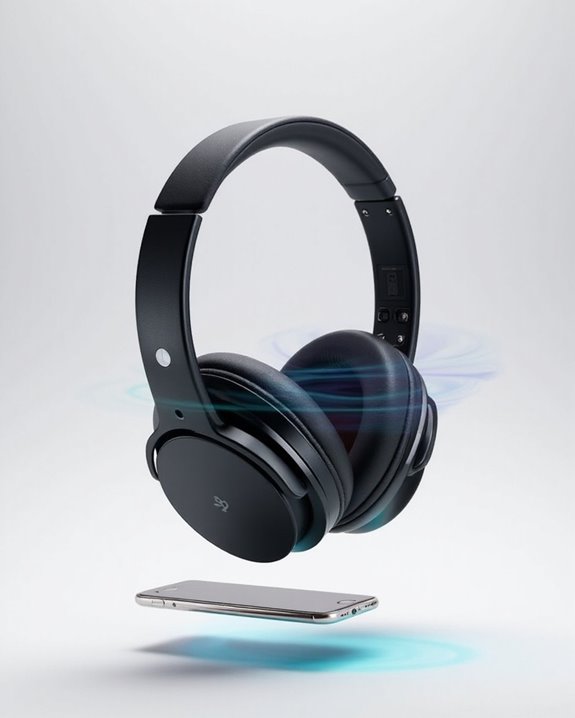
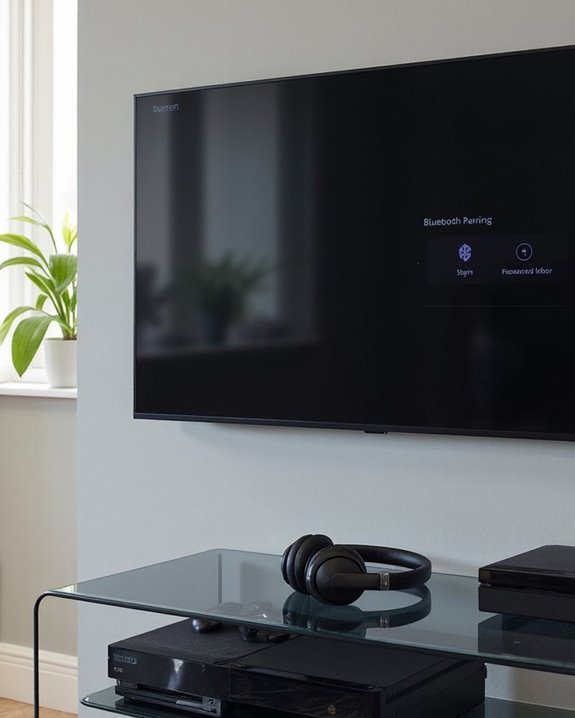
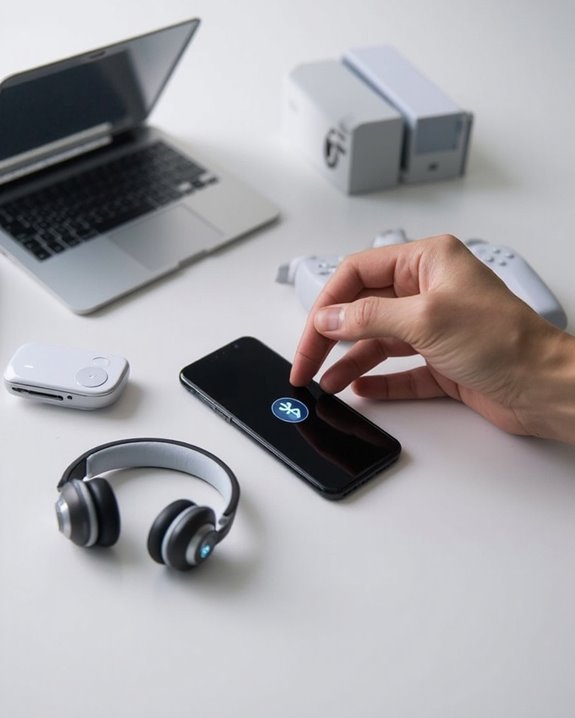
While wired connections require physical adapters, wireless headphones offer freedom from cables through Bluetooth technology. The pairing process begins by activating the headphones’ pairing mode, typically by holding the power button until indicator lights flash.
On the receiving device, users must navigate to Bluetooth settings and enable discovery mode. Once the headphones appear in the available devices list, selecting them initiates the connection. Some models may require a PIN code, commonly 0000 or 1234.
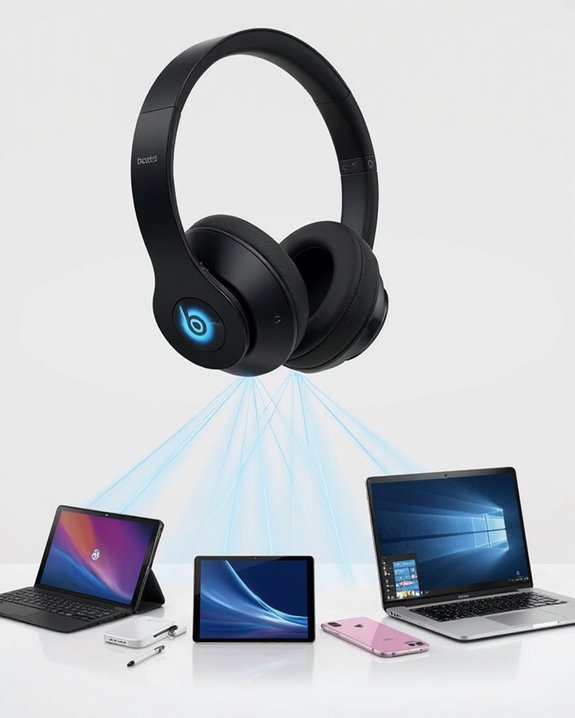
Proper Battery Management extends connection stability and prevents interruptions during use. Many premium headphones support Multipoint Pairing, allowing simultaneous connection to multiple devices—ideal for switching between smartphones and laptops without repeating the pairing process.
For persistent connection issues, users should consider removing conflicting devices, updating firmware, or performing a factory reset according to manufacturer instructions. Advanced Bluetooth 5.2 connectivity offers a stable 10-meter range for seamless wireless streaming and device pairing.
Recommended Products
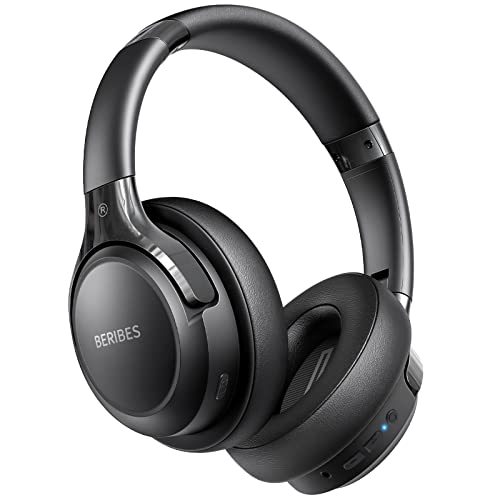
65 Hours Playtime: Low power consumption technology applied, BERIBES bluetooth headphones with built-in 500mAh battery can continually play more than 65 hours, standby more than 950 hours after one fully charge. By included 3.5mm audio cable, the wireless headphones over ear can be easily switched to wired mode when powers off. No power shortage problem anymore.

【40MM DRIVER & 3 MUSIC MODES】Picun B8 bluetooth headphones are designed for audiophiles, equipped with dual 40mm dynamic sound units and 3 EQ modes, providing you with stereo high-definition sound quality while balancing bass and mid to high pitch enhancement in more detail. Simply press the EQ button twice to cycle between Pop/Bass boost/Rock modes and enjoy your music time!

Secure & Flexible Earhook Design for Sports:Built with soft flexible earhooks and an ultra lightweight 7.8g structure, these sports earbuds stay comfortably secure during workouts, jogging, cycling, fitness training, and outdoor activities without slipping or causing ear fatigue.
Connecting Headphones to Computers and Laptops
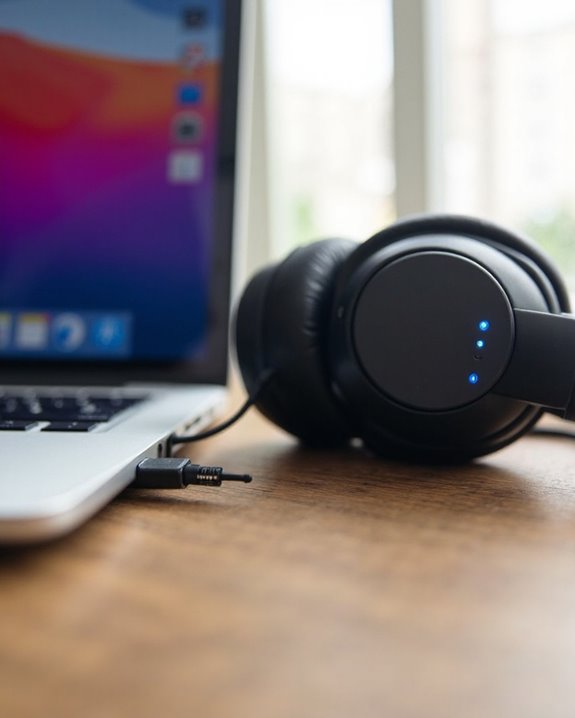
Modern computers and laptops offer several connectivity options for headphones, accommodating both traditional and contemporary audio equipment. Most devices feature color-coded 3.5mm audio ports, with the green jack typically designated for headphone output. For enhanced audio experiences, many systems support Virtual Surround technology through software configuration.
Standard laptops typically include a single TRRS 3.5mm jack that handles both audio output and microphone input. Desktop computers often provide multiple jacks for more complex audio setups, including specialized ports for rear speakers and subwoofers.
Users seeking professional-grade audio can utilize USB or USB-C connections, which bypass the computer’s internal sound card. These digital connections often support advanced Equalizer Settings and higher fidelity sound reproduction. For professional equipment with 6.35mm or XLR connections, appropriate adapters will be necessary.
Using Headphones With Audio Equipment and Gaming Consoles
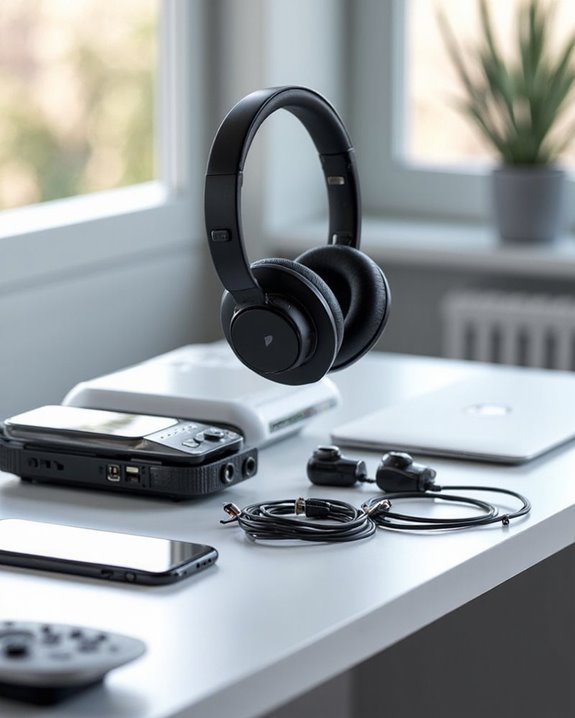
Beyond computers and laptops, the audio world extends to specialized equipment and gaming platforms that require different connection approaches. Professional audio interfaces and mixers typically feature 1/4-inch (6.35 mm) headphone outputs, requiring proper impedance matching to prevent sound quality degradation and potential equipment damage.
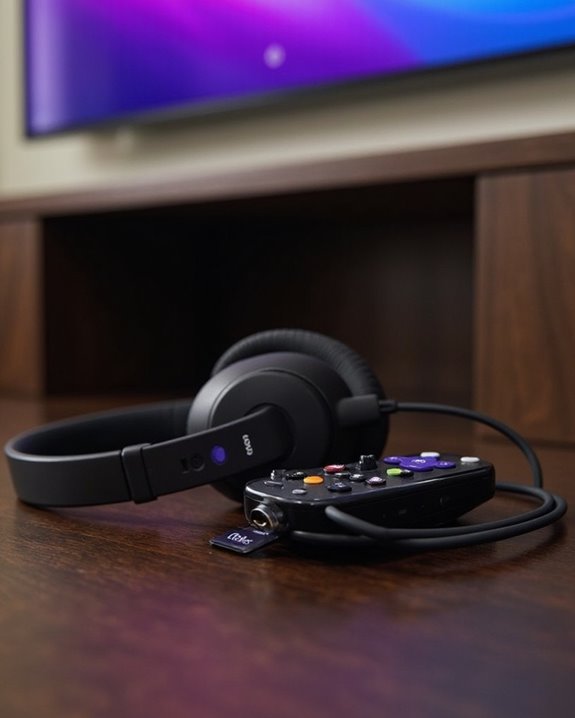
Gaming consoles offer multiple connectivity options. PlayStation and Xbox systems support both wired connections via controller jacks and wireless headsets through USB dongles. Many gaming headphones feature virtual surround sound processing to enhance spatial awareness during gameplay.
When setting up a home studio, an audio interface serves as the central connection hub. These devices convert digital signals while providing dedicated headphone amplification for monitoring during recording sessions. For ideal performance, verify your headphones’ impedance rating aligns with your equipment’s specifications—mismatched impedance can result in inadequate volume levels or distorted audio.
Troubleshooting Common Connection Problems
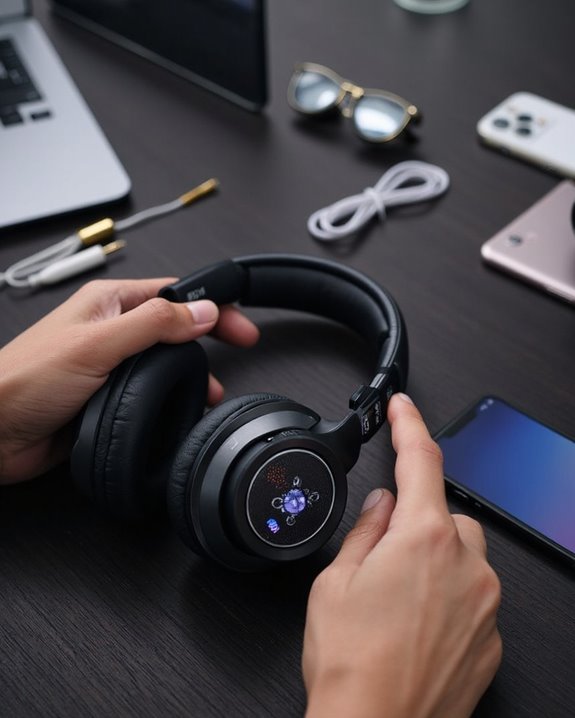
Even the best headphones can experience connectivity issues that disrupt your listening experience. When troubleshooting, start by checking physical components—inspect the audio jack for debris and examine cables for damage that might cause static or sound imbalance.
For Static Elimination, adjust volume levels on both device and headphones, and make sure audio settings are optimized for your listening environment. TWS earbud users should verify both earbuds are fully charged and properly paired.
Interference Reduction requires minimizing proximity to other electronic devices that may disrupt Bluetooth signals. If problems persist, try restarting both devices, clearing previously paired connections, or performing a reset on wireless headphones.
Regular maintenance—including proper storage and cleaning—prevents many common issues and extends the lifespan of your audio equipment.
Adapters and Accessories for Universal Compatibility
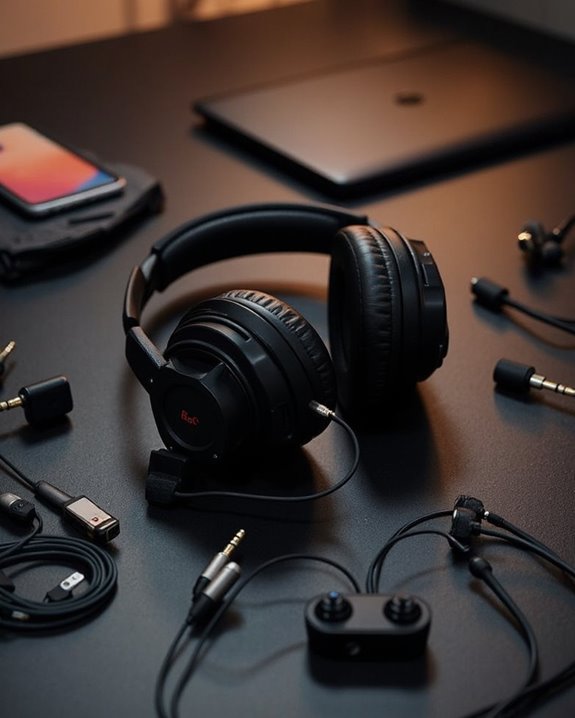
The right adapter can transform how headphones connect across different devices, eliminating compatibility barriers that often frustrate users. Material innovations in adapter construction, such as Amphenol bronze 4-pin mini-XLR connectors and shielded USB cables, contribute to durability and signal integrity.
For modern devices lacking traditional audio ports, USB-C to 3.5mm and Lightning to 3.5mm adapters provide essential connectivity. Universal external USB TRRS adapters offer exceptional versatility, supporting both computer and mobile headsets across multiple platforms.
Many adapters now feature eco-friendly accessories, including PD charging ports that reduce the need for multiple cables. When selecting an adapter, users should consider:
- Device port type compatibility
- Cable flexibility and length
- Digital audio processing capabilities
- Shielding quality for interference reduction
Recommended Products

【Universal Compatibility】STSAUX USB-C to 3.5mm headphone adapter is engineered for seamless connectivity with a vast range of Type-C devices, includingiPhone 17 Pro Max/17 Pro, 16/15 Pro Max, 16/15 Pro Max, Samsung Galaxy S24/S23/S22/S21/Ultra/Z Flip/Note series, iPad Pro, iPad mini 6, MacBook, Google Pixel 9/8/7/6, Huawei Mate/P series (Mate 60-10, P60-P20), 7Pro/7/6T, and over 200+ other USB-C supported models. Experience flawless audio without compatibility pop-ups or connection errors across all systems.

【Premium Sound Quality】This USB C to 3.5mm headphone jack adapter adopts an advanced DAC smart chip. This 2-in-1 USB C to headphone adapter delivers rich and immersive audio. The USB C to Aux adapter enables high-resolution audio output and noise reduction up to 24bit/48kHz to enhance the original sound quality of your USB C mobile phone, giving you hi-fi stereo audio with less loss and noise

【Multi-function Dongle】This Seulliya USB C to 3.5mm aux cable cord can easily connect your Type C devices to car stereo, home stereo, speaker, headphones or any device with standard 3.5mm audio jack or Aux-in port and offers you the freedom of listening to music
Frequently Asked Questions
Can Headphones Damage My Hearing if Connected Improperly?
Improper connection itself doesn’t cause hearing damage. However, it may lead to inadequate audio quality, potentially encouraging users to increase volume. Implementing safety measures like volume limitations helps mitigate hearing risks from excessive sound levels.
Why Do My Headphones Work but the Microphone Doesn’t?
Microphone issues often stem from improper device recognition or driver issues. Users should verify microphone compatibility with their device and check for necessary driver updates to resolve functionality problems while maintaining audio output.
How Can I Connect Multiple Headphones to One Device Simultaneously?
Multiple headphones can connect to one device through Bluetooth pairing with compatible transmitters, audio splitting via wired headphone splitters, or dedicated wireless systems that broadcast to several receivers simultaneously.
Can I Use Noise-Canceling Headphones Without Power or Batteries?
Active noise-canceling headphones require power, but passive noise cancellation works without batteries. These battery-free alternatives use physical barriers like ear seals for manual noise reduction, though they’re less effective against low-frequency sounds than powered options.
Will Using Adapters Decrease My Headphone Audio Quality?
Adapters can potentially decrease audio quality due to material limitations and signal transmission issues. Quality concerns vary based on adapter construction, impedance matching, and headphone sensitivity. High-quality adapters minimize these negative effects on sound reproduction.