As an Amazon Associate, we earn from qualifying purchases. Some links on this site are affiliate links at no extra cost to you. Our recommendations are based on thorough research and editorial judgment.

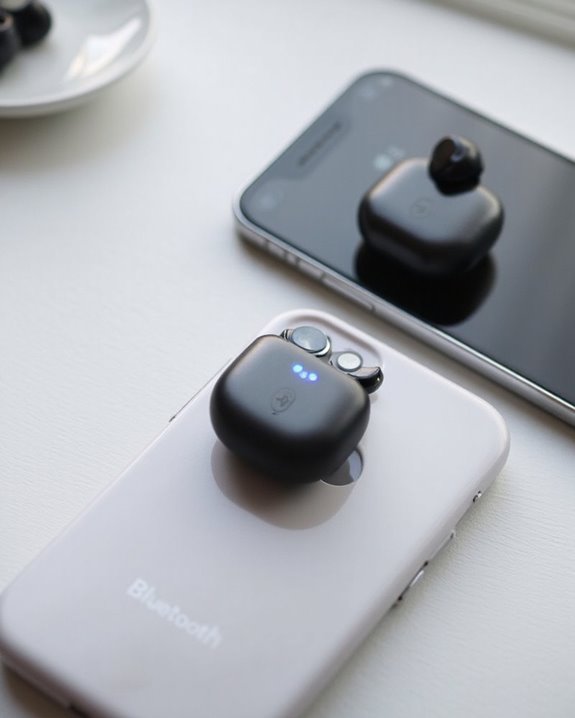
Can You Connect Two Bluetooth Headphones to an Iphone?

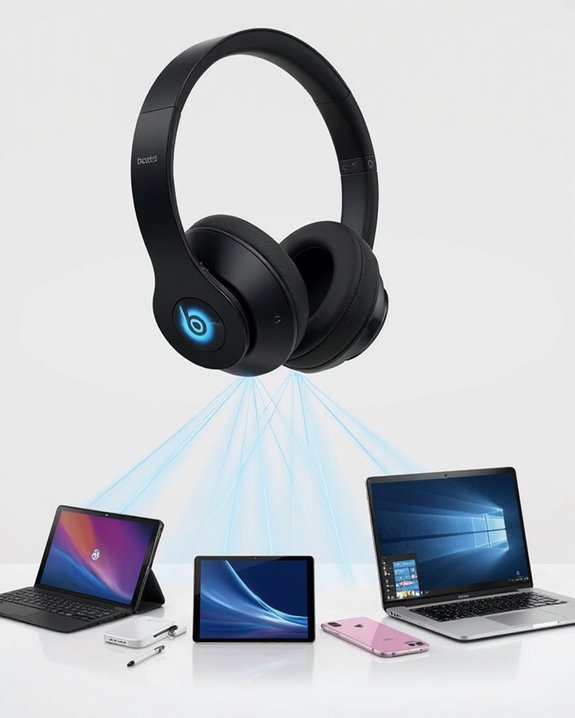
Yes, iPhones can connect to two Bluetooth headphones simultaneously using Audio Sharing, but with specific limitations. This feature works exclusively with Apple AirPods (all generations) and select Beats headphones equipped with H1 or W1 chips on iOS 13 or newer. Users must pair one headset normally before accessing the AirPlay icon in Control Center to add the second device. Non-Apple headphones require external transmitters or adaptors for dual connectivity. Additional troubleshooting steps guarantee best performance.
Key Takeaways
- iPhones support connecting two Bluetooth headphones simultaneously through Audio Sharing with compatible Apple AirPods or Beats headphones.
- Audio Sharing requires headphones with Apple H1 or W1 chips and iOS 13 or newer on your iPhone.
- The process involves pairing one headphone normally, then using Control Center’s AirPlay icon to connect the second device.
- Both connected headphones receive synchronized audio with independent volume controls accessible through Control Center.
- Third-party headphones aren’t compatible with native Audio Sharing, but external Bluetooth transmitters offer an alternative solution.
The Audio Sharing Feature: How It Works on Ios
You may be interested
Can You Connect Bluetooth Headphones to PS5?
May 26, 2025
How to Connect Apple Headphones to Any Device
June 16, 2025
How exactly can users connect two sets of headphones to a single iPhone? Apple’s audio sharing feature enables synchronized listening through specific protocols designed for compatible devices.
The Audio Sharing function operates through specialized Sharing Protocols that allow two Apple AirPods or Beats headphones to receive the same audio stream simultaneously. To activate this feature, users must first pair one set of headphones normally, then access the AirPlay icon in Control Center while audio is playing.
The Audio Synchronization technology guarantees both listeners experience identical playback with no latency issues. When connected, both headsets appear in the Control Center interface, where individual volume sliders allow personalized listening experiences while maintaining synchronized content playback.
This feature works exclusively with Apple-made or Beats headphones, as the sharing capability relies on Apple’s proprietary wireless technology.
Compatible Headphones: What Devices Work Best
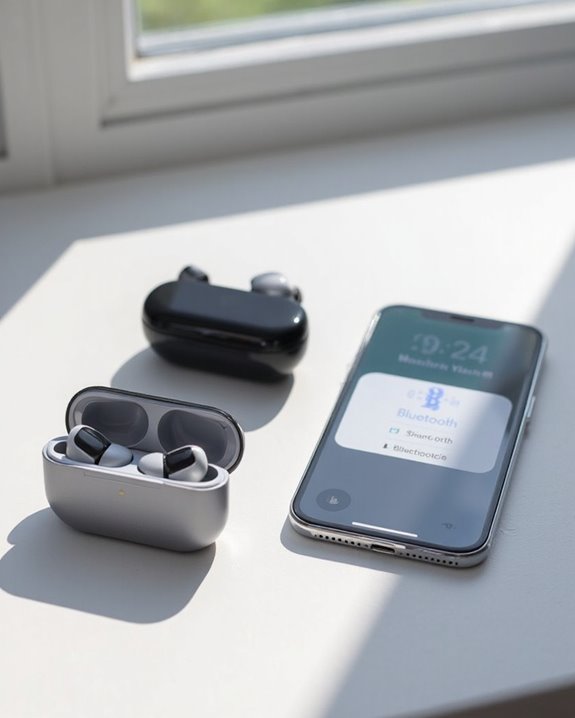
When it comes to sharing audio between two headphones on an iPhone, device compatibility plays an essential role in determining the quality and ease of the experience. Device Ratings consistently favor Apple’s proprietary products for this specific function.
The most compatible options for dual listening include:
- AirPods Pro (2nd Generation)
- AirPods (any generation)
- Beats Solo 4
- Other Beats products
Headphone Comparisons reveal a clear pattern: Apple ecosystem devices offer seamless pairing and full feature access, including Spatial Audio. Third-party alternatives from Bose, Sennheiser, and Nothing Ear can connect to iPhones individually but cannot participate in Apple’s native Audio Sharing feature.
For ideal dual-headphone functionality, users should prioritize Apple-designed or Beats products, as these provide the most reliable connection and feature-rich experience. However, Android users often benefit from alternatives like multipoint connectivity earbuds that allow seamless device switching, a feature not fully supported by Apple devices.
Recommended Products

【ASTONISHING SOUND PRODUCTION 】: High Definition Stereo Headphones, specially developed software and noise reduction technology designed to prevent you from heating ambient noises and makes you focus on what you want to hear. Lose yourself in immersive music even in the lowest volume levels! The goal that provide Customers with outstanding sound quality is our constant pursuit.
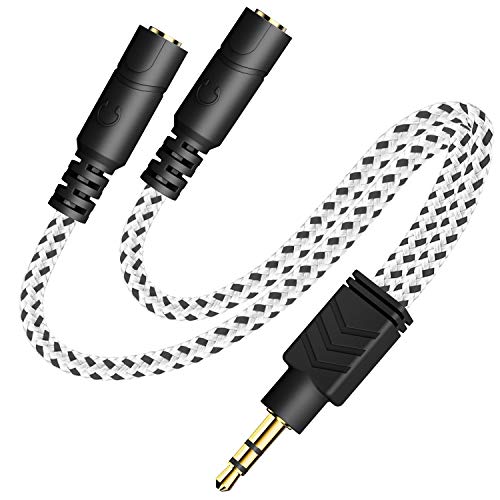
2-way Splitter: This stereo splitter lets you share stereo audio with dual headphones or earphones. Also supports to connect 2 external speakers to create your own DIY surround sound system!

【For School & Classroom Use】LWZCAM 5-pack wired earbuds with microphone are the perfect earphones for school students, classroom learning, and kids‘ daily use. Each pair delivers clear sound for online classes and educational videos
Step-by-Step Guide to Connecting Two Headphones
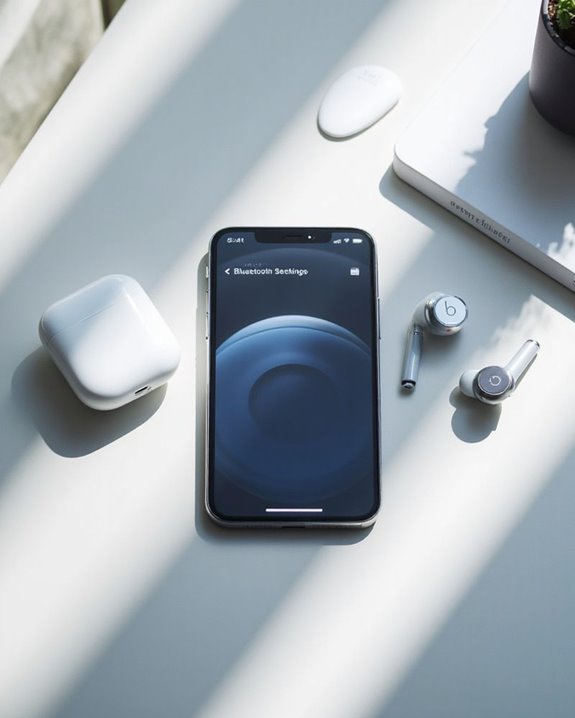
Establishing dual audio connections on an iPhone requires following a specific sequence of steps to guarantee both headphones receive synchronized sound. The Guide Formatting presents two primary methods depending on headphone compatibility.
For Apple-compatible headphones, users must first pair one device through Settings, then activate Audio Sharing via Control Center to connect the second device. Instruction Clarity is essential when using non-Apple headphones, which require a Bluetooth transmitter accessory for dual connections.
Management of both connections involves confirming paired status in Bluetooth settings and adjusting individual volume controls. Troubleshooting may include device resets or confirming iOS version 13+ compatibility. For best performance, users should make sure headphones maintain sufficient battery levels, as dual connections typically accelerate power consumption.
It is important to note that wired Lightning headphones provide reliable connectivity without battery concerns, contrasting with Bluetooth headphones that require charging.
Recommended Products

Latest Bluetooth 6.0 Technology: With Bluetooth 6.0, connect the device faster and get a more stable signal transmission. Whether watching videos or playing games, the synchronization of audio and video is significantly improved, reducing the trouble caused by delay and improving the entertainment experience. (If pairing fails, please reset the adapter: With the device powered off, press and hold the multifunction button for 10 seconds.)
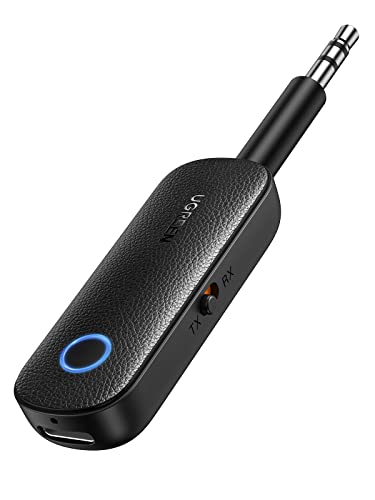
2 in 1 Bluetooth Transmitter Receiver: This UGREEN 3.5mm wireless adapter supports both TX and RX modes. Whether at home, in the car, or on a plane, it can easily meet your wireless Bluetooth needs. Simply connect it to a non-Bluetooth device, such as a plane or car stereo, and enjoy Bluetooth wireless sound. Not only is it a great gadget for enabling wireless Bluetooth, but it's also an airplane travel essential, eliminating the hassle of wired connections!

SHARE IN-FLIGHT AUDIO — Connect two pairs of Bluetooth headphones or earbuds to one airplane entertainment screen, so you and a travel partner can listen together without wires.
Bluetooth 5.0: Technical Requirements Explained
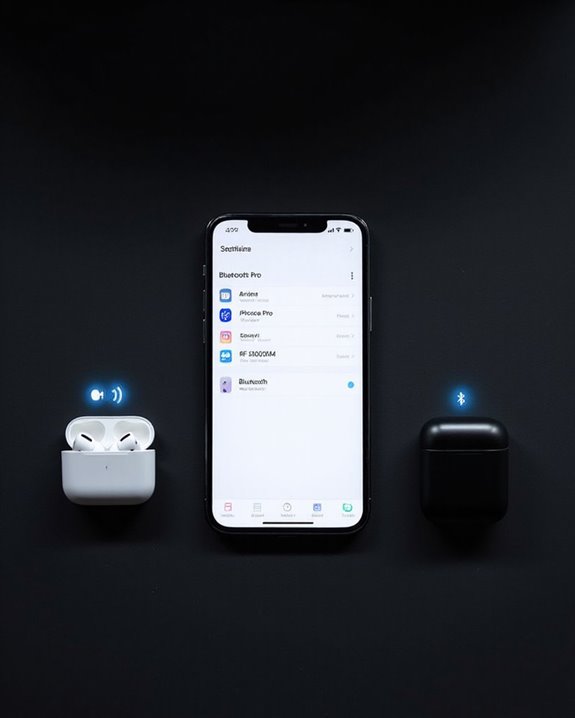
Bluetooth 5.0 technology represents the backbone of modern dual headphone connectivity on iPhones. This version quadruples connection range to approximately 240 meters in open spaces while doubling data transfer speeds to 2 Mbps compared to earlier iterations.
The enhanced Data Capacity allows eight times more information to be transmitted, enabling higher-quality audio streaming to multiple devices simultaneously. This improvement directly supports the Dual Audio feature, which manages independent volume control for each connected headphone.
Interference Management capabilities have been substantially enhanced through the implementation of Slot Availability Mask (SAM). This feature intelligently coordinates transmission timing between devices operating on the 2.4 GHz band, reducing audio dropouts and ensuring stable connections in crowded wireless environments like coffee shops or offices.
Additionally, Bluetooth 5.0+ connectivity paired with wireless range stability ensures fewer interruptions and better performance when using multiple Bluetooth headphones.
Recommended Products

[Up to 60 Hours of Playtime] With up to 60 Hours of listening time for our headphone wireless bluetooth in bluetooth mode, triple as much as other bluetooth headphones, you'll always have music to inspire you. Come with a 3.5mm audio cable, regardless of whether you want to use a wireless headset or headphones wired, Tuitager over-ear headphones can satisfy you

【40MM DRIVER & 3 MUSIC MODES】Picun B8 bluetooth headphones are designed for audiophiles, equipped with dual 40mm dynamic sound units and 3 EQ modes, providing you with stereo high-definition sound quality while balancing bass and mid to high pitch enhancement in more detail. Simply press the EQ button twice to cycle between Pop/Bass boost/Rock modes and enjoy your music time!
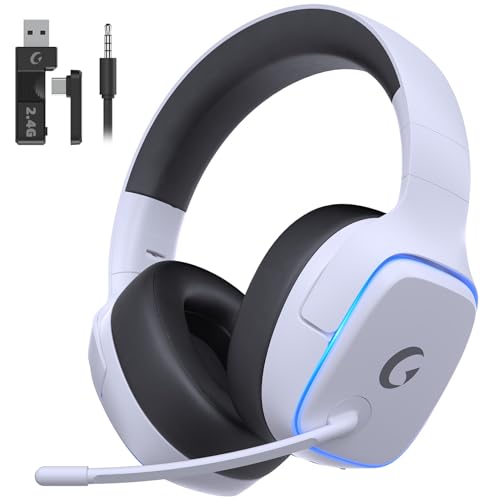
EXCLUSIVE PS5 DESIGN - This wireless gaming headset features a new generation upgraded design aligned with the gaming family, delivering high-end performance for hardcore gamers, eSports athletes and casual gamers.
Limitations of Dual Headphone Connections on Iphone
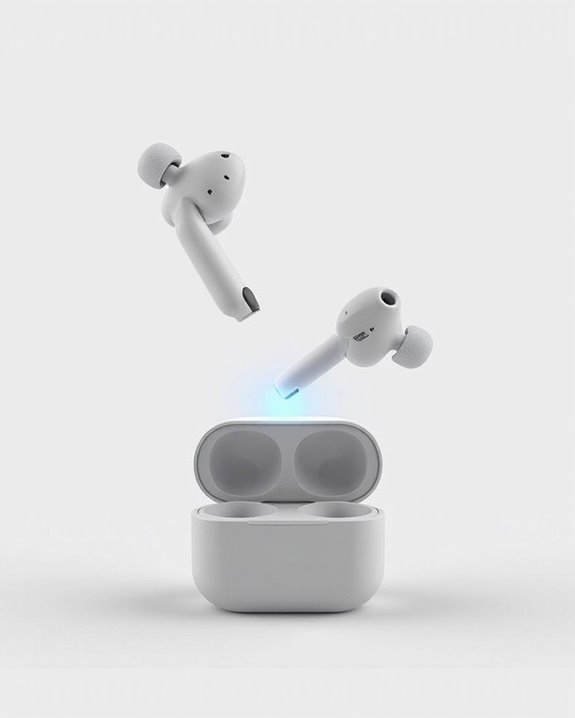
Despite the technical potential of Bluetooth 5.0, significant limitations exist when attempting to connect two headphones simultaneously to an iPhone. Apple restricts native dual-headphone connectivity to its Audio Sharing feature, which exclusively supports Apple headphones with H1 or W1 chips running on iOS 13 or later.
Connecting non-Apple headphones requires third-party transmitters, resulting in Quality Degradation. Audio fidelity diminishes through additional processing, while synchronization issues can cause disruptive lag during video playback. These workarounds also introduce latency problems unless specialized low-latency codecs are employed.
The Battery Impact is substantial, with increased power consumption affecting both the iPhone and connected headphones. Multi-connection setups drain power faster, limiting practical usage time. Additionally, compatibility issues arise with many third-party headphones that aren’t designed for shared connections.
External Hardware Solutions for Multiple Listeners
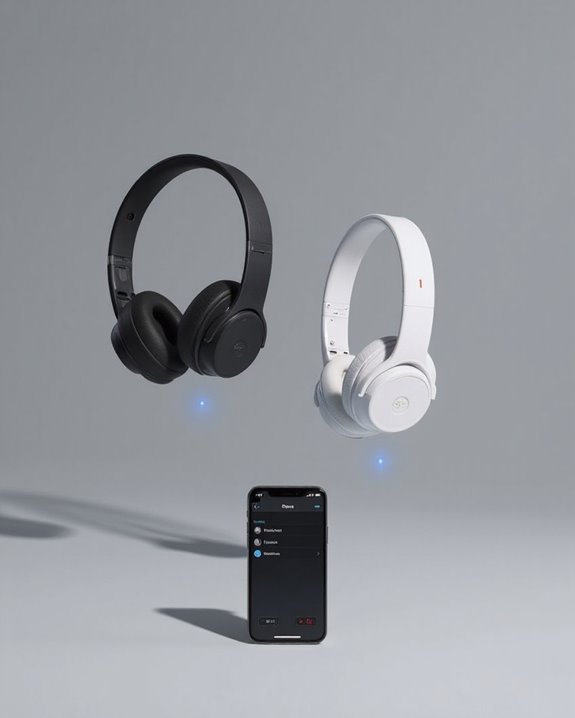
Several external devices offer effective workarounds for iPhone users seeking to share audio with multiple listeners simultaneously. Bluetooth transmitters like the AirFly Pro feature dual-pairing capabilities, connecting to headphone jacks or Lightning ports while broadcasting to two sets of headphones with independent volume controls.
For budget-conscious consumers, wired Y-splitters present affordable alternatives without battery concerns. Their straightforward design features require no pairing procedures, though they necessitate an adapter for newer iPhones. Pricing strategies vary considerably across solution categories:
- Bluetooth transmitters: $30-60
- Wired splitters: $5-15
- Audio hubs: $50-100
- AirPlay adapters: $40-80
Higher-priced options typically incorporate additional design features such as extended battery life, multipoint connectivity, and advanced audio synchronization to minimize latency between connected devices.
Recommended Products

The Latest Bluetooth 5.3: The latest Bluetooth 5.3 technology enables your aux Bluetooth adapter backward compatible with Bluetooth 5.2/5.1/5.0/4.2/4.0/3.0/2.0 and it can deliver more stable wireless to your devices.

【Dual Connection & Automatic Reconnection】This Bluetooth transmitter adapter has a "dual connection" function, which can connect two Bluetooth headsets/speakers at the same time. Enjoy a movie with your partner without disturbing others. After the first Bluetooth pairing is successful, 2 earphones/speakers can be reconnected to this wireless Bluetooth transmitter for TV automatically. Note: When using a fiber optic connection, please set the TV audio output format to PCM.

【Enter Wireless Age w/ Minimal Cost】Upgrade non-smart/non-Bluetooth TV to pair headphones for enhancing your hearing or get an undisturbed personal space. Connected TV to Bluetooth Home Stereo, no need to replace your old TV, our Bluetooth audio transmitter for TV-RANGER help you upgrade the old one and CUT OFF the budget for a new. NOTE: This is a Bluetooth transmitter only, not a receiver
Real-World Use Cases: When Dual Audio Makes Sense
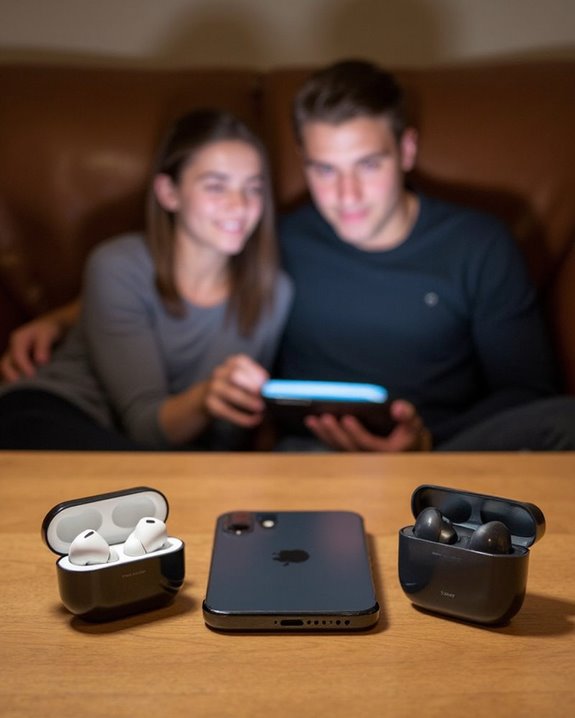
When might connecting two Bluetooth headphones to an iPhone become essential rather than merely convenient?
Travel scenarios often benefit from dual audio capabilities, allowing couples or friends to share entertainment during flights or train journeys without disturbing others. In Social Scenarios, parents and children can listen to bedtime stories together, while friends can enjoy synchronized music during workouts.
The Educational Benefits extend to language learning and collaborative listening exercises. Students can practice pronunciation together or share instructional content, making learning more interactive.
Entertainment consumption becomes more inclusive with dual headphone connections, particularly in quiet environments like libraries or cafes where external speakers aren’t appropriate. For media professionals, simultaneous listening enables efficient review of audio mixes or synchronized film critique sessions without additional equipment.
Troubleshooting Common Connection Problems
Identifying and resolving Bluetooth connectivity issues can save iPhone users significant frustration when attempting to connect multiple headphones. When devices fail to connect, users should first restart both the iPhone and headphones to clear temporary software glitches.
Interference Fixes include moving away from competing wireless signals and removing physical barriers between devices. Users experiencing audio dropouts should check for nearby Wi-Fi routers, microwave ovens, or other Bluetooth devices that may cause signal disruption.
Battery Troubleshooting is essential as low power levels often cause connection instability. Both iPhone and headphone batteries should maintain at least 20% charge for best performance. If problems persist, users should “Forget” the problematic device in Bluetooth settings and re-pair it, or reset network settings entirely to establish a fresh connection.
Recommended Products

Long Range: Enjoy clear audio anywhere around the house. Stream up to 300 ft outdoors and 160 ft indoors. Note: WiFi can affect the range. Turn off WiFi, set up Bluetooth, then turn WiFi back on while Bluetooth is streaming to avoid interference

【Read Before Buying】Only work with Windows PC for Win8.1/Win10/Win11. Not compatible with Mac OS, Linux, car stereo systems, game kit console or TVs. It turns Non-Bluetooth PC, Laptop or Desktop Bluetooth-capable then pair and connect with your Bluetooth devices to PC, such as Bluetooth headset, Bluetooth headphones, Bluetooth Bluetooth speaker, Bluetooth Keyboard, Bluetooth Mouse, Bluetooth Printer, Bluetooth Game Controllers. can’t be used directly on your wired speakers, printers, and home theater systems, game console .etc, cannot Bluetooth enable to the above non-bluetooth devices.

65 Hours Playtime: Low power consumption technology applied, BERIBES bluetooth headphones with built-in 500mAh battery can continually play more than 65 hours, standby more than 950 hours after one fully charge. By included 3.5mm audio cable, the wireless headphones over ear can be easily switched to wired mode when powers off. No power shortage problem anymore.
Future Updates: What’s Coming for Iphone Audio Sharing
Exciting technological advancements are reshaping how iPhone users will share audio experiences in the coming years. Future Regulations, particularly the EU Digital Markets Act, will require Apple to open its automatic audio switching feature to third-party headphones by June 2026.
iOS updates through 2026-2026 will introduce significant improvements to multi-device connectivity. Emerging Standards like Bluetooth LE Audio and Auracast will enable shared listening experiences on multiple headphones simultaneously without additional adapters.
Users can expect iOS 19 (releasing June 2026) to support more open audio sharing capabilities. The integration will likely arrive via iOS 19.4, alongside third-party alternatives for AirDrop and AirPlay. These changes will create a more interoperable ecosystem, allowing seamless audio sharing across different headphone brands.
Frequently Asked Questions
Does Audio Sharing Work With Iphone Models Older Than Iphone 8?
Audio sharing doesn’t work with iPhone models older than iPhone 8, regardless of iOS versions or firmware updates. These devices lack the necessary W1/H1 chip hardware required to support the feature introduced in iOS 13.
Can Audio Sharing Be Used While Gaming or During Video Calls?
Audio sharing works for gaming but may introduce latency, affecting time-sensitive gameplay. For video calls, it’s not officially supported due to call privacy concerns and technical limitations with microphone input during shared sessions.
Does Connecting Two Headphones Drain Iphone Battery Faster?
Like a phantom user, connecting two Bluetooth headphones creates minimal additional battery drain. Energy impact is only slightly higher than a single connection, typically increasing iPhone battery consumption by a negligible amount during normal use.
Can I Use One Airpod and One Non-Apple Headphone Simultaneously?
iPhones cannot play audio to mixed brands simultaneously. Users cannot connect one AirPod and one non-Apple headphone for shared listening. This limitation is by design, preventing potential audio quality inconsistencies between different manufacturer devices.
Are There Volume Balancing Issues Between Two Different Headphone Models?
Like orchestra instruments playing at different intensities, two headphone models create noticeable Volume Mismatch. Different sensitivities and impedance values between devices produce Sound Disparity requiring manual adjustment for balanced dual listening experiences.