As an Amazon Associate, we earn from qualifying purchases. Some links on this site are affiliate links at no extra cost to you. Our recommendations are based on thorough research and editorial judgment.

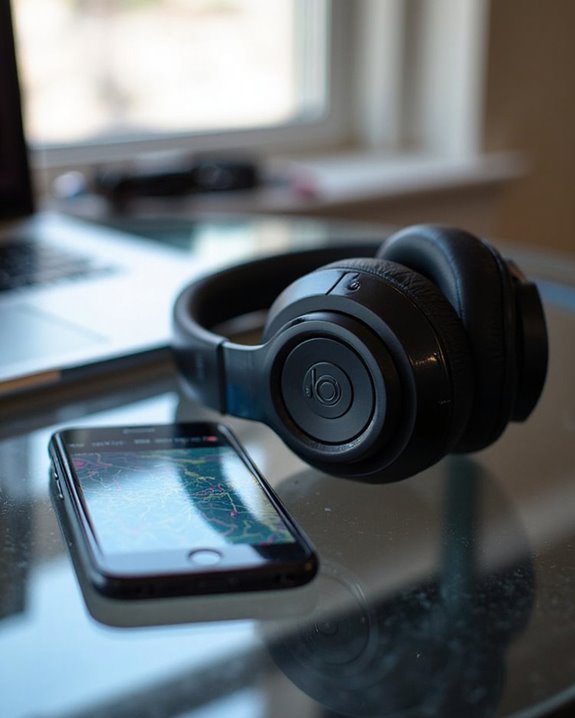
Can You Track Beats Headphones If They Are Lost?

Beats headphones can be tracked if lost, but only under specific conditions. Most newer models integrate with Apple’s Find My network, requiring initial pairing with an iOS device and proper setup through an Apple ID. The tracking capability depends on the headphones being powered on and within Bluetooth range of connected devices or passing Apple users. Android owners can utilize the Beats app with similar functionality, though with more limitations. The tracking process varies considerably between different Beats models and operating systems.
Key Takeaways
- Yes, Beats headphones can be tracked if lost using Apple’s Find My network when paired with an Apple device.
- The Find My app displays the last known location of your Beats headphones on a map interface.
- Android users can track lost Beats using the dedicated Beats app with its “Locate My Beats” feature.
- Tracking only works when headphones are powered on and within Bluetooth range of connected devices.
- Without GPS capabilities, Beats tracking relies primarily on Bluetooth connections and crowd-sourced signal detection.
The Technology Behind Beats Headphone Tracking
You may be interested
Do Headphone Dents Go Away?
August 4, 2025

The tracking technology embedded in Beats headphones operates through Apple’s ecosystem, requiring initial pairing with an Apple device to activate location features. This integration leverages Apple’s Find My network, which displays the headphones’ last known location on a map interface accessible across iPhone, iPad, Mac, and Apple Watch devices.
Unlike more advanced Apple products, Beats headphones lack sophisticated Firmware Security measures such as Activation Lock, making them vulnerable to unauthorized use after reset. The Sensor Technology in these devices enables location tracking only when powered on and previously connected to an Apple account. When separated, earbuds must be individually located by updating the map after finding one component.
For users seeking lost Beats never paired with Find My, third-party Bluetooth scanner applications offer a limited alternative detection method. Additionally, Beats utilize Class 1 Bluetooth tracking capability, allowing for extended range and improved location accuracy within supported ecosystems.
Compatible Beats Models With Tracking Capabilities
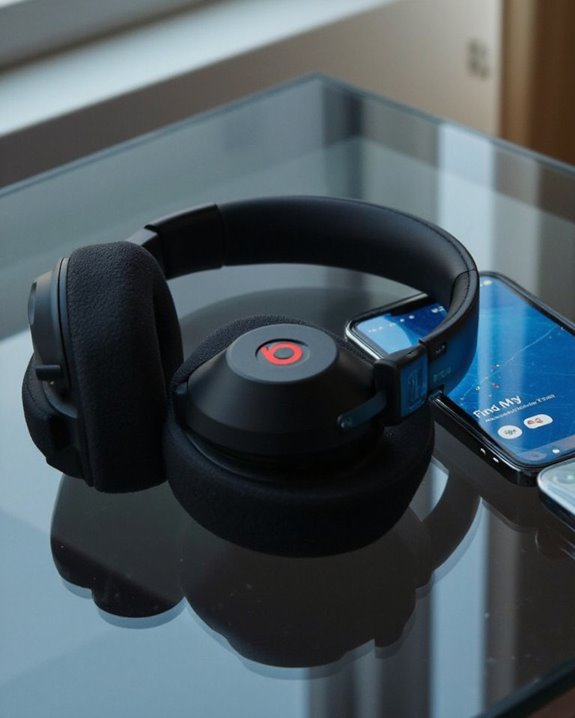
Within Apple’s tracking ecosystem, several Beats headphone models offer varying degrees of location-finding capabilities, though important distinctions exist between them. The Beats Studio Pro and Solo 4 provide dynamic head tracking for spatial audio but lack built-in GPS functionality for actual device location.
For users seeking Model Alternatives with enhanced monitoring features, the Beats Powerbeats Pro 2 represents a significant Tracking Upgrade with its heart rate monitoring sensors that can indirectly assist with activity tracking. However, it’s worth mentioning that all Beats headphones primarily rely on Apple’s ecosystem for tracking functionality.
While compatible with both Apple and Android devices, Beats headphones deliver best tracking performance when paired with Apple products, leveraging the integrated ecosystem for enhanced location services and audio features. Additionally, the Beats Studio Pro features Bluetooth 5.3 with a 100-meter range that can improve connection stability and tracking responsiveness.
Recommended Products

【Revolutionary Smart Touchscreen Case】 Our wireless earbuds feature a revolutionary charging case with a responsive touchscreen, integrating 10+ smart functions. Effortlessly skip tracks, adjust volume, locate misplaced earbuds, or control your phone's camera remotely—all from the case itself. It’s your ultimate, portable control hub designed for a smarter, more convenient lifestyle.

285G LIGHTWEIGHT BUILD — Experience superior audio and game for hours without being weighed down by the headset

REBUILT FOR COMFORT — AirPods 4 have been redesigned for exceptional all-day comfort and greater stability. With a refined contour, shorter stem, and quick-press controls for music or calls.
Using Apple’s Find My App to Locate Your Beats
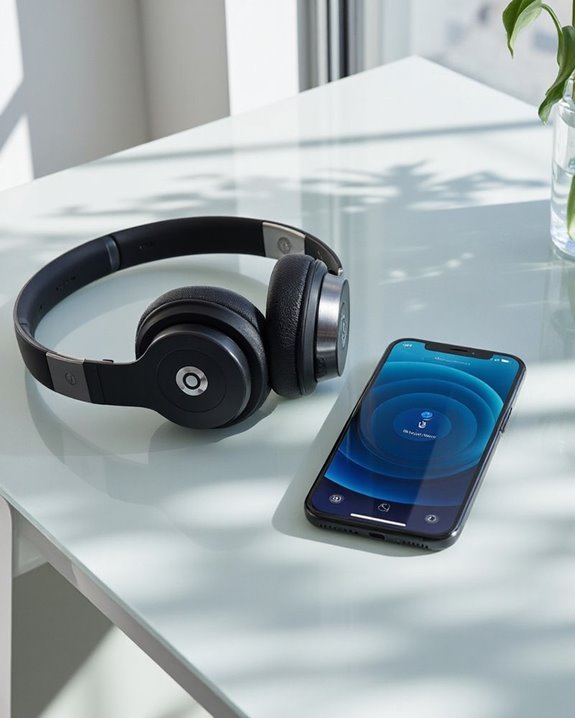
Apple’s Find My app serves as the central command center for locating misplaced Beats headphones, providing extensive tracking capabilities for compatible models. The intuitive interface displays the last known location of Beats on a map, with real-time updates available through regular updating.
To track lost Beats, users must open the Find My app, select the Devices tab, and choose their Beats from the list. This App Integration enables cross-device functionality, allowing tracking from iPhones, iPads, Macs, or even Apple Watches via the dedicated “Find Devices” app.
For ideal performance, users should verify their Beats are properly paired with an Apple device signed into their Apple ID before loss occurs. While Privacy Concerns are minimized through Apple’s secure ecosystem, the system requires Bluetooth connectivity and internet access to function effectively.
Recommended Products

【Bluetooth 5.3 for Fast Pairing】The wireless ear buds utilize the latest Bluetooth 5.3 technology, now you can experience faster transmission speeds and low latency audio! Once paired initially, simply open the lid of the charging station, both of the earphones will automatically connect. And they are widely compatible with iOS and Android smartphones, computers, laptops, tablets etc.Smart Ring Fitness Tracker
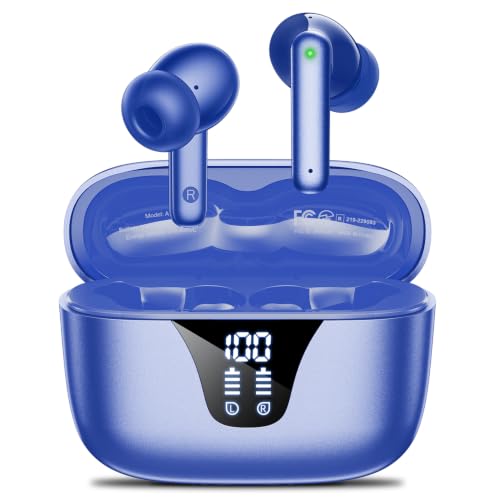
50-Hours Power Marathon & LED Power Tracker: The built-in LED display shows exact remaining power (0-100%), while the 500mAh portable charging case delivers a whopping 50 hours of total playtime by alternating between wireless earbuds. Built tough with 500+ charge cycles, these ear buds are future-proof.
[Deep Noise Reduction & Better Focus]:Featuring a newly designed acoustic cavity and honeycomb structure, these hearing protection ear muffs enhance passive noise reduction in mid-to-high frequencies. With 18 mm+8 mm slow-rebound foam and 22mm sound-absorbing cushions, they reduce resonance and create a secure seal—cutting noise by up to 35dB at 1 KHz. Ideal for helping kids concentrate during online classes, reading, or music time.
Android Solutions: The Beats App Tracking Feature
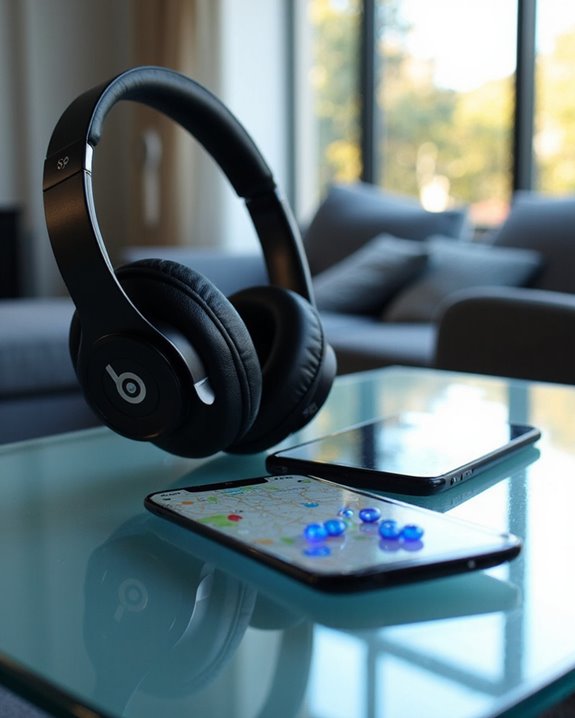
While Apple users benefit from the Find My ecosystem, Android device owners can leverage the dedicated Beats app to track their missing headphones. The app, available through the Google Play Store, includes the “Locate My Beats” feature specifically designed for finding misplaced devices.
Users can manage location permissions within the app settings to optimize tracking capabilities. The Beats app also offers diagnostic tools to guarantee proper device functionality, enhancing the tracking experience. Regular Firmware Updates through the app keep headphones optimized with the latest tracking capabilities.
For convenience, App Widgets can be added to the home screen, providing quick access to tracking features without opening the full application. This streamlined approach allows Android users to rapidly initiate a search when their Beats products go missing.
Recommended Products
Wide Compatibility: Replacement USB-C Shokz Charging Cable, Compatible with Latest Shokz Headphones OpenRun Pro2, OpenRun Pro2 Mini, OpenComm2, OpenRun with USB-C
Stylish Design, Bright Display: The sleek stainless steel build blends classic style with workout durability, while the bright 1.32" AMOLED display keeps your data easy to read, even under bright sunlight.

🎧 Hybrid ANC Noise Cancelling — Powerful Silence for Travel & Office: These wireless Bluetooth noise cancelling headphones use advanced Hybrid ANC to reduce up to –52dB of ambient noise. Switch between Deep, Mild, and Transparency modes to adapt to airplanes, busy streets, offices, or home study—ideal over-ear headphones for travel and daily commuting.
What Happens When Beats Go Offline
When Beats headphones disconnect from their paired device or power down completely, they enter an “offline” status in the tracking ecosystem. This offline mode, a critical aspect of power management, means the headphones are no longer actively transmitting location data to the Find My network.
In this state, users can only view the last known location of their headphones, which remains available for approximately seven days. The environmental impact of this limitation becomes evident when users must physically search areas based on potentially outdated information.
Tracking offline Beats requires alternative strategies, including:
- Checking iCloud.com/find from any web browser
- Reviewing the last recorded location on the Find My app
- Monitoring the app periodically in case the headphones reconnect
- Investigating the vicinity of the last known location
Bluetooth Range and Tracking Limitations
Bluetooth connectivity presents fundamental limitations for tracking lost Beats headphones. While premium models like Beats Studio Pro offer impressive ranges of up to 100 feet under ideal conditions, most Beats products follow standard Bluetooth limitations of approximately 30 feet.
Distance constraints become apparent when headphones move beyond this range, making tracking impossible without additional technology. Environmental factors introduce further challenges—walls, furniture, and electronic devices create obstruction effects that greatly reduce effective tracking distance.
Unlike dedicated tracking devices, Beats headphones lack built-in GPS capabilities. Users must rely on companion apps like “Find My” for iOS, which can only report the last known location where the headphones maintained an active Bluetooth connection. This dependency on the last connected device’s proximity substantially restricts tracking capabilities when headphones are truly lost. Additionally, wireless in-ear monitors typically offer connectivity options like 3.5mm inputs and USB-C that Beats headphones might lack, further limiting integration with tracking technologies.
Recovering Lost Beats Using Last Known Location
Recovering lost Beats headphones becomes much more manageable with last known location features, despite the Bluetooth limitations previously outlined. When headphones go missing, users can access their last connected position through the Find My app (iOS) or the Beats app (Android), providing an essential starting point for recovery efforts.
The emotional impact of losing expensive audio equipment can be significant, but these tracking capabilities offer reassurance while respecting data privacy. Users should note that location information is only accessible when:
- Beats were previously paired and connected
- The device had sufficient battery at last connection
- Location permissions were properly configured
For best recovery success, users should immediately check the tracking apps before the last known location data becomes outdated, especially in public locations where headphones might be moved or claimed by others.
How to Set Up Tracking Before Losing Your Beats
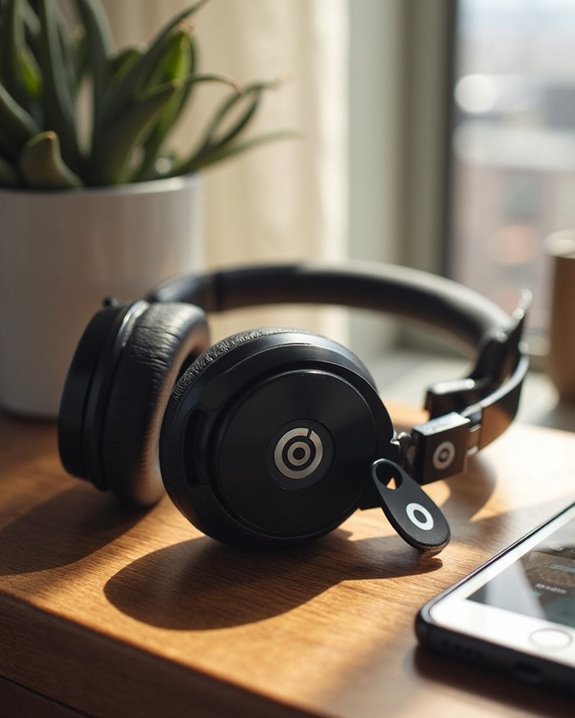
Proactively setting up tracking features for Beats headphones greatly increases the chances of recovery if they become misplaced. This Proactive Setup requires different approaches depending on the device ecosystem being used.
For iOS users, enabling the Find My app is essential for Tracking Preparation. Users should open the app, select the Devices tab, and verify their Beats are registered with their Apple ID. Location Services must be activated for accurate positioning.
Android users can utilize the Locate My Beats feature within the Beats app, granting necessary location permissions. Attaching a third-party Bluetooth tracker like Tile provides additional security.
Regardless of platform, maintaining power and establishing regular Bluetooth connections optimizes tracking capabilities. Designating a specific storage location and implementing routine placement checks further reduces the risk of misplacement.
Recommended Products

THE SMALL ADHESIVE TRACKER: Protect lost or stolen stuff and make family life easier. Stick to remotes, bikes, and more for easy finding

[Deep Noise Reduction & Better Focus]:Featuring a newly designed acoustic cavity and honeycomb structure, these hearing protection ear muffs enhance passive noise reduction in mid-to-high frequencies. With 18 mm+8 mm slow-rebound foam and 22mm sound-absorbing cushions, they reduce resonance and create a secure seal—cutting noise by up to 35dB at 1 KHz. Ideal for helping kids concentrate during online classes, reading, or music time.

Custom acoustic architecture and updated drivers for powerful Beats sound.
Alternative Methods to Secure Your Headphones
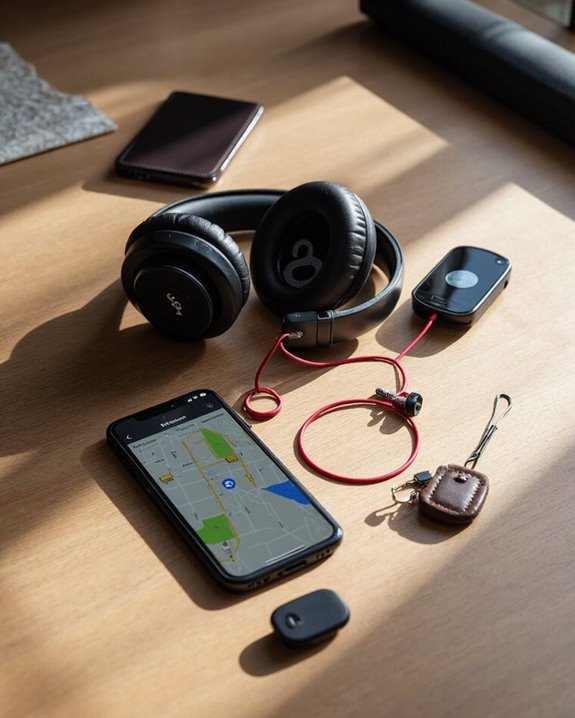
While tracking solutions offer ways to locate lost headphones, implementing additional security measures can prevent theft or loss in the first place. Physical protection through Locking Cases provides a secure storage option when headphones aren’t in use, making them less vulnerable to opportunistic theft.
Digital protection is equally important. Regular Firmware Updates not only improve performance but also patch security vulnerabilities that could compromise your headphones’ security. Configuring Bluetooth settings to limit unauthorized access further enhances protection.
Practical daily habits greatly reduce risk:
- Never leave headphones unattended in public areas
- Use anti-theft straps for additional security
- Attach ID tags to identify ownership
- Store in secure locations when not in use
- Maintain awareness of surroundings, especially in crowded environments
Recommended Products

Perfect Fit: We've specifically designed the case to fit JBL Tune 720BT 770BT 770NC/Anker Q20i Q30 Q20/Sony WH-CH520 WH-CH720N/BERIBES/KVIDIO Wireless On-Ear Headphones. OUTER DIMENSIONS: 8.6" L – 7.5" W – 2.6" H
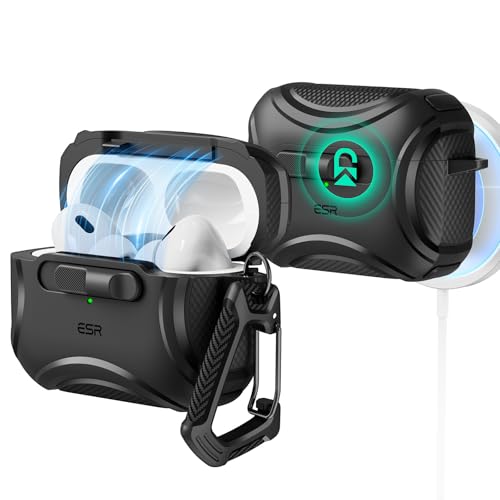
Compatibility: only compatible with AirPods Pro 2nd Generation (USB-C/Lightning) and AirPods Pro 1st Generation (2019); earbuds and charging case not included

【Installation Steps】: There is two transparent lock clip on the inside of the top cover. Push the device into the lock clip of the top cover to ensure that the top cover does not fall off. The first step must be to install the top cover first, and then install the bottom cover
Real User Stories: Successfully Recovered Beats
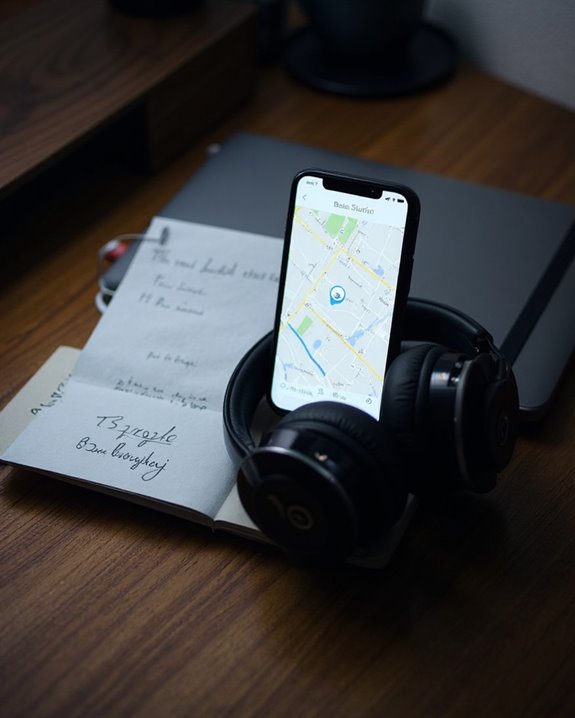
How have actual Beats owners managed to recover their lost headphones? The Find My app has proven instrumental for locating misplaced Beats, with community feedback highlighting its effectiveness. Users consistently report finding their headphones in overlooked places like backpacks, gym lockers, and vehicles by checking the Devices tab in the app.
Success stories frequently involve users retracing steps to the last known location displayed on the Find My map. Many recoveries occur when headphones remain powered on and connected, providing real-time tracking capabilities. Those who had properly paired their Beats with their Apple ID earned the user rewards of substantially higher recovery rates.
The most effective recovery strategy combines digital tracking with systematic physical searches near the last detected signal, often including inquiries at lost and found departments.
Frequently Asked Questions
Can Stolen Beats Headphones Be Remotely Disabled?
Beats headphones cannot be remotely disabled as they lack built-in theft prevention features. Users cannot implement a remote disable function if their headphones are stolen, though they can contact Apple Support for assistance.
Do Beats Headphones Make a Sound When Being Tracked?
Beats headphones emit a sound when being tracked through the Find My app. This Sound Feature serves as a Tracking Alert to help users locate nearby headphones that are turned on and connected to a network.
Will Factory Resetting Beats Remove Tracking Capabilities?
Factory resetting Beats headphones does not permanently remove tracking capabilities. Reset effects clear paired devices and settings, but capability impact is temporary—once repaired with the original account, tracking functionality is restored through the Find My app.
Can Multiple People Track the Same Beats Headphones?
In the shadows of connectivity lurks a limitation. Multiple people cannot track the same Beats headphones simultaneously. Despite Apple’s Family Sharing features, Beats devices remain linked to only one Apple account for tracking purposes.
Does Tracking Drain Beats Headphones Battery Faster?
Tracking functionality does increase battery drain on Beats headphones. The Bluetooth and location services required for tracking consume additional power. While the impact is generally minimal during standby, active tracking sessions will accelerate battery depletion.