As an Amazon Associate, we earn from qualifying purchases. Some links on this site are affiliate links at no extra cost to you. Our recommendations are based on thorough research and editorial judgment.


How to Connect Bluetooth Headphones to Any Device

Connecting Bluetooth headphones requires simple preparation and execution. First, make sure devices are charged and within 10 meters of each other. Put headphones in pairing mode by holding the power button until indicator lights flash. On smartphones, navigate to Bluetooth settings, enable scanning, and select your headphones from the available devices list. Computers follow similar procedures through system settings. Addressing common issues like interference and battery levels guarantees successful wireless audio enjoyment. The complete connection process offers additional device-specific nuances.
Key Takeaways
- Put headphones in pairing mode by holding the power button for 3-7 seconds until LED indicators flash.
- On smartphones, enable Bluetooth in Settings, scan for devices, and select your headphones from the list.
- For computers, access Bluetooth settings in Windows or Mac System Settings and connect when headphones appear.
- Ensure devices are within 10 meters of each other and minimize interference from other 2.4 GHz devices.
- Check that both devices are adequately charged and updated with the latest software for optimal compatibility.
Understanding Bluetooth Pairing Fundamentals
You may be interested

Are Bluetooth Headphones Bad for Your Health?
June 3, 2025
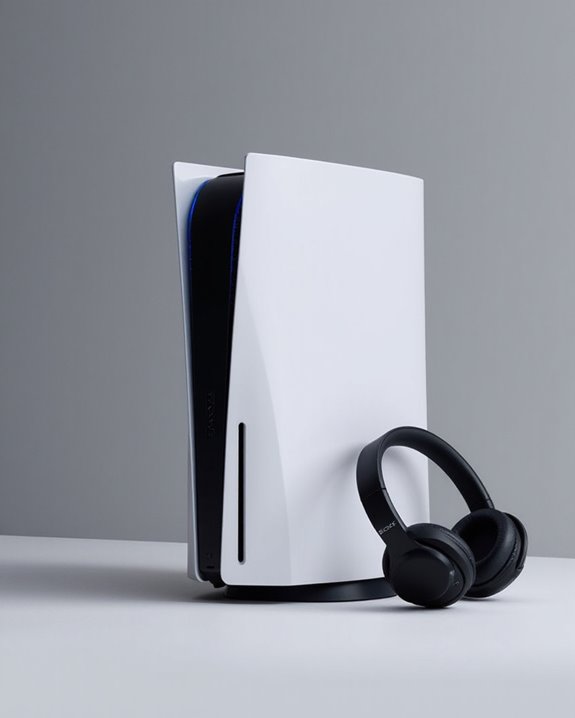
Can You Connect Bluetooth Headphones to PS5?
May 26, 2025
When two Bluetooth devices connect for the first time, they undergo a process called pairing that establishes a secure relationship between them. This critical security handshake exchanges important information about device capabilities and generates encryption keys for protecting data transmission.
The process unfolds through distinct Pairing Phases:
- Initial exchange of device features and capabilities
- Key generation (using either Legacy pairing or Secure Connections)
- Distribution of transport-specific keys for future connections
The method used during pairing depends on the input/output capabilities of both devices, ranging from the simple “Just Works” method to more secure options like Passkey Entry or Numeric Comparison. After successful pairing, devices may implement Bonding Storage, which saves security keys for quicker reconnection without repeating the full pairing process. Modern Bluetooth versions like Bluetooth 5.4 also enhance security and provide more stable connections up to 33 feet.
Essential Preparation Steps Before Connecting
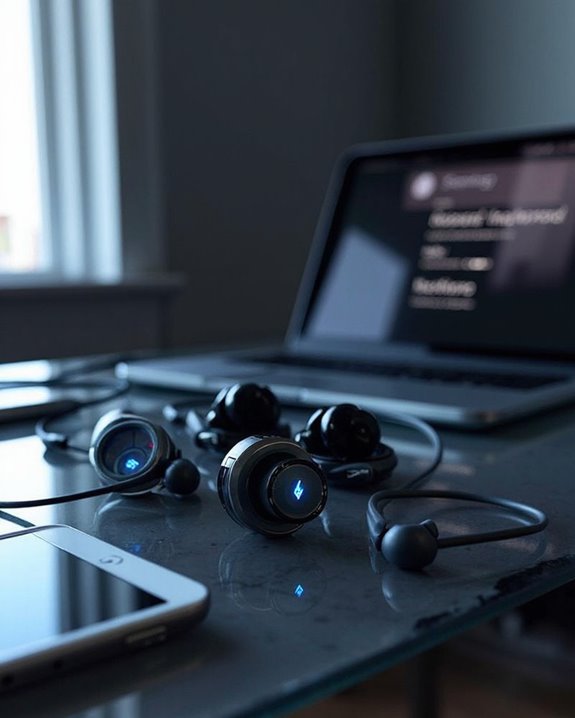
Before attempting to connect Bluetooth headphones to any device, several critical preparation steps guarantee a smooth and successful pairing process. Making sure devices are fully charged is a fundamental aspect of Battery Maintenance, as low power levels frequently cause pairing failures or unstable connections.
Manual Verification involves consulting the headphone documentation for device-specific pairing instructions and troubleshooting guidance that universal methods might not address. These manuals often detail required button combinations and LED indicator patterns specific to each model.
Position devices within 10 meters of each other, minimizing physical barriers that reduce effective range. Additionally, users should eliminate potential wireless interference by turning off nearby devices operating on the 2.4 GHz frequency band, including microwaves and cordless phones. Finally, make sure the parent device has updated software and enabled Bluetooth functionality before initiating the pairing sequence. Utilizing headphones with the latest Bluetooth 5.4 technology can also enhance connection stability and reduce latency during use.
Recommended Products
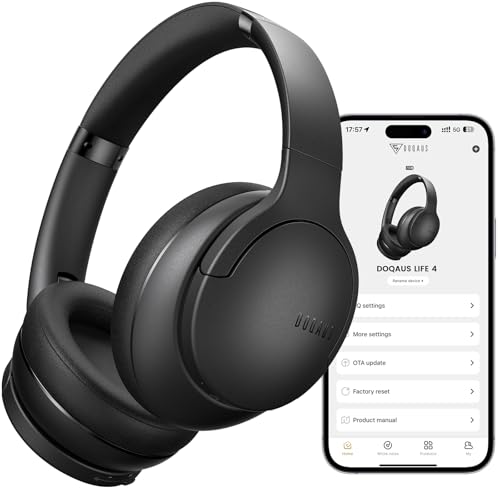
✅ End Charging Anxiety with 90-Hour Marathon Battery Life: Designed for the long-haul commuter or international traveler, these wireless headphones deliver up to 90 hours of playtime. A quick 10-minute charge fuels 5 hours of listening, and the included aux cable is your zero-power backup plan, ensuring your music, podcasts, or movies never stop.

2026 Bluetooth 5.4 Technology : The wireless earbuds use the bluetooth 5.4 chipset. There is a faster and more stable signal transmission and has successfully achieved low latency without interruption. With a range of up to 15 m, whether you are at home, in the office, or on the road, you don't have to worry about disconnection of the bluetooth earbuds. Automatic pairing & compatible with multiple devices.

🎵【7.1 Surround Sound & Aesthetic Decorative Light】 UG-08S PC gaming headset can provide you with a cinema 3D stereo surround sound experience, designed specifically for gamers and audiophiles and multi-platform Compatibility. Long-press the 'M' key to activate 7.1 surround sound and dynamic driver reproduces deep bass and clear highs. Which allows you to hear every detail in the game with pin-drop clarity from up to 40 feet away. Such as teammates' voices, footsteps, direction, and more. Double-click the M key to activate the ambient light, then single-click the M key to switch between two modes: steady light and gradient. Valorise wireless pc headset will bring a cooler gaming atmosphere.
Putting Your Headphones in Pairing Mode
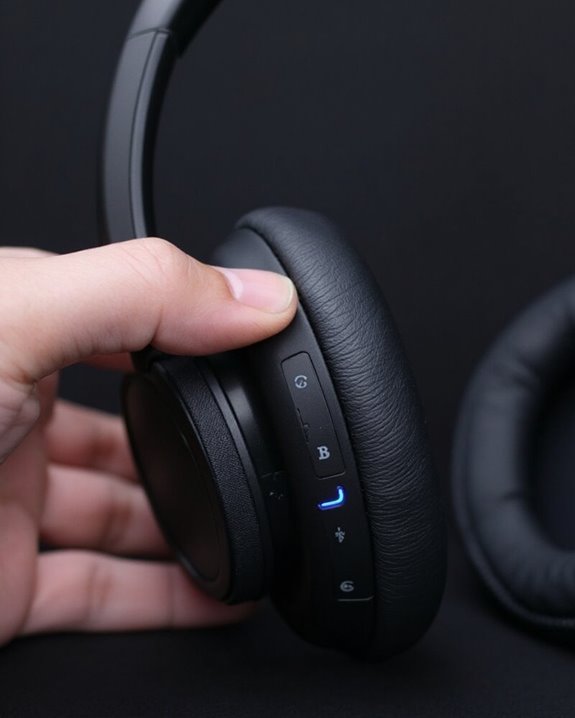
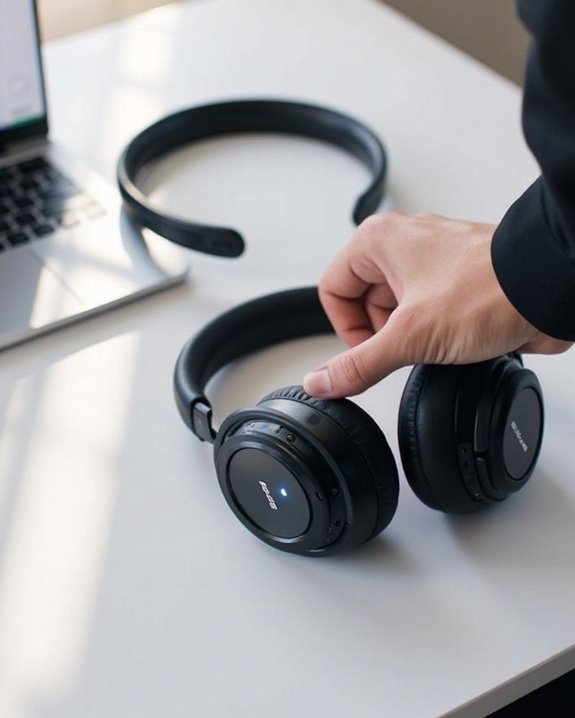
Putting headphones into pairing mode represents the critical step that allows devices to discover and connect with one another. Most models require pressing and holding the power button for 3-7 seconds until LED indicators flash, typically in blue/white or alternating red/blue patterns.
Contrary to common Pairing Myths, the process isn’t uniform across all headphones. Standard Variations exist between manufacturers and even within product lines. True Wireless earbuds often enter pairing mode automatically when removed from their charging case, while others require removing tabs or pressing buttons on each earbud separately.
Voice prompts like “Bluetooth pairing” provide audible confirmation when successful. If no connection occurs within approximately 5 minutes, most headphones automatically exit pairing mode and require restarting the process. Many top wireless earbuds now feature Bluetooth 5.3 or newer technology that enhances stable connectivity during pairing.
Recommended Products

ANC & ENC Noise Cancelling Technology: These noise cancelling earbuds feature advanced ANC noise canceling technology, which uses a microphone to pick up external noise and generate reverse waves to cancel it out. This feature effectively reduces ambient noise and provides an immersive listening experience. In addition, thanks to the ENC chip, the bluetooth earbuds can filter out background noise during calls, providing clearer and crisper calls.

🎶AUTO ON & CONNECT: The Go Pop+ True Wireless earbuds turn on and connect to each other automatically. Just take them out of their USB charging case for seamless, hassle-free connection. Then just connect the ear buds to your phone. Utilizing Bluetooth 5.3, this is our fastest handsfree connection yet

[Immersive Sound with OrigX Acoustics] Powered by TOZO OrigX 2.0 acoustic tuning and an advanced 8 mm dynamic driver, T10 delivers deep bass, natural mids, and crisp highs. Whether you are listening to music, podcasts, or watching videos, every detail sounds clear and balanced.
Connecting to Ios and Android Smartphones
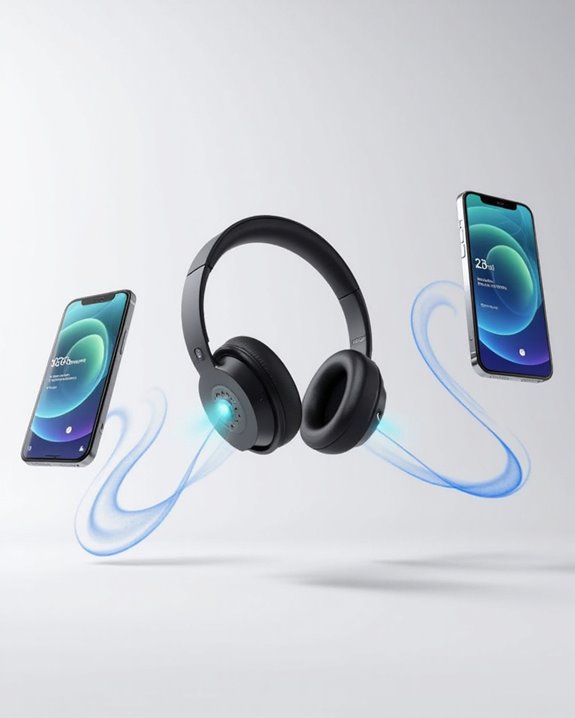
Although the fundamentals remain consistent across platforms, connecting Bluetooth headphones to iOS and Android smartphones involves slight variations in menu navigation and interface elements.
For iOS devices, users navigate to Settings, select Bluetooth, and toggle it on. iOS Features include automatic scanning for nearby devices without requiring a manual scan button. Once headphones appear in the available devices list, users simply tap to connect.
With Android Customization options, the path may differ slightly between manufacturers. Users typically open Settings, tap “Connections” or “Connected Devices,” enable Bluetooth, then manually initiate a scan. After the headphones appear in the discovered devices list, selecting them completes the pairing process.
If connection issues occur, users should make sure both devices have Bluetooth enabled, restart devices if necessary, and verify they’re within proper range of each other.
Recommended Products

【ASTONISHING SOUND PRODUCTION 】: High Definition Stereo Headphones, specially developed software and noise reduction technology designed to prevent you from heating ambient noises and makes you focus on what you want to hear. Lose yourself in immersive music even in the lowest volume levels! The goal that provide Customers with outstanding sound quality is our constant pursuit.

▶ 💛【PC Cavity & Exclusively Designed Ear Tips, Ear Fins】 PC cavity covered with UV varnish, which makes earphones look elegant. The ear tips adopt TPE material, which is comfortable and smooth to wear. Groove design at ear cap brings more stereo sound, enhancing details and sound stage. The short sound guide tubes reducing sound loss. TPE soft and environment-friendly fin is added to the rear of the cavity, providing a more comfortable, stable, lighter experience.

Collapsible Feature: Take your wired headphones wherever you go. Just fold them up, twist up the cord, and be on your merry way
Pairing With Windows and Mac Computers
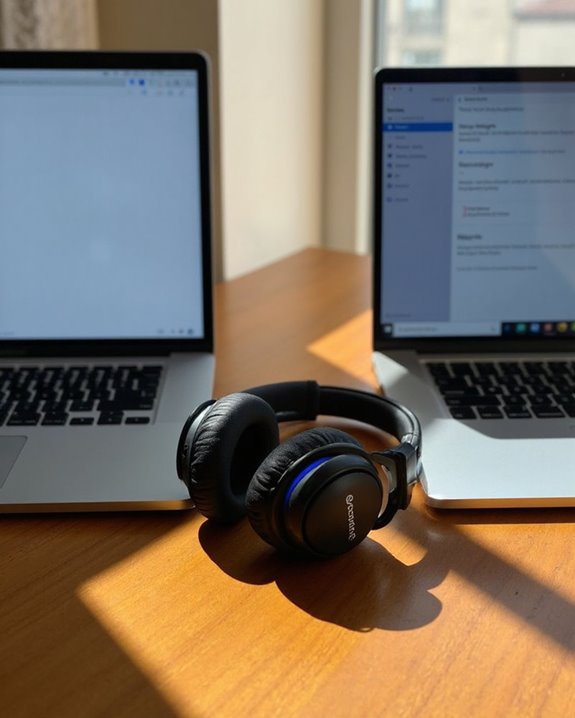
Connecting Bluetooth headphones to computers requires several specific steps that differ between Windows and Mac operating systems. Each platform offers robust OS integration features to streamline the pairing process while maintaining pairing security protocols.
For Windows, users access Bluetooth settings through the Settings menu, activate pairing mode on their headphones, and select them from available devices. Windows’ Bluetooth troubleshooter can resolve common connection issues when necessary.
Mac users navigate to System Settings, activate the headphones’ pairing mode, and click “Connect” when the device appears. For ideal performance, users should verify the proper audio output selection in system preferences.
Both systems may require driver updates or device restarts to resolve connectivity issues. Keeping devices within recommended range and minimizing interference from other wireless devices guarantees stable connections.
Recommended Products

Excellent Sound & 6EQ Modes: Wireless Bluetooth headphones equipped with 40mm dynamic driver, which produces hi-fi stereo sound, crisp and clean, great balanced Bassup and reduces environmental noise.Switch freely between 6 sound effects with the EQ button: Bass, pop, rock, classic, jazz and vocal. Listening to a variety of music,just like you are in a concert with a wide sense of space
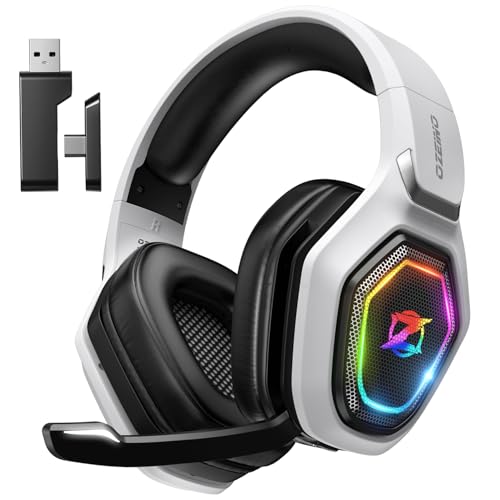
【Amazing Stable Connection-Quick Access to Games】Real-time gaming audio with our 2.4GHz USB & Type-C ultra-low latency wireless connection. With less than 30ms delay, you can enjoy smoother operation and stay ahead of the competition, so you can enjoy an immersive lag-free wireless gaming experience.
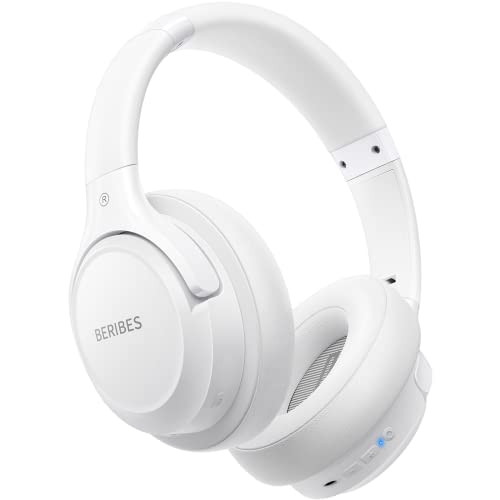
Optional 6 Music Modes: Adopted most advanced dual 40mm dynamic sound unit and 6 EQ modes, BERIBES updated headphones wireless bluetooth black were born for audiophiles. Simply switch the headphone between balanced sound, extra powerful bass and mid treble enhancement modes. No matter you prefer rock, Jazz, Rhythm & Blues or classic music, BERIBES has always been committed to providing our customers with good sound quality as the focal point of our engineering.
Common Connection Problems and Solutions
When users experience difficulties with Bluetooth headphones, several common issues can typically be identified and resolved through systematic troubleshooting. Low battery levels frequently prevent successful pairing or cause intermittent disconnections, making Battery Troubleshooting essential for maintaining reliable performance.
Connection problems often stem from incorrect pairing procedures or device incompatibility. Ensuring headphones are properly in pairing mode and testing with multiple devices can isolate the source of the issue.
Interference Management becomes vital when dealing with signal disruptions. Physical obstacles, distance limitations (typically 10 meters), and competing wireless signals can all degrade connection quality. Moving devices closer together and minimizing environmental interference from Wi-Fi routers or microwaves greatly improves stability.
For headphones that pair but produce no sound, checking audio output settings on the connected device usually resolves the problem.
Recommended Products

Fashion & Function – Mirror Compact Case + Butterfly Jewelry Powder compact charging case looks like real makeup, with a built‑in mirror for quick touch‑ups. Detachable crystal butterfly ear clips let you switch up your style in seconds.

REBUILT FOR COMFORT — AirPods 4 have been redesigned for exceptional all-day comfort and greater stability. With a refined contour, shorter stem, and quick-press controls for music or calls.
REBUILT FOR COMFORT — AirPods 4 have been redesigned for exceptional all-day comfort and greater stability. With a refined contour, shorter stem, and quick-press controls for music or calls.
Frequently Asked Questions
Can I Connect My Bluetooth Headphones to a Smart TV?
Most modern smart TVs offer Bluetooth capability, allowing headphone connections. Users should check their TV compatibility specifications and consider potential audio latency issues when watching video content through wireless headphones.
How Do I Switch Between Multiple Paired Devices Quickly?
Users can switch between paired devices using dedicated buttons on headphones, companion apps, or device management settings. Many headphones with multipoint technology automatically prioritize incoming calls, offering seamless device switching without manual reconnection.
Why Do My Headphones Disconnect During Phone Calls?
Ironically, the devices meant to connect us are notorious for disconnections. Headphones may drop during calls due to signal interference, exceeded Bluetooth range, low battery, or device incompatibility—all factors affecting call stability.
Can Bluetooth Headphones Connect to Gaming Consoles?
Bluetooth headphones can connect to gaming consoles with varying compatibility. Nintendo Switch supports direct console pairing, while PlayStation and Xbox require adapters or workarounds. Users should consider gaming latency when selecting headsets for best performance.
How Much Does Bluetooth Connectivity Affect Headphone Battery Life?
Bluetooth connectivity has minimal impact on headphone battery life with proper Battery Optimization. The primary Drain Factors are volume levels, noise cancellation features, and signal strength rather than the Bluetooth connection itself.