As an Amazon Associate, we earn from qualifying purchases. Some links on this site are affiliate links at no extra cost to you. Our recommendations are based on thorough research and editorial judgment.

How to Charge Beats Headphones: A Step-by-Step Guide

Charging Beats headphones varies by model but follows similar principles. Most modern Beats use USB-C ports located on the earcup or charging case. Connect the appropriate cable (USB-C, Lightning, or micro-USB depending on model) to both the headphones and a power source. Fast Fuel technology provides up to 5 hours of playback from just a 10-minute charge on newer models. LED indicators display charging progress through color-coded light patterns. The following guide details specific instructions for each Beats model.
Key Takeaways
- Connect the USB-C cable to your Beats headphones and a power source for most modern models.
- Check for LED indicators: pulsing red means charging below 95%, solid white indicates near full charge.
- Use Fast Fuel charging for quick power—10 minutes provides up to 5 hours of playback.
- Place wireless earbuds in their charging case and connect the case to power via USB-C.
- Ensure charging ports are clean of debris and use manufacturer-recommended cables for optimal charging.
Understanding Different Beats Charging Ports
You may be interested
Can You Track Beats Headphones If They Are Lost?
July 1, 2025
Do Headphone Dents Go Away?
August 4, 2025
Nearly all modern Beats headphones utilize specific charging ports designed for efficient power delivery and device compatibility. The current Port Design across the Beats lineup primarily features USB-C connectors, which have replaced older micro-USB standards in products like Studio Pro, Solo 4, and Beats Flex.
Connector Standards vary slightly between different Beats models. Over-ear headphones like Studio Pro incorporate USB-C ports directly into the earcup, while wireless earbuds such as Studio Buds and Fit Pro charge through USB-C ports on their carrying cases. The Beats Pill speaker also features USB-C connectivity and can double as a power bank for other devices.
Understanding these port variations is essential for proper charging and maintenance of Beats audio products, ensuring ideal performance and battery longevity. Additionally, models like the Beats Studio Pro support fast charging that enables up to 4 hours of playback from just a 10-minute charge.
Recommended Products
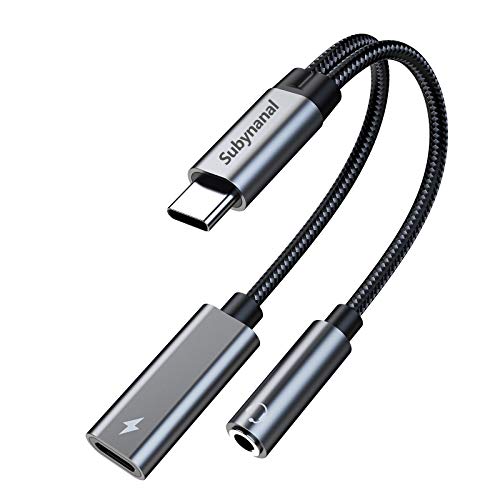
2 in 1 USB C to 3.5mm adapter:With the USB C to 3.5mm audio charger adapter,you can listen to your music while charging your phone,This multiple functionality usb type-c to 3.5mm adapter supports music playback and calling for most USB C devices,And supports volume control while fast-charging your device;NOTE: Does NOT support data transfer

【2-in-1 charging/audio】: Splits your USB-C port into a PD-compatible USB-C port and a 3.5mm audio jack, allowing you to listen to music, play games, calling or watch videos while fast -charging your device. NOTE: Does NOT support data transfer.

⭕[Exquisite Workmanship] Aluminum alloy shell by micro-arc oxidation process makes the shell surface harder and more wearable. Strict quality inspection standards, fine appearance details, refuse to be shoddy.
Charging Beats Solo 4 Models
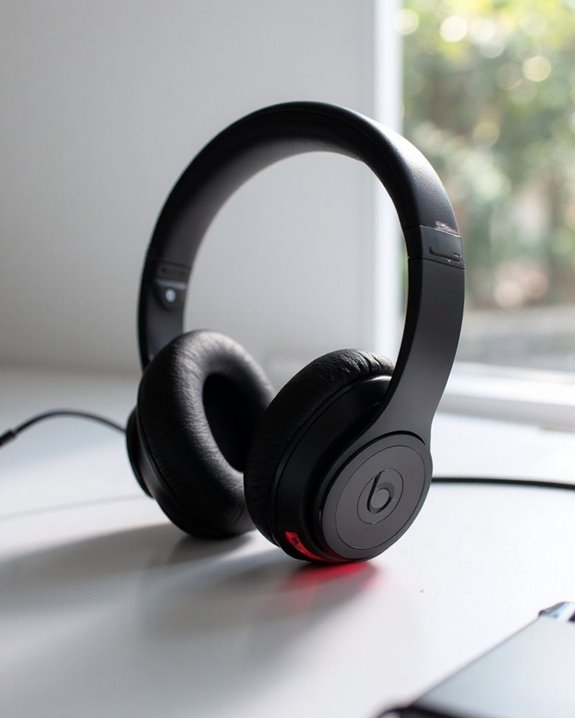
The Beats Solo 4 headphones feature a streamlined USB-C charging system designed for convenience and efficiency. Users can easily power their devices using the included USB-C to USB-C cable, which connects to any standard compatible power source. The right ear cup displays a charging indicator light to monitor battery status.
For maximum power efficiency, the headphones can be charged while in use, seamlessly integrating into daily routines without interruption. The Solo 4 supports fast charging technology, delivering extended playtime with minimal downtime.
When troubleshooting charging issues, users should:
- Check for debris in the USB-C port
- Inspect cables for damage
- Verify power sources function properly
- Consider resetting the headphones if problems persist
To maximize battery longevity, avoid charging in extreme temperatures and regularly update firmware. The Beats Solo 4 also features Fast Fuel charging which provides up to 5 hours of playback from just a 10-minute charge, enhancing convenience for users on the go.
Recommended Products
![Shokz Charger USB C Cable [2-Pack, 3.3ft] USB Type C to Shokz Magnetic Charging Cord Compatible with Aftershokz Aeropex, Shokz OpenRun Pro/Air/Mini, OpenComm 2](https://m.media-amazon.com/images/I/41zxe3sZ7SL._SL500_.jpg)
【Fast Charge, Stable Performance】You can connect with the power adapter, car adapter, power bank, laptop and so on, those charging method can provide high efficiency and high stability charging experience for you

Exceptional durability. Featuring a tangle-free braided design, reinforced to help prevent fraying.

【Premium Sound Quality】This USB C to 3.5mm headphone jack adapter adopts an advanced DAC smart chip. This 2-in-1 USB C to headphone adapter delivers rich and immersive audio. The USB C to Aux adapter enables high-resolution audio output and noise reduction up to 24bit/48kHz to enhance the original sound quality of your USB C mobile phone, giving you hi-fi stereo audio with less loss and noise
How to Charge Beats Studio Pro Headphones
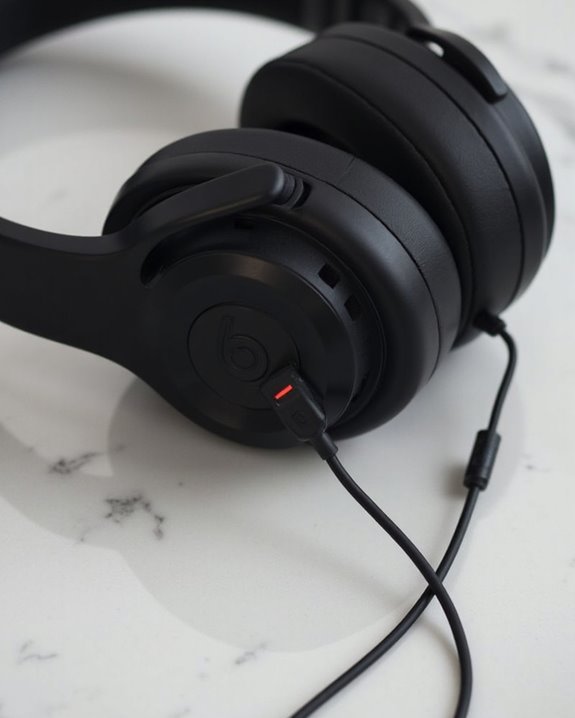
Because Beats Studio Pro headphones represent a premium audio solution, they incorporate sophisticated charging technology that maximizes convenience and performance. These headphones require a USB-C to USB-C cable for maximum charging efficiency, which takes approximately two hours to reach full capacity.
For safety measures, users should verify adapter compatibility with the Beats Studio Pro to prevent potential damage to the battery system. The five indicator lights display charging progress, with all five illuminated when fully charged.
When implementing efficiency techniques, users can:
- Use a 20W adapter for faster charging
- Charge while listening through the USB-C connection
- Monitor battery status through device settings (iPhone) or the Beats app (Android)
Battery life extends to an impressive 40 hours of playback, supporting extended use between charging sessions.
Recommended Products

【2 in 1 Audio Adapter】Splits your USB-C port into a PD-compatible USB-C port and a 3.5mm audio jack, allowing you to listen to music, play games, calling or watch videos while fast -charging your device. NOTE: Does NOT support data transfer.

2 in 1 Listening While Charging: UGREEN USB C to 3.5mm headphone and charger adapter allows you to listen to music, make calls, play games, or watch videos while fast charging your device. Hi-Res audio and PD 60W fast charging are provided with the USB C to aux charger adapter. You can fully immerse yourself in the audio world without worrying about your phone's battery dying. Note: Do not support data transfer

1.Compatible with for Corsair Virtuoso RGB Wireless Gaming Headphones, Virtuoso RGB SE Wireless Gaming Headphones, Virtuoso RGB XT Wireless Gaming Headphones, corsair hs80 rgb Wireless Gaming Headphones, Corsair HS75 XB Wireless Gaming Headphones.This specifically designed alternative will fit perfectly and charge perfectly.(⚠️Note: Not suitable for mirco equipment, Please check the charging port to see if it matches your device before purchasing!)
Powering Up Beats Studio Buds
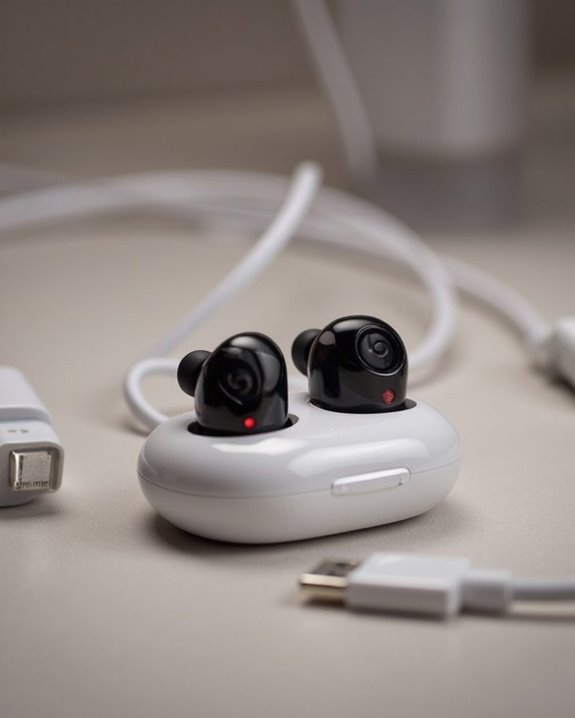
Charging your Beats Studio Buds effectively requires understanding their unique power system and compatible accessories. The earbuds utilize a USB-C connection, with the buds properly seated in their case during the charging process. Complete charging typically takes 1-2 hours, depending on the existing battery level.
For best performance, users should consult the user manual for specific charging instructions and periodically check for firmware updates that may improve battery efficiency. The charging case serves as a portable power bank for the earbuds, providing additional charges when away from power sources.
During power outages or outdoor activities, portable power stations like Jackery models offer reliable charging solutions. These high-capacity stations can simultaneously power multiple devices while maintaining the quiet operation necessary for professional environments. Additionally, USB-C connectivity supports high-resolution audio and ensures compatibility with modern devices, enhancing overall user experience.
Recommended Products

REBUILT FOR COMFORT — AirPods 4 have been redesigned for exceptional all-day comfort and greater stability. With a refined contour, shorter stem, and quick-press controls for music or calls.

Compatibility: only compatible with AirPods Pro 2nd Generation (2023/2022) (USB-C/Lightning Cable) and AirPods Pro 1st Generation (2019); earbuds and charging case not included

Protective EVA Carry Case; Durable shell guards your Switch 2 from drops and scratches, with secure interior storage for accessories.
Charging Methods for Older Beats Models
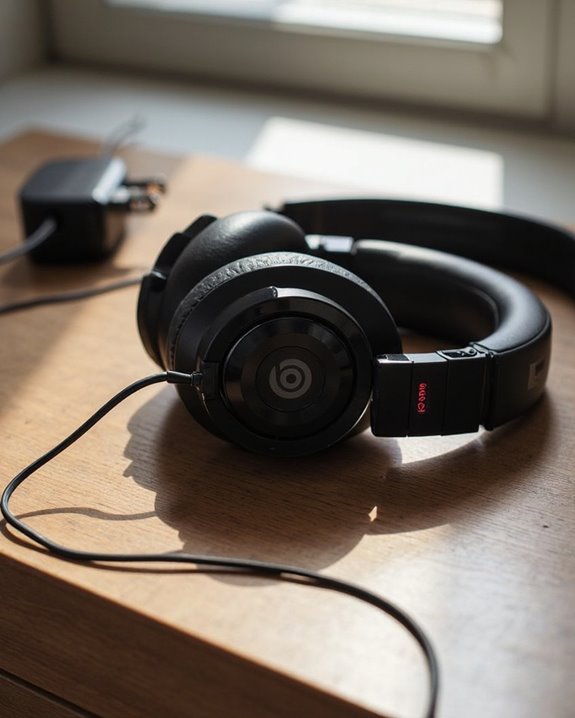
Older Beats headphone models utilize distinctly different charging mechanisms compared to their newer counterparts, requiring specific approaches for best battery maintenance. These models typically connect via USB cables to compatible adapters, with charging ports generally located on the left earcup.
For users on the move, backup power options include portable power banks that provide emergency charging capabilities when wall outlets aren’t available. Car chargers and travel adapters extend charging possibilities across various environments.
When troubleshooting charging issues, users should:
- Inspect ports for dust accumulation
- Check cables for visible damage
- Perform reset procedures when necessary
- Clean connection points regularly
Proper accessory compatibility remains essential for efficient charging. While third-party options exist, manufacturer-recommended equipment guarantees best power delivery and prevents potential damage to the battery system.
Decoding Charging Indicator Lights
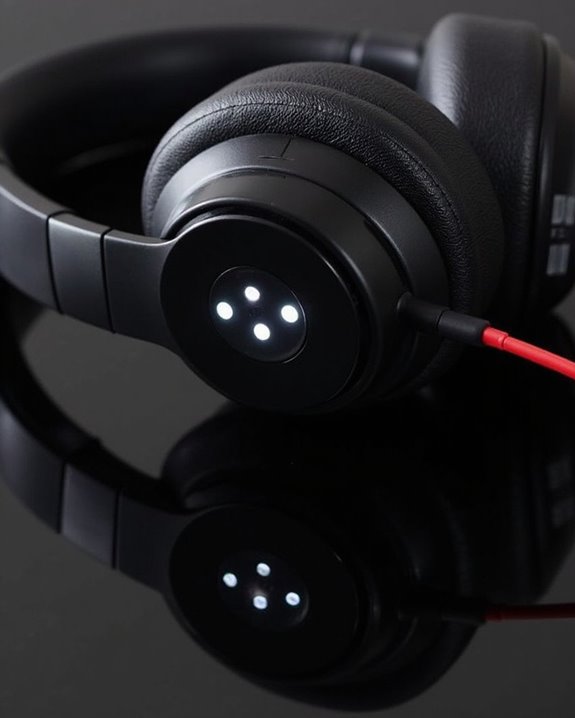
Understanding what your Beats headphones are trying to communicate through their LED indicators can greatly simplify the charging process. Different models utilize specific LED Meanings to convey battery status and charging conditions.
For Beats Solo 4, a pulsing red light indicates active charging below 95%, while solid white signals near-full capacity. The Studio Pro displays progress through five sequential lights that remain solid when fully charged. Beats Flex uses color-coded Pattern Symbols: white for substantial battery life, red for less than an hour remaining, and blinking red for critically low power.
When troubleshooting, persistent blinking red typically suggests a reset requirement, while no illumination may indicate connection problems. Checking cable orientation and power source compatibility is essential, as improper connections prevent the LED activation sequence from initiating.
Optimal Charging Practices for Battery Longevity
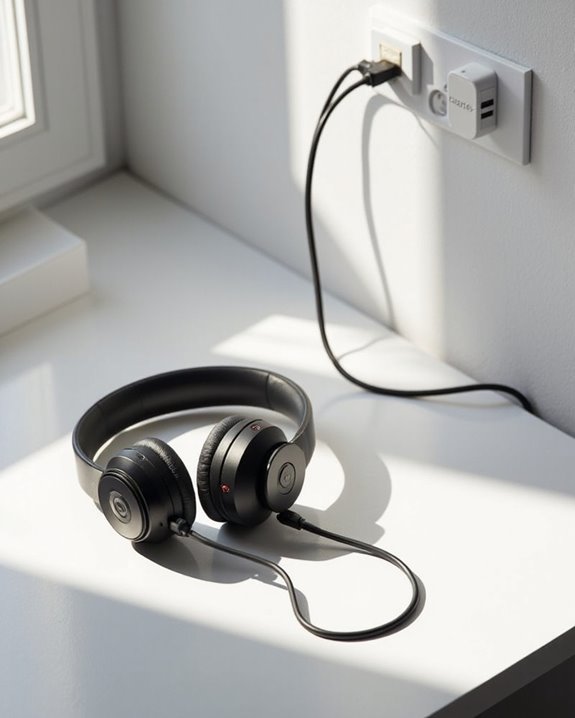
To maximize the lifespan of Beats headphones, proper charging techniques must be consistently implemented. Effective cycle management involves avoiding complete battery depletion and instead recharging when indicators show low levels. Regular charging sessions, rather than deep discharges, greatly extend overall battery health.
Temperature effects play a vital role in battery preservation. Charging in well-ventilated areas prevents overheating and guarantees efficient heat dissipation. Users should avoid placing devices under blankets or pillows, which can trap heat and potentially damage internal components.
Additional best practices include:
- Powering off headphones before charging
- Limiting charging sessions to approximately 2 hours
- Storing earbuds in their case when not in use
- Using only compliant charging equipment
- Monitoring for unusual warmth during charging sessions
Troubleshooting Common Beats Charging Issues
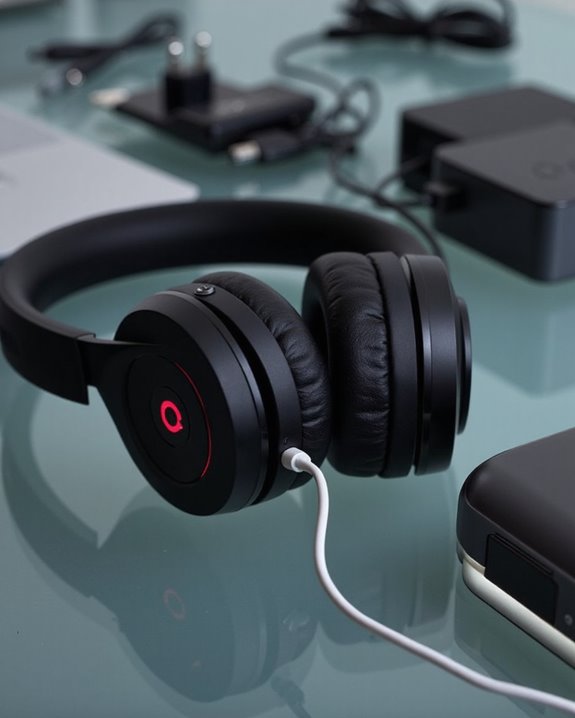
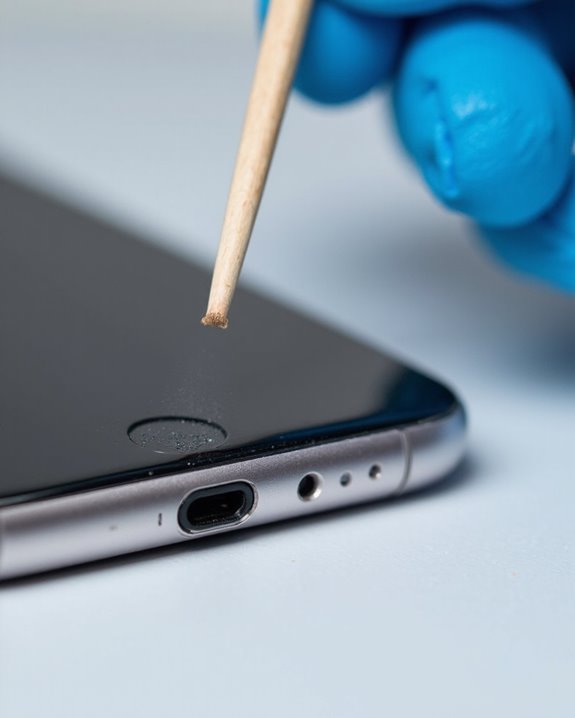
Despite proper charging practices, users occasionally encounter problems that prevent their Beats headphones from charging correctly. When facing charging difficulties, first inspect the charging port for dust or lint accumulation, using a flashlight to identify obstructions that can be carefully removed with a toothpick or SIM tool.
Testing alternative cables and power sources often resolves connection issues. If problems persist, perform a factory reset according to your specific Beats model instructions, which can resolve software-related charging complications. Environmental factors also impact charging efficiency; avoid exposing headphones to temperature extremes.
For persistent issues, check for available Firmware Updates through the Beats app. When all troubleshooting methods fail, Battery Replacement may be necessary—consult Apple Support for professional assistance, especially if your device remains under warranty.
On-the-Go Charging Solutions for Beats Products
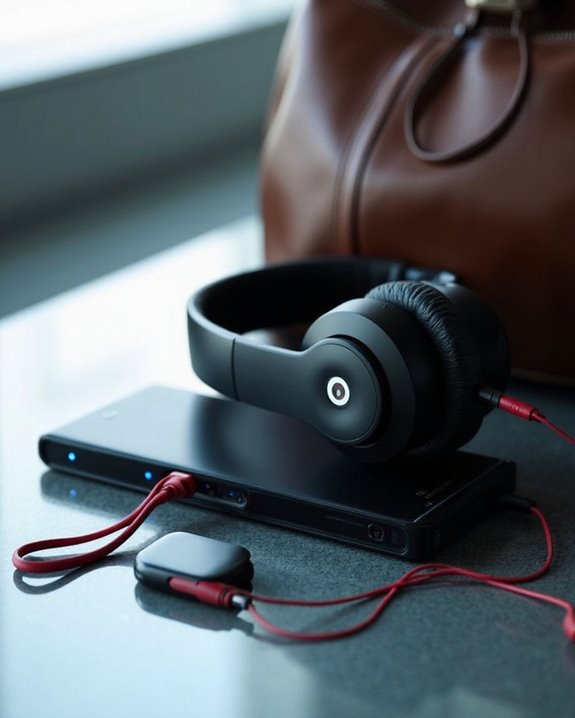
Staying powered up while traveling or commuting requires practical charging solutions tailored to Beats headphones users on the move. USB-C cables offer versatile compatibility with various power sources, including portable power banks that provide several charging cycles when outlets are unavailable.
For outdoor enthusiasts, Solar Charging technologies present an eco-friendly alternative, converting sunlight into power for extended trips away from conventional electricity. Car Adapters serve as reliable power sources during road trips, maintaining continuous playback without battery anxiety.
Urban commuters can leverage public charging stations in airports and malls, while workplace professionals might utilize computer USB ports for convenient charging. Multi-device charging hubs offer efficiency for travelers carrying multiple devices, eliminating the need to pack numerous adapters and ensuring Beats headphones remain operational throughout any journey.
Recommended Products
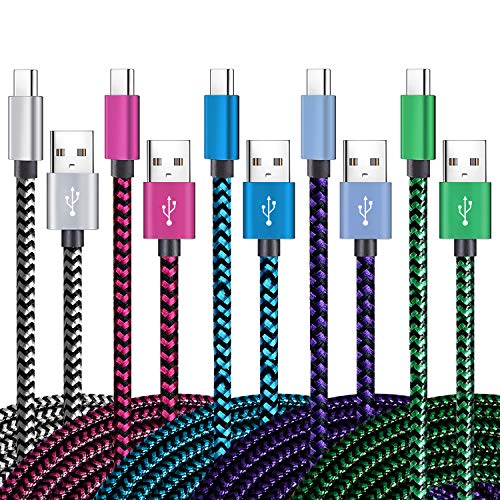
【3A Quick Charge&Sync】Transfer speed up to 480Mb/s, 3A Fast Charger,This power cord alone will not provide you with fast charging alone, you will need a power block rated for fast charging and a phone capable of the same.

【2Pack USB A to USB C Charging Cable】Cord current output of up to 3A, allows you to enjoy high-speed data transfer up to 480 Mbps, whether at home, in the office or on the go, this charging cable can meet all your daily charging needs.
![INIU USB C to USB C Cable,240W Fast Charging Type C Charger Cord,Braided USBC Phone Charger Cable for iPhone 17 16 Pro Max Samsung S25 S24 Laptops MacBook Air 15 M3 iPad Switch[3.3 ft + 3.3 ft. Black]](https://m.media-amazon.com/images/I/41egDzhN4RL._SL500_.jpg)
[Unleash 240W High-Speed Charging] With the INIU 240W USB-C to USB-C cable, you can supercharge your iPhone 16, iPad, reaching up to 70% in just 30 minutes. Designed for those who demand the best charging performance
Frequently Asked Questions
Can I Use My Phone Charger to Charge Beats Headphones?
Most Beats headphones can be charged using a phone charger with USB-C compatibility. Charger compatibility extends to various smartphone adapters, providing multiple adapter options as long as they support the USB-C connection standard.
Will Beats Headphones Charge While Connected to a Laptop in Sleep Mode?
In a world of infinite charging possibilities, Beats headphones typically won’t charge when laptops enter sleep mode. Sleep Mode Alternatives include adjusting BIOS settings for “Always On USB” to overcome common Laptop Power Issues.
Can I Replace the Battery in My Beats Headphones?
Yes, Beats headphone batteries can be replaced with basic skills and proper tools. Battery replacement is possible by accessing the right ear cup, though users should address longevity concerns by ensuring compatibility with the specific model.
Is It Safe to Use Beats Headphones While They’re Charging?
While technically possible, using Beats headphones during charging presents usage risks including restricted movement, potential electrical exposure, and cable hazards. For best charging safety, manufacturers generally recommend charging devices when not in use.
How Do I Reset My Beats Headphones if They Won’t Charge?
When beats headphones hit a wall with charging, users can try two reset methods: holding the power button for 10 seconds, or simultaneously pressing power and volume down buttons. These troubleshooting fixes often resolve charging issues.