As an Amazon Associate, we earn from qualifying purchases. Some links on this site are affiliate links at no extra cost to you. Our recommendations are based on thorough research and editorial judgment.

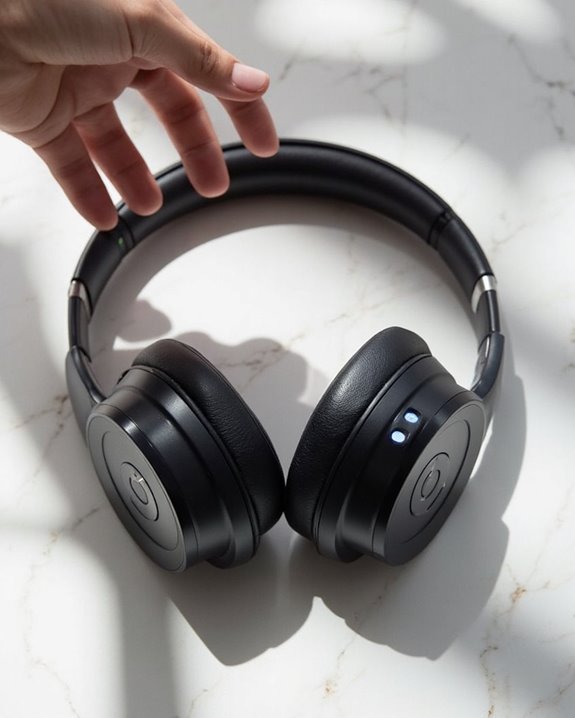
How to Turn Off Beats Headphones: A Simple Step-by-Step Guide

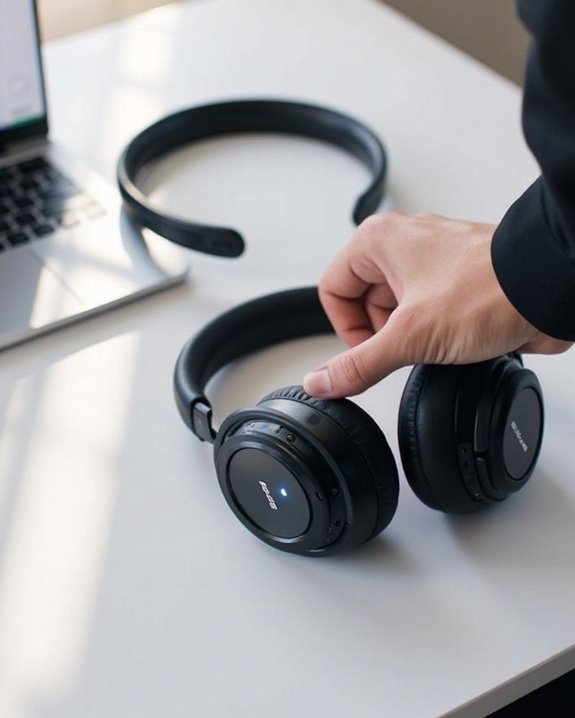
To turn off Beats headphones, locate the power button on the right earcup (bottom position on Solo models, near USB-C port on newer versions). Press and hold the button for approximately one second until the LED indicator light turns off. For Studio models, make sure a firm press and verify the headphones have adequate battery charge to execute the shutdown sequence. Different models may require slightly different techniques, with detailed specifications varying across the Beats product lineup.
Key Takeaways
- Press the power button on the ear cup for approximately 1-3 seconds until the LED indicator light turns off.
- For Studio models, locate the power button on the right ear cup and press firmly for one second.
- Solo headphones require a one-second press of the power button located on the right ear cup.
- Earbuds like Powerbeats Pro automatically power off when placed in their charging case.
- If the headphones won’t turn off, try resetting by holding volume down and power buttons for 10 seconds.
Understanding the Power Button on Beats Headphones
You may be interested
Can You Track Beats Headphones If They Are Lost?
July 1, 2025
Do Headphone Dents Go Away?
August 4, 2025
The power button serves as the central control mechanism for any pair of Beats headphones, functioning as the gateway to both basic and advanced features. Located strategically on one of the earcups, this button has evolved through Beats’ design history to maximize accessibility while maintaining aesthetic appeal.
User feedback has greatly influenced the power button’s placement and functionality across different models. The Solo series typically features a single button, while Studio models may incorporate additional controls nearby. Each button includes indicator lights that communicate device status through LED signals.
The power button performs multiple functions: a brief press powers the device on or off, while pressing and holding initiates Bluetooth pairing mode. This dual functionality streamlines the user experience, allowing for intuitive operation across both iOS and Android devices. Additionally, Beats headphones feature Bluetooth 5.3 technology to provide a 100-meter range for extended wireless connectivity and convenience.
Recommended Products
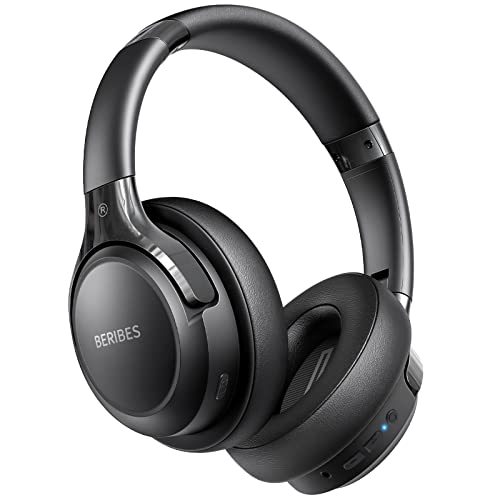
65 Hours Playtime: Low power consumption technology applied, BERIBES bluetooth headphones with built-in 500mAh battery can continually play more than 65 hours, standby more than 950 hours after one fully charge. By included 3.5mm audio cable, the wireless headphones over ear can be easily switched to wired mode when powers off. No power shortage problem anymore.

Excellent Sound & 6EQ Modes: Wireless Bluetooth headphones equipped with 40mm dynamic driver, which produces hi-fi stereo sound, crisp and clean, great balanced Bassup and reduces environmental noise.Switch freely between 6 sound effects with the EQ button: Bass, pop, rock, classic, jazz and vocal. Listening to a variety of music,just like you are in a concert with a wide sense of space

JBL PURE BASS SOUND: These wirelss headpones feature the renowned JBL Pure Bass sound, which can be found in the most famous venues all around the world.
Quick Method for Turning Off Beats Studio Models
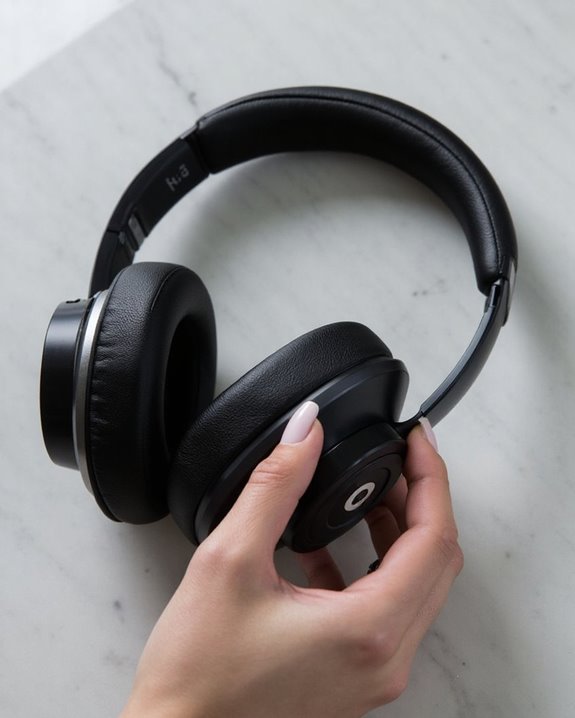
Powering off Beats Studio headphones requires nothing more than a simple, one-second press of the power button located on the right earcup. This Studio Shortcut provides the fastest path to conserving battery life when the headphones aren’t in use.
Users can confirm a successful Quick Shutdown by watching for the LED indicator to turn off, signaling the device has powered down completely. For maximum efficiency, incorporate this habit into regular usage patterns to extend battery longevity.
If the headphones fail to turn off using this method, make sure the power button is pressed firmly and check that no debris is obstructing proper contact. Most unresponsive issues can be resolved by verifying adequate battery charge, as critically low power levels may prevent the device from executing shutdown commands properly. Beats Studio Pro supports Bluetooth 5.3 connectivity, ensuring stable wireless connections during use.
Recommended Products

JBL Pure Bass Sound: The JBL Tune 720BT features the renowned JBL Pure Bass sound, the same technology that powers the most famous venues all around the world.

【40MM DRIVER & 3 MUSIC MODES】Picun B8 bluetooth headphones are designed for audiophiles, equipped with dual 40mm dynamic sound units and 3 EQ modes, providing you with stereo high-definition sound quality while balancing bass and mid to high pitch enhancement in more detail. Simply press the EQ button twice to cycle between Pop/Bass boost/Rock modes and enjoy your music time!
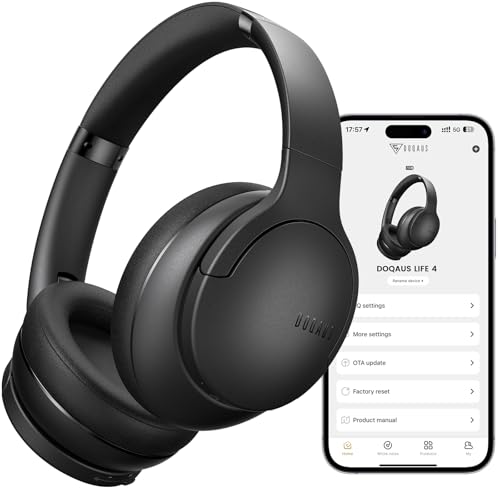
✅ End Charging Anxiety with 90-Hour Marathon Battery Life: Designed for the long-haul commuter or international traveler, these wireless headphones deliver up to 90 hours of playtime. A quick 10-minute charge fuels 5 hours of listening, and the included aux cable is your zero-power backup plan, ensuring your music, podcasts, or movies never stop.
Steps to Power Down Beats Solo Headphones
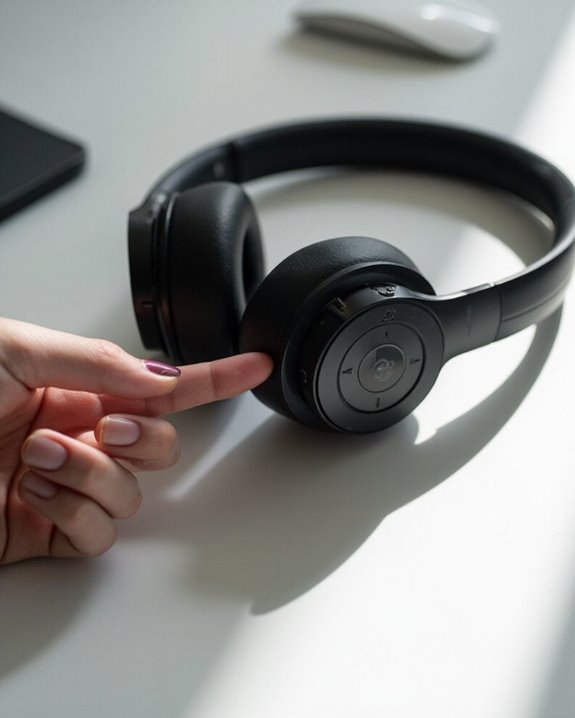
Turning off Beats Solo headphones requires a simpler approach compared to other models in the Beats lineup. The Solo Shutdown process involves locating the power button, which is positioned on the right earcup—specifically at the bottom for Solo 3 models and near the USB-C port for Solo 4 versions.
The Power Technique is straightforward: press the button for approximately one second and release. Users should avoid holding longer, as this activates pairing mode instead of powering down the device. When executed correctly, the LED indicator light will turn off, confirming the headphones are no longer active.
This power-down procedure helps conserve battery life substantially. No repositioning or folding of the headphones is necessary to complete the shutdown process, making it a quick operation that extends the longevity of your audio investment.
Recommended Products

Custom acoustic architecture and updated drivers for powerful Beats sound.

20+ hours playtime keep the music going all day — commute, work, and beyond. USB-C charging means no hunting for old cables. One full charge handles your longest listening days.

NOTE: If headset is too tight we suggest placing them over a ball or something of similar size/shape. Leave undisturbed for at least 24 hours. Repeat if necessary. Please also try length adjustments of either earpiece until both sides best fit you.
Visual Indicators That Confirm Your Beats Are Off
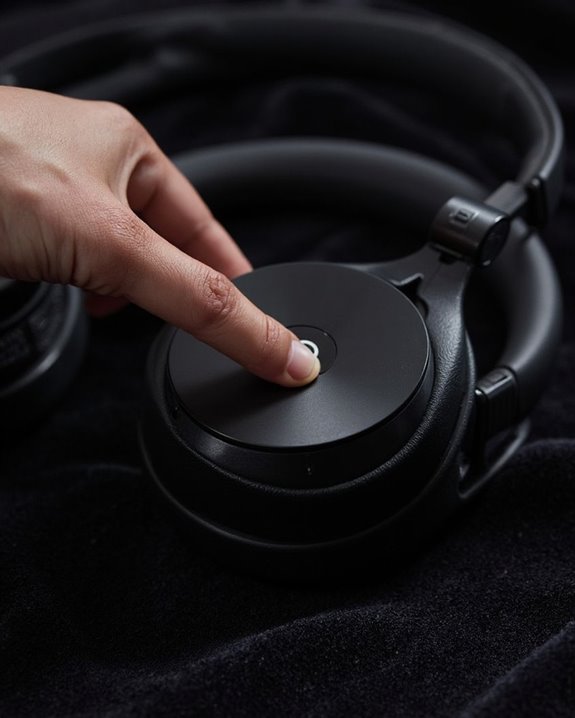
Confirming that Beats headphones have successfully powered down relies on several clear visual indicators that users should recognize. The most obvious sign is the absence of any illuminated LEDs, particularly the power button light which remains unlit when the device is off.
Across different models, LED variations exist but share common patterns. In Beats Solo models, both the power button and Fuel Gauge LEDs are completely dark, while Studio models primarily display an inactive power button. When comparing Indicator patterns between on and off states, the distinction is straightforward—powered-down headphones show no light activity whatsoever.
Additionally, users can verify their headphones are off by attempting Bluetooth connection, which will fail when the device is properly powered down, and by noting the absence of any audio processing or playback capability.
Troubleshooting When Your Beats Won’t Turn Off
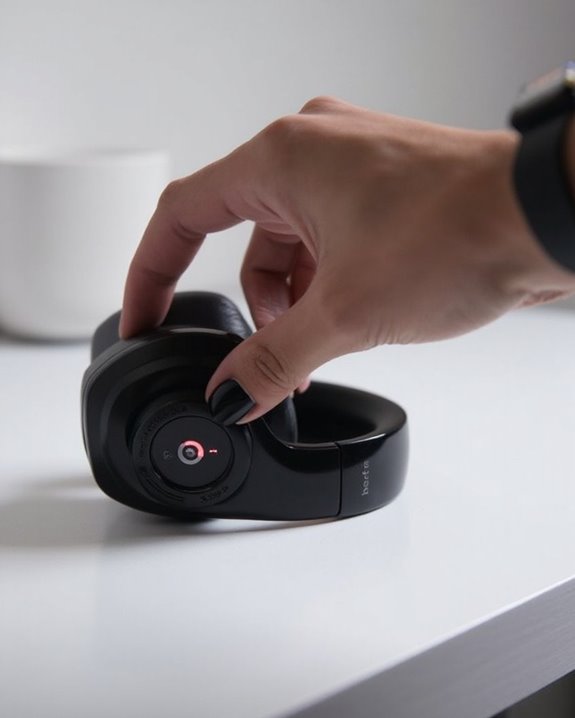
When Beats headphones remain stubbornly powered on despite attempts to shut them down, users can implement several troubleshooting strategies to resolve the issue. The first step involves identifying whether signal interference or hardware malfunctions are causing the problem.
For Beats Solo 3 owners, performing a system reset by holding both the volume down and power buttons for 10 seconds often resolves persistent power issues. Users should disconnect from all Bluetooth devices before attempting this reset to prevent diagnostic tools from misreading the headphones’ status.
Physical inspection is equally important—checking for debris around the power button and cleaning with a fine pin can restore normal functionality. If issues persist after multiple reset attempts, charging the headphones fully before holding the power button for an extended period may resolve power management glitches.
Recommended Products
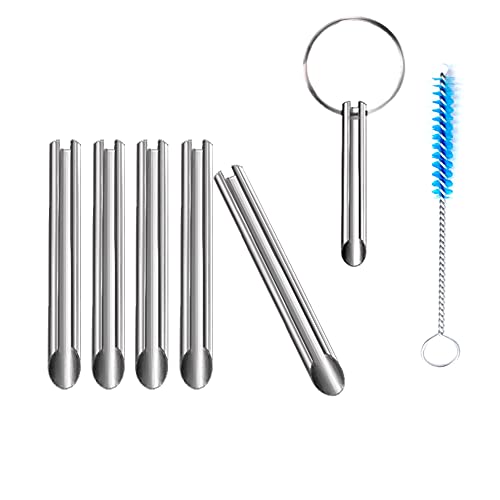
🛠️Applicable To :all models of mobile phones, pads and computers headphone jack, built to easily remove broken 3.5mm headphone plugs from jacks.
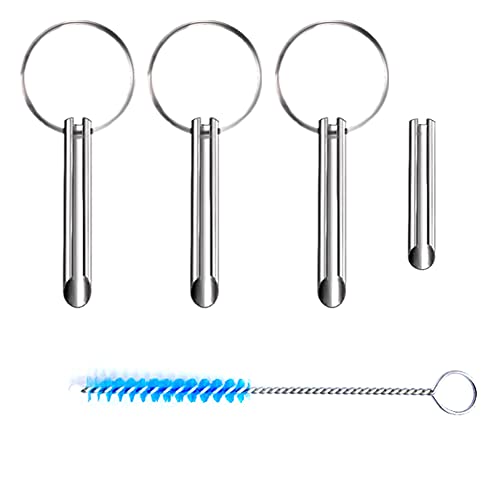
Applicable To:models of mobile phones, ipads and computers headphone jack, is built to easily remove broken 3.5mm headphone plugs from jacks.
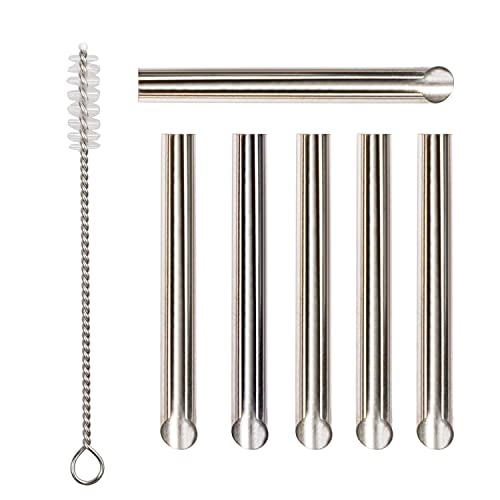
✔️PURPOSE: JUYEER headphone plug extraction tool is built specifically to easily remove broken 3.5mm headphone plugs from jacks. It can be used on 3.5mm jacks found on phones, laptops and any other devices. You can solve your problem within 20 seconds.
Battery Conservation Tips for Beats Headphones
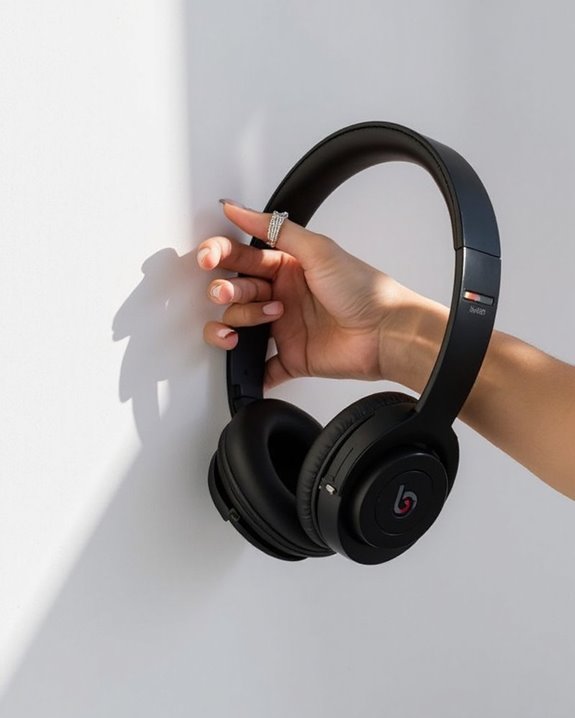
Maximizing the battery life of Beats headphones requires strategic management of their power-consuming features and adoption of proper maintenance habits. Users should toggle Active Noise Cancellation and Transparency modes only when necessary, as these features greatly drain battery resources.
Proper charging habits directly impact longevity—avoid leaving headphones plugged in after reaching full charge and use only certified chargers to prevent battery damage. Remove cases during charging to prevent overheating and maintain ideal temperature conditions.
Regular firmware updates are essential for battery optimization, as they often include power management improvements. Installing these updates promptly guarantees headphones benefit from the latest efficiency algorithms.
For daily use, disconnect Bluetooth connections when headphones aren’t in use and monitor environmental temperatures to protect battery cells from premature degradation.
Additionally, enabling fast charging features when available can provide several hours of playback from just a few minutes of charging, enhancing convenience without compromising battery health.
Recommended Products

Professional charging cable for Beats by Dr Dre series. Note: only compatible with the "micro" headset and speaker charging jack.

Compatible with AfterShokz Aeropex, AfterShokz OpenRun, AfterShokz OpenComm, AfterShokz OpenRun Pro, AfterShokz OpenRun mini. Compatible with Shokz charging cable.
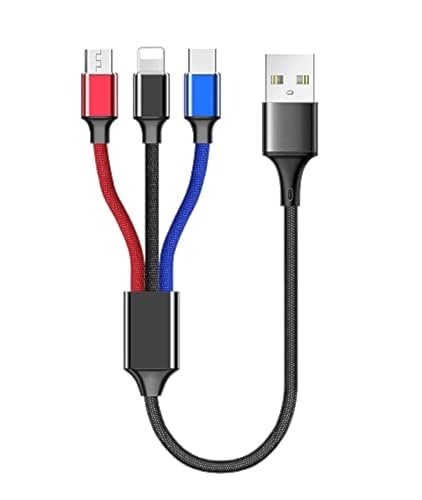
USB charge cable cord wire for old and new versions editions of Sony, Beats Flex / Studio Buds, Jaybird, PowerBeats, Beats and other earbuds and headphones.
Proper Storage Practices After Powering Down
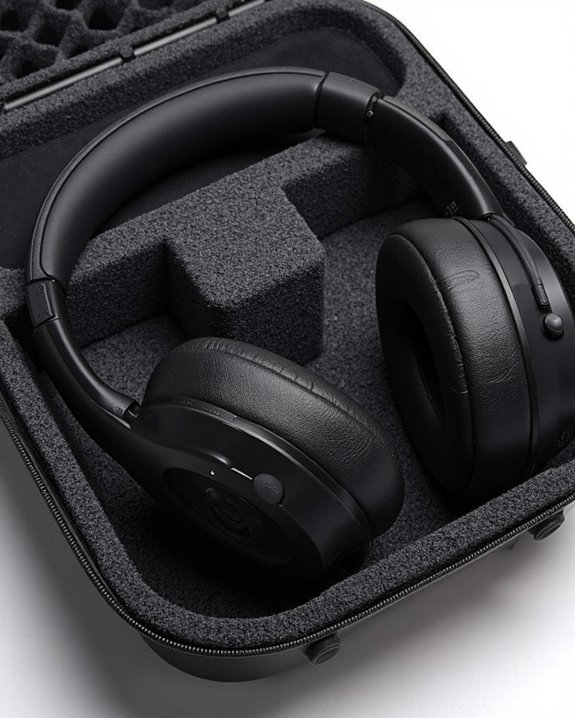
Proper storage of Beats headphones after powering down greatly extends their lifespan and maintains ideal performance between uses. After confirming the device is powered off, users should place their headphones in their original protective case to shield them from physical damage and dust accumulation.
Environment Selection plays an essential role in headphone longevity. Choose clean, dry locations away from direct sunlight and moisture, maintaining moderate temperatures to preserve electronic components. Avoid areas with significant temperature or humidity fluctuations.
Case Protection provides the first line of defense against potential damage. Always fold headphones properly according to their design before securing them in the case. This practice prevents cable tangling and protects vulnerable components. For ideal preservation, clean ear pads and surfaces with a microfiber cloth before storage to remove oils and debris.
Common Power Button Functions Across Different Models
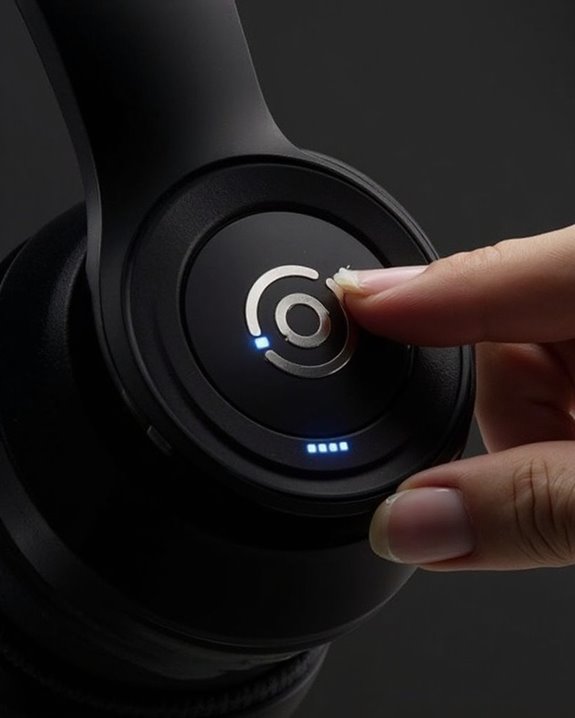
The power button serves as the primary control interface across all Beats headphone models, though its specific functions and locations vary between different versions. Throughout Beats’ Function History, the power button has evolved from simple on/off control to incorporating multiple features in a single button system.
Most Beats headphones require holding the power button for approximately one second to turn on or off. Higher-end models like the Studio Pro feature multi-functional system buttons that control power, noise cancellation, and voice assistant activation. Many newer models incorporate automatic shutdown when folded, a feature first introduced in earlier generations.
Future Innovations suggest Beats may implement touch-sensitive controls and gesture recognition, potentially eliminating physical buttons altogether while maintaining the brand’s commitment to intuitive user experience and battery efficiency.
Frequently Asked Questions
Can Beats Headphones Automatically Turn off When Not in Use?
Some Beats headphones feature auto shutoff when not in use. Models like Beats Studio 3 include an idle timeout that automatically powers them down after periods of inactivity, while older models lack this feature.
Will Turning off Beats Headphones Disconnect Them From Paired Devices?
With lightning speed, powering off Beats headphones initiates a Wireless Disconnect from all paired devices. This severing of the Bluetooth connection is a normal Pairing Effect, though devices remain in memory for future reconnection.
Can I Turn off Beats Headphones While Music Is Playing?
Yes, users can turn off Beats headphones while music is playing. This action will cause an immediate Music Pause and Audio Halt. The headphones will power down regardless of ongoing playback from the connected device.
Do Beats Headphones Consume Battery Power When Turned Off?
Beats headphones consume minimal residual power when turned off due to idle drain. This occurs as a small constant current maintains the device in a low-power standby state, though the battery consumption is negligible.
Can I Use Beats Headphones With a Wired Connection When Powered Off?
Yes, Beats headphones can be used in Wired Mode when powered off. The analog input allows for passive listening without battery consumption, making it a convenient option when the battery is depleted.