As an Amazon Associate, we earn from qualifying purchases. Some links on this site are affiliate links at no extra cost to you. Our recommendations are based on thorough research and editorial judgment.


How to Charge JBL Headphones: A Step-By-Step Guide

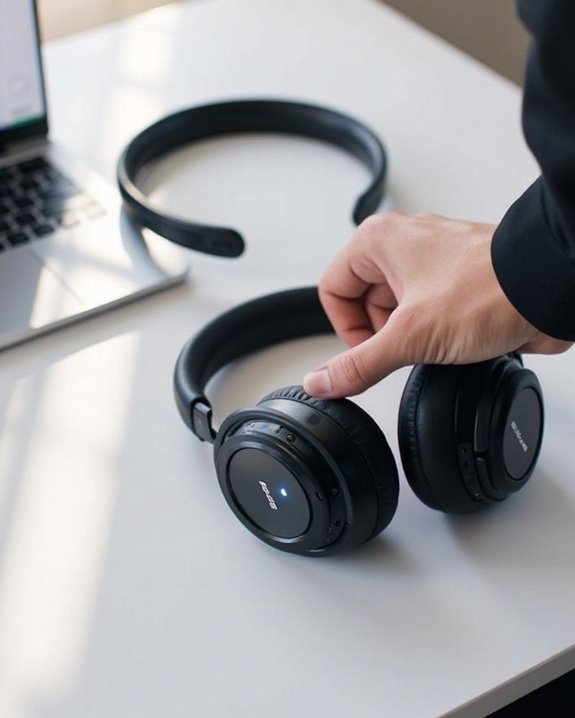
JBL headphones charge via USB-C or micro-USB ports typically located on the right earcup, sometimes under a rubber flap. Connect the provided charging cable to this port, then to a wall adapter or computer USB port. LED indicators show charging status: red while charging, no light when complete. A full charge takes approximately 2 hours. Disconnect once fully charged to preserve battery life. The following guide breaks down specific model variations and troubleshooting techniques.
Key Takeaways
Key Points for Charging JBL Headphones
- Locate the USB-C or micro-USB charging port, typically on the right earcup and often covered by a rubber flap.
- Connect the USB-C end of the charging cable to your headphones and the USB-A end to a wall adapter.
- Monitor charging progress through LED indicators—red light means charging, no light indicates fully charged.
- Allow approximately 2 hours for a full charge and disconnect promptly to maintain battery health.
- Clean charging ports regularly and use original cables to ensure proper connection and optimal battery life.
What You’ll Need to Charge JBL Headphones
You may be interested
Can You Track Beats Headphones If They Are Lost?
July 1, 2025
Do Headphone Dents Go Away?
August 4, 2025
Charging JBL headphones requires specific equipment to guarantee best battery performance and longevity. The primary component needed is a USB-C to USB-A charging cable, which connects to the USB-C port typically located on the headphone’s earcup or housing.
For power sources, users have multiple options. Standard wall Power Adapters provide the fastest charging, completing a full charge in approximately 2 hours. Computers with USB ports offer convenient alternatives, though charging may take longer.
Cable Alternatives include USB-C to USB-C cables for faster charging when paired with compatible power sources. Travel adapters and portable power banks serve as practical solutions for on-the-go charging needs. When selecting charging equipment, prioritize genuine or high-quality accessories to guarantee best performance and prevent potential damage to the headphones’ battery system. Many USB-C headphones also feature built-in DAC chips which contribute to their superior sound quality, so using the proper charging method helps maintain overall device integrity.
Recommended Products

Exceptional durability. Featuring a tangle-free braided design, reinforced to help prevent fraying.
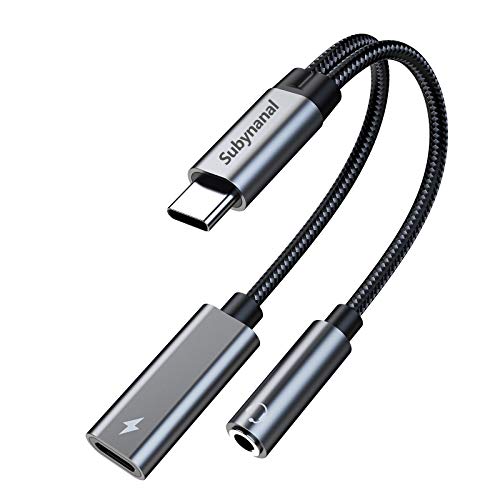
2 in 1 USB C to 3.5mm adapter:With the USB C to 3.5mm audio charger adapter,you can listen to your music while charging your phone,This multiple functionality usb type-c to 3.5mm adapter supports music playback and calling for most USB C devices,And supports volume control while fast-charging your device;NOTE: Does NOT support data transfer

【2-in-1 charging/audio】: Splits your USB-C port into a PD-compatible USB-C port and a 3.5mm audio jack, allowing you to listen to music, play games, calling or watch videos while fast -charging your device. NOTE: Does NOT support data transfer.
Locating the Charging Port on Your JBL Model
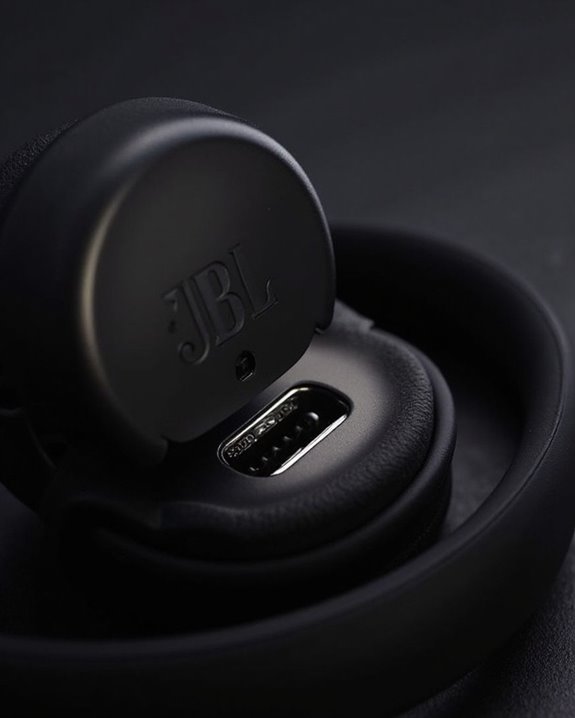
Once you have the right charging equipment, the next step involves finding where to connect it. For most JBL headphone models, including the Tune 510BT, the charging port is located on the right ear cup. This Port Exploration process is straightforward once you know what to look for.
The USB-C or micro-USB charging port typically appears as the largest opening on the ear cup, sometimes protected by a small rubber flap. Identifier Tips include looking for port labels or icons printed nearby, and checking for LED indicators that show charging status.
On the JBL Tune 510BT specifically, slightly fold the right ear cup to reveal the USB-C port. The symmetrical shape distinguishes it from older micro-USB ports found on earlier models.
Recommended Products

⭕[Exquisite Workmanship] Aluminum alloy shell by micro-arc oxidation process makes the shell surface harder and more wearable. Strict quality inspection standards, fine appearance details, refuse to be shoddy.
![Shokz Charger USB C Cable [2-Pack, 3.3ft] USB Type C to Shokz Magnetic Charging Cord Compatible with Aftershokz Aeropex, Shokz OpenRun Pro/Air/Mini, OpenComm 2](https://m.media-amazon.com/images/I/41zxe3sZ7SL._SL500_.jpg)
【Fast Charge, Stable Performance】You can connect with the power adapter, car adapter, power bank, laptop and so on, those charging method can provide high efficiency and high stability charging experience for you

【Premium Sound Quality】This USB C to 3.5mm headphone jack adapter adopts an advanced DAC smart chip. This 2-in-1 USB C to headphone adapter delivers rich and immersive audio. The USB C to Aux adapter enables high-resolution audio output and noise reduction up to 24bit/48kHz to enhance the original sound quality of your USB C mobile phone, giving you hi-fi stereo audio with less loss and noise
Connecting Your JBL Headphones Properly
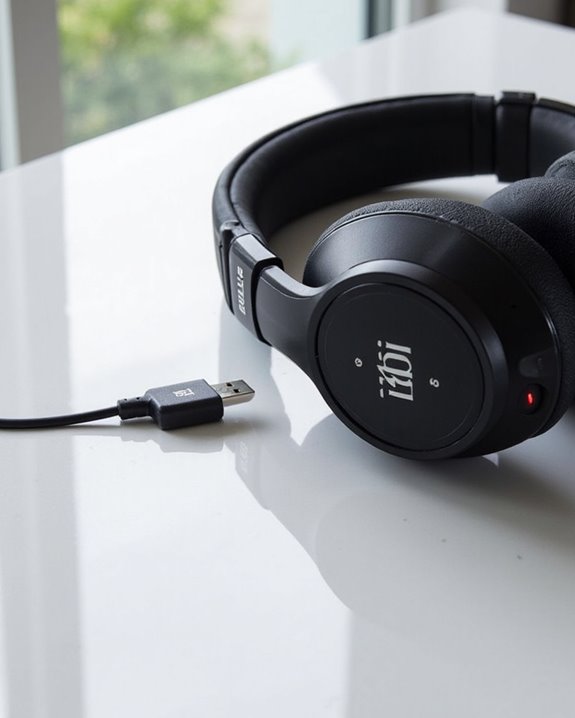
After locating the charging port, proper connection is essential for efficient power delivery to your JBL headphones. Users should insert the appropriate end of the USB cable—either micro USB or USB-C depending on the model—firmly but gently into the port. The opposite end connects to a compatible power source such as a computer USB port or wall adapter.
Regular cable maintenance prevents connection issues and extends the lifespan of charging components. Inspect cables for fraying or damage before each use, and store them properly to prevent tangles. Port protection is equally important; users should cover the charging port when not in use to prevent dust accumulation.
For ideal battery health, avoid using the headphones while charging as this can cause overheating. Charging should be done in moderate temperature environments to preserve battery longevity. Utilizing quick-charge technology can significantly reduce charging time while maintaining battery lifespan integrity.
Recommended Products

【2 in 1 Audio Adapter】Splits your USB-C port into a PD-compatible USB-C port and a 3.5mm audio jack, allowing you to listen to music, play games, calling or watch videos while fast -charging your device. NOTE: Does NOT support data transfer.

2 in 1 Car Aux Cable: This USB C to 3.5mm headphone car stereo aux cable combines USB C to 3.5mm aux cable and USB C charging cable working together, you can listen music while charge your USB C phone simultaneously in your car with only one cable. More convenient and no other charging audio adapter needed anymore.

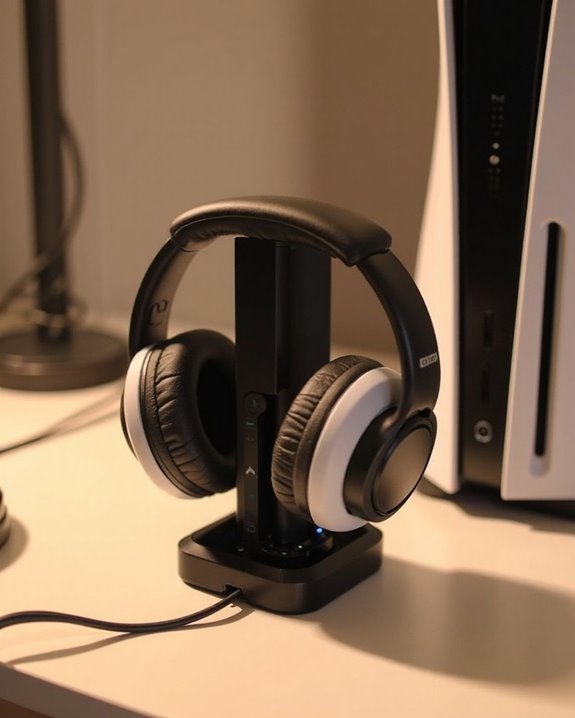
All in One Design: Universal headphone stand with charger, 3 USB charging ports (1 USB C 20W and 2 USB 3.0 18W), 2 outlets Power Strip(1250W rated power), Gifts for gamers, gamer gifts for men, Pc accessories gaming gift for Boy, Men, Husband and Boyfriend.
Understanding the LED Indicator Lights
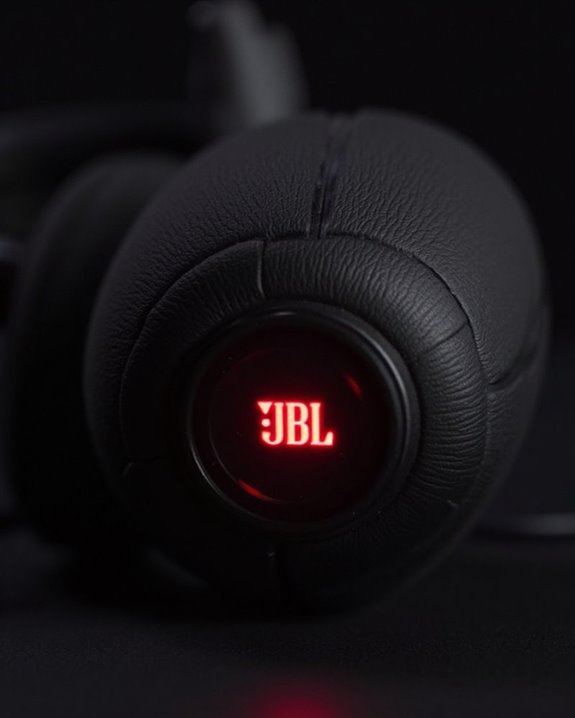
Interpreting the LED indicator lights on JBL headphones provides essential information about their operational status. Different colors and patterns communicate specific conditions about battery levels, charging status, and connectivity.
Blue lights typically indicate Power Indicators and connection status. A steady blue light confirms successful Bluetooth Pairing, while a flashing blue light signals the headphones are in pairing mode and searching for devices. Red lights commonly indicate active charging, and these will typically turn off once the battery reaches full capacity.
JBL models vary in their specific LED patterns. The Tune Flex and Tune Beam use similar indicators—blue for power and connection, red for charging—while other models may incorporate white lights for JBL Connect functionality. For model-specific LED behavior, users should consult their device’s manual.
Optimal Charging Practices for Battery Health
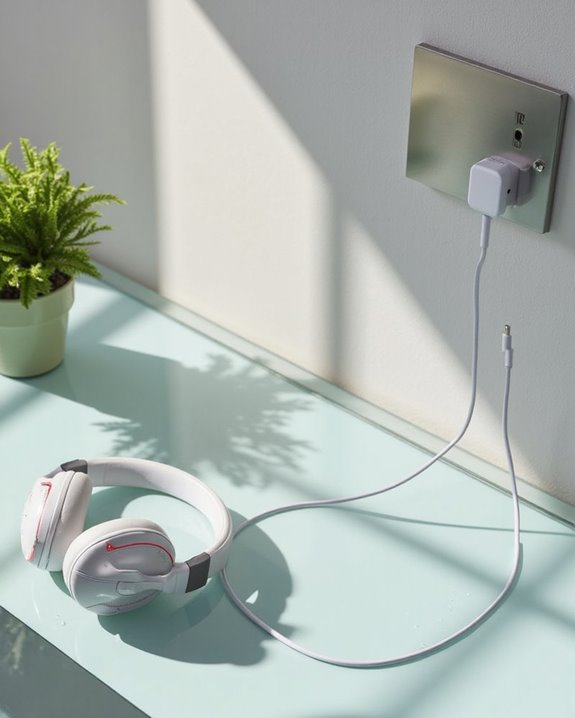
Proper charging habits greatly impact the lifespan and performance of JBL headphones. Users should disconnect their headphones once fully charged, typically after 2 hours when the red indicator light turns off, to prevent battery degradation from overcharging. For ideal Battery Storage, maintain charge levels around 50% during extended non-use periods, and recharge periodically to prevent deep discharge.
Environment Effects greatly influence battery health. Charging should occur at room temperature, away from direct sunlight, with adequate ventilation to dissipate heat. Users should avoid charging immediately after intensive use when headphones are warm. Additionally, it’s advisable to charge when battery levels reach 20-30% rather than allowing complete depletion. Always use the original USB cable and appropriate power sources that deliver stable voltage to preserve battery integrity. Using Bluetooth 5.4 technology can also contribute to efficient power management and longer battery life in compatible wireless headphones.
How to Check Battery Levels While Using
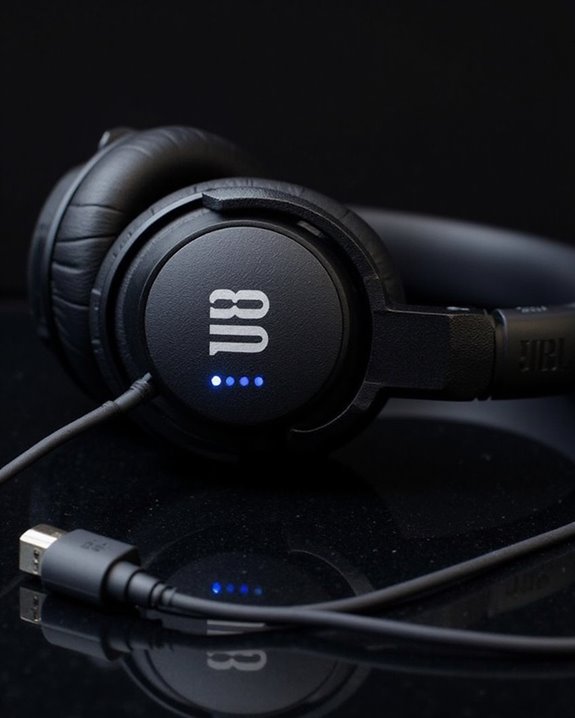
JBL headphone users can monitor battery levels through multiple convenient methods while enjoying their audio experience. The device’s Bluetooth settings provide the most accessible option, displaying real-time battery percentage when headphones are actively connected.
For quicker access, Battery Widgets can be added to smartphone home screens. Users simply long-press an empty space, select “Widgets,” and drag the battery widget onto the screen for instant monitoring without opening additional menus.
The official JBL Headphones app offers the most thorough solution through App Integration. This dedicated platform displays not only current battery levels but also provides usage estimates and battery health insights for compatible models.
Many JBL headphones also incorporate voice prompts and LED indicators that communicate battery status directly through the headphones themselves, requiring no additional device interaction.
Troubleshooting When Your JBL Won’t Charge
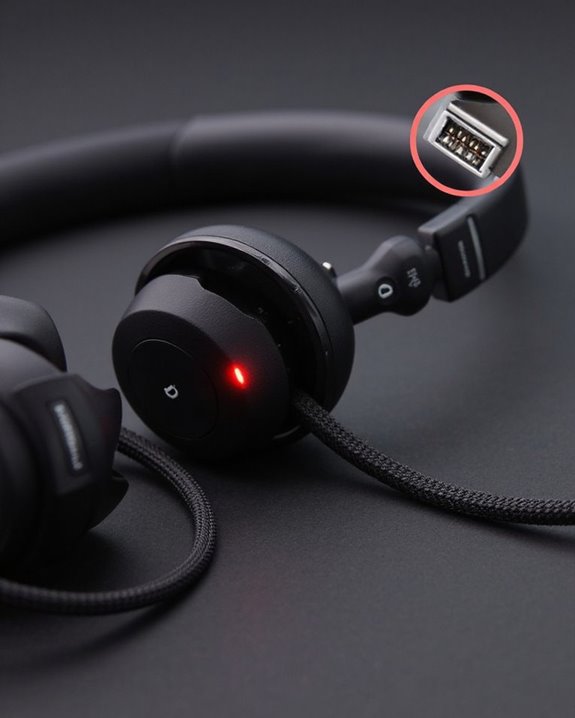
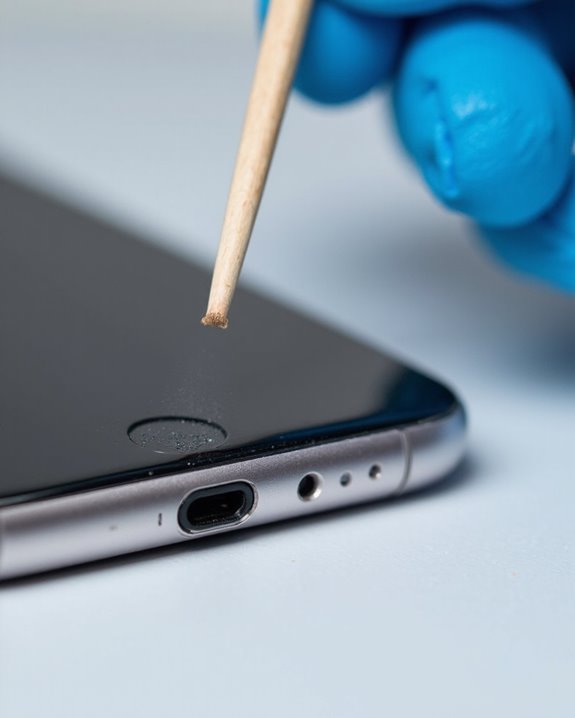
When headphones refuse to charge despite multiple attempts, systematic troubleshooting becomes essential to identify and resolve the underlying issue. Users should first inspect charging contacts for debris and clean them with a dry cotton swab or alcohol-moistened swab if necessary.
Testing alternate hardware components—including different USB cables, power adapters, and charging cases—can isolate faulty equipment. Environmental factors like extreme temperatures and moisture exposure should be eliminated, as these conditions impair battery performance.
If basic troubleshooting fails, users should check for available Firmware Updates that may address charging anomalies. Document all symptoms including LED behavior and charging attempts before contacting JBL Support. For persistent issues, verify Warranty Service eligibility, which typically covers manufacturing defects affecting charging functionality. Professional repair remains the final option when all troubleshooting steps have been exhausted.
Recommended Products
![Speakers Charging Cable Charger Cord [Micro 5-ft] for Bose Jbl Beats Sony Anker Wireless Bluetooth Speakers Headphone Headset Earphone, and More](https://m.media-amazon.com/images/I/31+pH9xp0SL._SL500_.jpg)
Experience rapid charging with our USB cable, delivering power up to 50% faster than standard cables. Perfect for USB-Micro wireless bluetooth Speakers, Headphones, Game controller, Game console and other devices, it saves you time and keeps you connected
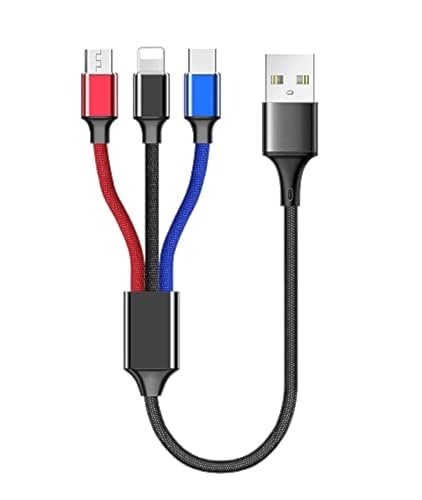
USB charge cable cord wire for old and new versions editions of Sony, Beats Flex / Studio Buds, Jaybird, PowerBeats, Beats and other earbuds and headphones.

Professional charging cable for Beats by Dr Dre series. Note: only compatible with the "micro" headset and speaker charging jack.
Quick Charging Tips for Different JBL Models
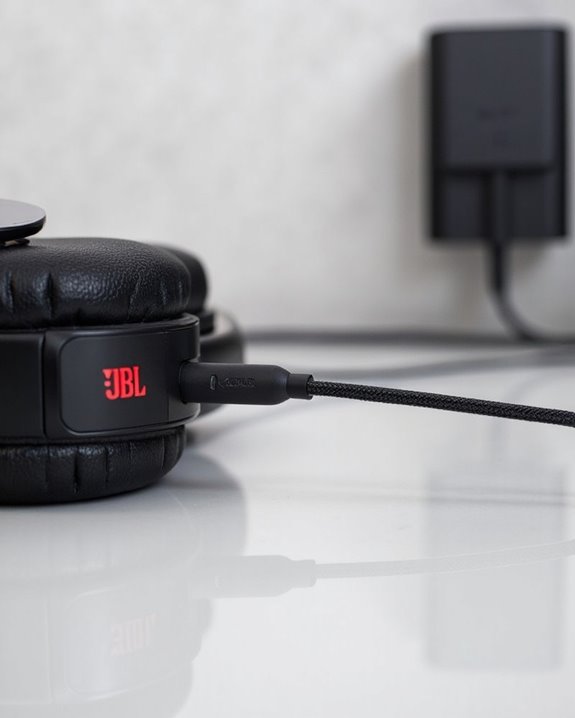
Efficient charging practices greatly impact both the battery life and daily usability of JBL headphones across their diverse product lineup. Different models feature specific charging requirements that users should note:
- JBL Tune 510BT, 560BT, and 570BT models require accessing USB-C ports beneath foldable ear cups
- JBL Q350 supports USB-C to USB-C cables, completing a full charge in approximately 2 hours
- JBL Tune Buds rely on their charging cases for power replenishment
Using original cables reduces Environmental Impact through fewer replacement accessories. For ideal performance, charge headphones in cool environments, disconnect when fully charged, and regularly clean ports to prevent connection issues. The industry’s Future Trends point toward faster charging technologies and more sustainable battery solutions across the JBL lineup, making proper charging habits increasingly important.
Recommended Products

2 in 1 Listening While Charging: UGREEN USB C to 3.5mm headphone and charger adapter allows you to listen to music, make calls, play games, or watch videos while fast...
Frequently Asked Questions
Can I Use My JBL Headphones While They’re Charging?
Like playing with fire, charging usage while enjoying music is risky. Simultaneous playback during charging may cause overheating, reduce battery lifespan, and potentially damage components. Manufacturers generally recommend against this practice for safety reasons.
How Does Weather or Humidity Affect JBL Headphone Charging?
Weather conditions and humidity can impact JBL headphone charging. High humidity effects may cause corrosion on charging contacts, while extreme temperatures reduce battery efficiency. Most JBL models offer moderate weather resistance but aren’t completely weatherproof.
Why Has My JBL Headphone Battery Life Decreased Over Time?
Coincidentally, all lithium-ion batteries face the same fate. The JBL headphone’s decreased battery life stems from natural aging battery degradation after multiple charging cycles, coupled with usage patterns that may include overcharging or extreme temperature exposure.
Are Wireless Charging Options Available for JBL Headphones?
Several JBL headphone models offer wireless compatibility, including the Live Pro 2 TWS, Live Free 2 TWS, and Club Pro+ TWS with Qi charging support. Other models rely exclusively on USB-C as charging alternatives.
Can I Replace the Battery in My JBL Headphones?
Most JBL headphones allow battery replacement through DIY steps involving disassembly of the left earcup. Third-party guides are available, though battery accessibility varies by model. Note that self-replacement may void warranty options.