As an Amazon Associate, we earn from qualifying purchases. Some links on this site are affiliate links at no extra cost to you. Our recommendations are based on thorough research and editorial judgment.

How to Clean Beats Headphones Safely and Effectively

Cleaning Beats headphones requires proper supplies and techniques to maintain quality without damage. Start by powering off the device and removing detachable parts. Clean surfaces with microfiber cloths; use dry cloths for mesh areas and slightly damp ones with mild soap for headbands. Address sweat residue with 70% isopropyl alcohol on a cloth, never applying liquid directly to electronics. Regular maintenance prevents buildup in sliders and ports, extending the lifespan of these premium audio devices. The following methods guarantee ideal care for specific models.
Key Takeaways
- Power off completely and remove detachable parts before cleaning to prevent electronic damage.
- Use microfiber cloths for dust removal and mild soap solution for stubborn dirt on surfaces.
- Clean ear pads with dry cloth for leather or slightly damp cloth for fabric materials.
- Apply 70% isopropyl alcohol with cotton swabs for precision cleaning in crevices and tight spaces.
- Store in protective cases after cleaning and perform regular maintenance to prevent buildup and extend lifespan.
Essential Supplies for Cleaning Your Beats Headphones
You may be interested

Are Bluetooth Headphones Bad for Your Health?
June 3, 2025
Are Bone Conduction Headphones Safe to Use?
June 4, 2025
The proper cleaning of Beats headphones requires specific supplies to maintain their premium finish and functionality while preventing damage. Microfiber cloths represent the foundation of any cleaning kit, effectively removing dust and oils without scratching delicate surfaces.
For liquid cleaning, a mild soap solution and 70% isopropyl alcohol offer effective yet gentle options. Cotton swabs and soft brushes provide precision for reaching tight spaces and grilles. Budget options include lint-free cloths instead of specialized microfiber materials, while Eco Supplies now include biodegradable cotton swabs and plant-based cleaning solutions.
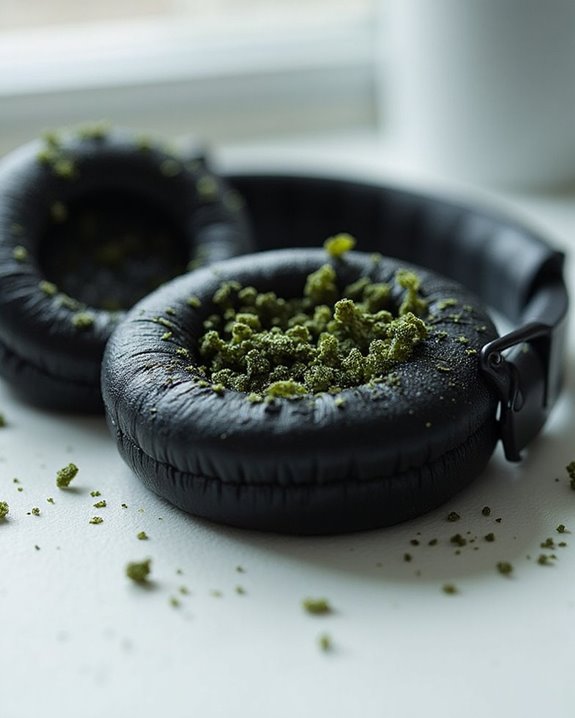
Protective gear such as gloves prevents transferring oils to clean surfaces. For drying, absorbent microfiber cloths work efficiently without the need for potentially damaging heat sources. Silica gel packets offer an inexpensive solution for maintaining dryness during storage. Maintaining white headphone aesthetics often requires careful cleaning to avoid yellowing and visible dirt buildup.
Recommended Products
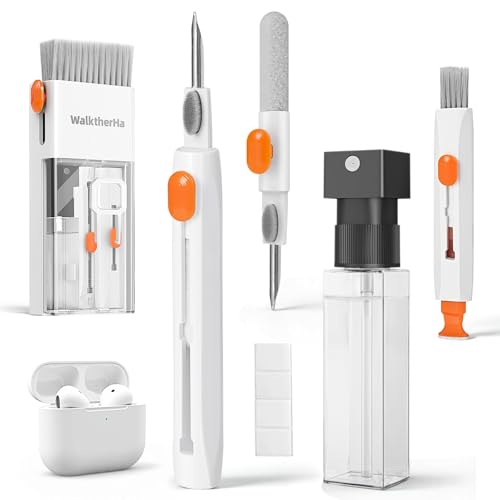
Professional & Powerful: Say goodbye to dirt, grime, and earwax with our 20-in-1 AirPod Cleaner Kit. The metal tip cleans small crevices, sound holes, and charging ports, while the soft brush with high-density bristles gently cleans speaker mesh. The flocking sponge is perfect for earpods charging cases. Airpods cleaning kit also includes a 15ml screen cleaner spray, microfiber cloth, and Airpod cleaning putty for thorough maintenance, preventing build-up and ensuring peak performance

32-IN-1 ALL-IN-ONE SET – One compact kit cleans your iPhone, AirPods, iPad, MacBook, keyboard, earbuds and camera lens, so you stop buying separate tools.

【UPGRADED LAPTOP CLEANING KIT 】 The macbook cleaning kit computer screen cleaner comes with a number of accessories including a retractable large brush, polishing cleaning cloth X 2, keycap puller, metal pen tip, flocking sponge, thin soft brush, soft plastic lens cleaning pen, 5 replacing cloth, large cleaning microfiber cloth. You deserve the comprehensive computer cleaning kit keyboard vacuum at a low cost
Getting Started: Pre-Cleaning Preparation
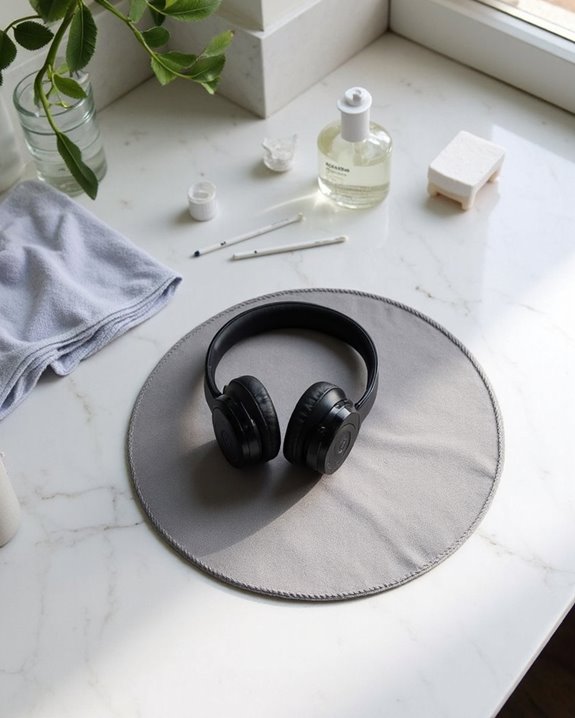
Before diving into the cleaning process, proper preparation guarantees both the safety of Beats headphones and the effectiveness of cleaning efforts. Owners should conduct thorough Visual Checks, examining for accumulated dirt, dust, or visible stains on all surfaces. A Moisture Test is essential to verify no liquid has infiltrated the headphones or charging case.
Proper device preparation includes:
- Powering off the headphones completely
- Disconnecting all cables and accessories
- Removing detachable components such as ear pads
Set up a cleaning area on a flat, stable surface away from direct sunlight and heat sources. Ensure good ventilation when using cleaning agents. Keep a soft, lint-free cloth readily available for immediate use.
These preventative measures help avoid potential damage to sensitive electronic components while establishing ideal conditions for cleaning.
Proper Cleaning Techniques for Different Beats Models
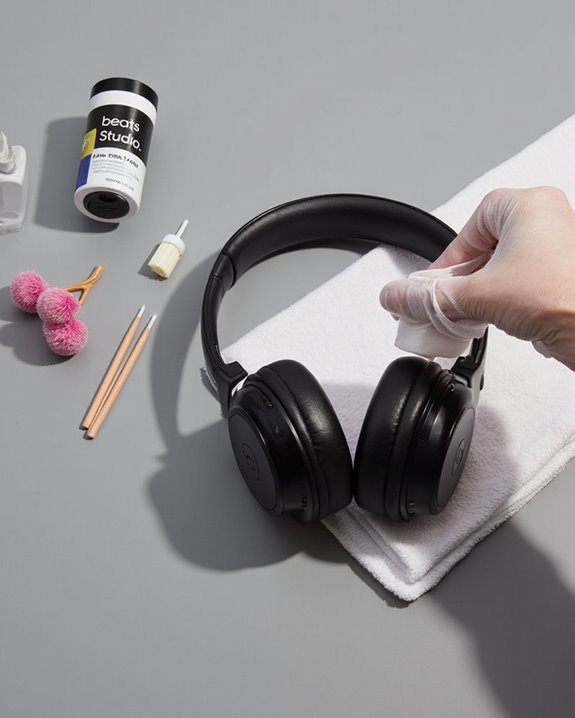
With preparation complete, specific cleaning techniques now become the focus for maintaining Beats headphones. Different Beats models require style adaptations based on their unique construction and materials.
For Beats Solo and Studio models, use dry microfiber cloths on ear cups and mesh components to prevent moisture damage. Headbands and sliders can tolerate slightly damper cleaning – a cloth with mild soap works effectively, but requires thorough drying afterward.
To upgrade techniques for sweat-prone models, immediately address moisture with a barely damp microfiber cloth, followed by complete drying. Ear pads demand special attention; leather variants require gentle dry wiping while fabric options can handle slightly more moisture.
When cleaning sliders, extend them fully to access accumulated grime that could affect functionality and sound quality over time. Additionally, maintaining the active noise cancellation components free from dust can help preserve audio quality and loudness performance.
Recommended Products

Glasses cleaner - Sourced from the highest quality microfiber that absorbs and removes dust, oil, smudges, fingerprints, dirt, and more. Leaves no scratches, streaks, marks, or lint behind. The perfect eyeglass cleaner for reading glasses, women, men, adults, him, her, teens, and more.
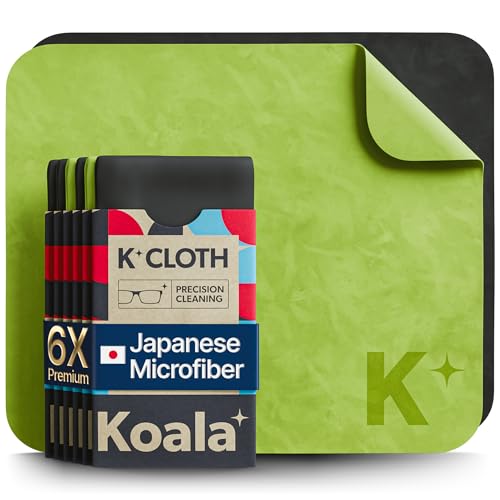
UNPARALLELED CRYSTAL-CLEAR PERFORMANCE: The only obsessively engineered, best-in-class microfiber cleaning cloth, meticulously crafted from proprietary, ultra-dense, super-absorbent Japanese woven fabric, effortlessly absorbing the toughest dirt, grime, and oils - leaving your lenses spotless - every time.

Glasses cleaner - Sourced from the highest quality microfiber that absorbs and removes dust, oil, smudges, fingerprints, dirt, and more. Leaves no scratches, streaks, marks, or lint behind. The perfect eyeglass cleaner stocking stuffers for adults, men, women, him, her, teens, and more.
Handling Stubborn Stains and Sweat Residue
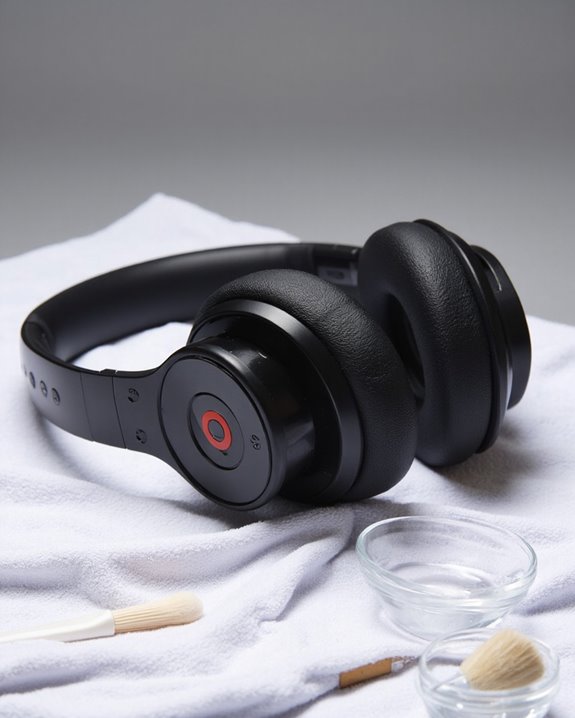
Stubborn stains and sweat residue represent significant challenges for Beats headphone owners trying to maintain both appearance and performance. For effective stain prevention, start by using a microfiber cloth to remove loose dirt before applying minimal moisture with water or mild soap. White Beats models require particular attention as they show discoloration more readily.
Sweat residue demands immediate action, with several effective alternatives for removal. Clorox or Lysol wipes can be used after removing excess moisture, while alcohol-free Cottonelle wipes offer gentler options for sensitive areas. For specific components, employ targeted techniques: use dry cloths for controls and cables, while slightly dampened microfiber works for ear pads and headbands. Regular maintenance after each use greatly reduces buildup and extends the lifespan of premium headphones.
Recommended Products

Premium Materials: Extremely high-quality, soft, microfiber material absorbs and removes dust, oil, smudges, fingerprints, and dirt. Leaves no scratches, streaks, marks, or lint. Makes the perfect stocking stuffers for adults, men, women, him, her, teens, and more.

【Soft Fabric, Just Right Size】Mcyye eye glasses microfiber cleaning cloths are made of premium soft high-quality materials. Just right size (6 x 7 inches) is wonderful for wipe off the dust, smudges,streaks and fingerprints etc. on your screens or lens.

HIGH QUALITY MICROFIBER CLOTHS ⭆ The pack includes 5 double-sided cleaning cloths (6.6 inch x 6.2 inch) Black Side: Microfiber & Blue Side: Suede. The very fine fibers of the cloth is perfect to pick up grease and dirt.
Maintaining the Ear Cushions and Headband
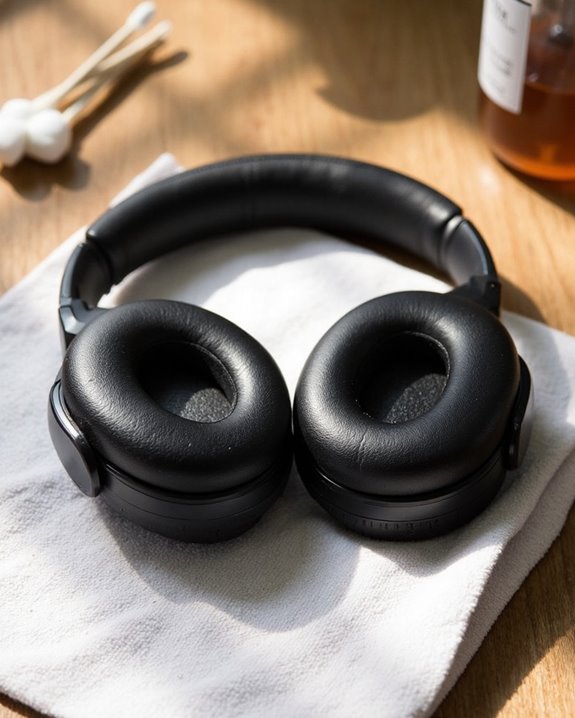
Proper maintenance of ear cushions and headbands represents the backbone of extended Beats headphone lifespan. For headband cleaning, users should apply a damp cloth with mild soap, ensuring thorough drying afterward to prevent moisture damage. Headband Protection requires regular inspection for wear and potentially applying fabric protector against stains.
Ear cushions require different treatment—clean with dry cloths or microfiber materials rather than damp ones. For stubborn debris, soft brushes or lint rollers prove effective without introducing moisture. When cleaning becomes insufficient, Cushion Replacement becomes necessary. Consumers should purchase compatible replacement pads that match their specific Beats model.
For enhanced performance, consider upgrading cushions with premium materials that improve both comfort and sound isolation while maintaining proper fit with the headphone structure.
Recommended Products

Compatibility: Link Dream Replacemen Ear Cushions Kit for Bose QC 35 / QC35 ii series are designed the same as original, these soft protein leather foam ear pads fit great with Bose Quiet Comfort 35 35II, Quiet Comfort 25, Quiet Comfort 15, Quiet Comfort 2, AE2, AE2i, AE2w, Sound True, Sound Link (Over-Ear) headphones.
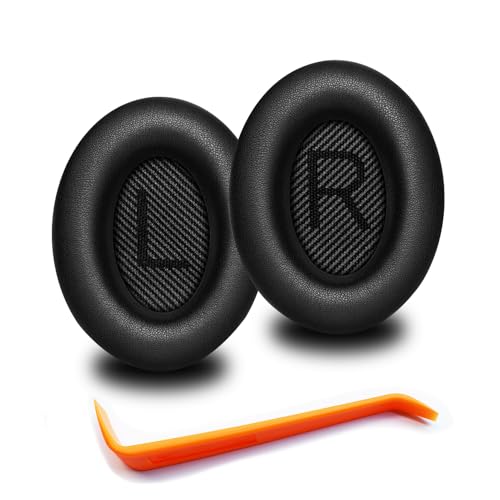
🎧COMPATIBILITY - MZKLQVE ear pads are specifically designed to be compatible with Bose QC35 / QC35 II / QC2 / QC15/ QC25 / Ae2 / Ae2i / Ae2w / SoundTrue Around-Ear / SoundTrue Around-Ear II / SoundLink Around-Ear/ SoundLink Around-Ear II Headphones.
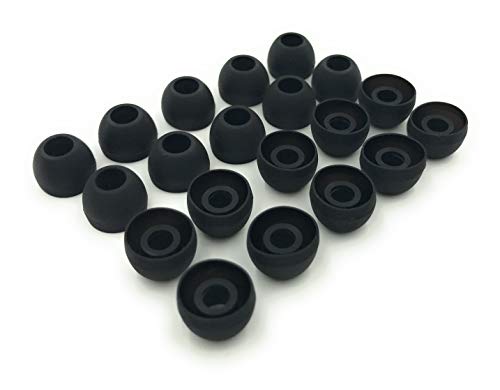
10 Pairs of Medium Black Rubber Replacement Earbud Tips (20 pieces)
Caring for Electronic Components and Charging Ports
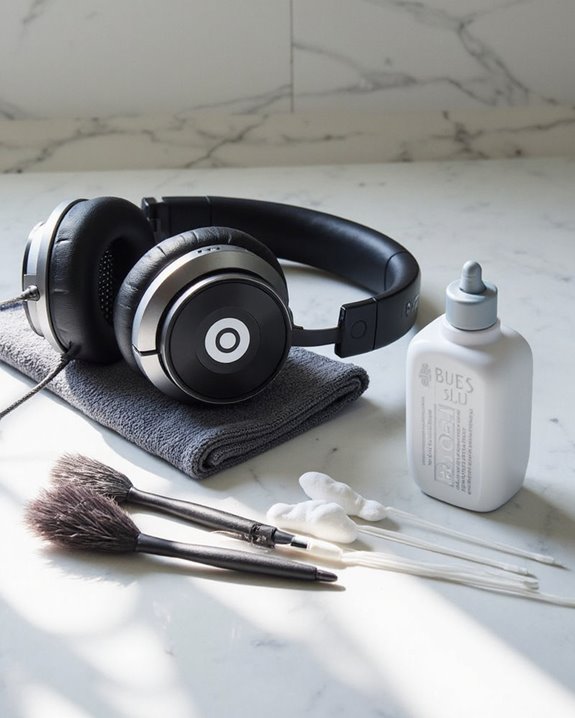
Electronic components and charging ports require specialized maintenance to guarantee longevity and peak performance of Beats headphones. Regular maintenance, including firmware updates, protects internal electronics while optimizing sound quality. Users should employ a dry microfiber cloth for dust removal and avoid aerosol sprays, solvents, or abrasive materials that can damage sensitive components.
For charging ports, gentle cleaning with a soft brush or cotton swab effectively removes debris without causing harm. Never insert liquids directly into ports or use metallic objects that might damage connection pins. Proper temperature control is essential—avoid exposing headphones to extreme heat or cold, as these conditions can degrade battery life and affect electronic performance. Store headphones in a well-ventilated area and implement regular inspection of charging ports to identify potential corrosion or wear before serious issues develop.
Recommended Products

Complete All-in-1 Professional Computer Cleaning Kit: This all-in-one electronic cleaning kit replaces 10 separate tools with precision-engineered accessories including retractable nylon-bristle brush, 2mm thickened polishing cloths, keycap puller for mechanical keyboards, metal pen tip for ports, EVA flocking sponge for earbuds, and soft-plastic lens pen—eliminating workspace clutter while solving the frustration of hunting for the right keyboard cleaner kit for each device type
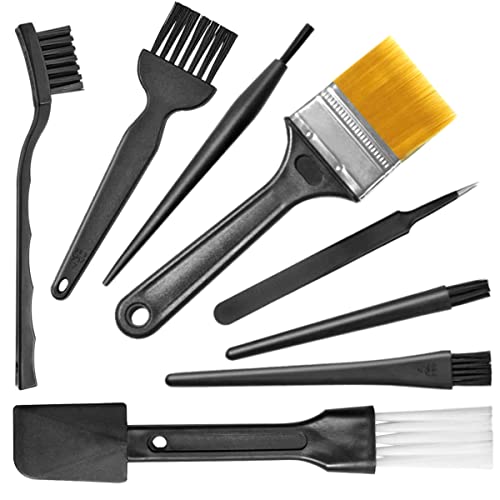
Wide variety of brushes, different bristles hardness & sizes for different tasks all the time.

Multi-Purpose Kit: This 32-in-1 electronics cleaning kit is designed for comprehensive cleaning of keyboards, headphones, mobile phones,smartphones,airpods,earbud, computers, monitors, camera lenses, and more
Storage Tips to Extend Your Headphones’ Lifespan
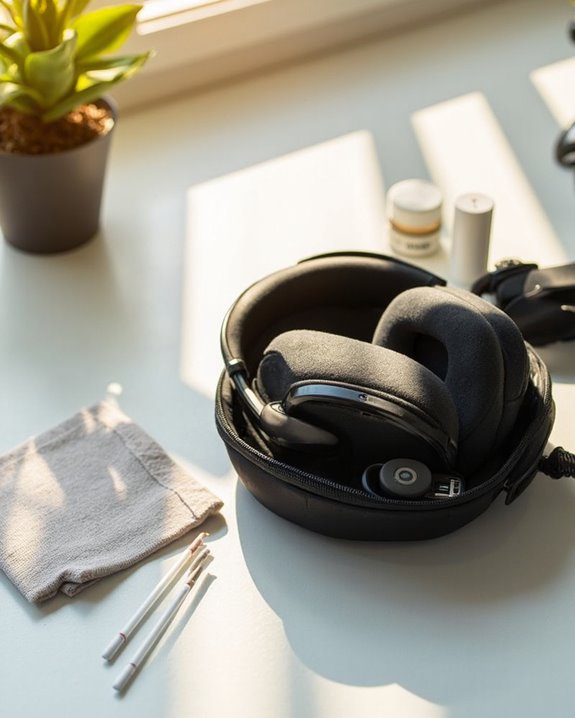
The longevity of Beats headphones depends greatly on how they’re stored when not in use. Selecting an appropriate storage location away from direct sunlight, extreme temperatures, and high-traffic areas greatly reduces environmental damage risks. The ideal environment remains clean, dry, and dust-free to prevent moisture-related issues.
Moisture protection represents a critical factor in preserving headphone integrity. Storing Beats in their original protective case or a breathable fabric pouch creates an effective barrier against humidity while allowing necessary air circulation. When using the case, position ear cups facing inward and fold according to manufacturer guidelines to avoid stress on hinges.
For best preservation, regularly clean headphones before storage, loosely coil any cables rather than tightly winding them, and keep them away from chemical exposure, magnetic fields, and potential allergens. Using a headphone stand with soft padding can also protect your Beats from scratches and maintain their shape during storage.
Frequently Asked Questions
Can I Use Rubbing Alcohol to Disinfect My Beats Headphones?
Using rubbing alcohol poses risks to headphone materials, potentially damaging coatings and components. Safer disinfect alternatives include microfiber cloths with minimal water or specialized electronic cleaning wipes designed for audio equipment.
How Often Should I Clean My Beats Headphones?
The recommended cleaning frequency for Beats headphones depends on usage: daily for heavy use, weekly for moderate use, and occasionally for seldom-used devices. A consistent maintenance schedule prevents dirt accumulation and potential skin irritation.
Can I Replace Worn Ear Cushions Myself?
Like John who extended his Studio3’s life by five years, users can replace worn cushions themselves. Verify cushion compatibility with the specific Beats model and gather replacement tools like a flat tool for removal and adhesive cleaner.
Will Cleaning Affect My Headphones’ Warranty?
When considering warranty coverage, improper cleaning methods can void protection. Standard cleaning with manufacturer-approved products maintains warranty validity. Warranty extensions may offer additional protection, though legal implications exist for unauthorized modifications or non-compliant cleaning techniques.
Are There Authorized Service Centers for Professional Cleaning?
Like a trusted health check-up, Authorized Apple Stores and Apple Authorized Service Providers offer service options for Beats products. While professional cleaning isn’t explicitly advertised, these authorized centers may provide it upon specific request.