As an Amazon Associate, we earn from qualifying purchases. Some links on this site are affiliate links at no extra cost to you. Our recommendations are based on thorough research and editorial judgment.

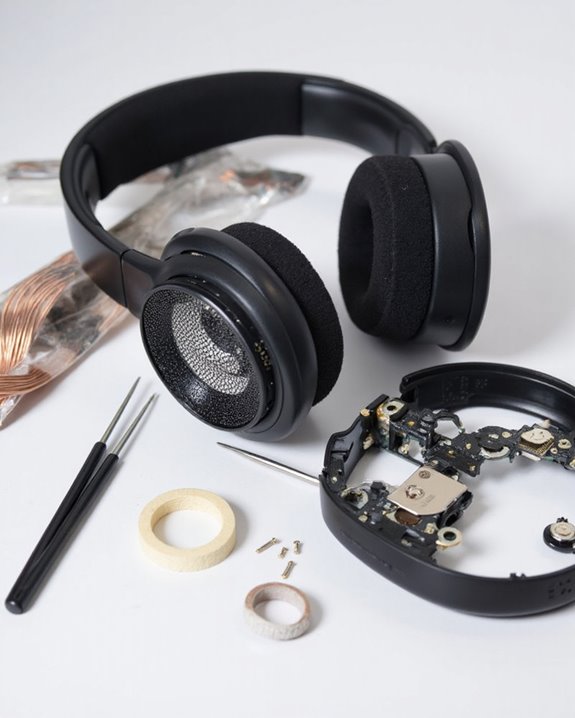
How to Fix Headphones: Simple Solutions for Common Problems

Most headphone issues have straightforward fixes. Start by checking physical connections, cleaning audio jacks, and testing with different devices to isolate the problem. For sound quality problems, examine cables for damage and adjust equalizer settings. One-sided audio often results from loose connections or balance settings. No sound typically stems from incorrect output selection or driver conflicts. Regular maintenance with proper cleaning and storage extends headphone life considerably. The following solutions address specific problems for immediate troubleshooting.
Key Takeaways
- Check physical connections by ensuring headphone jacks are fully inserted, cables aren’t damaged, and ports are free of debris.
- Test headphones on multiple devices to determine whether the problem is with the headphones or the audio source.
- Adjust audio settings including volume levels, balance controls, and selecting the correct output device in system settings.
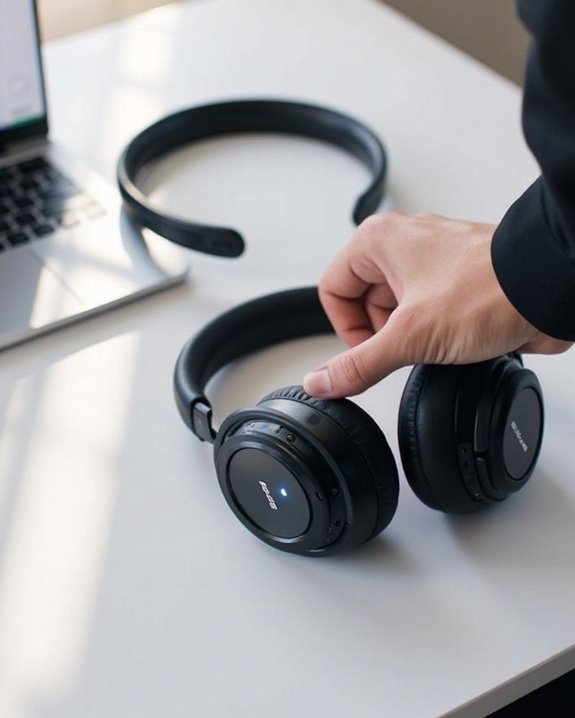
- Reset wireless headphones by turning them off and on, re-pairing Bluetooth connections, or performing a factory reset.
- Clean headphone components regularly using cotton swabs for jacks, soft cloths for surfaces, and toothbrushes for hard-to-reach areas.
Diagnosing Common Audio and Connectivity Problems
You may be interested
Can You Track Beats Headphones If They Are Lost?
July 1, 2025
Do Headphone Dents Go Away?
August 4, 2025
When headphones fail to produce sound or deliver poor audio quality, identifying the root cause becomes the critical first step toward an effective repair. Effective fault isolation begins with systematic testing of physical connections, ensuring the headphone jack is fully inserted and free from debris that might obstruct proper contact.
Users should methodically examine the headphone cable for visible damage while testing functionality in alternative devices to determine whether issues originate from the headphones or source device. Diagnostic tools built into operating systems can help identify sound routing problems or driver conflicts affecting output.
For wireless models, troubleshooting should focus on Bluetooth connection integrity, battery levels, and potential interference sources. Methodically isolating variables—by testing different ports, cables, and devices—creates a logical path to pinpoint the specific component requiring attention. Understanding the impact of Bluetooth technology versions, such as Bluetooth 5.0 to 5.3, can assist in diagnosing connection stability and range issues.
Recommended Products

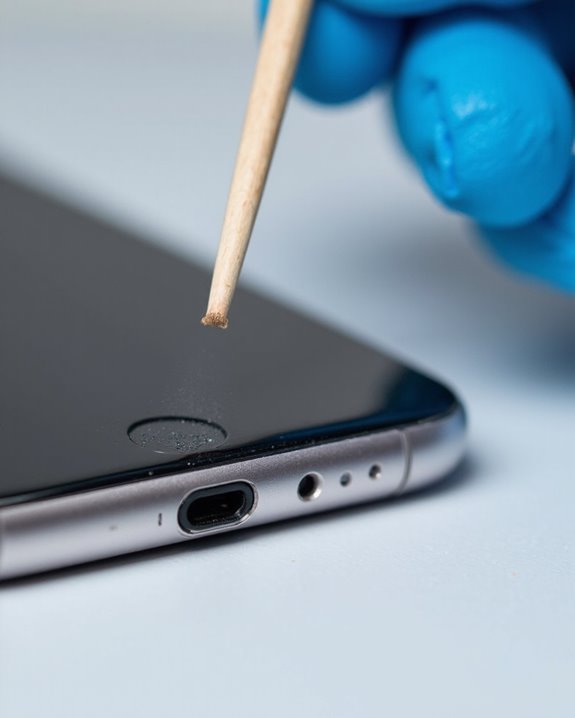
CLEAN & REPAIR CHARGING PORT - Compatible with iPhone cleaning kit tool won't get stuck inside and is easy to plug and use. Use the port pick, U-shaped brushes, and port brushes to clean the dirt out of your Phone, Pad, and Type-c port, and keep your phone looking brand new. Charging port cleaners can effectively clean lint, hair, fluff, and dust from your personal device ports

Professional Headphone Care Kit: No more messy, separate cleaning supplies. This all-in-one kit works with all major headphone models, including Apple AirPods Max, Beats, Sony series, and Bose. It is specially designed for deep cleaning leather ear cushions and fabric headbands. With targeted cleaning solutions and all the necessary tools, it helps restore your headphones to a like-new condition.
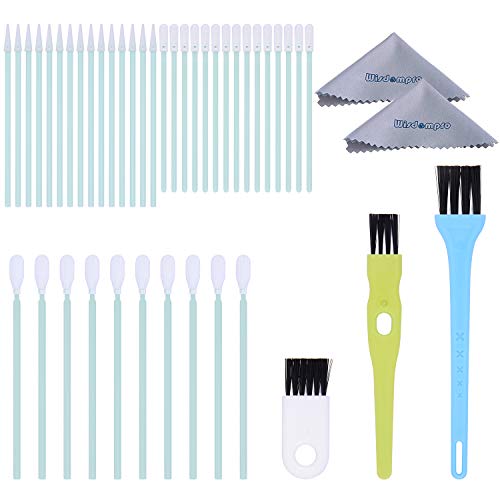
Large quantity: package includes 45 pieces of items- 30 pieces of foam swabs, 10 pieces dust-free cloth swabs, 3 different size pieces of nylon brushes, 2 pieces small cleaning cloth.
Troubleshooting Sound Quality Issues
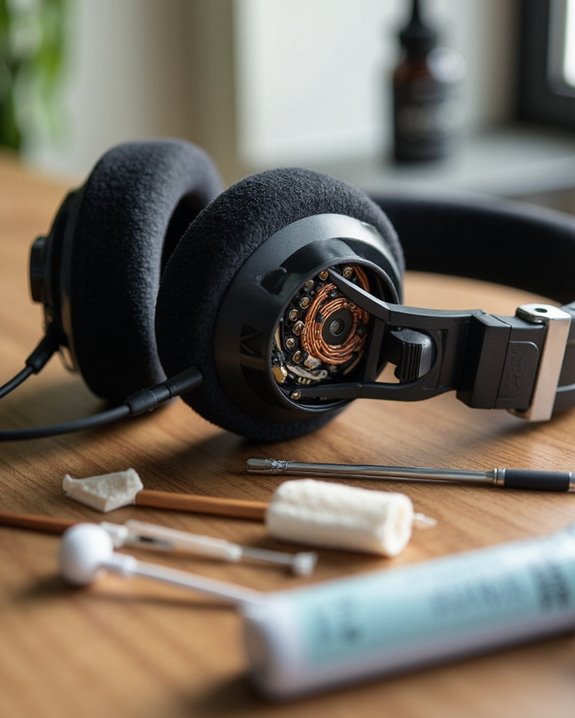
Sound quality problems represent the most common complaints among headphone users, ranging from subtle audio degradation to complete failure in one channel. These issues often manifest as distortion, static noise, or muffled audio that greatly diminishes listening experiences.
Distortion frequently stems from damaged wiring or excessive volume levels that push headphones beyond their operational limits. For wireless models, Bluetooth interference can cause intermittent dropouts or static that compromises audio clarity.
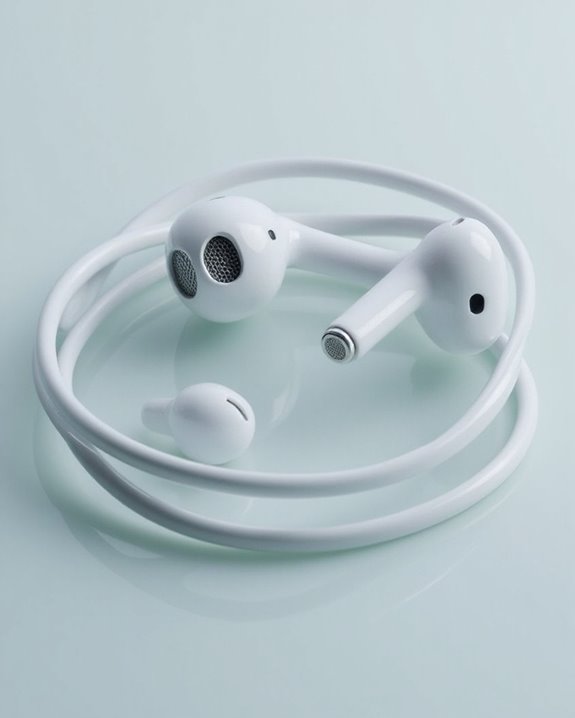
When experiencing imbalanced sound between ears, users should check for dirty connectors or adjust device Equalizer Adjustments to compensate for driver inconsistencies. Proper Acoustic Calibration through cleaning mesh filters and ensuring proper earbud sealing can resolve muffled audio issues.
For persistent problems, resetting connections, updating device firmware, and checking audio source quality are recommended troubleshooting steps before considering hardware replacement. Additionally, choosing headphones with advanced features like active noise cancellation can enhance sound clarity and reduce external interference.
Recommended Products

3.5mm male plug headphone audio connector, soldering type,Pure copper gold plated structure
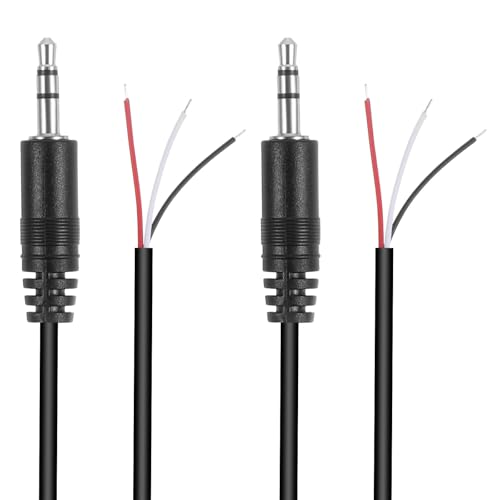
Revive Your Favorite Audio Gear with Ease: Give your broken headphones, headsets, or speakers a new life. This 3.5mm male plug connector is designed as a direct, hassle-free replacement for worn-out or damaged audio cables, saving you the cost of buying entirely new equipment.

Premium Quality Material - The 3.5mm connector is made of copper with gold plating. Anti-oxidation. Resistant to plug. The case is made of Stainless Steel Case. Super durable!
Steps to Fix “No Sound” Problems
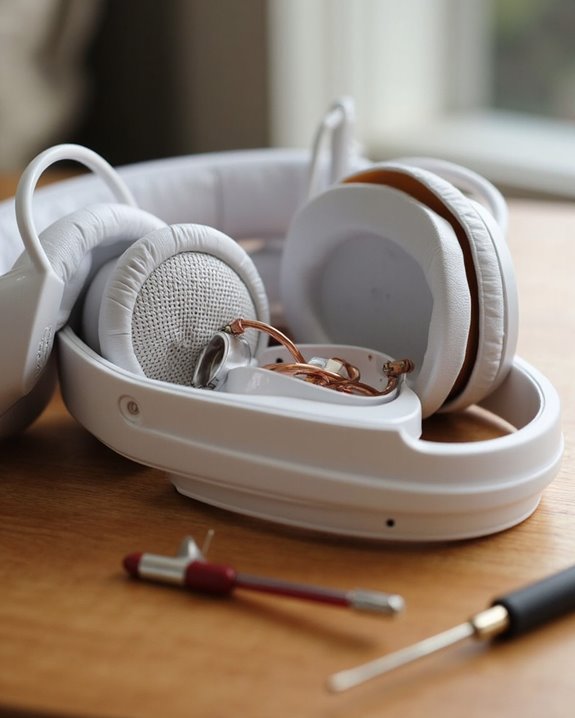
Encountering complete silence from headphones represents one of the most frustrating audio issues users face, yet it often has straightforward solutions. Initial diagnostics should follow a systematic approach, beginning with basic connection verification and volume adjustments.
Hardware Diagnostics should include physical inspection of cables for damage, cleaning audio jacks of debris, and testing headphones with alternative devices to isolate the problem source. Users should check for kinked cables or damaged connectors that might interrupt signal transmission.
For Software Troubleshooting, verify correct output device selection in audio settings and disable any audio enhancements that may interfere with normal operation. Operating system updates and driver installations can resolve underlying compatibility issues. Most devices also offer built-in audio troubleshooters that automatically detect and repair common configuration problems.
Additionally, ensuring stable Bluetooth 5.0 connectivity can prevent wireless signal disruptions that cause no sound issues.
Recommended Products
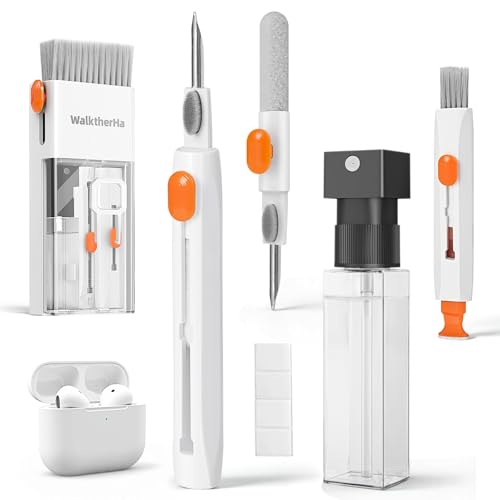
Professional & Powerful: Say goodbye to dirt, grime, and earwax with our 20-in-1 AirPod Cleaner Kit. The metal tip cleans small crevices, sound holes, and charging ports, while the soft brush with high-density bristles gently cleans speaker mesh. The flocking sponge is perfect for earpods charging cases. Airpods cleaning kit also includes a 15ml screen cleaner spray, microfiber cloth, and Airpod cleaning putty for thorough maintenance, preventing build-up and ensuring peak performance

【NEW TECHNOLOGY】 Are you still using dirty headphones? Are you still using those bulky cleaning tools? Our cleaner kit is a pen to clean the entire set of Bluetooth earplugs, from the small hole of the earplug to the charging compartment, 360-degree cleaning without dead ends, making your earplugs more durable.

【CLEAN & REPAIR CHARGING PORT】This multi-functional iPhone cleaning kit tool, won't get stuck inside, is sturdy and flexible, and easy to plug and use. Use the port hook, U-shaped brushes and port brushes clean the dirt out of your iPhone, iPad, and Type-c port, remove lint, hair, lint, dust, oil, and other contaminants from the charging port, and leave your phone looking brand new. Extend and protect the life of your beloved Apple products. (Compatible with Type-c charging port)
Solutions When Only One Side Works
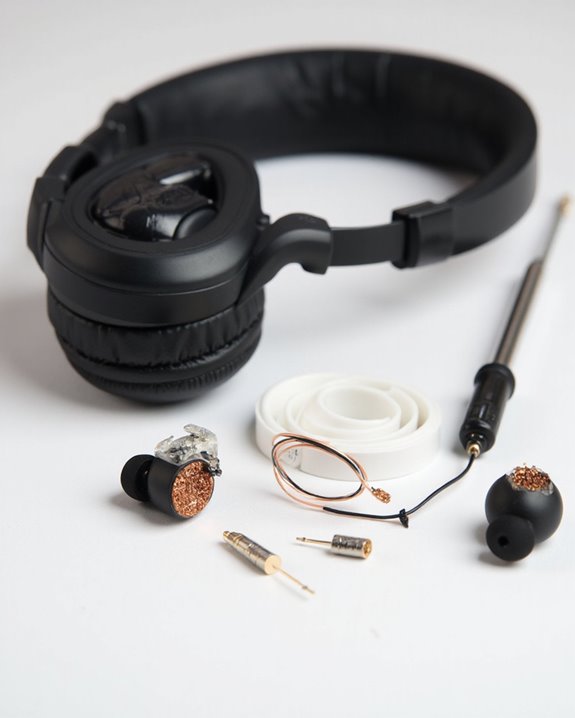
One-sided audio output in headphones typically indicates a connection issue, damage to the headphone cable, or an internal speaker failure. Users should first examine the physical components by checking for loose connections and inspecting cables for visible damage. Straightening cables and securing detachable parts often resolves intermittent audio problems.
Testing headphones with different devices helps determine whether the issue lies with the source or the headphones themselves. For software-related problems, updating drivers and adjusting balance tweaks in audio settings may restore dual-channel sound. Users should also reset wireless headphones to factory defaults if applicable.
If troubleshooting fails, consider attempting basic repairs like soldering broken wires or replacing faulty jacks. For headphones still under coverage, pursuing warranty claims is often the most cost-effective solution rather than attempting complex repairs.
Essential Maintenance Practices for Longer Headphone Life
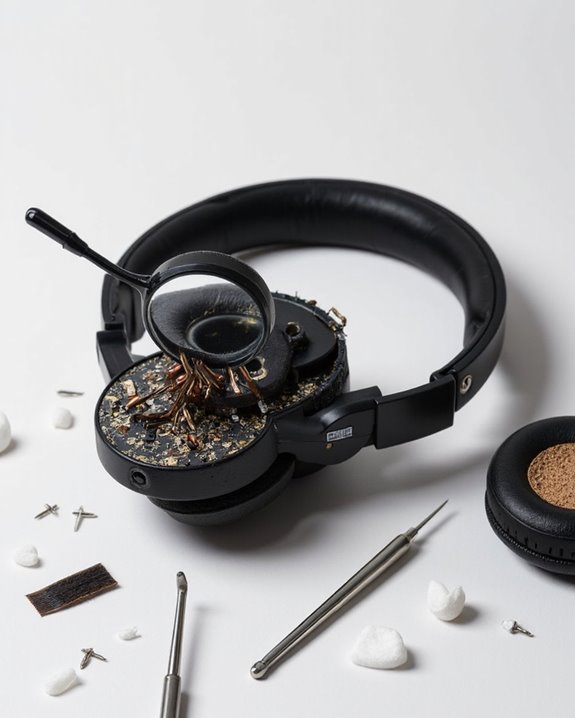
Proper maintenance serves as the foundation for extending headphone lifespan and preserving audio quality. Regular cleaning with appropriate tools prevents buildup that can degrade performance and comfort over time.
Recommended Products

32-IN-1 ALL-IN-ONE SET – One compact kit cleans your iPhone, AirPods, iPad, MacBook, keyboard, earbuds and camera lens, so you stop buying separate tools.

【UPGRADED LAPTOP CLEANING KIT 】 The macbook cleaning kit computer screen cleaner comes with a number of accessories including a retractable large brush, polishing cleaning cloth X 2, keycap puller, metal pen tip, flocking sponge, thin soft brush, soft plastic lens cleaning pen, 5 replacing cloth, large cleaning microfiber cloth. You deserve the comprehensive computer cleaning kit keyboard vacuum at a low cost
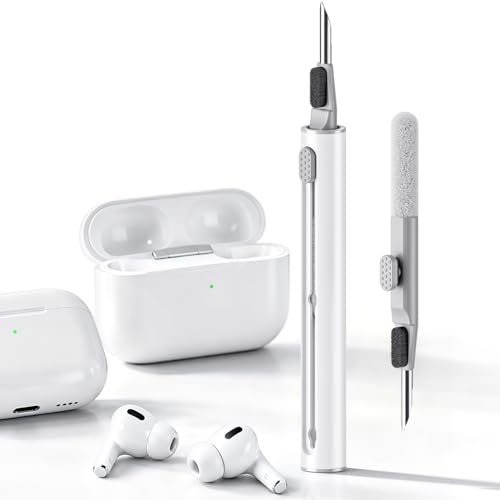
DEEP CLEANING FOR AIRPODS & EARBUDS: Designed to help remove dust, earwax, and buildup from earbuds, charging cases, speaker meshes, and hard-to-reach gaps. Ideal for AirPods Pro, AirPods, wireless earbuds, and daily electronics cleaning.
Cleaning Techniques
Use dry cotton swabs for regular surface cleaning and lightly dampened cloths with mild detergent for stubborn grime. Avoid alcohol-based solutions on earpads, as these can cause material degradation. For precision cleaning, use dry toothbrushes to remove debris from crevices and microfiber cloths for headbands.
Storage Solutions
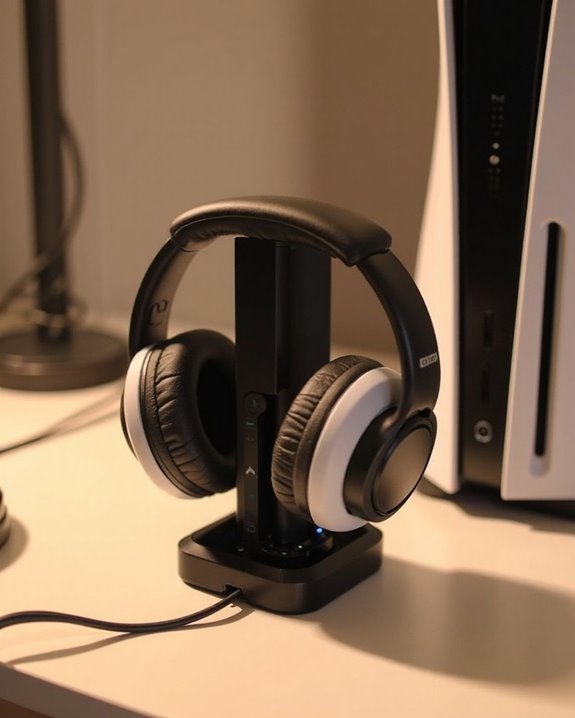
Implement protective cases to shield headphones from physical damage when not in use. Properly coil cables without tension to prevent internal wire damage. Store in temperature-controlled, dry environments away from direct sunlight, and consider using silica gel packets to absorb excess moisture.
When to Upgrade vs. When to Replace Your Headphones
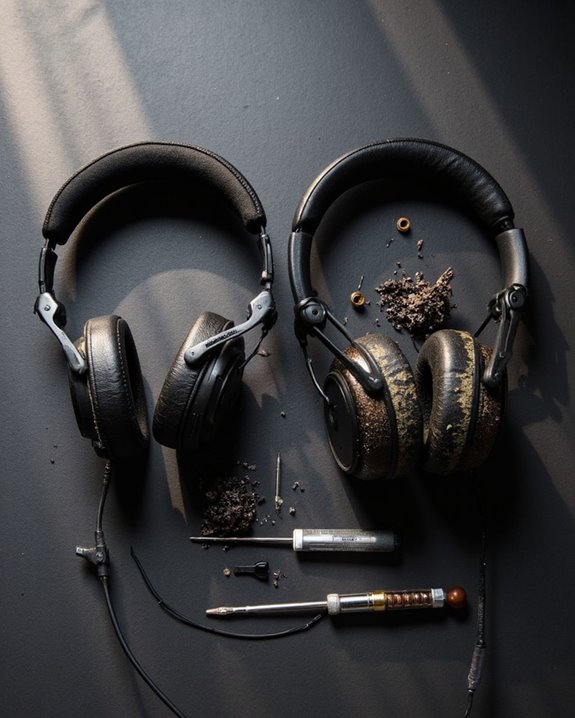
Even the most meticulously maintained headphones eventually reach a crossroads where users must decide whether to upgrade certain components or replace the entire unit. Several replacement factors signal the need for a complete overhaul: structural damage like cracked housings, persistent audio distortion, or battery failure in wireless models.
Upgrade decisions can be appropriate when issues are isolated to specific components. Consider upgrading when ear cushions detach but the electronics remain functional, or when connecting cables fray while the drivers still produce quality sound. However, when repair costs approach replacement prices, or discontinued models lack available parts, complete replacement becomes more practical.
Performance deterioration across multiple areas—such as failing connections, degraded comfort, and outdated features like older Bluetooth standards—typically indicates the appropriate time for investing in new headphones rather than attempting incremental fixes.
Recommended Products

【3.5mm to 2.5mm Audio Cable】3.5mm to 2.5mm audio cord perfect compatible with Bose QuietComfort QC45 QC35II QC35 QC25 NC700 OE2 OE2i On-Ear2 Soundlink Soundtrue Headphones. Also compatible with J BL Tune 710BT, 660NC, 750NC, 760NC, E40BT, E45BT, E55BT, E65BTNC, Duet BT, Duet NC, Live 400BT, Live 460, Live 500BT, Live 650BTNC, AKG Y55BT, Y55, Y50, Y45, Y40 and more other selected headphones with 2.5mm jack port

COMPATIBILITY: Fit perfectly on Microsoft Xbox Series Wireless Headset(Xbox X|S, Xbox One,)
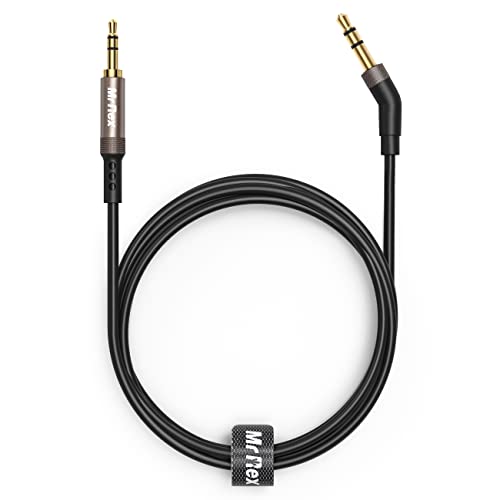
2.5mm thin jack connector can easily plug into your Bose Quietcomfort Ultra / 700, QC45, QC35II, QC35, QC25 Over-ear headphones, AKG Y55BT, Y55, Y50, Y45, Y40 headphones, JBL E45BT, E55BT, E65BTNC, 750NC, Duet BT, Duet NC, Live 400BT, Live 500BT, Live 650BTNC and more other headphone with 2.5mm jack port.
Frequently Asked Questions
Can Headphones Be Damaged by Using Them During a Thunderstorm?
Yes, headphones can sustain lightning damage during thunderstorms, especially wired models connected to devices or power sources. Storm interference can cause power surges that travel through electrical pathways into the headphones, potentially destroying them.
How Do I Fix Headphones That Got Wet?
Proper precautions prevent problems with wet headphones. Power off immediately, disassemble removable parts, and gently blot excess moisture. Allow a thorough drying process for 48 hours with silica gel packets for effective moisture removal.
Can Wearing Headphones Cause Ear Infections?
Yes, wearing headphones can cause ear infections. They create warm, moist environments ideal for bacterial growth. Infection prevention requires regular cleaning, while hygiene risks increase with prolonged use and shared devices.
Why Do My Ears Hurt After Wearing Headphones for Hours?
Ears hurt after prolonged headphone use due to excessive ear pressure on cartilage and skin. Taking breaks, adjusting fit, and using cushioned models are comfort tips that can greatly reduce discomfort during extended sessions.
Do Expensive Headphones Last Longer Than Budget Ones?
Like thoroughbreds outlasting pack mules, expensive headphones typically offer superior longevity compared to budget alternatives. Premium models generally feature better materials and construction, while budget durability varies considerably between brands, affecting overall headphone longevity.