As an Amazon Associate, we earn from qualifying purchases. Some links on this site are affiliate links at no extra cost to you. Our recommendations are based on thorough research and editorial judgment.


Why Are My Headphones Not Working? Common Causes and Fixes

Headphone malfunctions commonly stem from several key issues. Low battery power or physical connection problems might prevent audio transmission, while damaged cables often cause intermittent sound. Software conflicts and outdated drivers frequently disrupt normal operation, particularly after system updates. Bluetooth connectivity issues can result from pairing failures or environmental interference. Regular cleaning and proper storage greatly extend headphone lifespan. The following troubleshooting methods address these problems through systematic isolation and targeted solutions.
Key Takeaways
- Battery depletion in wireless models prevents connections, so ensure headphones are fully charged before troubleshooting other issues.
- Damaged cables often cause audio problems, especially at stress points like connectors and Y-splits where fraying occurs.
- Software problems like corrupted drivers can prevent headphone function, requiring updates or rollbacks to resolve.
- Bluetooth pairing failures occur from interference, outdated firmware, or improper device discovery settings.
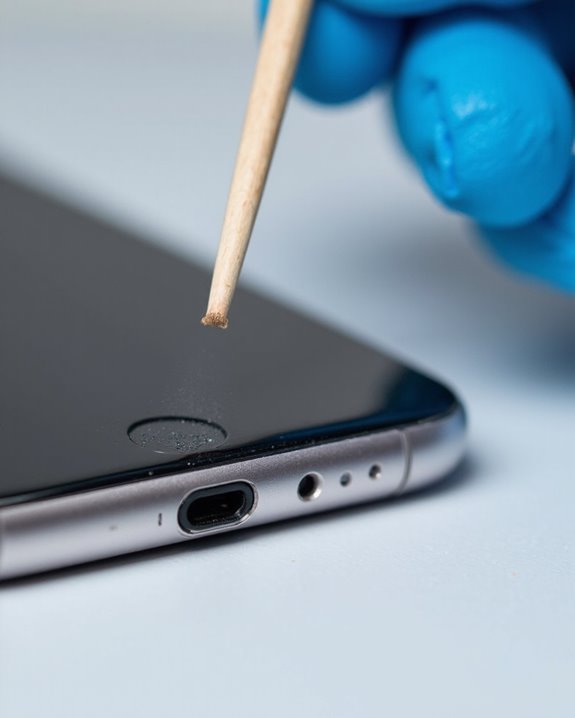
- Physical port obstructions from dirt, lint, or debris can block connections, requiring gentle cleaning with compressed air.
Basic Connection and Hardware Issues
You may be interested
Can You Track Beats Headphones If They Are Lost?
July 1, 2025
Do Headphone Dents Go Away?
August 4, 2025
Four fundamental issues commonly prevent headphones from functioning properly. The first is insufficient Battery Issues—when headphones lack adequate charge, they cannot establish or maintain connections. Users should make sure devices are fully charged before troubleshooting other potential problems.
Compatibility Problems represent another significant obstacle. Not all headphones work seamlessly with every device due to Bluetooth version differences or proprietary connection requirements. Before purchasing, consumers should verify device compatibility specifications.
Physical connection failures also commonly occur. For wired headphones, check for secure cable connections and clean audio jacks free of debris. With wireless models, make sure proper Bluetooth pairing and that headphones are set as the default audio output in device settings.
Finally, environmental factors like signal interference from other devices can disrupt connectivity. Try moving away from potential interference sources when experiencing connection issues.
Additionally, understanding the benefits of Bluetooth 5.4 technology can help users choose headphones with more stable connections and faster signal transmission.
Recommended Products
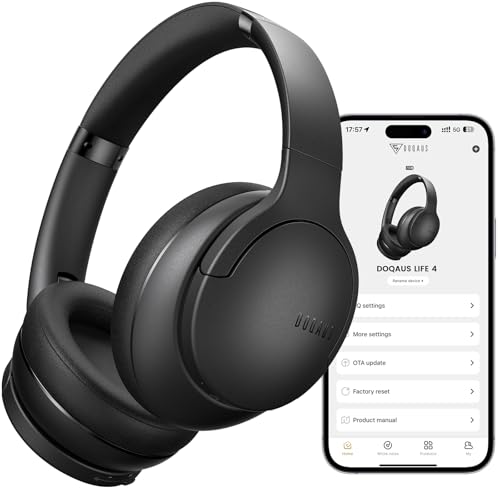
✅ End Charging Anxiety with 90-Hour Marathon Battery Life: Designed for the long-haul commuter or international traveler, these wireless headphones deliver up to 90 hours of playtime. A quick 10-minute charge fuels 5 hours of listening, and the included aux cable is your zero-power backup plan, ensuring your music, podcasts, or movies never stop.

2026 Bluetooth 5.4 Technology : The wireless earbuds use the bluetooth 5.4 chipset. There is a faster and more stable signal transmission and has successfully achieved low latency without interruption. With a range of up to 15 m, whether you are at home, in the office, or on the road, you don't have to worry about disconnection of the bluetooth earbuds. Automatic pairing & compatible with multiple devices.

🎵【7.1 Surround Sound & Aesthetic Decorative Light】 UG-08S PC gaming headset can provide you with a cinema 3D stereo surround sound experience, designed specifically for gamers and audiophiles and multi-platform Compatibility. Long-press the 'M' key to activate 7.1 surround sound and dynamic driver reproduces deep bass and clear highs. Which allows you to hear every detail in the game with pin-drop clarity from up to 40 feet away. Such as teammates' voices, footsteps, direction, and more. Double-click the M key to activate the ambient light, then single-click the M key to switch between two modes: steady light and gradient. Valorise wireless pc headset will bring a cooler gaming atmosphere.
Diagnosing Cable Damage
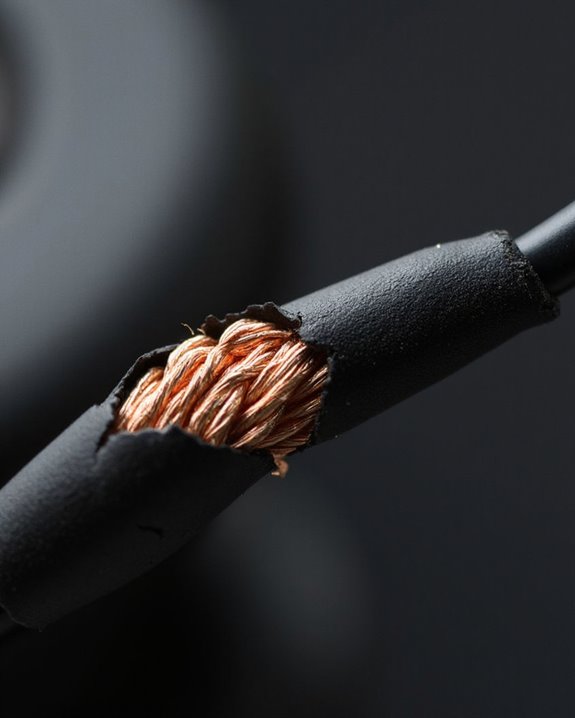
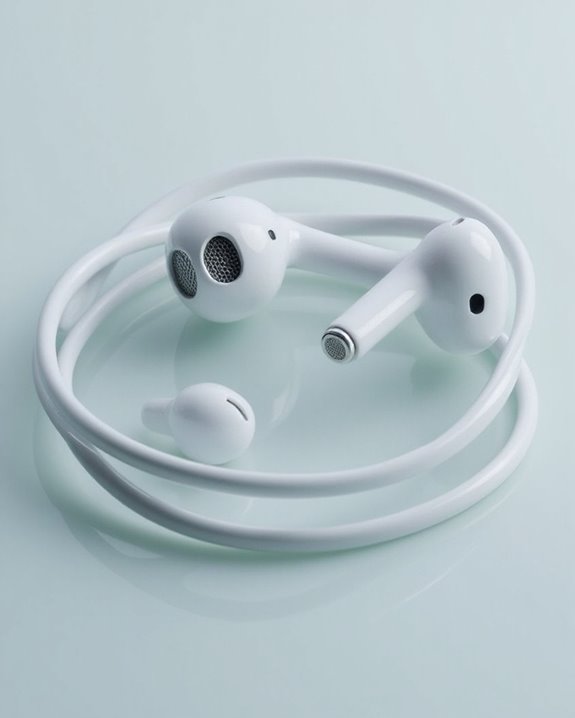
After addressing basic connection issues, properly identifying cable damage becomes the next critical step in troubleshooting non-functional headphones. Users should begin with thorough visual checks, examining the entire cable length for frays, cracks, or exposed wiring that indicates physical deterioration.
The bend isolation technique proves particularly effective for locating intermittent faults. By gently manipulating different sections of the cable while audio plays, users can identify exactly where connection problems occur. Pay special attention to stress-prone areas: the plug connector, Y-split junction, and earpiece entry points.
Listen carefully for crackling, buzzing, or sound dropouts that intensify during cable movement. These symptoms typically indicate broken internal conductors, even when external damage remains invisible. Once the damaged section is precisely located, appropriate repair measures can be implemented.
Recommended Products

ELIMINATE CABLE BENDING IN TIGHT SPACES: Our 90-degree right-angle design prevents stress and damage. Perfect for cramped car AUX connections or resting a gaming controller comfortably against your body without bulky, annoying interference.
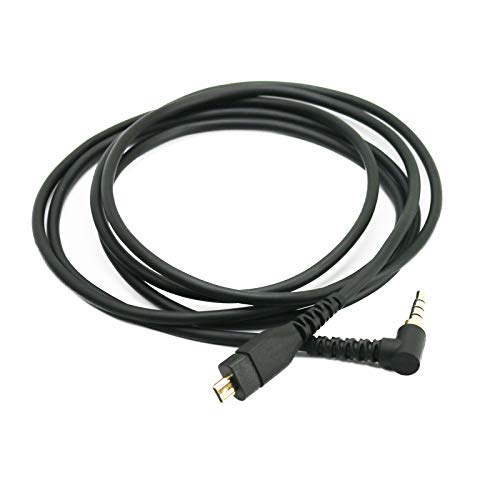
This cable is made with the Superb Premium Wire. Independent Shield among L, R and MIC. Soft enough and comfortable.

Replacement Audio Cable Cord Wire: Compatible with Bose QuietComfort QC45 QC35II QC35 QC25 NC700 OE2 OE2i Soundlink Soundtrue JBL E45BT E55BT E50 E35 E30 Headsets
Software and Driver Problems
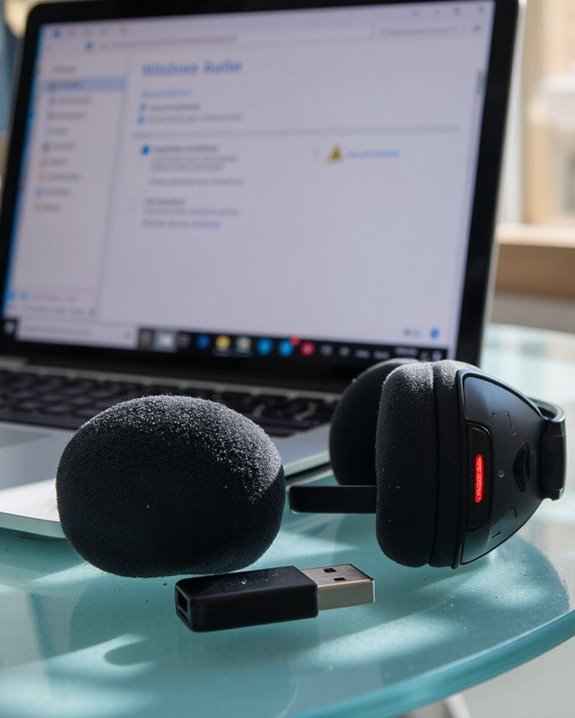
The underlying software environment plays an essential role in headphone functionality, often causing issues that hardware inspections alone cannot reveal. When headphones suddenly stop working, the problem frequently stems from driver corruption or compatibility conflicts within the operating system.
Software updates, while designed to improve system performance, can sometimes break audio functionality. This is particularly common after major operating system upgrades where existing audio drivers become incompatible. Driver corruption can occur from malware infections or conflicting applications, especially audio utilities like Waves MaxxAudio that may override system settings.
Troubleshooting these issues typically involves:
- Running Windows audio troubleshooter
- Updating or rolling back audio drivers
- Checking for system file corruption using System File Checker
- Ensuring the correct playback device is selected
- Resolving conflicts with other audio software
Using a dedicated DAC/Amp combo can also help bypass software-related audio problems by providing an independent audio processing path.
Recommended Products

Versatile Entry-Level: The Fosi Audio Q4 is an entry-level DAC and headphone amp, featuring USB, Optical, and Coaxial inputs, plus RCA and 3.5mm outputs. It drives headphones from 16Ω to 200Ω, enhances audio quality, and connects to speakers or amplifiers

Compact Yet Powerful: The SK02 employs a minimalist and stylish design language. Despite its small size, it boasts mighty features. It supports DSD256 and PCM 32bit/384kHz high-resolution decoding, along with 3.5mm single-ended and 4.4mm balanced headphone outputs. Its robust power can easily drive wide range of headphones and IEMs with an impedance range of 16-300 ohms

UPGRADE YOUR GAMES ON PS4, XBOX ONE, NINTENDO SWITCH, AND PC | Get immediate increased enjoyment over basic motherboard and controller audio! Apart from incredible audio quality, the Sound BlasterX G6 boasts gaming-centric features such as Sidetone volume control and easy-to-reach profile buttons
Bluetooth Connectivity Troubleshooting
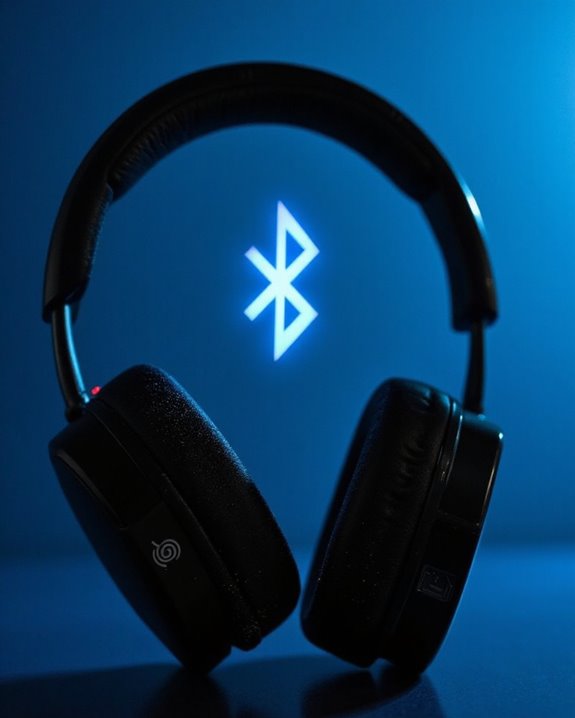
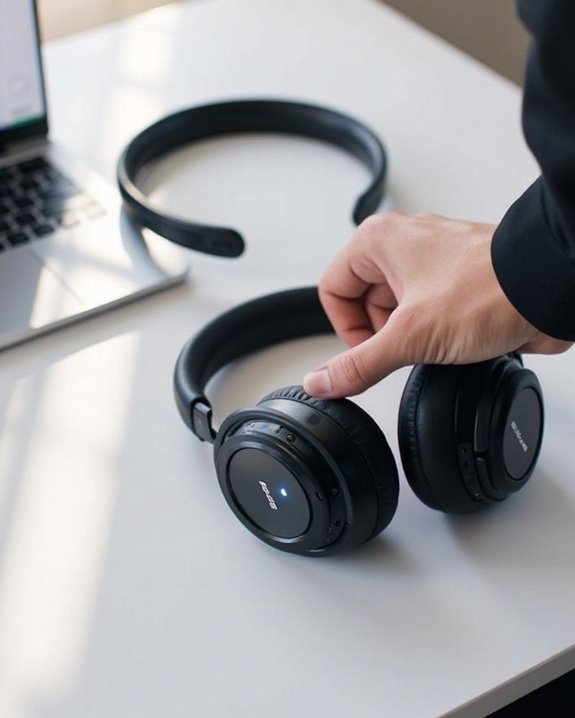
When wireless headphones fail to connect or produce sound, Bluetooth connectivity issues are often the culprit. Users should first verify that both devices are properly charged and that headphones are in their Pairing Mode, typically indicated by rapidly flashing lights or audio prompts.
Device Discovery problems commonly occur when the transmitting device isn’t actively scanning for new connections. Users should verify Bluetooth is enabled and the device is set to discover new connections. Environmental factors like Wi-Fi networks and physical obstacles can greatly degrade Bluetooth performance.
For persistent issues, try these solutions:
- Unpair and re-pair the devices
- Restart both the headphones and connected device
- Update Bluetooth drivers if using a computer
- Reduce nearby electronic interference
- Perform a factory reset on the headphones if all else fails
Using headphones with the latest Bluetooth 5.0-5.3 technology can improve connection stability and range, reducing common connectivity problems.
Recommended Products

JBL PURE BASS SOUND: These wirelss headpones feature the renowned JBL Pure Bass sound, which can be found in the most famous venues all around the world.

65 Hours Playtime: Low power consumption technology applied, BERIBES bluetooth headphones with built-in 500mAh battery can continually play more than 65 hours, standby more than 950 hours after one fully charge. By included 3.5mm audio cable, the wireless headphones over ear can be easily switched to wired mode when powers off. No power shortage problem anymore.

[Ultra-Lightweight Ear Buds Designed for Small Ears] Each earbud weighs only 3.7g and features a compact, ergonomic in-ear design made especially for small ears. Secure, low-profile, and comfortable for workouts, all-day wear or overnight sleeping.The ultra-slim profile sits flush in your ear with no hard edges poking or rubbing, so you can even sleep on your side without discomfort.
Long-term Maintenance and Prevention Tips
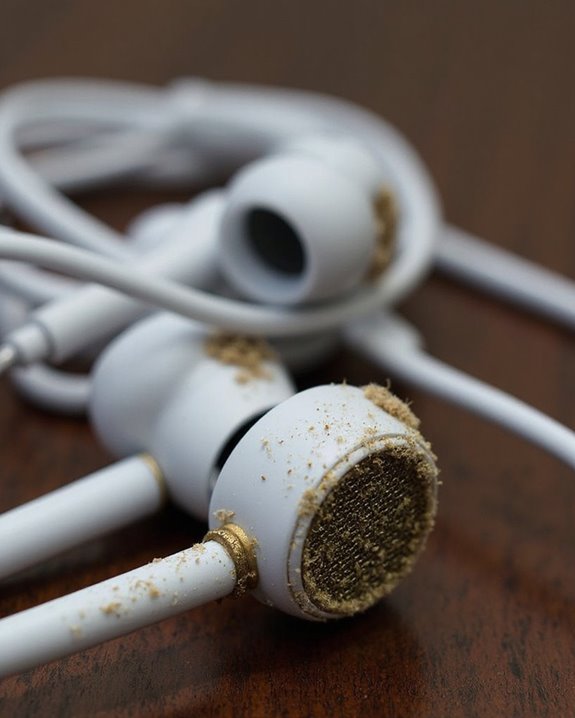
Proper maintenance of headphones greatly extends their lifespan and preserves audio quality over time. Establishing regular cleaning routines prevents the accumulation of earwax, oils, and debris that can degrade sound quality and materials. Users should clean earpads with dry cotton swabs and use diluted mild detergents for deeper cleaning, while avoiding harsh solvents that damage components.
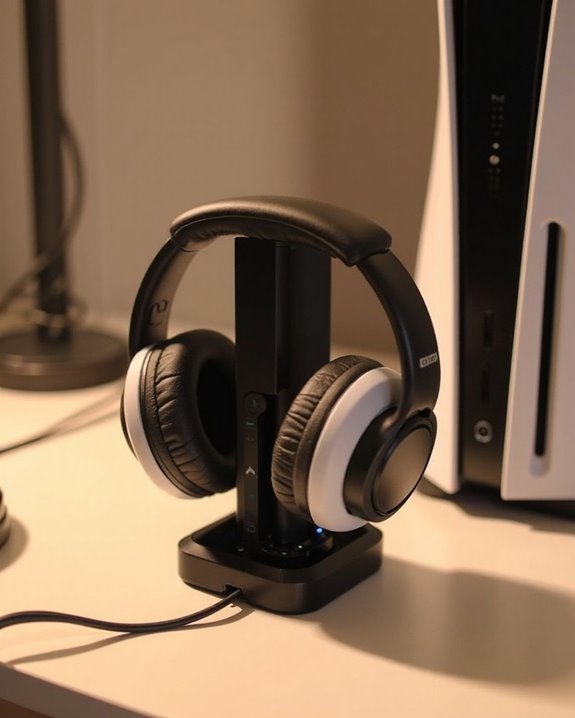
Effective storage techniques greatly reduce physical damage risks. Headphones should be stored in protective cases when not in use, with cables loosely coiled to prevent stress on connectors. Owners should keep devices away from extreme temperatures, direct sunlight, and moisture that accelerate material degradation.
Regular inspection of cables, connectors, and earpads allows for early identification of wear, enabling timely replacement of damaged parts before they affect performance or cause complete failure.
When to Replace vs. When to Repair
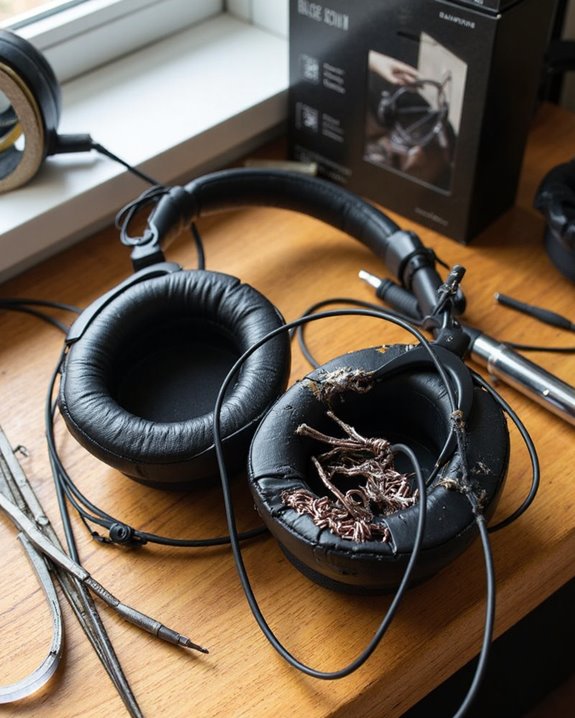
Beyond regular maintenance, headphone owners inevitably face the decision of whether to repair or replace their devices when problems arise. This choice often depends on several practical factors.
A thorough budget analysis should compare repair costs (typically $30-$70) against the price of new headphones. Generally, if repairs exceed half the cost of replacement, purchasing new equipment is more economical. Consider the extent of damage and whether multiple components need fixing.
The eco benefits of repairing headphones are significant. Repairs reduce electronic waste, conserve resources, and support sustainable consumption practices. Additionally, repairing preserves custom settings and eliminates the need to adjust to new equipment.
Ultimately, newer models with advanced features may justify replacement, while minor issues like frayed cables or worn earpads make repair the sensible choice.
Recommended Products

Compatibility: Link Dream Replacemen Ear Cushions Kit for Bose QC 35 / QC35 ii series are designed the same as original, these soft protein leather foam ear pads fit great with Bose Quiet Comfort 35 35II, Quiet Comfort 25, Quiet Comfort 15, Quiet Comfort 2, AE2, AE2i, AE2w, Sound True, Sound Link (Over-Ear) headphones.
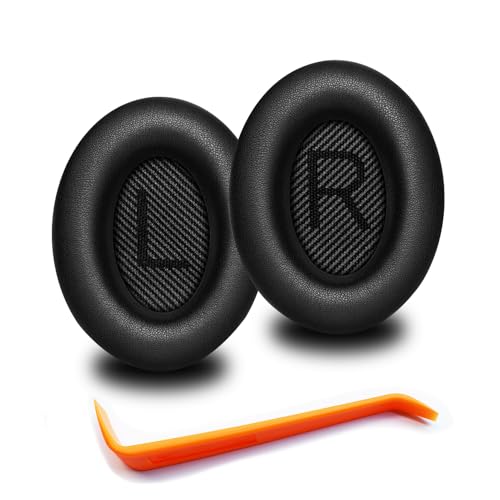
🎧COMPATIBILITY - MZKLQVE ear pads are specifically designed to be compatible with Bose QC35 / QC35 II / QC2 / QC15/ QC25 / Ae2 / Ae2i / Ae2w / SoundTrue Around-Ear / SoundTrue Around-Ear II / SoundLink Around-Ear/ SoundLink Around-Ear II Headphones.

High elasticity, light-weight, soft and comfortable touching
Frequently Asked Questions
Can Water-Damaged Headphones Be Repaired?
Nearly 70% of water-damaged headphones can be repaired with prompt action. Water repair involves thorough drying, careful disassembly, and cleaning. Successful restoration depends on damage severity, while prevention remains the most effective solution.
Why Do Headphones Work in Only One Ear?
Headphones typically work in only one ear due to a wiring fault within the cable or a connector issue at the jack. Other causes include unbalanced audio settings or physical damage to the headphone components.
How Do I Fix Headphone Sound Imbalance Between Left and Right?
Like a sound engineer at a concert, users can fix headphone sound imbalance by performing audio calibration and balance adjustment in their device settings, checking connections, and cleaning dust from the jack.
Can Headphone Magnets Lose Strength and Affect Sound Quality?
Headphone magnets can indeed weaken over time. Proper magnet maintenance prevents degradation that affects audio quality. Neodymium effects include reduced volume and bass response when exposed to extreme heat or strong magnetic fields.
Do Expensive Headphones Last Longer Than Budget Options?
Like towering oaks outlasting saplings, expensive headphones typically endure longer than budget alternatives. Superior materials and craftsmanship enhance expensive durability, while budget longevity often falters due to cost-cutting compromises in construction quality.