As an Amazon Associate, we earn from qualifying purchases. Some links on this site are affiliate links at no extra cost to you. Our recommendations are based on thorough research and editorial judgment.

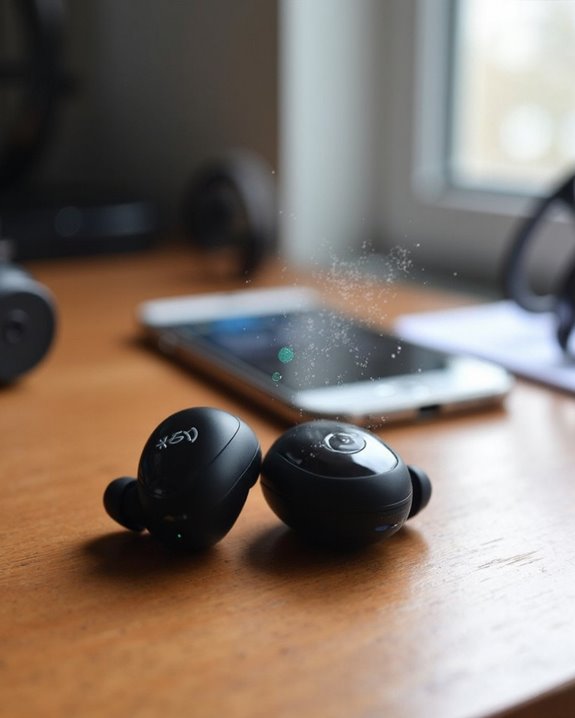
Why Do My Headphones Keep Disconnecting?

Bluetooth headphones frequently disconnect due to several common issues. Low battery levels (below 10%) greatly weaken connection stability. Wireless interference from nearby devices operating on the 2.4GHz band disrupts signals. Physical barriers like walls reduce effective range below the standard 10-meter limit. Software problems including outdated firmware or incompatible Bluetooth versions cause pairing instability. Device auto-switching features may also trigger unexpected disconnections. Understanding these underlying factors reveals effective solutions to maintain reliable connections.
Key Takeaways
- Bluetooth range limitations restrict effective operation to 10 meters and are degraded by physical barriers like walls.
- Wireless interference from Wi-Fi routers, microwaves, or other Bluetooth devices creates signal congestion.
- Low battery levels (below 5-10%) cause rapid deterioration of Bluetooth signal strength and disconnections.
- Outdated firmware on headphones leads to unstable connections and frequent disconnections.
- Auto switching features disconnect when your headphones attempt to pair with multiple known devices simultaneously.
Common Causes of Bluetooth Headphone Disconnections
You may be interested
Can You Track Beats Headphones If They Are Lost?
July 1, 2025
Do Headphone Dents Go Away?
August 4, 2025
Why do Bluetooth headphones suddenly cut out during an important call or while enjoying music? Several technical factors contribute to these frustrating disconnections.
Range limitations represent a primary culprit, with most headphones operating effectively only within 10 meters of the source device. Physical barriers like walls and furniture greatly degrade signal quality.
Wireless interference from competing devices—Wi-Fi routers, microwaves, or other Bluetooth products—can disrupt the connection by creating radio frequency congestion. Additionally, software issues like outdated firmware often lead to unstable connections.
Auto Switching features can cause headphones to disconnect when attempting to pair with multiple known devices simultaneously. Similarly, aggressive Power Settings designed to conserve battery life may temporarily disable Bluetooth functionality, resulting in unexpected disconnections during use.
Many modern headphones use Bluetooth 5.0 technology to improve connection stability and range, but even this can be limited by environmental factors.
Recommended Products

[Up to 60 Hours of Playtime] With up to 60 Hours of listening time for our headphone wireless bluetooth in bluetooth mode, triple as much as other bluetooth headphones, you'll always have music to inspire you. Come with a 3.5mm audio cable, regardless of whether you want to use a wireless headset or headphones wired, Tuitager over-ear headphones can satisfy you

【40MM DRIVER & 3 MUSIC MODES】Picun B8 bluetooth headphones are designed for audiophiles, equipped with dual 40mm dynamic sound units and 3 EQ modes, providing you with stereo high-definition sound quality while balancing bass and mid to high pitch enhancement in more detail. Simply press the EQ button twice to cycle between Pop/Bass boost/Rock modes and enjoy your music time!
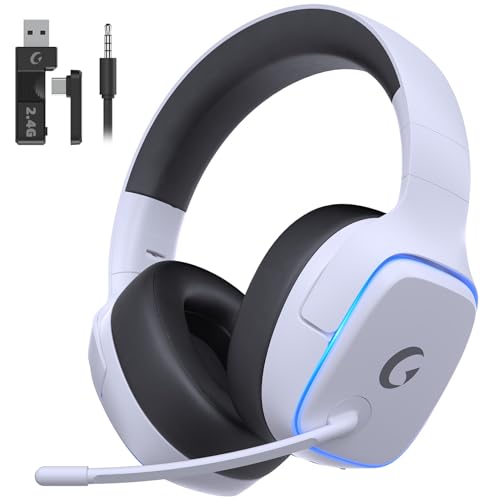
EXCLUSIVE PS5 DESIGN - This wireless gaming headset features a new generation upgraded design aligned with the gaming family, delivering high-end performance for hardcore gamers, eSports athletes and casual gamers.
Battery Level: A Major Culprit Behind Disconnecting Headphones
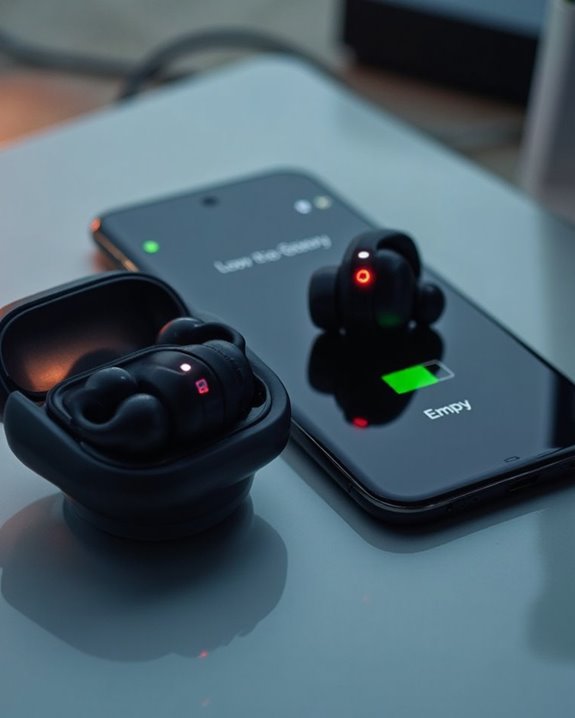
The battery status of wireless headphones often determines their connection reliability more than any other factor. When power levels drop below critical thresholds (typically 5-10%), Bluetooth signal strength deteriorates rapidly, causing frustrating disconnections and audio dropouts.
Contrary to popular Battery Myths, maintaining a charge between 20-80% rather than constantly depleting to zero optimizes long-term battery health. Energy Conservation features in modern headphones, such as automatic sleep modes, help preserve power but may create the illusion of disconnection when actually conserving battery.
Environmental conditions greatly impact battery performance; extreme temperatures accelerate drain rates and connection instability. As batteries age, their maximum capacity diminishes, leading to more frequent disconnections even when showing adequate charge levels on indicators. Models with Bluetooth 5.4 technology typically provide more stable signal transmission, reducing disconnect issues related to battery fluctuations.
Recommended Products

New Fashion Look: The magnetic U design provides a trendy look, while the Unique and stylish teal color offer a distinctive sense of style, making it stand out in the crowd.It is an ideal choice for birthday, holiday or anniversary gifts.

Hi-Fi Deep Bass Stereo and Crystal Clear Calls: Bluetooth earbuds 14.2mm large size speaker driver delivers powerful bass, mellow midrange, and clear treble, reproducing your music vividly to power your workout. Noise cancelling headphones are equipped with high quality ENC noise reduction mics to passively cancel 80% background noise so you and the caller can hear each other better and make crystal-clear calls with minimal background noise. Enjoy top-notch conversations wherever you are.

Note : If the size of the earbud tips does not match the size of your ear canals or the headset is not worn properly in your ears, you may not obtain the correct sound qualities or call performance. Change the earbud tips to ones that fit more snugly in your ear
Signal Interference and Environmental Factors
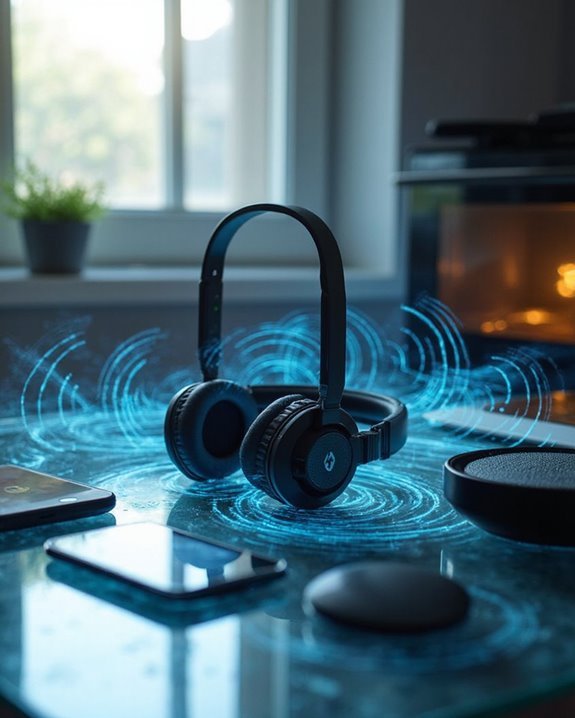
Invisible forces constantly wage war against your headphone connection, creating frustrating disconnections when least expected. Router Clashes represent one of the most common culprits, particularly when multiple devices compete for bandwidth on the 2.4GHz frequency band.
Environmental Noise extends beyond audible sounds to include signal interference from everyday appliances. Microwave ovens, cordless phones, and even fluorescent lighting can disrupt Bluetooth signals, causing intermittent disconnections.
Physical barriers present another significant challenge. Walls, furniture, and architectural elements containing metal can weaken signals between devices. Distance compounds this problem—moving beyond the ideal range (typically 30 feet for most consumer headphones) introduces instability.
Device placement plays a vital role in maintaining stable connections. Keeping headphones and their paired device unobstructed and away from competing wireless devices greatly reduces disconnection issues. Additionally, newer models featuring Bluetooth 5.2 connectivity offer more stable wireless performance within a 10-meter range, helping to minimize disconnections.
Device Compatibility Issues Explained
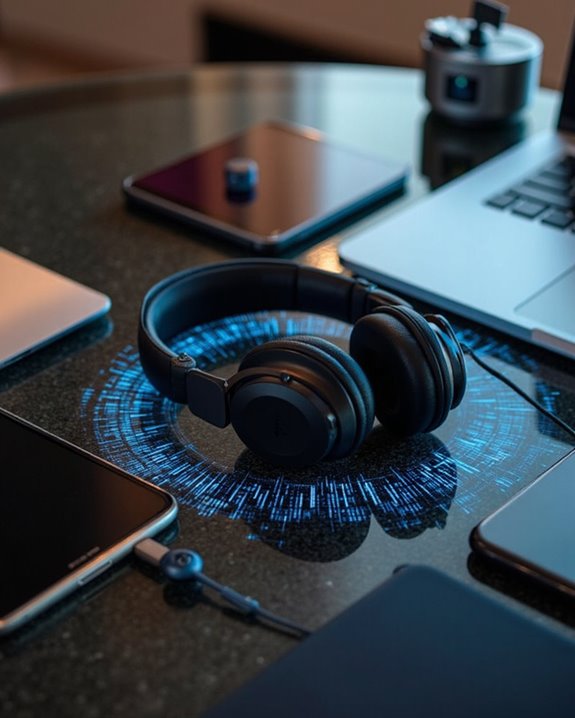
Compatibility challenges constitute a major source of headphone disconnection problems, often leaving users frustrated without clear explanations. Device-specific issues stem from multiple technical factors, particularly OS incompatibility between headphones and connected devices.
Bluetooth version conflicts represent a common culprit, with newer headphones (Bluetooth 5.0) potentially struggling to maintain stable connections with older devices (Bluetooth 4.0). Firmware conflicts further exacerbate these problems when outdated headphone software clashes with modern device requirements.
Hardware disparities create additional complications, including USB port mismatches (USB-C vs. USB-A) and audio jack incompatibilities. Many users overlook the critical need for regular driver and firmware updates that address these compatibility issues.
Cross-platform challenges are especially prevalent when connecting headphones designed for one ecosystem (iOS) to devices from another (Android).
Recommended Products

【3 in 1 Bluetooth Headband & Sleeping Headphones & Eye Mask】ASIILOVI sleeping headphones Bluetooth headband built in speakers and no need to wear addition earphones, it’s perfect for running, workout, travel, Yoga and people who like listening to music to fall asleep and don’t want to bother their partner or roommates. What’ s more, a wide front for pretty good blockout, you will have a better sleep by wearing this comfortable headband.
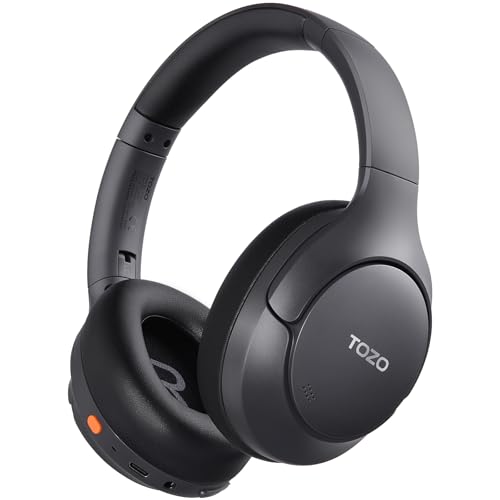
[45dB ANC & Hybrid Noise Cancellation] Enjoy unmatched tranquility with Adaptive ANC and Hybrid Noise Cancellation. Four high-sensitivity microphones continuously detect and adapt to your surroundings—whether you're on a noisy subway, airplane, or in a bustling café. A single press restores complete silence, while a dedicated call mic ensures crystal-clear voice quality, even in noisy environments. Ideal for both calls and music, offering superior audio no matter where you are.

Zero-Latency Audio for Competitive Edge: Dominate your matches with the AOC wireless gaming headset. Featuring ultra-fast 2.4GHz lossless technology (≤20ms latency), this ps5 headset ensures your audio is always perfectly synced with the action. Tuned 50mm drivers deliver clear gaming sound for footsteps, reloads, dialogue, and in-game effects in FPS, action, and open-world games. The closed over-ear design helps keep you focused during Fortnite, Call of Duty, Roblox, Discord chat, online classes, and movie watching.
How Physical Barriers Impact Your Headphone Connection
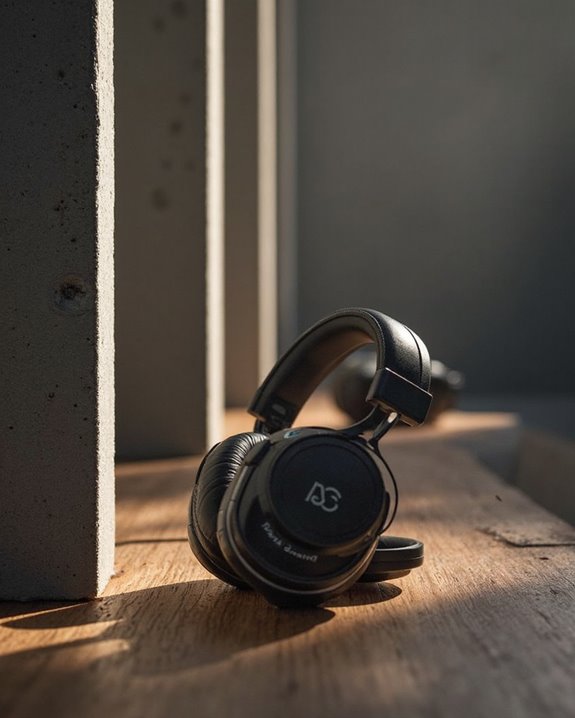
When seemingly invisible obstacles disrupt your audio experience, physical barriers are often the undetected culprits behind frustrating headphone disconnections. The Bluetooth signals that connect wireless headphones to source devices can be greatly weakened when encountering various Barrier Types in your environment.
Material Effects vary considerably—dense or conductive materials pose the greatest challenges. Metal surfaces, brick walls, and concrete structures can severely attenuate signals, while wood, plastic, and regular glass allow signals to pass with minimal interference. Even furniture placement can obstruct transmission paths.
To maintain stable connections, consider these strategies:
- Keep devices in close proximity when barriers exist
- Position transmitters for clearer line-of-sight
- Avoid placing devices on opposite sides of dense walls
- Minimize competing electronic interference in crowded environments
Quick Fixes for Repeatedly Disconnecting Headphones
Frustrating headphone disconnections can often be resolved with simple troubleshooting techniques before resorting to replacements or repairs. A Quick Reset of both the headphones and connected device typically resolves temporary connectivity issues by clearing the Bluetooth cache and reestablishing connections.
Maintaining device proximity and removing physical obstructions between headphones and the source device greatly improves signal strength. Users should check for and install the latest Firmware Patch, as manufacturers regularly release updates addressing connectivity problems.
For persistent issues, disabling unused Bluetooth devices in the vicinity reduces signal interference. Additionally, updating device drivers guarantees ideal compatibility between hardware components. If disconnections continue, resetting all Bluetooth settings to default and systematically testing on alternative devices can help isolate whether the problem lies with the headphones or the connected device.
Recommended Products

Latest Bluetooth 6.0 Technology: With Bluetooth 6.0, connect the device faster and get a more stable signal transmission. Whether watching videos or playing games, the synchronization of audio and video is significantly improved, reducing the trouble caused by delay and improving the entertainment experience. (If pairing fails, please reset the adapter: With the device powered off, press and hold the multifunction button for 10 seconds.)
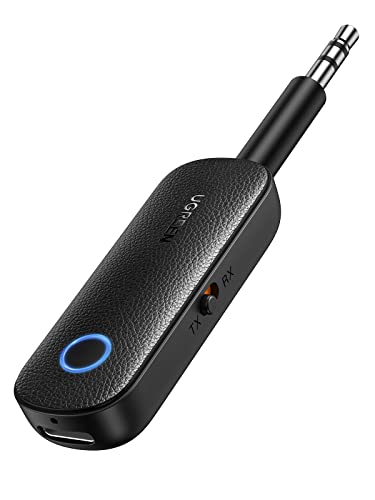
2 in 1 Bluetooth Transmitter Receiver: This UGREEN 3.5mm wireless adapter supports both TX and RX modes. Whether at home, in the car, or on a plane, it can easily meet your wireless Bluetooth needs. Simply connect it to a non-Bluetooth device, such as a plane or car stereo, and enjoy Bluetooth wireless sound. Not only is it a great gadget for enabling wireless Bluetooth, but it's also an airplane travel essential, eliminating the hassle of wired connections!

SHARE IN-FLIGHT AUDIO — Connect two pairs of Bluetooth headphones or earbuds to one airplane entertainment screen, so you and a travel partner can listen together without wires.
Maintenance Tips to Prevent Future Disconnections
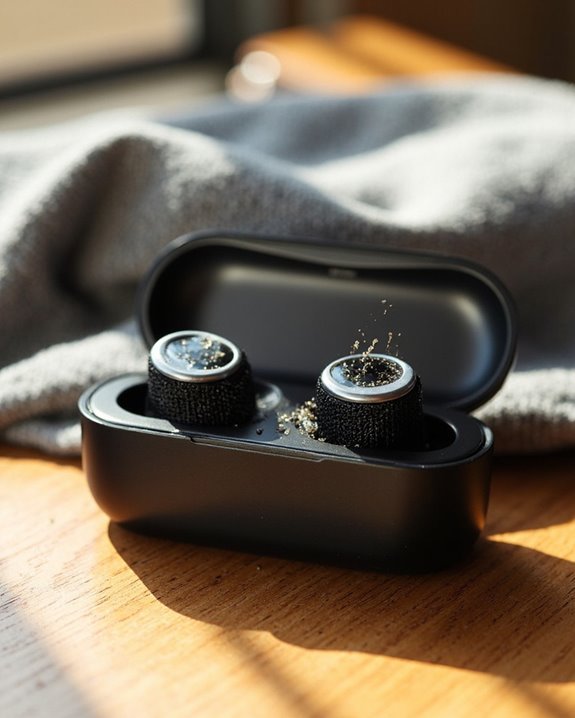
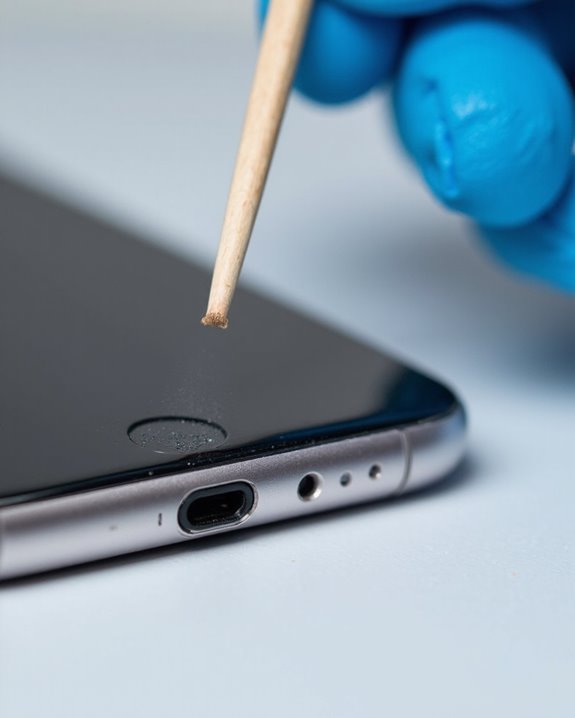
Regular maintenance of wireless headphones greatly reduces the frequency of disconnections and extends their overall lifespan. Users should implement a routine that includes thorough cable inspection to identify fraying or damage that might interrupt signals. Port cleaning is equally essential—charging ports and audio jacks accumulate lint and debris that compromise connections.
Battery maintenance cannot be overlooked. Keeping headphones fully charged prevents power-related disconnects, while charging them periodically during non-use periods preserves battery health. Firmware updates, often overlooked by users, fix connectivity bugs and improve performance.
For ideal Bluetooth stability, users should maintain proper distance from their paired devices and minimize interference from other electronics. Storing headphones in protective cases when not in use prevents physical damage to sensitive components that affect connectivity.
When to Replace vs. When to Repair Disconnecting Headphones
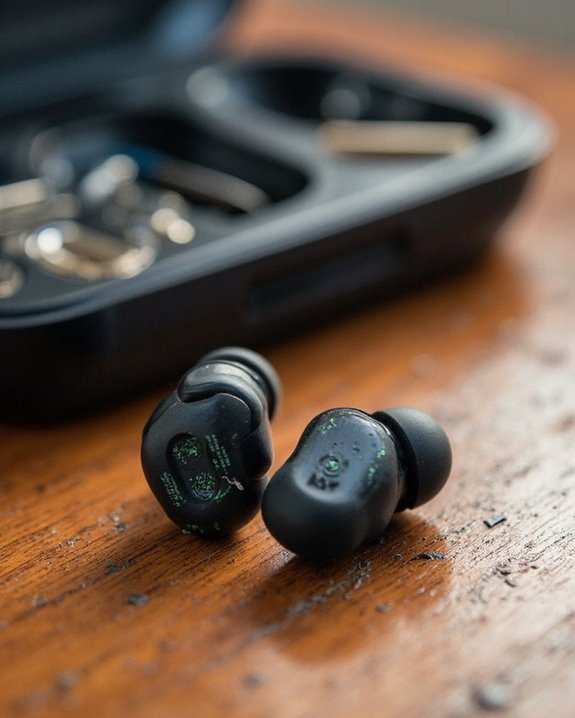
Deciding whether to repair or replace problematic headphones presents a major dilemma for many audio enthusiasts facing connectivity issues. Several factors should guide this decision, including the age of the device, repair complexity, and cost analysis.
Repairing makes economic and environmental sense for newer models with minor issues like frayed cables or loose connections. The Environmental Impact of extending product lifespan through repairs greatly reduces e-waste and resource consumption. Additionally, repairs preserve customized settings that would require reconfiguration with new devices.
Replacement becomes the preferred option when devices experience persistent disconnections, deteriorating sound quality, or when repair costs approach new purchase prices. Warranty Benefits play a vital role in this decision—in-warranty headphones typically receive manufacturer-covered repairs, while out-of-warranty repairs often cost substantially more.
Recommended Products

【3.5mm to 2.5mm Audio Cable】3.5mm to 2.5mm audio cord perfect compatible with Bose QuietComfort QC45 QC35II QC35 QC25 NC700 OE2 OE2i On-Ear2 Soundlink Soundtrue Headphones. Also compatible with J BL Tune 710BT, 660NC, 750NC, 760NC, E40BT, E45BT, E55BT, E65BTNC, Duet BT, Duet NC, Live 400BT, Live 460, Live 500BT, Live 650BTNC, AKG Y55BT, Y55, Y50, Y45, Y40 and more other selected headphones with 2.5mm jack port

COMPATIBILITY: Fit perfectly on Microsoft Xbox Series Wireless Headset(Xbox X|S, Xbox One,)
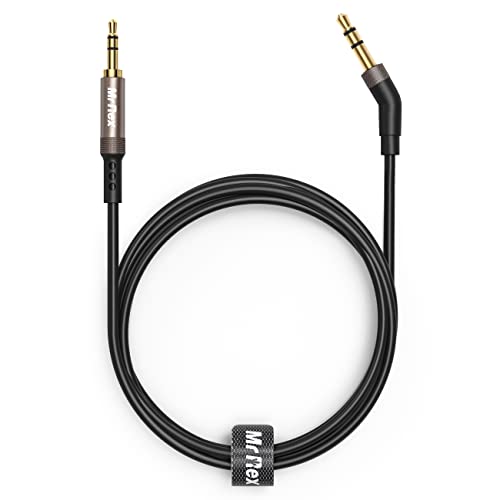
2.5mm thin jack connector can easily plug into your Bose Quietcomfort Ultra / 700, QC45, QC35II, QC35, QC25 Over-ear headphones, AKG Y55BT, Y55, Y50, Y45, Y40 headphones, JBL E45BT, E55BT, E65BTNC, 750NC, Duet BT, Duet NC, Live 400BT, Live 500BT, Live 650BTNC and more other headphone with 2.5mm jack port.
Upcoming Technologies That Will Improve Headphone Connectivity

While current Bluetooth technology has revolutionized wireless audio, several groundbreaking innovations are poised to dramatically reduce disconnection issues in the coming years. Bluetooth advancements will support data rates up to 8 Mbps and expand into higher frequency bands, greatly reducing interference and dropouts.
Qualcomm’s S7 and S7 Pro chipsets introduce micro-power Wi-Fi capabilities, enabling lossless audio transmission with greater range than traditional Bluetooth. This technology also supports Cloud Streaming directly from servers, eliminating the middleman device that often causes connectivity issues.
AI Integration in future headphones will intelligently manage connections, predict potential disruptions, and automatically switch between available networks. Combined with ultra-low latency improvements and MEMS speaker technology, these innovations promise a future where headphone disconnections become increasingly rare.
Frequently Asked Questions
Can Water Damage Cause My Headphones to Disconnect Intermittently?
Water damage can indeed cause intermittent headphone disconnections due to short-circuiting and corrosion. Moisture prevention through proper storage and corrosion repair of affected contacts are essential steps to resolve these connection issues.
Do Headphones Disconnect More When Connected to Multiple Devices Simultaneously?
Like a telegram operator juggling messages, headphones often disconnect more when paired to multiple devices. This occurs due to Pairing Limits and Signal Conflicts as devices compete for the headphone’s attention simultaneously.
Can Firmware Downgrading Fix Newer Disconnection Issues?
Firmware reversion can often resolve recent disconnection problems in audio devices, especially when issues emerged post-update. Users should consider stable previous versions while understanding downgrade risks including potential device bricking and warranty implications.
Will Using Third-Party Charging Cases Affect Connection Stability?
When someone rolls the dice on third-party charging cases, they risk compromising connection stability. Case compatibility issues may interfere with charging pins, while battery longevity can be affected by inconsistent power delivery from non-certified accessories.
How Do Extreme Temperature Changes Impact Bluetooth Connectivity?
Extreme temperature changes can cause significant connectivity fluctuations in Bluetooth devices. Cold reduces battery efficiency while heat may overheat components. These temperature effects can degrade signal integrity and overall device performance.