As an Amazon Associate, we earn from qualifying purchases. Some links on this site are affiliate links at no extra cost to you. Our recommendations are based on thorough research and editorial judgment.

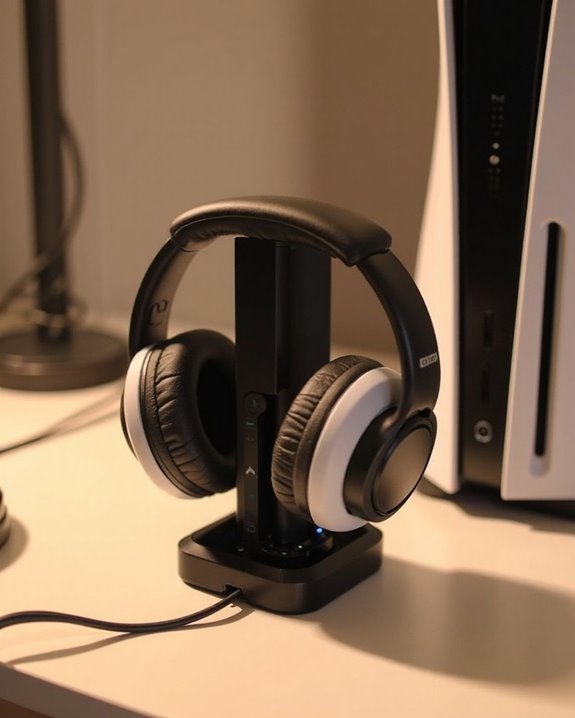
Why Won’t My PS5 Headphones Charge on My PS5?

PS5 headphones may fail to charge due to several common issues. Damaged USB cables, dust-filled ports, or incorrect power settings often prevent proper charging. Check if the USB port delivers adequate power by testing different cables and cleaning ports with compressed air. Navigate to Settings > System > Power Saving to enable “Supply Power to USB Ports” during rest mode. Hardware problems like damaged connectors or depleted batteries might require a headset reset. Further troubleshooting reveals additional solutions for persistent charging problems.
Key Takeaways
- USB cable might be damaged, low-quality, or data-only, failing to deliver sufficient power to the headset.
- PS5 power settings could be set to “Off” for USB ports during rest mode; change to “Always” in Settings.
- USB ports may contain dust or debris preventing proper connection; clean with compressed air.
- Headset battery might be degraded or the charging port damaged, requiring hardware inspection or reset.
- Environmental factors like temperature extremes, humidity, or interference from nearby devices can affect charging performance.
USB Connection Problems: Common Cable and Port Issues
You may be interested
Can You Track Beats Headphones If They Are Lost?
July 1, 2025
Do Headphone Dents Go Away?
August 4, 2025
The most frequent culprits behind PS5 headphone charging failures are USB connection issues that can manifest in several ways. Cable Quality plays a significant role, as damaged, frayed, or low-quality cables often fail to deliver sufficient power to the headset. Data-only cables lacking power transfer capabilities will also prevent charging despite appearing to connect properly.
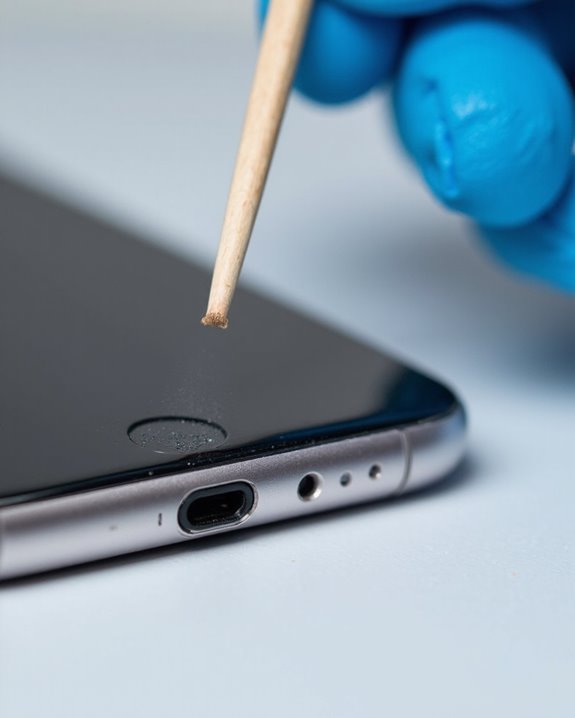
Port Stability issues can equally hinder charging functionality. PlayStation 5 USB ports may become obstructed by dust or debris, interrupting the electrical connection necessary for power delivery. Some ports may also malfunction due to internal wear or damage, requiring users to test alternate ports on the console.
For reliable troubleshooting, users should:
- Try different USB cables
- Clean ports with compressed air
- Test all available PS5 USB ports
- Verify proper connector alignment when plugging in
Additionally, ensuring your headset supports dual wireless connectivity can help avoid power issues related to wired charging.
Recommended Products
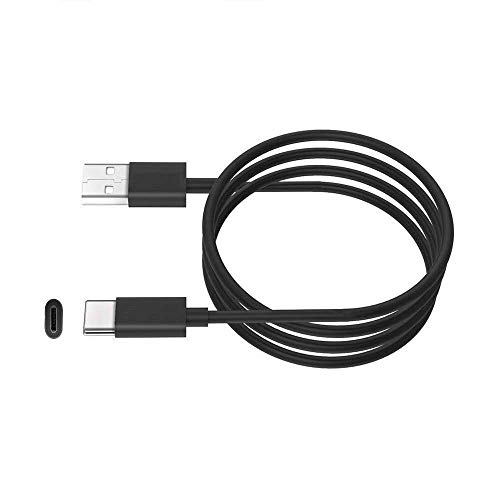
This cable is used to charge your wireless Bluetooth gaming headset with a USB C Type C charging or power port. This is compatible with Sony PS5 PULSE 3D Wireless Headset.

1.Compatible with for Corsair HS70, HS70 Pro K57 K63 K83, Corsair Void RGB Elite, Corsair Void Pro RGB, HyperX Cloud Flight Wireless Headset.(Note: Please check the charging port before purchasing)

🎮【Widely used】Compatible with Playstation 5 PS5 Dual Sense Controller and Xbox Series X/ Xbox Series S/ Switch Pro controllers, and more devices with USB C (Type C) interface.
PS5 Power Settings: Configuring Your Console for Headset Charging
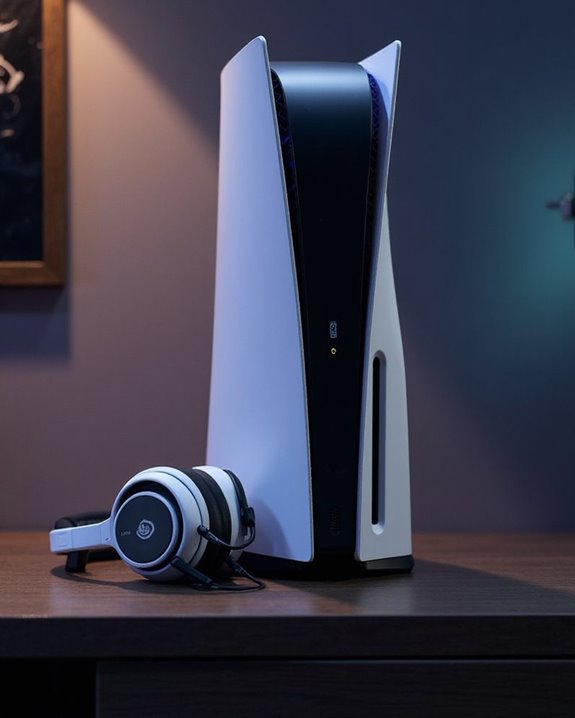
Beyond cable and port issues, your PlayStation 5’s power configuration directly impacts headphone charging functionality. The console’s default Power Modes determine whether USB ports receive electricity during rest mode, which is vital for headset charging.
To guarantee proper charging, users should navigate to Settings > System > Power Saving > Features Available in Rest Mode. Here, select “Supply Power to USB Ports” and set it to “Always” or “3 Hours” rather than “Off.” This Settings Tip guarantees continuous power supply to connected headsets.
Many charging issues occur simply because the PS5 isn’t configured to deliver power while in rest mode. The Pulse 3D and other wireless headsets require approximately 650mA at 5V to charge properly, making these power setting adjustments essential for maintaining headset functionality.
For optimal headset use, consider models with dual wireless connectivity, like the NUBWO G06, which also offer extended battery life and flexible charging options.
Recommended Products
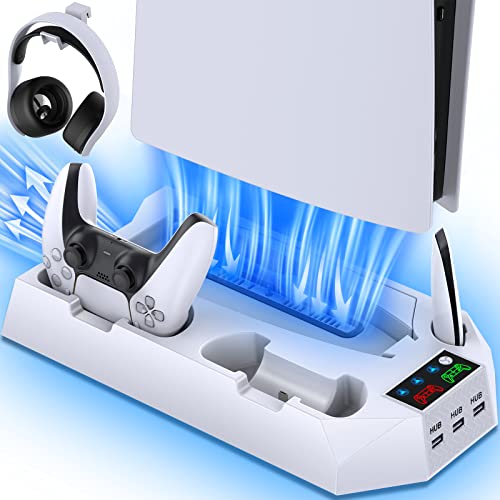
𝐖𝐚𝐫𝐦 𝐓𝐢𝐩𝐬: The PS5 cooling station perfectly fits the PS5, PS5 Slim and PS5 Pro Disc & Digital Version.

【High-Speed Charging for Dual Controllers with Full Protection】: Charge two PS5 controllers simultaneously in just 2-3 hours. This station features an intelligent control chip that provides advanced protection against overcharging, overheating, and short circuits. A reliable and efficient gaming accessories for ps5 controller that keeps your gear safe and ready to play

【Fast Charging Station】ps5 controller charging station equipped with 1 charging dock for ps5 controller/ps5 elite controller on the headset stand, quickly charging PS5 controller within 2-3 hours. The ps5 controller charger built-in intelligent chip to prevent overcharged, overheat, shot circuit. (NOTE: The charging voltage of the ps5 charger station is rated at 5V/2.4A, To ensure that all functions can be used properly, it is recommended to use the USB port of your computer or game console to power this product.)
Environmental Factors Affecting Charging Performance
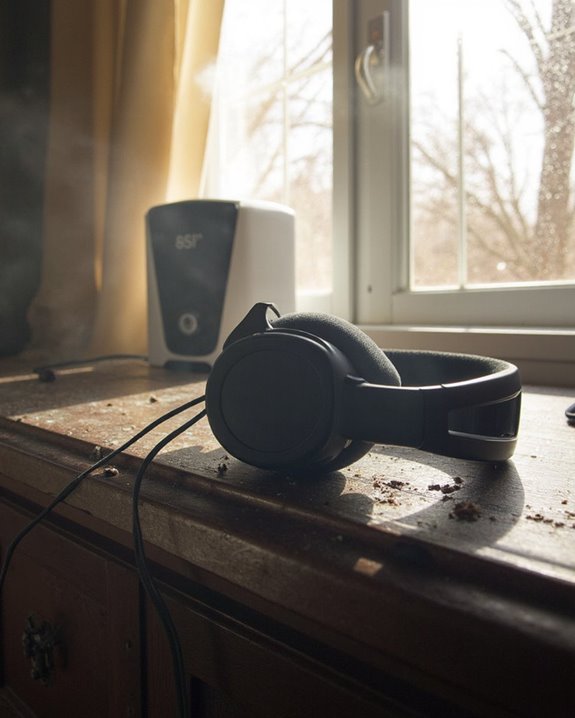
Surprisingly, environmental conditions play a crucial role in PS5 headphone charging performance, often overlooked by frustrated users experiencing persistent charging issues. Temperature Sensitivity greatly impacts charging efficiency, with ideal operation occurring between 10°C and 30°C. Outside this range, charging becomes less effective and may contribute to reduced battery lifespan.
Humidity Risks present another critical concern for headset charging. Exposure to moisture can damage internal components, potentially rendering the charging function inoperable. Users should make sure headsets charge in dry environments and clean them only with soft, dry cloths.
Additional environmental factors affecting charging include:
- Proximity to other Bluetooth devices causing interference
- Proper power outlet conditions
- Safe cord placement away from high-traffic areas
- Appropriate storage conditions when not in use
It is also important to consider the impact of battery life variations, as some headphones feature batteries that require specific charging conditions to maintain optimal performance.
Headset Hardware Troubleshooting Steps
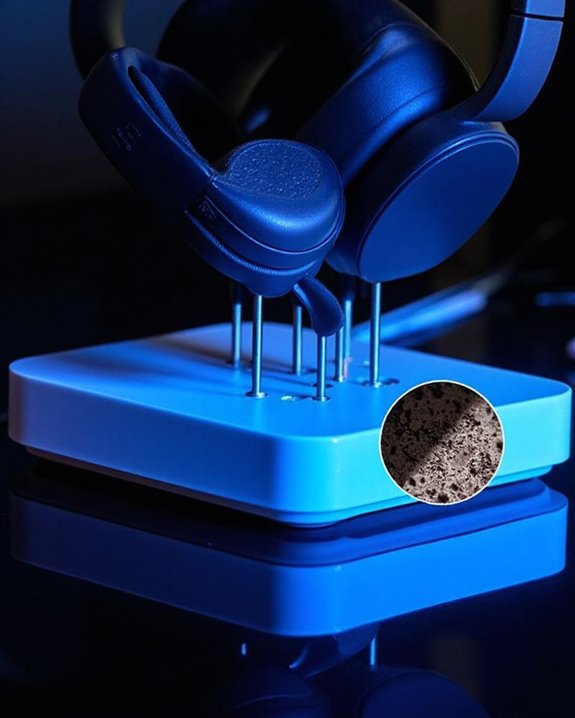
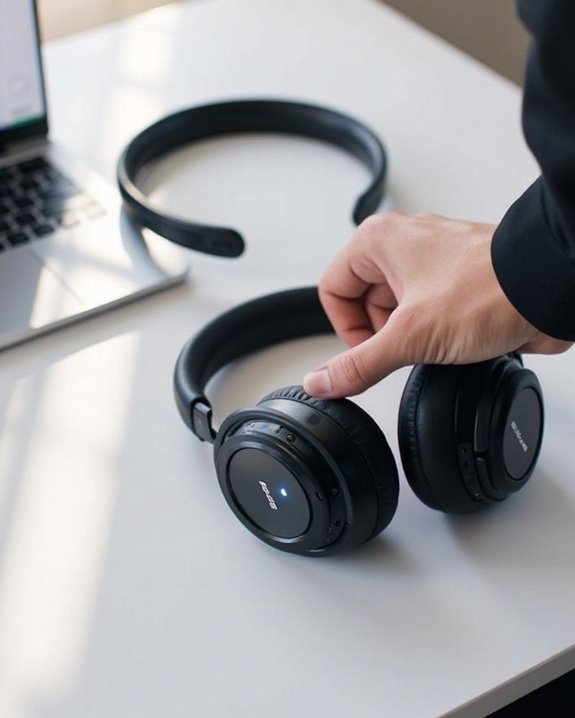
Four essential hardware checks can resolve most PS5 headphone charging issues before requiring professional intervention. Start by examining the USB Type-C port for visible damage, debris, or misalignment that prevents proper connection. Dirt accumulation often blocks charging contacts.
Next, assess Battery Health by observing charging indicator behavior; inconsistent flashing may signal degraded capacity requiring replacement. Third, test the headset’s power switch functionality, ensuring it clicks properly and registers position changes.
Finally, utilize Reset Options by performing a hardware reset: hold the mute and power buttons simultaneously for 7-10 seconds. This procedure often resolves firmware glitches affecting charging circuits.
If these steps fail, connect the headset directly to the PS5 rather than through USB hubs, which sometimes deliver insufficient power for proper charging functionality.
Recommended Products

【Large compartment】Our PS5 backpack is perfectly designed, with four compartments, the main compartment can store a PS5 console and a 15.6-inch laptop, the second compartment can store a headset and two PS5 gamepads and data cables, and the third compartment can store several PS5 games, data cables, charging cables, controller charging stations, etc. The fourth compartment is used to store small items such as mobile phones and keys

Dual Charging, Zero Downtime: It is designed for the PS5 ecosystem, which can charge your PS5 controller & gaming headset at the same time, fully charging devices in just 6 hours. Featuring charging contacts/interfaces fully compatible with official PS5 accessories, this charging dock eliminates cable clutter and reduces outlet congestion – all designed to maintain a clean, battle-ready setup. The dock does not support charging XBOX series controllers.

PlayStation 5 DualSense and DualSense Edge USB-C to USB-C charging cable
Alternative Charging Methods and Accessories
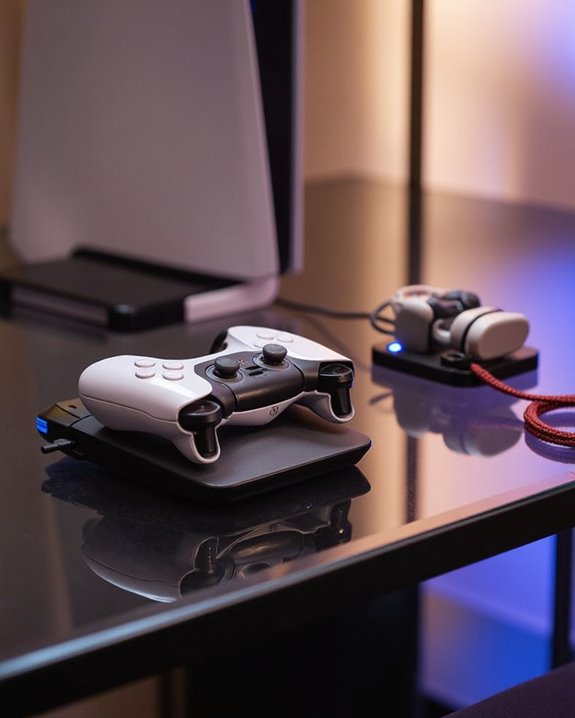
When standard charging methods fail with PS5 headphones, exploring alternative options can restore functionality without requiring replacement hardware. USB-C cables connected to wall chargers, computer ports, or the PS5 console itself often provide reliable alternatives to proprietary charging stations.
For gamers on the move, Power Banks offer a convenient solution for maintaining charge during travel. Higher-quality power banks with Power Delivery (PD) capability can optimize charging efficiency while preventing potential battery damage from improper voltage.
Many manufacturers offer specialized Travel Cases with integrated charging systems, combining protection and power in one accessory. These cases typically feature cable management systems to prevent wire damage during transport.
When selecting alternative charging methods, users should verify compatibility with their specific headset model to guarantee proper voltage delivery and prevent potential hardware damage.
Recommended Products
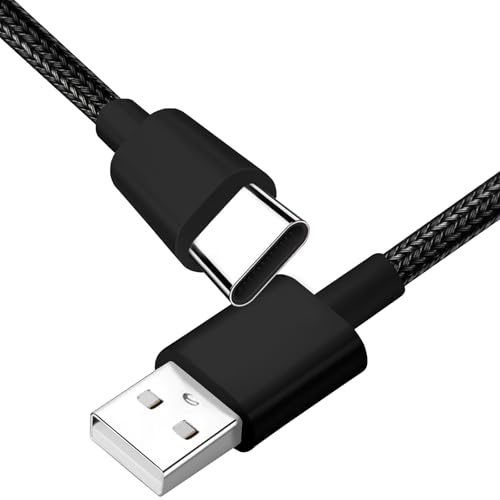
Compatibility: Fit for Corsair Virtuoso RGB/ Virtuoso RGB XT/ Virtuoso RGB SE/Corsair HS80 RGB/Corsair HS75 XB Wireless High-Fidelity Gaming Headset(This is a C-type port cable, not applicable to micro-USB interface and other port devices)
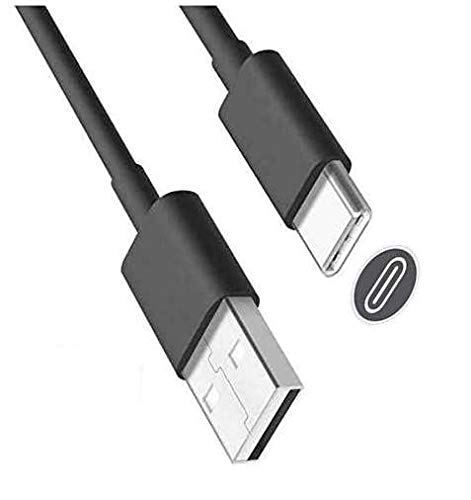
USB-A to USB-C cable for charging and updating headsets that use a USB-C connection.

【RGB LED lights】KAFRI RBG Headphone Stand can display 9 lighting effects modes, up to 16.8 million colors to creat an amazing gaming atmosphere at your preference. that can be selected merely by pressing a Touch switch. Great christmas gifts for Son,Boy,Men,Husband and Boyfriend.
Software Updates and Compatibility Issues
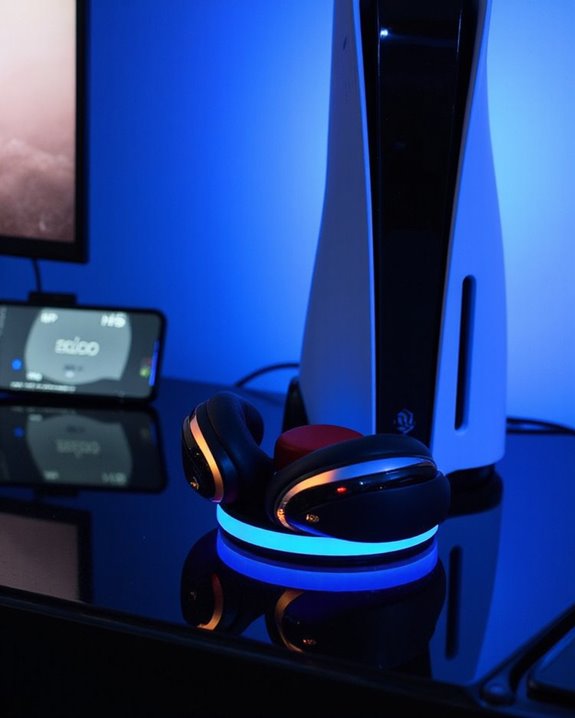
Software incompatibilities often represent the hidden culprits behind PS5 headphone charging failures. Outdated firmware on either the console or headset can create communication barriers between devices, preventing proper power transfer through USB connections. Software conflicts may emerge when the PS5 system software lacks critical updates needed to recognize newer headset models.
Firmware glitches frequently manifest when headsets encounter incompatibility with the PS5’s rest mode charging capabilities. Users should make sure both devices run the latest software versions by enabling automatic updates or manually installing them through system settings. The PlayStation’s Headset Companion App provides troubleshooting options for PS4 users but lacks PS5 support, highlighting cross-generation compatibility challenges.
Resolving these issues typically requires:
- Updating PS5 system software
- Installing headset firmware updates
- Performing headset resets
- Verifying model compatibility with PS5
Recommended Products

Compatibility for All PS5 Models: This ps5 mount wall is compatible with PS5, PS5 Slim, and PS5 Pro disc & digital version. It securely holds your console in place while saving valuable floor/desk space.The ps5 shelf also includes a headset holder, keeping your PS5, controllers, and headset all in one place for a super organized look. It’s perfect for gifting to family, friends, and partners. Sony PSP Cables

Compatible Model: Compatible with Playstation 5/Playstation 5 Pro/ Compatible with Xbox Series X/S controller /Switch Pro controller /Switch Console. Coming with 2 pack replacement Type-C Ports charging cable. If the cable can't charge after connecting the controller, please plug in the charging cable in reverse. (Important Note: 1:Please use front usb port for the PS5 console to achieve the fastest charging, the back usb port will cause your charging speed to be very slow. 2:Please use 5V/2A above power adapter). Power Adater for PS4 Controller

Works with dualshock 4 controllers
Frequently Asked Questions
Can I Charge My PS5 Headset While Playing Games?
Yes, PS5 headsets can be charged while gaming. Various charging options remain available during gameplay, providing uninterrupted audio experiences. This gameplay compatibility feature allows users to continue playing while simultaneously replenishing the headset’s battery.
Why Does My Headset Battery Drain Faster After Prolonged Use?
“Nothing lasts forever.” Battery aging is a natural process with prolonged use. Overheating effects from extended gaming sessions can accelerate degradation. The headset’s capacity to hold charge diminishes over time with regular usage patterns.
Will Using Third-Party Charging Docks Void My Headset Warranty?
Using third-party charging docks typically does not void headset warranties unless the dock causes damage. Users should verify dock compatibility with their specific headset model to minimize warranty risks and potential electrical issues.
Can Overcharging Damage My PS5 Headset’s Battery Life?
Overcharging can devastate battery cells. Despite built-in protections, prolonged charging stresses PS5 headset batteries. This silent killer gradually reduces battery longevity through excessive heat and voltage stress. Best to disconnect once fully charged.
How Do I Know When My Headset Has Reached Full Charge?
Users can identify a fully charged headset by monitoring charging indicators on the device. These typically change color or turn off when complete. The PS5 console also displays battery alerts showing the current charge level.