As an Amazon Associate, we earn from qualifying purchases. Some links on this site are affiliate links at no extra cost to you. Our recommendations are based on thorough research and editorial judgment.


How to Connect Shokz Headphones to Your Devices

Connecting Shokz headphones requires entering pairing mode by holding the Volume+ button for 5-7 seconds until the LED flashes red and blue alternately. Once the headphones announce “pairing,” navigate to your device’s Bluetooth settings and select “Shokz” from the available devices list. Successful connection is confirmed by a steady blue LED and “connected” voice prompt. Keep devices within 30 feet of each other for best performance. Additional features like multipoint pairing enable seamless switching between multiple connected devices.
Key Takeaways
- Power on Shokz headphones and press Volume Plus button for 5-7 seconds until LED flashes red and blue alternately.
- Open Bluetooth settings on your device and select “Shokz” from the available devices list.
- Confirm successful pairing when the LED shows steady blue light and you hear “connected” voice prompt.
- Enable multipoint pairing by connecting to one device first, then entering pairing mode again for a second device.
- For connection issues, reset headphones by holding multifunction and volume buttons until vibration occurs.
Understanding Shokz Headphone Compatibility Requirements
You may be interested
3 Best Shockz Headphones
May 5, 2024
Can You Connect Bluetooth Headphones to PS5?
May 26, 2025
When considering Shokz headphones, understanding their compatibility requirements guarantees best performance across different devices. These bone conduction headphones connect via Bluetooth to smartphones, tablets, and computers, making them versatile for various audio needs.
For basic connectivity, any Bluetooth-enabled device works effectively with Shokz headphones. However, users should be aware of Device Limitations when seeking advanced features. The Shokz App, which enhances functionality through updates and customizations, is exclusively available for mobile devices.
The OS Requirements are specific: iOS 13.0+ or Android 8.0+ for the companion app. This app only supports select models including OpenRun Pro 2, OpenRun Pro, OpenSwim Pro, OpenFit, and OpenFit Air. While the headphones will function with computers via Bluetooth, the app’s advanced features remain unavailable on non-mobile platforms.
Additionally, different Shokz models like the OpenMove’s sweatproof design ensure compatibility with active lifestyles and specific user needs.
Recommended Products

[Next-Gen Bone Conduction Tech] Psier Bone conduction headphones utilize the latest Bone conduction tech and a fully enclosed cavity design, delivering rich, powerful sound through the bone. The open-ear design keeps you aware of your surroundings, making them perfect for running, cycling, hiking, and outdoor activities. With upgraded acoustic sealing that reduces sound leakage by up to 50%, you enjoy powerful audio and enhanced situational awareness.

[Open-Ear Design] Bone conduction headphones, powered by next-generation enclosed-cavity bone conduction technology, deliver premium audio through your bones, providing clear, loud sound even in noisy environments. The open ear headphones let you enjoy music while staying aware of your surroundings, making them comfortable for outdoor workouts.

Excellent Sound Quality - Through Ogogrs' advanced bone conduction technology, it allows you to feel the excellent audio transmitted through the bones. The clear sound and strong volume give you the best listening experience. The bone conduction headphones with a built-in microphone are suitable for remote video conferences.
Preparing Your Device for First-Time Pairing
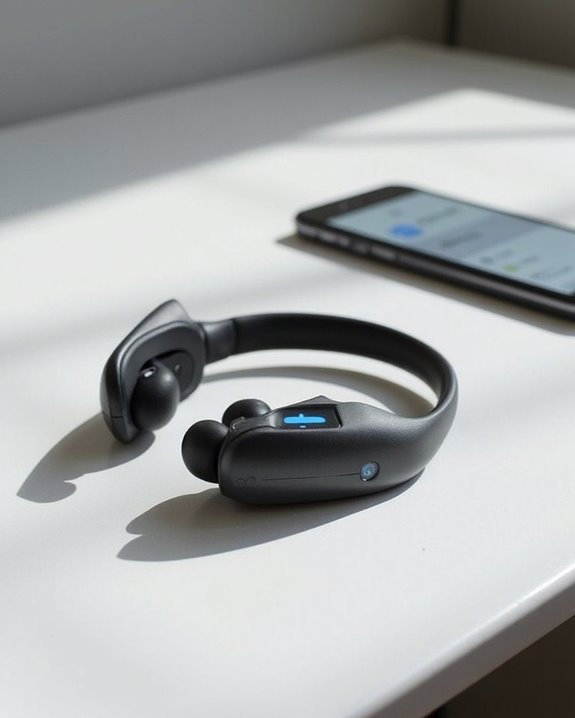
Successfully preparing your device before pairing with Shokz headphones eliminates common connectivity issues and guarantees a smooth setup process. Proper Battery Preparation guarantees your device maintains power throughout the connection process, preventing interruptions during critical pairing moments.
Begin by enabling Bluetooth functionality and updating your device’s software to guarantee compatibility with Shokz headphones. Clear any existing Bluetooth connections to minimize interference signals. For ideal Environment Setup, position both devices in close proximity within a low-noise area.
Verify your device supports Bluetooth 4.0 or later and compatible profiles like A2DP and HFP. Access your Bluetooth settings menu and guarantee discoverable mode is activated. Disable power-saving features that might disrupt the connection process, and remove any previously paired Shokz devices for a fresh start. Newer Shokz models, such as the CXK, utilize Bluetooth 5.3 for enhanced connection stability and performance.
Step-by-Step Guide to Entering Pairing Mode
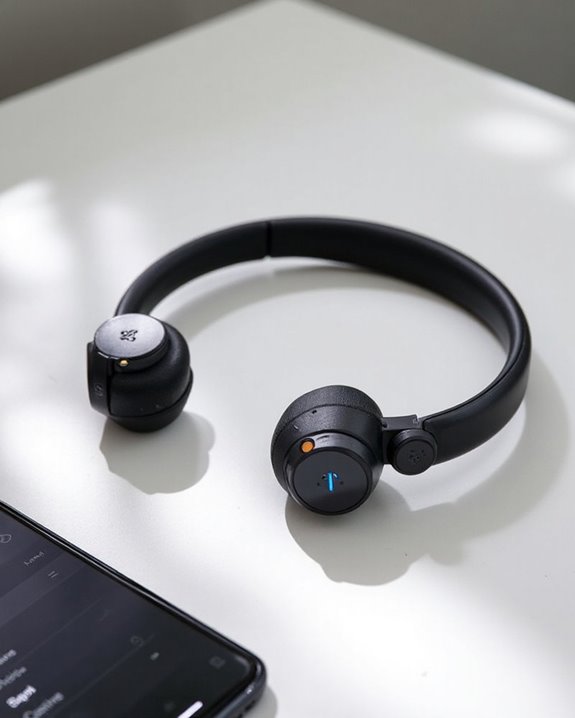
Entering pairing mode on Shokz headphones requires precise timing and button awareness to establish proper device communication. The process begins with powered-off headphones, then requires holding the Volume Plus (+) button for 5-7 seconds until the LED indicator flashes red and blue alternately.
Users should listen for confirming voice prompts such as “Welcome to AfterShokz” that signal successful pairing mode activation. Hold techniques vary slightly between models—OpenMove requires 3-5 seconds, while AS800CB models first need powering on before entering pairing mode.
Common indicators of successful pairing include:
- Red and blue alternating LED flashes
- Welcome voice prompts
- Blue LED flickering every 5 seconds once connected
- Connected tone upon pairing completion
If no LED signals or voice prompts appear, users should release the button and retry the process. Many wireless headphones now use Bluetooth 5.0+ connectivity to optimize stable pairing and audio performance.
Completing the Bluetooth Connection Process
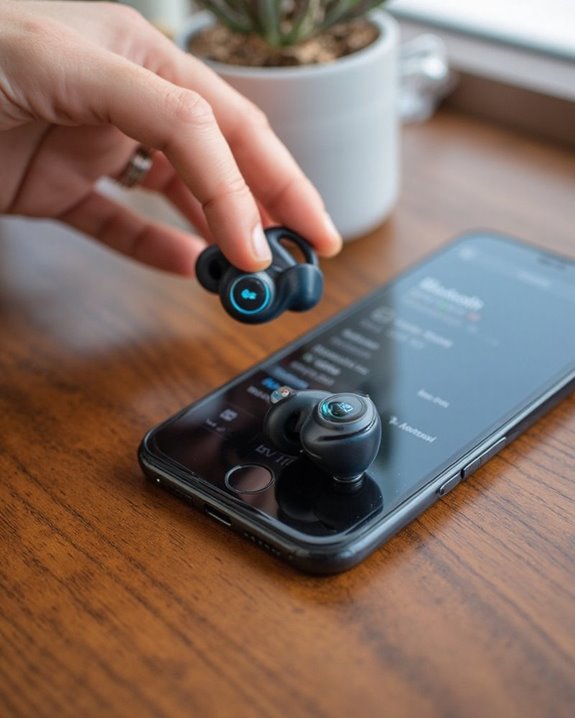
The final steps of connecting Shokz headphones require careful navigation through a device’s Bluetooth settings after successful pairing mode activation. Once the LED indicators flash red and blue, users should access their device’s Bluetooth menu where “Shokz” will appear in the available devices list.
For alternative pairing scenarios, users might need to select “Search for devices” if the headphones don’t automatically appear. Maintaining close proximity between devices is essential during this process to prevent connection failures. Once selected, the device initiates a manual connection with the headphones.
A successful connection is confirmed when the LED switches to a steady blue light and an audible “connected” prompt plays through the headphones. For ideal performance, users should assure both devices maintain adequate battery levels and remain within the standard 30-foot Bluetooth range.
Setting Up Multipoint Connections for Multiple Devices

Shokz headphones offer advanced multipoint connectivity that allows users to pair with multiple devices simultaneously, enhancing versatility for those who regularly switch between devices. This feature requires specific setup steps to function properly.
To establish multipoint connections, users should first make sure their headphones are powered off, then enter pairing mode by holding the power/volume+ button for 5-7 seconds until the LED flashes red and blue. After connecting the first device, the process must be repeated for the second device. Pairing security is maintained throughout this process, preventing unauthorized connections.
Users should position connected devices within close proximity to minimize signal interference from other Bluetooth equipment. For best performance, keeping the headphones updated with the latest firmware is essential, as this can improve connection stability and feature compatibility.
Recommended Products

20+ hours playtime keep the music going all day — commute, work, and beyond. USB-C charging means no hunting for old cables. One full charge handles your longest listening days.

Ultra-Comfort with Open-Ear Design: Experience matchless comfort even for all-day wear with these non-intrusive, open-ear Bluetooth earbuds.

[Open-ear Comfort] Unlike the traditional earphones, this Bluetooth headset with open-ear design don't go in your ears, which can cause less damage to hearing than other in/over-ear earbuds. G9 headset Bluetooth wireless ensures both all-day comfort for long-term wearing and situational awareness & connection with your colleagues. Not only suitable for office/home, but also fit for outdoor activities. Make you safe and never miss friends greeting on your run.
Using the Shokz App to Enhance Your Connection Experience
Beyond establishing multipoint connections with your headphones, maximizing their functionality requires dedicated software support. The Shokz App, available on platforms like Google Play, offers extensive control over headphone performance and connectivity options.
Users can access four preset EQ modes (Vocal, Bass Boost, Treble Boost, and Standard) or create custom sound profiles tailored to specific listening preferences. The app simplifies device management by displaying connection status and Battery Monitoring in real-time, ensuring users can track power consumption efficiently.
The software also facilitates firmware updates that improve connectivity stability and enable new features. For troubleshooting or instruction needs, Support Access is readily available through in-app user manuals and guides. This seamless integration of hardware and software creates an optimized listening experience that extends beyond basic Bluetooth functionality.
Recommended Products

65 Hours Playtime: Low power consumption technology applied, BERIBES bluetooth headphones with built-in 500mAh battery can continually play more than 65 hours, standby more than 950 hours after one fully charge. By included 3.5mm audio cable, the wireless headphones over ear can be easily switched to wired mode when powers off. No power shortage problem anymore.

【ASTONISHING SOUND PRODUCTION 】: High Definition Stereo Headphones, specially developed software and noise reduction technology designed to prevent you from heating ambient noises and makes you focus on what you want to hear. Lose yourself in immersive music even in the lowest volume levels! The goal that provide Customers with outstanding sound quality is our constant pursuit.

Hybrid Active Noise Cancelling: 2 internal and 2 external mics work in tandem to detect external noise and effectively reduce up to 90% of it, no matter in trains or offices.
Troubleshooting Common Connectivity Issues
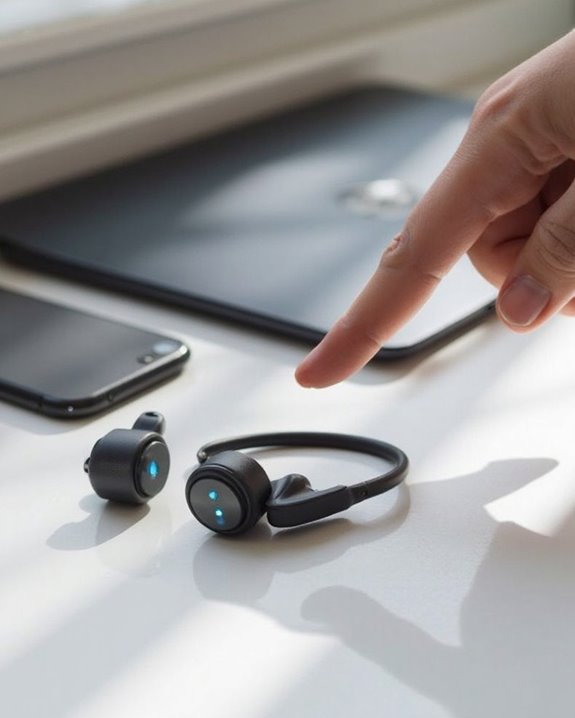
Despite their advanced design, Shokz headphones occasionally encounter connectivity challenges that can disrupt the listening experience. When pairing difficulties arise, users should first verify their headphones are properly in pairing mode, indicated by alternating red and blue LED flashes and a “pairing” voice prompt.
Signal interference from nearby wireless devices can impede successful connections. Users should maintain proximity within 30 feet of their device and minimize environmental interference from Wi-Fi routers or microwaves.
Battery issues often manifest as connectivity problems. A complete manual reset—performed by simultaneously holding the multifunction and volume buttons until the headphones vibrate—can resolve persistent pairing failures.
For stubborn connection problems, clearing previous Bluetooth connections from both the headphones and device creates a clean slate for establishing a fresh, stable connection.
Recommended Products
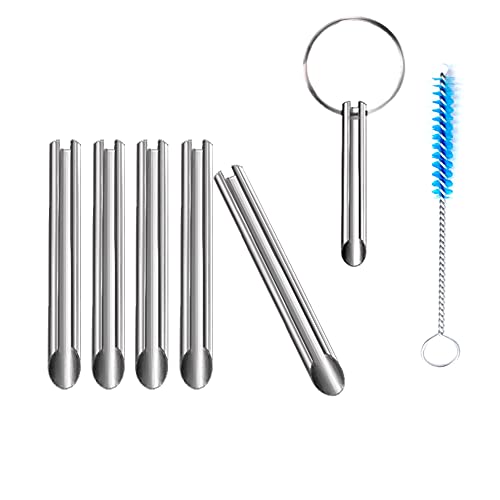
🛠️Applicable To :all models of mobile phones, pads and computers headphone jack, built to easily remove broken 3.5mm headphone plugs from jacks.
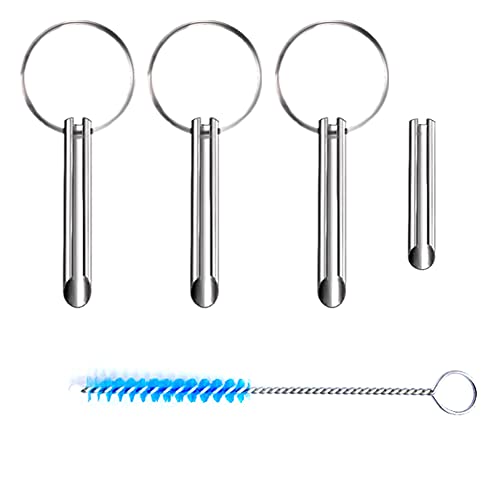
Applicable To:models of mobile phones, ipads and computers headphone jack, is built to easily remove broken 3.5mm headphone plugs from jacks.

[Foldable and Lightweight] The Bluetooth neckband headphones is foldable and lightweight, more flexible and convenient, the attached premium carrying case can protect the headphones from damage and it’s easy to carry in your bag or pocket, provide you with wonderful handsfree experience. The headphones is also sweatproof, great for outdoor sports exercise and indoor entertainment.
Optimizing Sound Settings After Connection
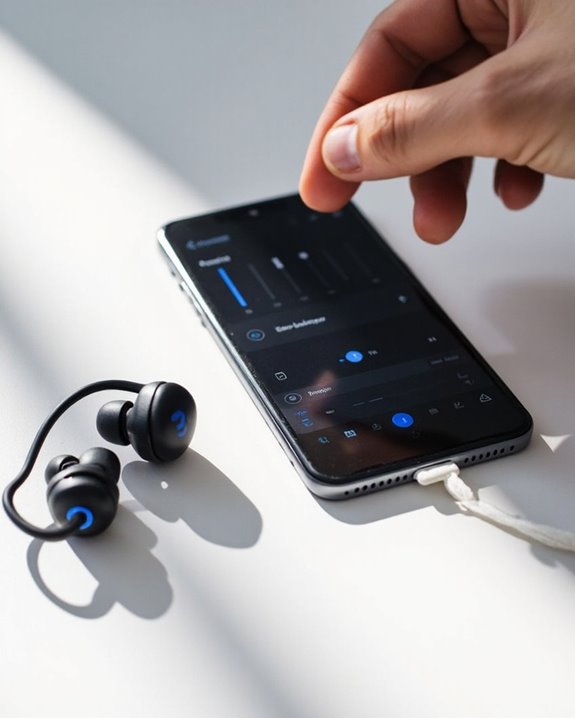
Once successfully paired with a device, users can greatly enhance their audio experience by customizing the sound settings on their Shokz headphones. Different models offer various EQ Modes to match specific listening preferences and content types.
For compatible models like the OpenRun Pro 2, users can access four distinct Audio Profiles: Standard for general listening, Vocal for podcasts and audiobooks, Bass Boost for rhythmic music, and Treble Boost for lighter compositions. To switch between these modes, press and hold both Volume buttons for 3 seconds during playback.
The Shokz App provides a more intuitive interface for adjusting these settings, while Shokz Connect desktop application offers advanced customization options for Windows and macOS users. Regular firmware updates through these applications maintain peak performance and sound quality.
Recommended Products

Unparalleled Audio and Premium sound - Dual drivers combine the clear highs of Bone Conduction Tech with the deep bass of Air Conduction Tech for 12 hours of powerful, 3D audio.Perfect for musical motivation during workouts and runs.

【Open-Ear Awareness】 Experience music with advanced Bone Conduction Technology while keeping your ears open to the world around you. These Open Ear Headphones help you stay aware of traffic, conversations, and surroundings during Running, Cycling, Hiking, Commuting, and Outdoor Workouts. Featuring enhanced Anti-Leak Audio technology, they help reduce sound leakage for more private listening. Ideal for users who want Headphones for Running, Headphones for Cycling, and everyday activities without losing environmental awareness.

🎵 BALANCED TUNES WITH BONE CONDUCTION | Powerful audio that doesn’t trap you in. These bone conduction headphones use advanced technology to deliver clear, balanced sound through vibration instead of in-ear pressure. Enjoy music comfortably with headphones that reduce ear fatigue and irritation.
Managing Device Switching With Shokz Headphones
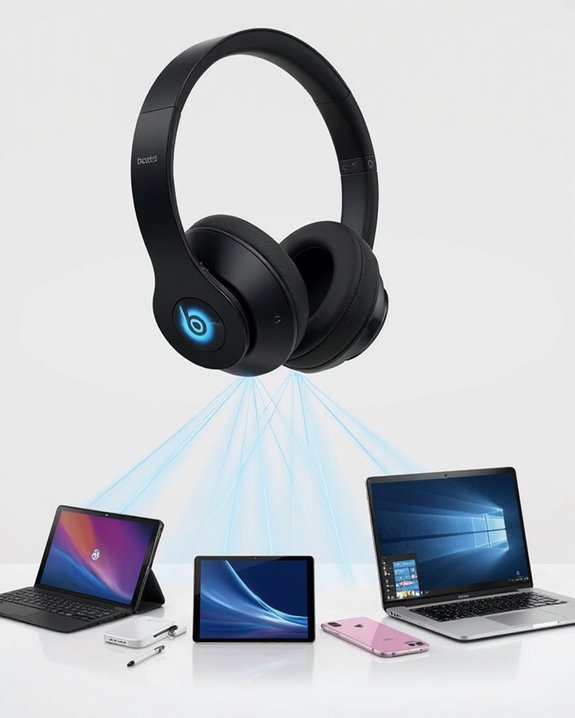
After mastering sound optimization, many Shokz users regularly connect their headphones to multiple devices throughout the day. Shokz headphones support multipoint pairing, allowing seamless switches between devices without manual reconnection.
For effective Workout Integration, users can pair their headphones with both a smartphone and fitness tracker. When switching from tracking metrics to taking calls, the headphones automatically prioritize phone audio. A 5-10 second delay may occur during switches.
During Travel Tips implementation, users should:
- Manage device proximity for best recognition
- Restart headphones if connection issues arise
- Consider NFC pairing for faster recognition
- Update headphone software regularly for improved stability
Different operating systems may affect multipoint functionality. For devices without multipoint support, manual selection through Bluetooth settings remains necessary.
Maintaining Your Bluetooth Connection for Best Performance
Establishing a reliable wireless connection forms the foundation of an ideal Shokz headphone experience. Users should maintain a distance of less than 10 meters between the headphones and device while minimizing physical barriers that can degrade signal quality.
Proper Battery Maintenance guarantees consistent performance—keep headphones charged and avoid complete depletion. When experiencing connection issues, restart both the headphones and connected device to resolve temporary glitches.
Signal Positioning plays a vital role in stability; users should position themselves to minimize environmental interference from other electronic devices. For best results:
- Regularly update headphone firmware
- Check device compatibility with the headphones’ Bluetooth version
- Adjust audio quality settings to balance performance and battery life
- Reset the headphones to factory settings if persistent issues occur
Frequently Asked Questions
Can I Swim With My Shokz Headphones?
Some Shokz headphones, specifically the OpenSwim model with IP68 water resistance, are designed for swimming. Other models like OpenRun are not swimming-suitable. Users should check their specific model’s specifications before underwater use.
How Long Does a Full Battery Charge Last?
Shokz headphones offer versatility, reliability, and longevity in battery performance. Battery life ranges from 7-12 hours on a single charge, depending on the model. Runtime factors including volume levels and feature usage affect overall performance.
Will Shokz Headphones Work With Hearing Aids?
Shokz headphones offer positive Aid Compatibility with many hearing aids due to their ear-hook design. The bone conduction technology enables concurrent Hearing Integration, allowing users to wear both devices simultaneously without interference.
Can I Use Shokz Headphones During Airplane Mode?
Contrary to concerns about Mode Interference, Shokz headphones maintain excellent Flight Compatibility during airplane mode. Users can enjoy these devices on aircraft by enabling Bluetooth after activating airplane mode, per standard airline safety protocols.
Do Shokz Headphones Come With a Warranty?
Shokz headphones include a two-year limited manufacturer warranty for new products and one-year for refurbished items. For best protection, customers should consider Warranty Extensions and follow Registration Tips when documenting their purchase.