As an Amazon Associate, we earn from qualifying purchases. Some links on this site are affiliate links at no extra cost to you. Our recommendations are based on thorough research and editorial judgment.


How to Pair Aftershokz Headphones With Any Device

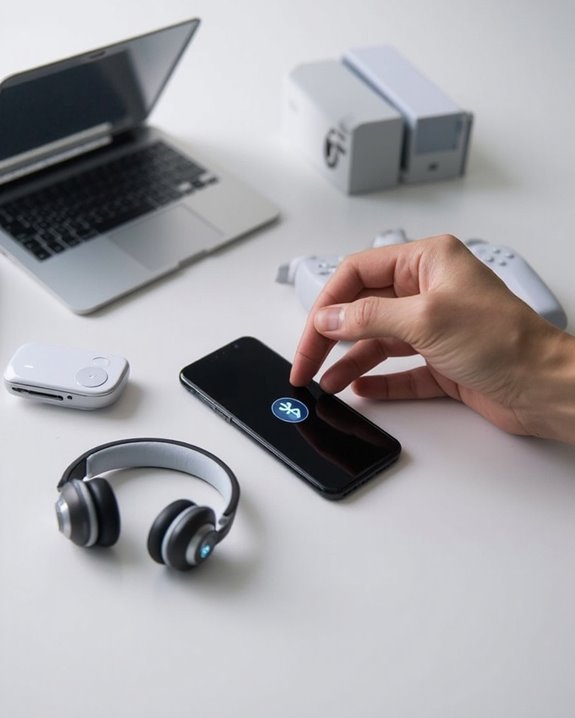
To pair Aftershokz headphones with any device, first power off the headphones completely. Enter pairing mode by holding the Volume+ button for 5-7 seconds until LED indicators flash and voice prompts confirm pairing mode. On your device, open Bluetooth settings, enable scanning, and select the Aftershokz model name from the available devices list. Confirm successful connection when you hear “connected” and see stable LED indicators. The following steps explore device-specific connections and troubleshooting techniques for best performance.
Key Takeaways
- Power off headphones completely, then activate pairing mode by holding the Volume+ button for 5-7 seconds.
- Look for flashing LED lights or audio prompt indicating the headphones have entered pairing mode.
- Go to Bluetooth settings on your device and select the Aftershokz model name from the available devices list.
- Confirm successful pairing when you hear “connected” voice prompt or see steady LED indicator.
- For multipoint connections, pair with first device completely before repeating the process with your second device.
Understanding Aftershokz Compatibility
You may be interested
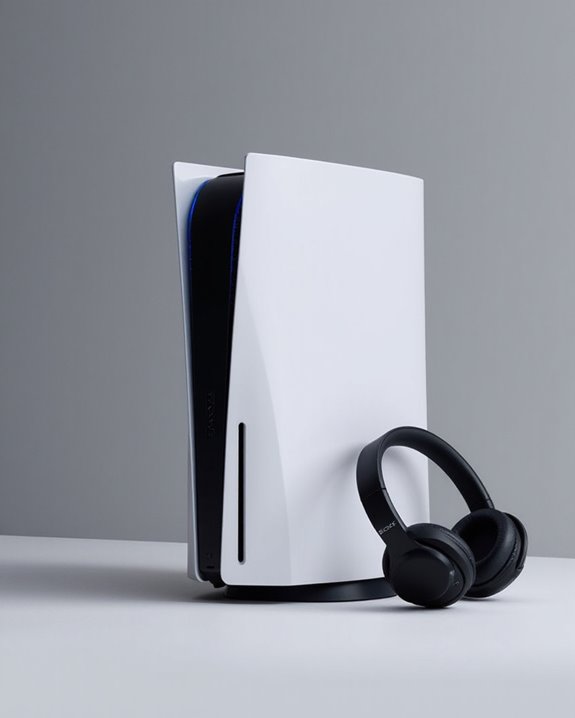
Can You Connect Bluetooth Headphones to PS5?
May 26, 2025
When setting up new Aftershokz headphones, understanding their compatibility features guarantees best performance across various devices. These bone conduction headphones utilize Bluetooth V5.1 technology, supporting multiple profiles including A2DP, AVRCP, and HFP for seamless connectivity.
Aftershokz models offer multipoint pairing capability, allowing simultaneous connection to multiple devices—a significant advantage for users who switch between smartphones and computers frequently. This feature provides health benefits by reducing the need to constantly remove and reinsert traditional earbuds, minimizing ear canal irritation.
Most Aftershokz headphones are universally compatible with both Android and iOS smartphones, computers, and Bluetooth-enabled TVs. While NFC functionality is limited to specific models like OpenComm, the standard pairing process remains straightforward across all supported devices, ensuring accessibility for users with varying technical expertise.
Additionally, models like the OpenDots ONE provide extended battery life and advanced audio technology to enhance user experience during long usage periods through multipoint Bluetooth 5.4 connectivity.
Preparing Your Headphones for Pairing
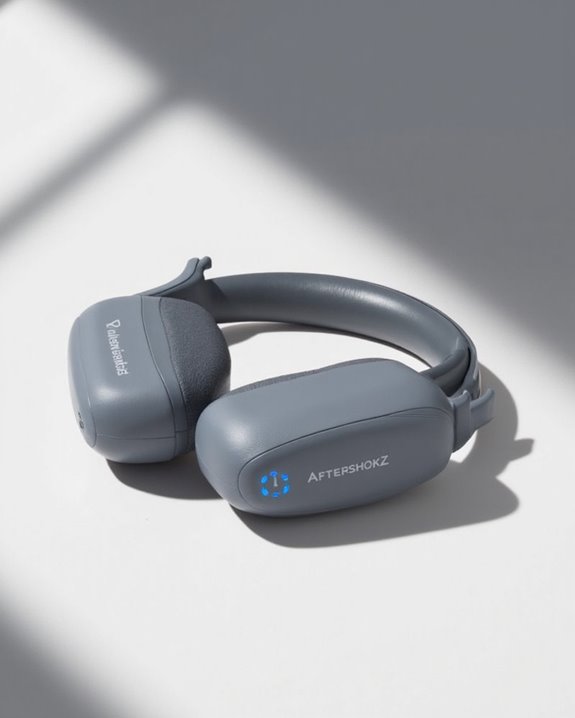
Before initiating the Bluetooth connection process, proper preparation of Aftershokz headphones establishes ideal conditions for successful pairing. Users should first power off the headphones completely to reset any existing connections. This helps minimize interference from nearby electronic devices.
Physical inspection is equally important. Check for damage and clean the device thoroughly, as dirt accumulation can impede connection quality. Proper Cable Management prevents tangling that might affect functionality during the setup process.
For persistent connectivity issues, a full reset is recommended:
- Press and hold multifunction and volume buttons simultaneously for 3-5 seconds
- Wait for confirmation beeps or vibrations
- Remove headphones from device Bluetooth settings
After resetting, store the headphones according to recommended Storage Tips when not in use to maintain ideal performance and extend device lifespan. Additionally, newer models feature Bluetooth 5.3 technology which provides a more stable and reliable connection during pairing.
Recommended Products
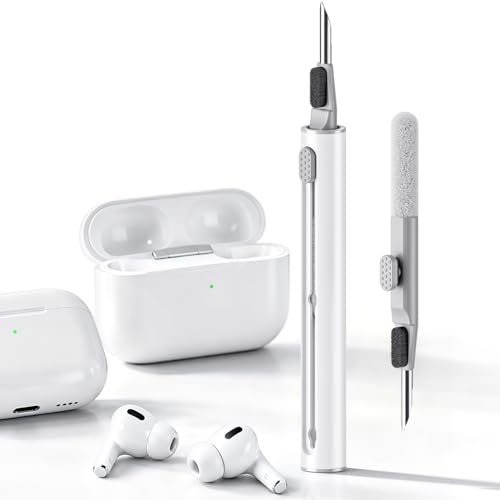
DEEP CLEANING FOR AIRPODS & EARBUDS: Designed to help remove dust, earwax, and buildup from earbuds, charging cases, speaker meshes, and hard-to-reach gaps. Ideal for AirPods Pro, AirPods, wireless earbuds, and daily electronics cleaning.

【NEW TECHNOLOGY】 Are you still using dirty headphones? Are you still using those bulky cleaning tools? Our cleaner kit is a pen to clean the entire set of Bluetooth earplugs, from the small hole of the earplug to the charging compartment, 360-degree cleaning without dead ends, making your earplugs more durable.
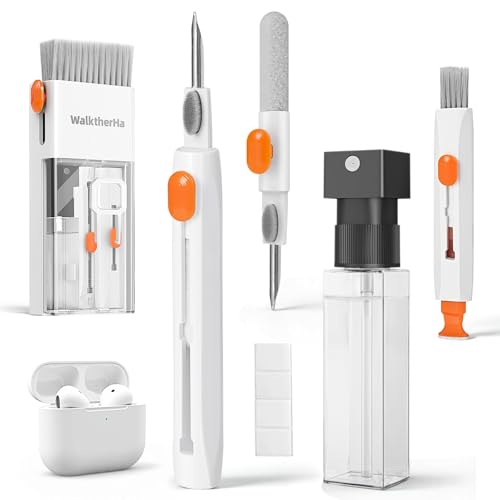
Professional & Powerful: Say goodbye to dirt, grime, and earwax with our 20-in-1 AirPod Cleaner Kit. The metal tip cleans small crevices, sound holes, and charging ports, while the soft brush with high-density bristles gently cleans speaker mesh. The flocking sponge is perfect for earpods charging cases. Airpods cleaning kit also includes a 15ml screen cleaner spray, microfiber cloth, and Airpod cleaning putty for thorough maintenance, preventing build-up and ensuring peak performance
Step-by-Step Basic Pairing Process
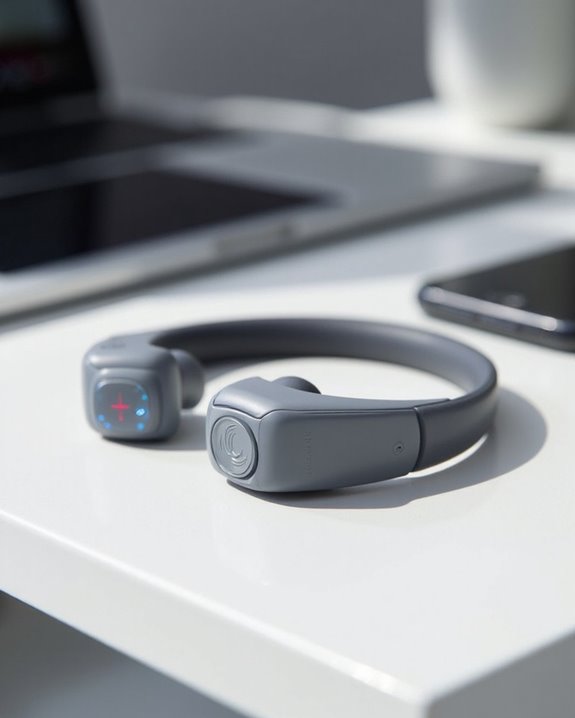
The fundamental Bluetooth pairing process for AfterShokz headphones follows five sequential steps that guarantee proper device connection. Users must begin with powered-off headphones, then press and hold the Volume+ button for 5-7 seconds until alternating red and blue LED patterns appear, indicating pairing mode activation. Audio cues such as a “pairing” voice prompt confirm successful entry into discovery mode.
Next, users should access their device’s Bluetooth settings, make sure Bluetooth is enabled, and scan for available devices. When “OpenMove by Shokz” or the appropriate model name appears in the list, selecting it initiates the connection.
The pairing completes when both the headphones emit an audio confirmation (“connected”) and the device displays a connection status. Users should verify success by testing audio playback through the newly paired headphones. AfterShokz headphones typically use Bluetooth 5.3 technology, ensuring a stable and efficient connection.
Recommended Products

[Next-Gen Bone Conduction Tech] Psier Bone conduction headphones utilize the latest Bone conduction tech and a fully enclosed cavity design, delivering rich, powerful sound through the bone. The open-ear design keeps you aware of your surroundings, making them perfect for running, cycling, hiking, and outdoor activities. With upgraded acoustic sealing that reduces sound leakage by up to 50%, you enjoy powerful audio and enhanced situational awareness.

[Open-Ear Design] Bone conduction headphones, powered by next-generation enclosed-cavity bone conduction technology, deliver premium audio through your bones, providing clear, loud sound even in noisy environments. The open ear headphones let you enjoy music while staying aware of your surroundings, making them comfortable for outdoor workouts.

Excellent Sound Quality - Through Ogogrs' advanced bone conduction technology, it allows you to feel the excellent audio transmitted through the bones. The clear sound and strong volume give you the best listening experience. The bone conduction headphones with a built-in microphone are suitable for remote video conferences.
Connecting to Apple Devices
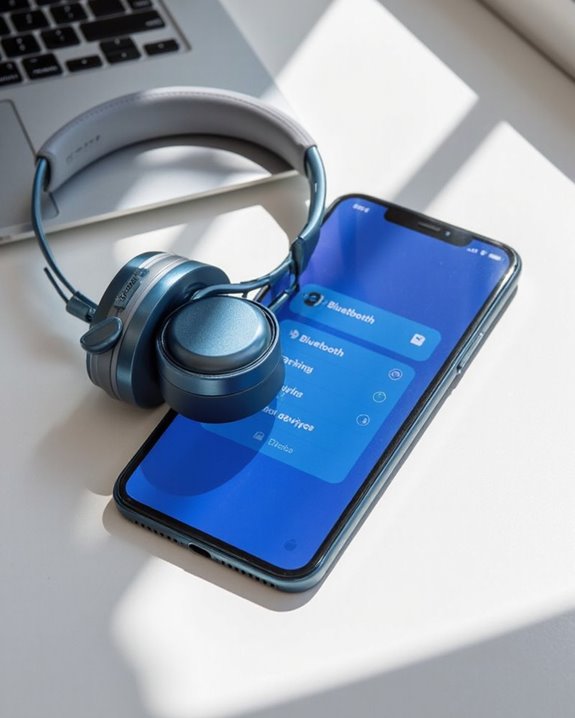
Connecting AfterShokz headphones to Apple devices follows a straightforward process that enables wireless audio streaming through Bluetooth technology. Users need to access the Bluetooth settings on their iPhone or iPad, then place the headphones in pairing mode by holding the volume+ button for 5-7 seconds until the LED flashes red and blue.
Once the AfterShokz headphones appear in the Apple device’s Bluetooth menu, selecting them completes the connection process. These headphones offer Siri integration, allowing users to access Apple’s voice assistant with simple button commands for hands-free operation.
Battery management is simplified through iOS, which displays the headphones’ battery level in the device’s status bar. If connection issues occur, restarting both devices or resetting the headphones typically resolves most pairing problems.
Pairing With Android Smartphones and Tablets
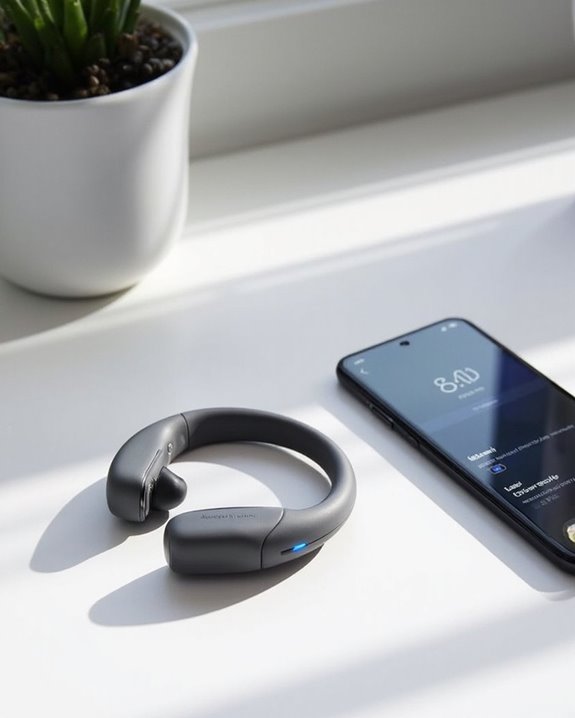
Next, open Bluetooth settings on your Android device and select “OpenMove by AfterShokz” or your specific model name from the available devices list. Once connected, Audrey will confirm with “connected” and the LED will flash blue.
For maximum battery saving, make sure headphones are fully charged before pairing. The voice integration through Audrey provides clear audio feedback throughout the connection process, eliminating the need to constantly check visual indicators. If connection issues persist, restart both devices or try NFC pairing if available.
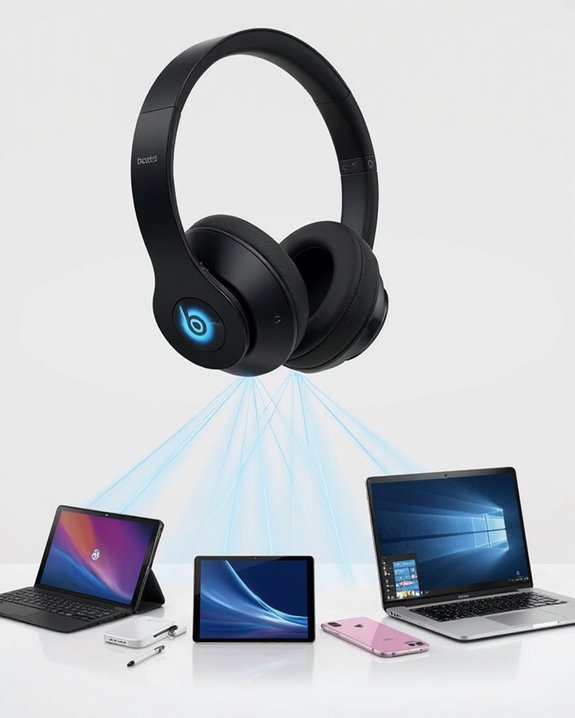
Setting Up Multi-Point Connection
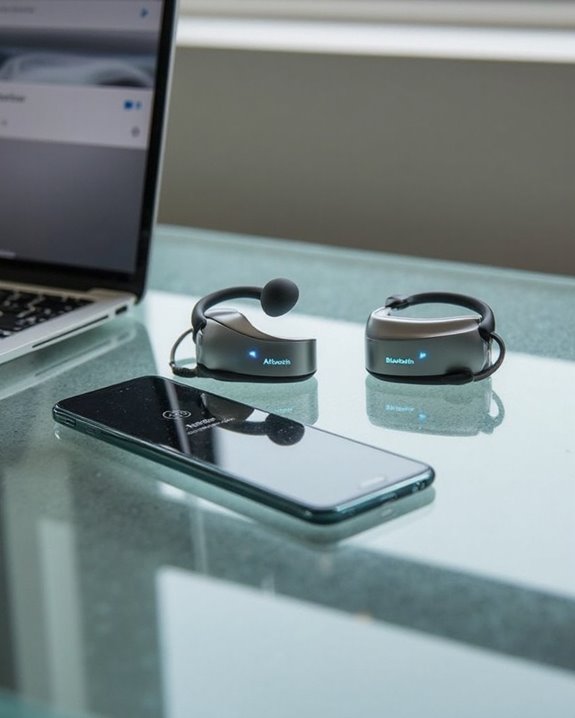
Multi-point connection allows AfterShokz headphones to pair with two devices simultaneously, enhancing flexibility for users who regularly switch between smartphones, tablets, or computers. To enable this feature, users must first enter pairing mode by holding the volume+ button for 5-7 seconds until the LED flashes red and blue.
For proper Power Management during this process, make sure headphones are initially turned off. After pairing the first device, activate multipoint functionality by pressing the multifunction and volume+ buttons together for 2-3 seconds until Voice Activation confirms “Multipoint Enabled.” Then reconnect to the first device before adding the second.
When troubleshooting connection issues, reset headphones to clear previous pairings and verify both devices are compatible with multipoint technology. Device proximity greatly affects connection quality and switching capability.
Recommended Products

Cutting-edge Noise Cancelling - Bluetooth headset with microphone adopts powerful ENC noise cancellation technology that eliminates 95% of harmful interfering noises, which means that the far-end caller won't notice even if you're calling in the noise-filled airport. Hence well loved by truckers and businessmen.

Advanced Noise Cancellation Technology: Maintain your focus with Life Q30’s hybrid active noise cancellation. Dual noise-detecting microphones pick up and filter out up to 95% of low-frequency ambient sound to ensure nothing distracts you from your music.

SONY’S LIGHTEST WIRELESS NOISE CANCELING HEADBAND EVER: Weighing just 192g, our lightest overhead wireless headphones with Noise Canceling yet, for incredible comfort without compromising on technology.
Troubleshooting Connection Issues
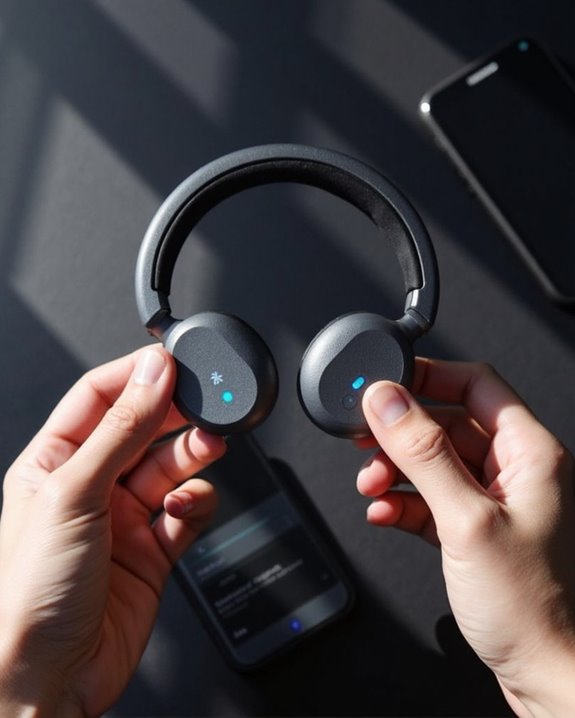
When Aftershokz headphones refuse to connect properly, users can implement several effective troubleshooting strategies to restore functionality. The initial approach should involve a complete headphone reset, followed by removing the device from Bluetooth settings before re-pairing.
Signal drops and audio glitches often result from interference or distance issues. Users should make sure devices remain within ideal range and minimize obstacles between connections. When experiencing persistent connectivity problems, observing LED indicators can provide valuable diagnostic information—flashing red and blue lights indicate pairing mode is active.
For stubborn connection issues, performing a hard reset by simultaneously holding the multifunction and volume buttons for 3-5 seconds often resolves software glitches. Additionally, checking both devices for sufficient power levels and software updates can eliminate many common pairing obstacles.
Recommended Products

Robust Construction: Bicycle headset press-in tool is made of professional-grade aluminum alloy with electroplated anodized finish delivers exceptional strength for demanding workshop tasks. With a reinforced 0.5" threaded shaft, this bike headset press tool delivers rock-solid performance

The set of the tool special designed for bike headset and bottom bracket installation, make you job done easily and professional
Pairing With TVS and Laptops
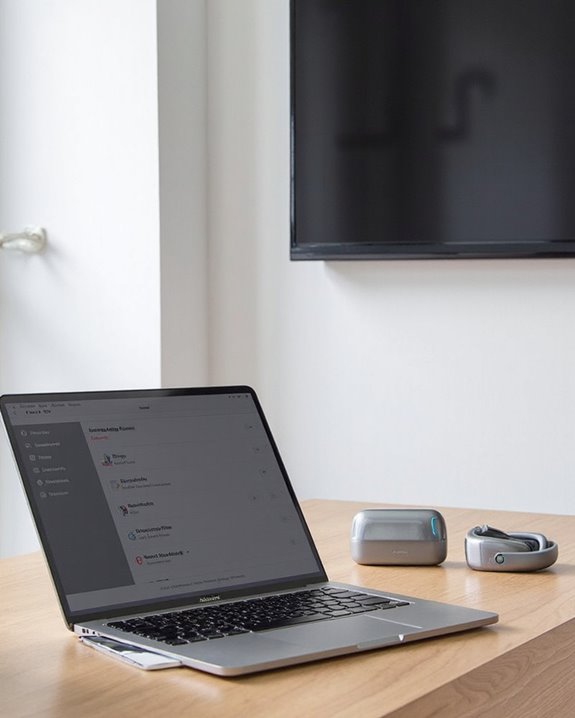
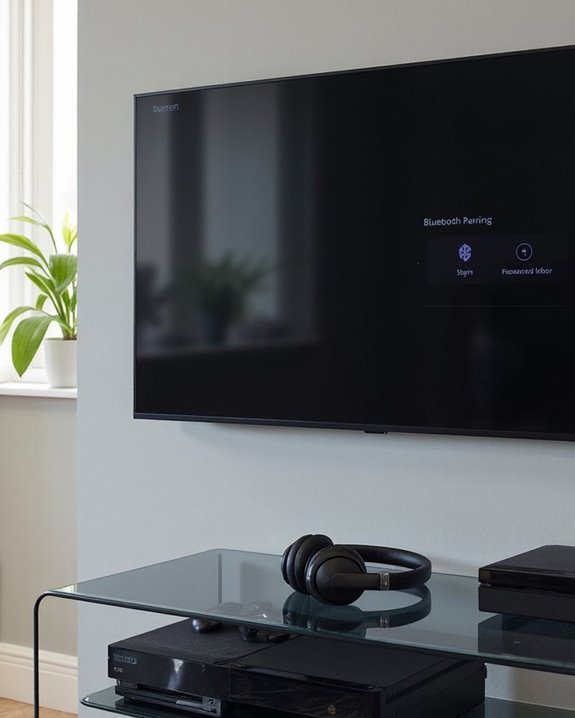
Connecting AfterShokz headphones to larger devices extends their versatility beyond smartphones and tablets. For smart TVs with Bluetooth, pairing occurs directly by putting headphones in pairing mode (indicated by flashing red and blue lights) and selecting them from the TV’s Bluetooth menu. Non-Bluetooth TVs require transmitters like the TaoTronics or MEE Connect adapters.
Laptops connect similarly to smartphones, requiring users to hold the volume+ button for 5-7 seconds before selecting the headphones in Bluetooth settings. This setup optimizes Battery Life by eliminating unnecessary adapters when possible.
The open-ear design enables Audio Sharing in unique ways—users can hear both the TV content and household sounds simultaneously. For families, dual transmitters allow two AfterShokz users to enjoy the same content without disturbing others in the room.
Optimizing Your Bluetooth Connection
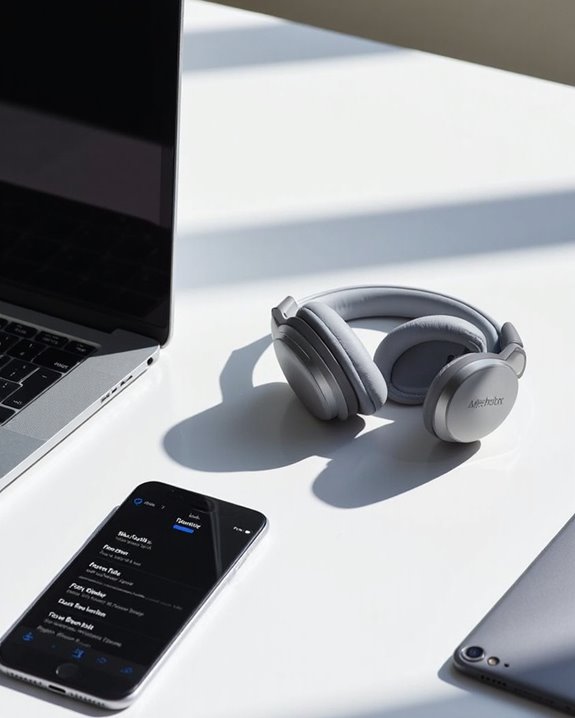
Effective Bluetooth connectivity forms the backbone of an exceptional AfterShokz experience. Maintaining ideal conditions greatly enhances both Latency Reduction and Energy Efficiency during use.
For maximum stability, users should remove potential interference sources from the immediate environment. Physical obstructions between headphones and connected devices can degrade signal quality, leading to connectivity issues. Keeping devices within close proximity strengthens Bluetooth signals and minimizes transmission delays.
Regular firmware updates play a vital role in performance optimization. These updates often include enhancements for both Energy Efficiency and connection reliability, extending battery life while improving overall functionality.
When experiencing persistent connection problems, clearing paired device history and performing a complete power cycle of both the headphones and connected device often resolves most issues without requiring technical support.
Recommended Products

Turn Your Wired Earphones, Headphones & Speakers into Wireless Devices!

Make Wired Headphones Wireless (Receiver Only): Receives Bluetooth audio from phones or tablets and plays it through wired headphones via a 3.5mm AUX connection. Receiver only — not a transmitter for TVs, PCs,or game consoles

BTR11 supports the LDAC Bluetooth audio format, providing HiFi-level wireless Bluetooth sound quality, and also supports Bluetooth 5.3!
Frequently Asked Questions
Can I Use Aftershokz Headphones While Charging?
The compatibility of Aftershokz headphones for use while charging is not explicitly confirmed. Due to potential charging safety concerns, including electrical hazards and battery degradation, users should follow manufacturer guidelines rather than attempting simultaneous use.
Do Aftershokz Headphones Work With Gaming Consoles?
Breaking the mold, AfterShokz headphones can connect to gaming consoles, but console integration is limited. Bluetooth adapters enable pairing with PlayStation and Xbox, while gaming latency remains a significant drawback for competitive play.
How Do I Adjust the Aftershokz Headphone Volume During Calls?
During calls, users can adjust AfterShokz headphone volume using the paired Bluetooth device’s controls or the volume buttons on the headset itself. The Shokz App also provides volume adjustment and call settings management options.
Can I Swim With My Aftershokz Headphones?
Only OpenSwim models are designed for swimming with their IP68 waterproof rating. Other models like Aeropex have water resistance but aren’t meant for aquatic activities. Users should check their specific model for proper swimming safety guidelines.
What’s the Average Battery Lifespan Before Replacement Is Needed?
Aftershokz earbuds typically require battery replacement after 1-3 years. Battery degradation occurs gradually, affected by charging cycles and usage patterns. Proper lifespan maintenance includes avoiding extreme temperatures and using appropriate charging methods.