As an Amazon Associate, we earn from qualifying purchases. Some links on this site are affiliate links at no extra cost to you. Our recommendations are based on thorough research and editorial judgment.

How to Connect Bose Headphones to Your Iphone

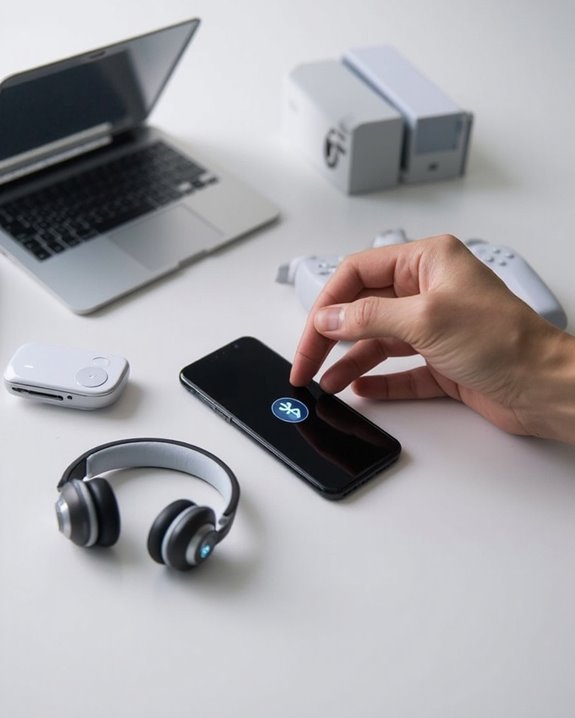
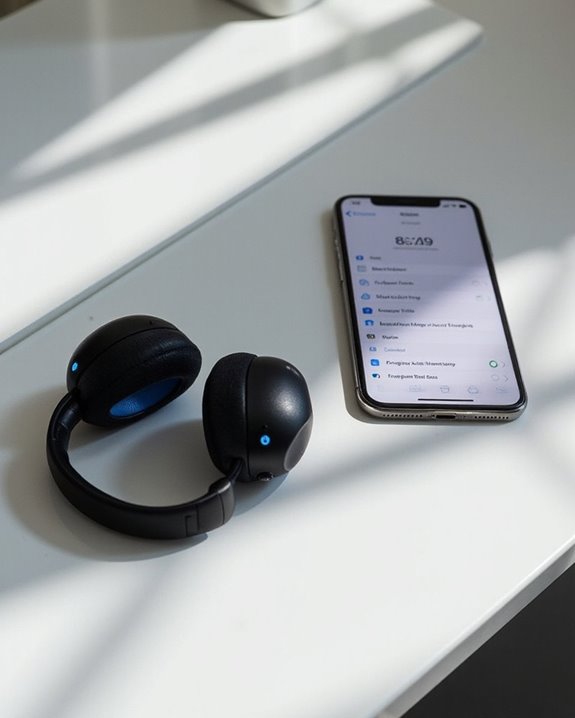
To connect Bose headphones to an iPhone, first verify both devices have sufficient battery. Put the headphones in pairing mode by sliding the power button until the blue light blinks. On your iPhone, navigate to Settings > Bluetooth and toggle it on. Select your Bose headphones from the device list. Once connected, a confirmation message appears. The Bose Connect app offers additional customization options for ideal audio performance. Further steps below address troubleshooting and advanced features.
Key Takeaways
- Put Bose headphones in pairing mode by sliding the power button until a blue light blinks or voice prompt sounds.
- Turn on Bluetooth in your iPhone’s Settings app and ensure both devices are within close proximity.
- Select your Bose headphones when they appear in your iPhone’s Bluetooth device list.
- Wait for confirmation message on iPhone that indicates successful pairing and connection.
- Download the Bose Connect app for advanced features like noise cancellation settings and firmware updates.
Preparation: Getting Your Bose Headphones Ready
You may be interested
Can You Connect Bluetooth Headphones to PS5?
May 26, 2025
Before attempting to connect Bose headphones to an iPhone, proper preparation of the headphones is essential for a successful pairing process. Users should first perform a Battery Check to make sure sufficient charge is available. The pairing process requires power, and low battery levels can interrupt or prevent successful connection.
Locate the controls on the side or top of the headphones, depending on the specific Bose model. The power button will be used to turn on the device and activate Bluetooth functionality. While preparing for pairing, take a moment for Comfort Adjustment to make sure the headphones sit properly on the ears or in the ear canal for earbuds.
Status lights on the headphones indicate their current mode and battery status, providing visual confirmation that the device is ready for pairing. Most modern Bose headphones support Bluetooth 5.3 connectivity, which ensures a stable connection and improved range when pairing with devices like an iPhone.
Recommended Products

Excellent Sound & 6EQ Modes: Wireless Bluetooth headphones equipped with 40mm dynamic driver, which produces hi-fi stereo sound, crisp and clean, great balanced Bassup and reduces environmental noise.Switch freely between 6 sound effects with the EQ button: Bass, pop, rock, classic, jazz and vocal. Listening to a variety of music,just like you are in a concert with a wide sense of space

2026 Bluetooth 5.4 Technology : The wireless earbuds use the bluetooth 5.4 chipset. There is a faster and more stable signal transmission and has successfully achieved low latency without interruption. With a range of up to 15 m, whether you are at home, in the office, or on the road, you don't have to worry about disconnection of the bluetooth earbuds. Automatic pairing & compatible with multiple devices.
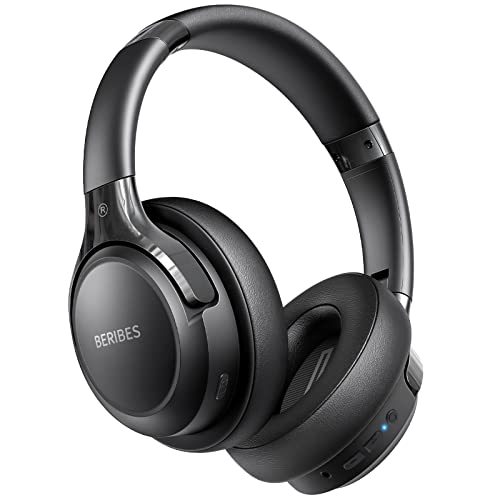
65 Hours Playtime: Low power consumption technology applied, BERIBES bluetooth headphones with built-in 500mAh battery can continually play more than 65 hours, standby more than 950 hours after one fully charge. By included 3.5mm audio cable, the wireless headphones over ear can be easily switched to wired mode when powers off. No power shortage problem anymore.
Enabling Bluetooth on Your Iphone
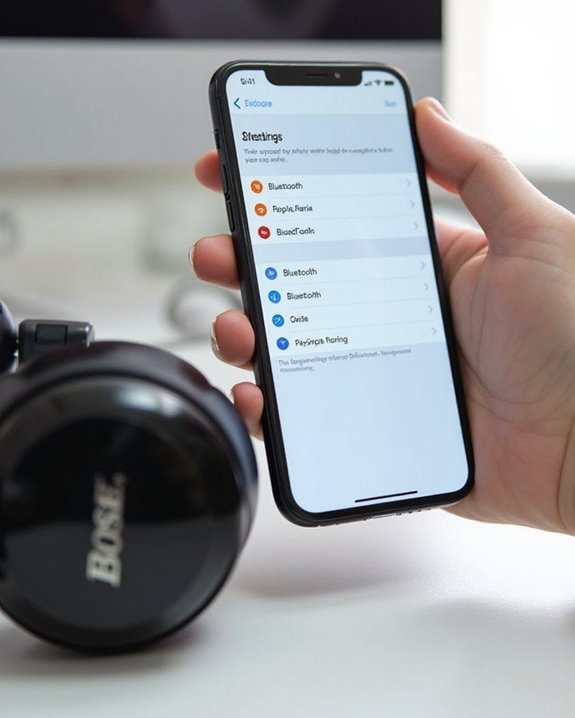
To establish a connection with Bose headphones, users must first activate the Bluetooth functionality on their iPhone. This process begins by opening the Settings app and going to the Bluetooth menu, where the toggle switch should be turned on. Users should remain on this screen to complete the pairing process.
Regular iOS updates enhance Bluetooth performance and compatibility with Bose headphones. These updates often include connectivity improvements and bug fixes that optimize the wireless experience.
When not actively using the headphones, turning off Bluetooth contributes to Battery Savings. This practice extends iPhone usage time between charges while reducing potential interference from other wireless devices. If connection issues occur, users can troubleshoot by restarting both devices or resetting network settings through the iPhone’s configuration menu.
For the best audio performance, ensure your headphones use the latest Bluetooth 5.0 connectivity standard for stable and efficient wireless connections.
Recommended Products

[Ultra-Lightweight Ear Buds Designed for Small Ears] Each earbud weighs only 3.7g and features a compact, ergonomic in-ear design made especially for small ears. Secure, low-profile, and comfortable for workouts, all-day wear or overnight sleeping.The ultra-slim profile sits flush in your ear with no hard edges poking or rubbing, so you can even sleep on your side without discomfort.

【40MM DRIVER & 3 MUSIC MODES】Picun B8 bluetooth headphones are designed for audiophiles, equipped with dual 40mm dynamic sound units and 3 EQ modes, providing you with stereo high-definition sound quality while balancing bass and mid to high pitch enhancement in more detail. Simply press the EQ button twice to cycle between Pop/Bass boost/Rock modes and enjoy your music time!

40Hrs Extra-Long Battery Life Wireless Earbuds - Enough time to listen to 500+ songs: T08 wireless earbuds can provide up to 8 hours of music on a single charge, or up to 40 hours when used with the LED display charging case (at 50%-60% volume). With powerful fast charging, a 15-minute charge provides up to 90-minute uninterrupted music playback. Say goodbye to low-power anxiety and enjoy none-stop music any time!
Completing the Pairing Process
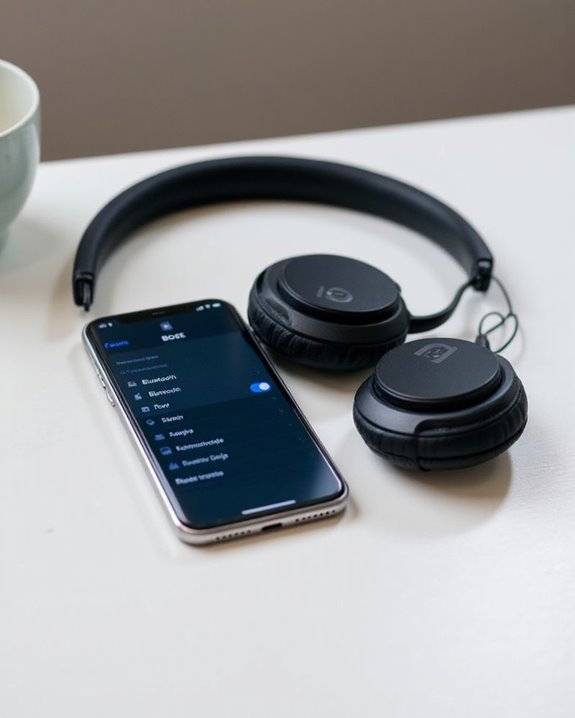
Once Bluetooth has been enabled on the iPhone, users must prepare their Bose headphones for connection by activating pairing mode. This typically involves sliding the power button to the right until a blue light blinks or a voice prompt indicates readiness to connect.
After the headphones enter pairing mode, they should appear in the iPhone’s Bluetooth device list. Users can then select their Bose headphones from this list, initiating the connection sequence. A Final Confirmation message will display on the iPhone when pairing is successful.
For best results, users should perform Audio Verification by playing music or podcasts to verify proper functionality. Most Bose models will automatically reconnect to the iPhone during subsequent use, eliminating the need to repeat this process unless the connection is disrupted or a factory reset occurs.
For enhanced wireless performance, it is beneficial to use devices that support Bluetooth 5.2 connectivity to ensure stable streaming and device pairing within a 10-meter range.
Recommended Products
[4 Colorful Lighting Modes]: Not only do these kids bluetooth headphones give great audio, but they also have the added feature of coming with LED lights that have multiple effects and colors on both sides of the headset. Four light modes are controlled by one independent button. When pressed in Bluetooth mode, will turn off the lights for battery savings.

[4 Colorful Lighting Modes]: Not only do these kids bluetooth headphones give great audio, but they also have the added feature of coming with LED lights that have multiple effects and colors on both sides of the headset. Four light modes are controlled by one independent button. When pressed in Bluetooth mode, will turn off the lights for battery savings.

【Sleep Headphones & Sports Bluetooth Headband】 LC-dolida Sleep headphones feature a Breathable headband design with wireless headphones inside that allows you to listen to music without having to wear additional headphones and protects you from being disturbed by your messy hair and sweat. Sleep headphones headband headphones are perfectly suitable for travel, gym, running, yoga as well as sleeping.
Using Bose Apps to Enhance Your Experience
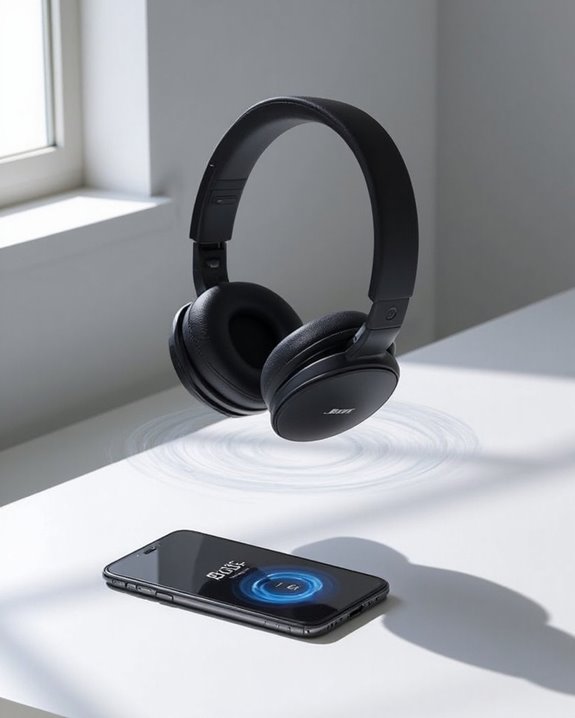
While iPhone connectivity provides basic functionality, Bose’s dedicated mobile apps dramatically expand the capabilities of Bose headphones. The Bose Connect app offers customization options including volume control, auto-off timers, and battery level monitoring.
Users can adjust Noise Cancellation settings to tailor their listening experience based on environment or preference. The app’s Music Sharing features, such as Party Mode and Stereo Mode, enable synchronized playback across multiple Bose devices for enhanced audio experiences.
Additional benefits include device tracking through “Find My Device,” firmware updates to maintain peak performance, and heart rate monitoring on compatible models. The app also allows users to manage multiple Bose products from a single interface, creating a seamless ecosystem across headphones, speakers, and other devices. This integration transforms basic headphones into a customizable audio solution.
Recommended Products
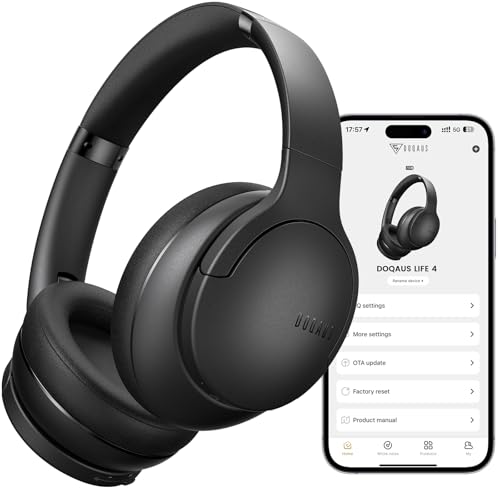
✅ End Charging Anxiety with 90-Hour Marathon Battery Life: Designed for the long-haul commuter or international traveler, these wireless headphones deliver up to 90 hours of playtime. A quick 10-minute charge fuels 5 hours of listening, and the included aux cable is your zero-power backup plan, ensuring your music, podcasts, or movies never stop.

REAL-TIME GAME AUDIO CONTROL — Pinpoint enemies with what GamingTrend calls “the biggest cheat code in the industry. 200+ game specific audio presets to choose from

2X Stronger Voice Reduction: Stay focused during bustling journeys with our upgraded noise cancelling structure. Space One excels in blocking out mid to high-frequency sounds with 2X more* voice reduction. *Compared with soundcore Life Q30 headphones.
Troubleshooting Connection Problems
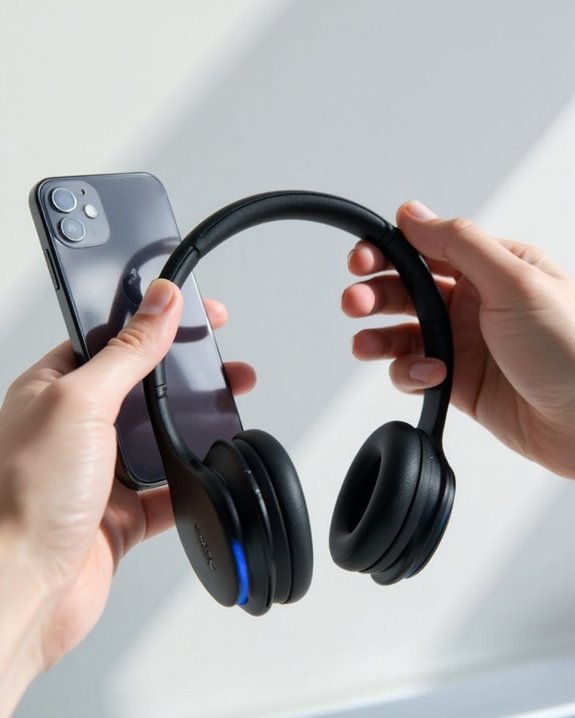
Even the most feature-rich Bose apps can’t enhance your listening experience if the basic connection between your headphones and iPhone fails. When issues arise, start with fundamental fixes: restart both devices and make sure they’re within proper proximity.
Signal interference from nearby Bluetooth devices often disrupts connections. Users should disable other Bluetooth equipment temporarily and move away from potential interference sources like wireless routers or microwaves.
Battery drain can sometimes manifest as connectivity problems. If headphones won’t turn on or disconnect frequently, check their charge level before attempting more complex troubleshooting.
For persistent issues, users should:
- Remove the headphones from iPhone’s Bluetooth list
- Reset the headphones to factory settings
- Update both the iPhone iOS and Bose firmware
- Verify model compatibility between devices
Recommended Products
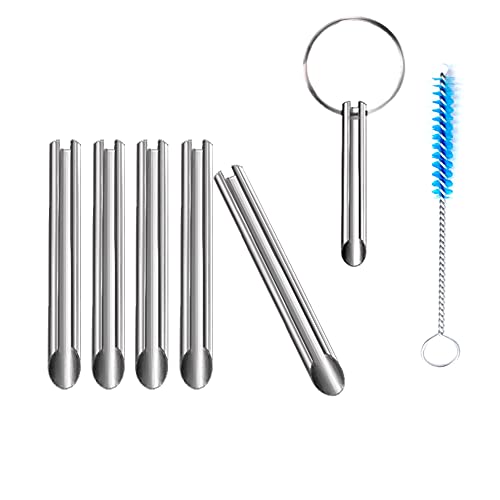
🛠️Applicable To :all models of mobile phones, pads and computers headphone jack, built to easily remove broken 3.5mm headphone plugs from jacks.

Hermitshell Hard Travel Storage Carrying Case.
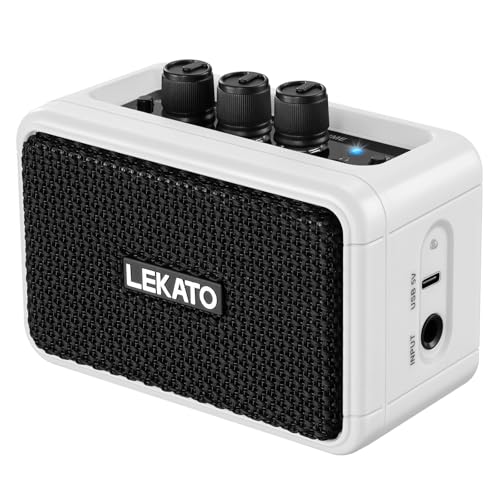
【Clean Overdrive Effects】: The electric guitar amps is equipped with Clean and Overdrive 2 sound modes, three control knobs: gain/tone/volume, whether you are in pursuit of pure and clear acoustic interpretation, or love the distortion of rock and roll passionate tone, a key can be easily converted to meet the needs of your changing music styles.
Frequently Asked Questions
Can I Connect Bose Headphones to Multiple Iphones Simultaneously?
Like ships sharing a harbor, Bose headphones can establish a shared connection with multiple devices through dual pairing. However, they typically connect to only two devices simultaneously, with audio streaming from just one at a time.
Will Bose Headphones Automatically Reconnect After Iphone Software Updates?
Bose headphones typically attempt to automatically reconnect after iPhone software updates, but update reliability can vary. Some users experience software glitches requiring manual reconnection via Bluetooth settings or the Bose Music app.
How Do Bose Headphones Affect Iphone Battery Life?
Bose headphones impact iPhone battery efficiency through Bluetooth connectivity. The power drain varies based on volume levels, noise cancellation usage, and environment. Managing these factors can help reduce the headphones’ impact on battery life.
Can I Use Siri Through My Bose Headphones?
Yes, Bose headphones offer Siri compatibility allowing users to access voice activation features. When properly paired with an iPhone, users can activate Siri through the headphones to control music, make calls, and adjust settings.
Do Bose Headphones Work With Facetime and Phone Calls?
During a cross-country call, users notice Bose headphones excel with FaceTime and phone calls. Their high Call Compatibility guarantees clear conversations, while minimal Audio Latency provides seamless interaction for both voice and video communications.