As an Amazon Associate, we earn from qualifying purchases. Some links on this site are affiliate links at no extra cost to you. Our recommendations are based on thorough research and editorial judgment.

How to Connect Headphones to Iphone: a Step-By-Step Guide

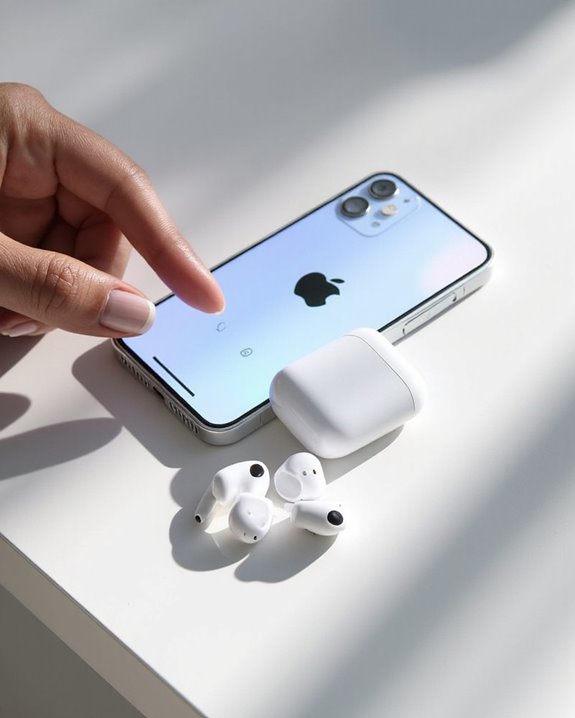
Connecting headphones to an iPhone varies by model and headphone type. For newer iPhones, use either Lightning headphones directly into the charging port or Bluetooth pairing through Settings. Older models support traditional 3.5mm headphones. Wireless pairing requires enabling Bluetooth, putting headphones in pairing mode, and selecting them from the device list. Adapters offer solutions for incompatible connections. The following detailed guide covers each connection method with specific troubleshooting steps.
Key Takeaways
- For Lightning connections, insert the connector directly into the iPhone port and confirm device recognition to establish an immediate connection.
- To use Bluetooth, enable it in Settings, put headphones in pairing mode, and select them from the “Other Devices” list.
- For older iPhones with a 3.5mm headphone jack, simply insert the headphone connector fully into the port.
- When using adapters, choose one compatible with your iPhone model (USB-C or Lightning) before connecting your headphones.
- Troubleshoot connection issues by checking for physical obstructions, updating iOS, and disabling competing Bluetooth connections.
Understanding Iphone Audio Connection Options
You may be interested
Can You Connect Bluetooth Headphones to PS5?
May 26, 2025
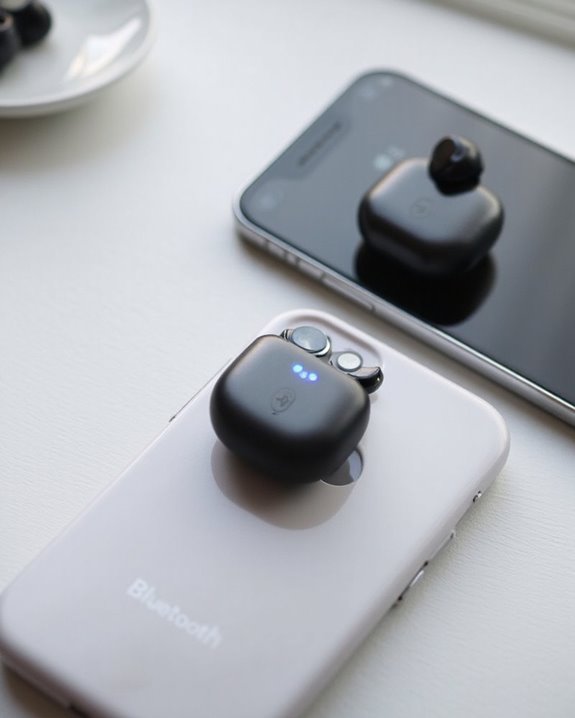
When connecting headphones to an iPhone, users have multiple audio output options to choose from. Modern iPhones offer Bluetooth connectivity for wireless headphones and earbuds, while the Lightning port accommodates wired solutions. Older iPhone models (pre-iPhone 7) feature the traditional 3.5mm headphone jack for standard wired headphones.
Bluetooth technology has seen significant Codec Evolution, with current iPhones supporting advanced audio codecs like AAC for superior sound quality. These codecs optimize wireless audio transmission, reducing latency and improving fidelity.
For those with compatible speakers or Apple TV, AirPlay Integration provides another wireless audio option. While primarily designed for streaming to larger devices rather than headphones, AirPlay delivers high-quality audio transmission through Wi-Fi rather than Bluetooth, offering enhanced range and stability.
Wired Lightning headphones often provide 24-bit audio quality, delivering superior sound fidelity compared to some wireless alternatives.
Connecting Wired Headphones With Lightning Connector
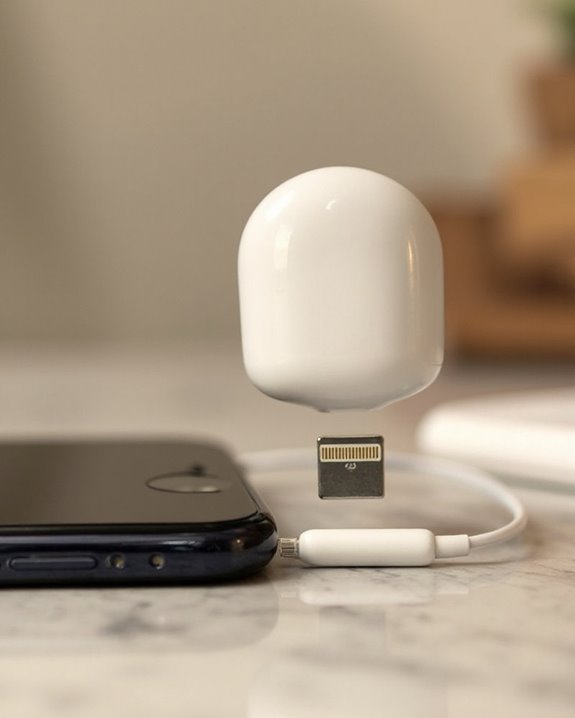
Lightning-equipped headphones offer iPhone users a direct connection option without requiring additional adapters. These headphones are compatible with devices running iOS 10 or later, including iPhones from the iPhone 14 down to earlier models that feature the Lightning port. Their design ergonomics follow the ear’s natural geometry, ensuring comfortable extended listening sessions.
Connection is straightforward:
- Insert the Lightning connector into the iPhone’s port
- Begin playback immediately through the built-in controls
- Manage volume, playback, and calls via the integrated remote
Regular connector maintenance helps prevent audio disruptions and extends the headphones’ lifespan. Users should periodically clean the Lightning connector with a soft, dry cloth to remove dust and debris.
Note that these headphones are incompatible with iPhone 15 and other devices equipped only with USB-C ports.
Recommended Products

【TRUE PLUG & PLAY - ZERO SETUP】 Forget about frustrating Bluetooth pairing or annoying pop-up windows. These premium iPhone headphones wired feature a direct Lightning connection with a built-in smart chip. Simply plug wired headphones for iPhone into your phone and hit play. It is instant, uninterrupted audio right out of the box with absolutely no battery anxiety.

Apple MFi Certification Headphones - Officially MFi certified Apple lightning headphones wired earbuds for iPhone, plug & play, perfectly compatible with iPhone 14/ 14 Plus, iPhone 14 Pro/ 14 Pro Max,iPhone 13/ 13 Mini/ 13 Pro/ 13 Pro Max, iPhone 12/ 12 Mini/ 12 Pro/ 12 Pro Max, iPhone 11/ 11 Pro/ 11 Pro Max, iPhone X/ XS/ XS Max/ XR, iPhone 8/ 8 Plus /iPhone 7 / 7 Plus/iPhone 6 /6S Plus/iPhone 5 s/c iPad and more devices has lightning port that without 3.5mm jack.

SUPERIOR COMFORT — Unlike traditional circular ear buds, the design of EarPods is defined by the geometry of the ear. Which makes them more comfortable for more people than any other ear bud–style headphones.
Using Traditional 3.5mm Headphone Jack Connections
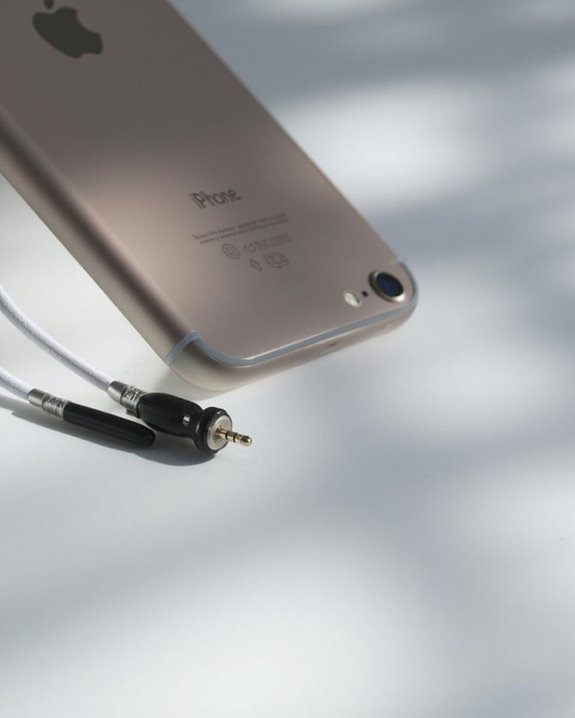
The traditional 3.5mm headphone jack represents the classic audio connection method available on select older iPhone models. In the historical context of iPhone development, this analog port was standard equipment on the iPhone 6s and earlier generations, including the first-generation iPhone SE.
Connecting headphones via the 3.5mm jack requires simply inserting the connector fully into the port. This direct connection automatically routes audio through the headphones without requiring additional adapters or configuration steps.
For best performance, regular port maintenance is recommended. Users should periodically check for and gently remove any accumulated dust or debris that might affect the connection quality.
Key advantages of the 3.5mm connection include:
- Immediate analog signal transmission
- Support for inline remote controls and microphones
- Compatibility with a wide range of headphone brands
Many quality headphones, such as the LUDOS OMNITONE wired earbuds, use the 3.5mm jack to provide high-quality sound and broad device compatibility.
Recommended Products

👂 Dual Safety Mode 85/94dB: Kids headphones for school protect young ears with volume control; Designed to meet strict US market regulations, our headphones feature a built-in volume-limiting technology (≤85dB) to safeguard kids' delicate hearing, preventing long-term damage from excessive noise. Perfect for school, travel, or home use, giving parents peace of mind while kids enjoy their favorite content.

【Overwhelmingly Lightweight and Comfortable Fit】These wired earphones have an ergonomic 45° inclined design that fits your ears perfectly, staying in place during commutes, running, or head movements. The design offers excellent noise-canceling, reduces sound leakage, and enhances bass response. Weighing only 3 grams per ear, they are lightweight, minimizing discomfort. Enjoy a comfortable experience during extended gaming sessions or music listening, allowing full immersion.

Hassle-Free Warranty: 24-month warranty included with easy to reach customer service for your peace of mind
Pairing Bluetooth Headphones to Your Iphone
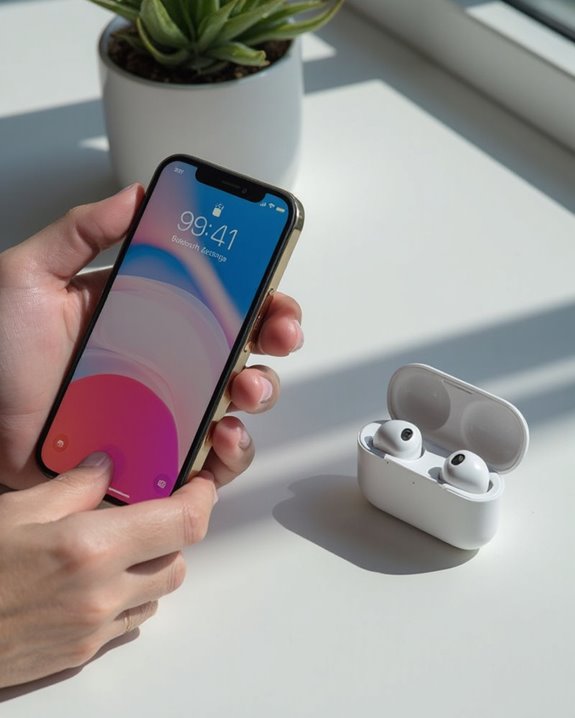
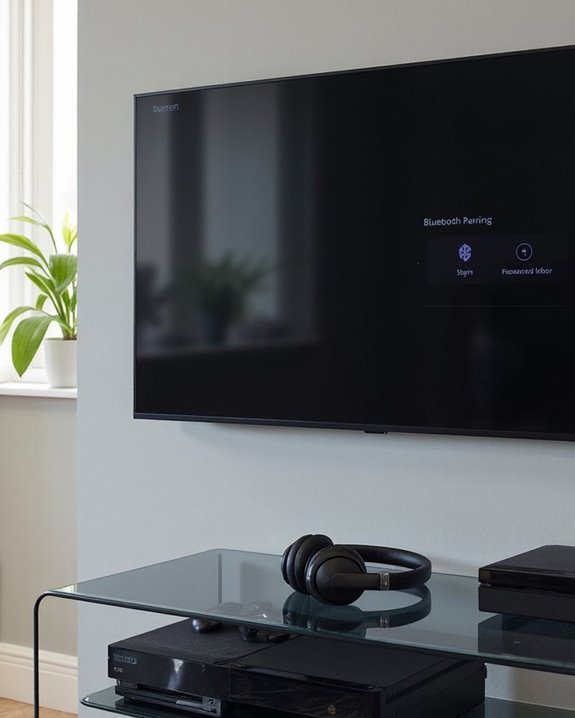
Pairing Bluetooth headphones with an iPhone creates a wireless audio connection that eliminates the need for physical cables. The process relies on device bonding, which establishes a secure connection between the two devices.
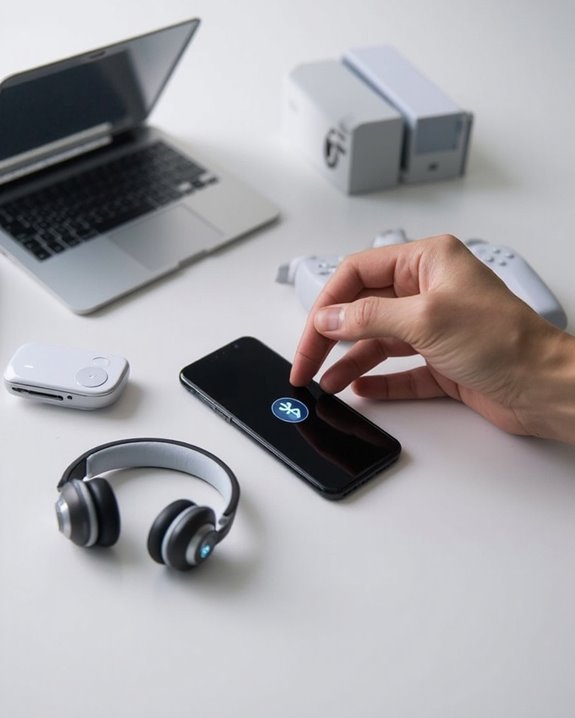
To begin, users should access the Bluetooth settings on their iPhone through the Settings app and make sure Bluetooth is enabled. Meanwhile, the headphones must be placed into pairing mode, typically achieved by holding down a designated button until an indicator light flashes.
Once the headphones are discoverable, they will appear in the iPhone’s “Other Devices” list. Tapping the headphones’ name initiates the connection process. Successful pairing is confirmed when the headphones move to the “My Devices” section and the indicator light stabilizes.
Different headphone models offer various pairing modes depending on their design and features. Many modern earbuds utilize Bluetooth 5.4 technology to provide enhanced security and stable connections during pairing.
Recommended Products

Excellent Sound & 6EQ Modes: Wireless Bluetooth headphones equipped with 40mm dynamic driver, which produces hi-fi stereo sound, crisp and clean, great balanced Bassup and reduces environmental noise.Switch freely between 6 sound effects with the EQ button: Bass, pop, rock, classic, jazz and vocal. Listening to a variety of music,just like you are in a concert with a wide sense of space

2026 Bluetooth 5.4 Technology : The wireless earbuds use the bluetooth 5.4 chipset. There is a faster and more stable signal transmission and has successfully achieved low latency without interruption. With a range of up to 15 m, whether you are at home, in the office, or on the road, you don't have to worry about disconnection of the bluetooth earbuds. Automatic pairing & compatible with multiple devices.
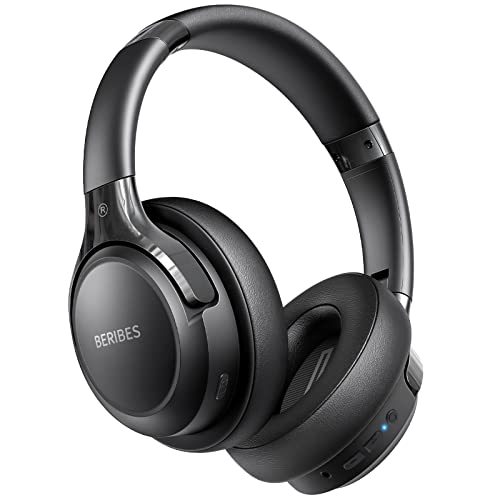
65 Hours Playtime: Low power consumption technology applied, BERIBES bluetooth headphones with built-in 500mAh battery can continually play more than 65 hours, standby more than 950 hours after one fully charge. By included 3.5mm audio cable, the wireless headphones over ear can be easily switched to wired mode when powers off. No power shortage problem anymore.
Using Adapters for Headphone Compatibility
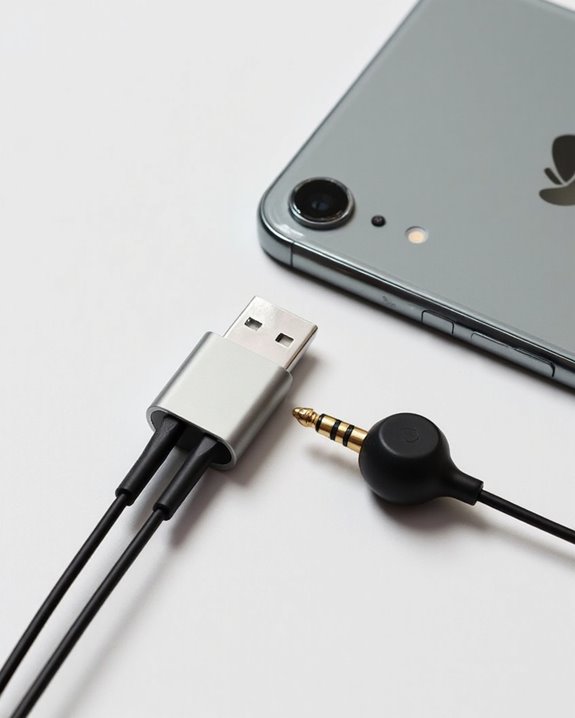
While Bluetooth offers wireless freedom, many users still need physical connections for their headphones, particularly when using devices with different port configurations. Modern Adapter Innovations have addressed this challenge by creating solutions for various iPhone models and headphone types.
For newer iPhones with USB-C ports, USB-C to 3.5mm adapters allow standard headphones to connect seamlessly. Lightning port iPhones require Lightning adapters to use traditional headphones. These adapters maintain Compatibility Standards across Apple’s ecosystem and third-party devices.
When selecting an adapter, users should consider:
- Device port type (USB-C or Lightning)
- Headphone connector type
- Whether audio-only or audio-plus-data functionality is needed
- Adapter build quality and brand reliability
Cross-platform adapters further expand compatibility, allowing Lightning headphones to work with USB-C devices and vice versa.
Recommended Products

【High-Fidelity Sound Quality】With 48,000 samples per second, listen to every note with this small USB Type-C to 3.5mm Audio Headphone Adapter. Featuring a Smart DAC Chip, this precision captures deep bass, crisp highs, and a balanced midrange, enriching your music experience. [NOTE: The volume adjustment function of Apple EarPods headphones is not supported !!!]

【Universal Compatibility】This headphone audio adapter compatible with most of the type c phones Compatible with iPhone 17/iPhone Pro/ iPhone 16/iPhone 16 Pro/ iPhone 15/ 15 Pro/ 15 Pro Max, Galaxy S21 Ultra/ S21 Plus/ S21 5G 2021, Google Pixel 5, 4, 4 XL, 3, 3 XL, 2, 2 XL, S20 FE 5F 2020, S20 5G, S20 Plus, S20 Ultra, Note 20, Note 20 Ultra, Note 10, Note 10+, Galaxy Tab S5e, Tab S6, Huawei P40 Pro, P30 Pro, P20 Pro, Mate 20 Pro, Mate 30 Pro, Mate 40 Pro, HTC, More.

【Multi-function Dongle】This compact usb c to aux adapter can connect your usb c devices without audio jack to headphones, headset, speakers and other audio devices. Call, volume control, pause via function keys on the headphones are possible. [Note: Microphone functionality and volume adjustment function of Apple EarPods Headphones with 3.5mm Plug are not supported!]
Troubleshooting Headphone Connection Problems
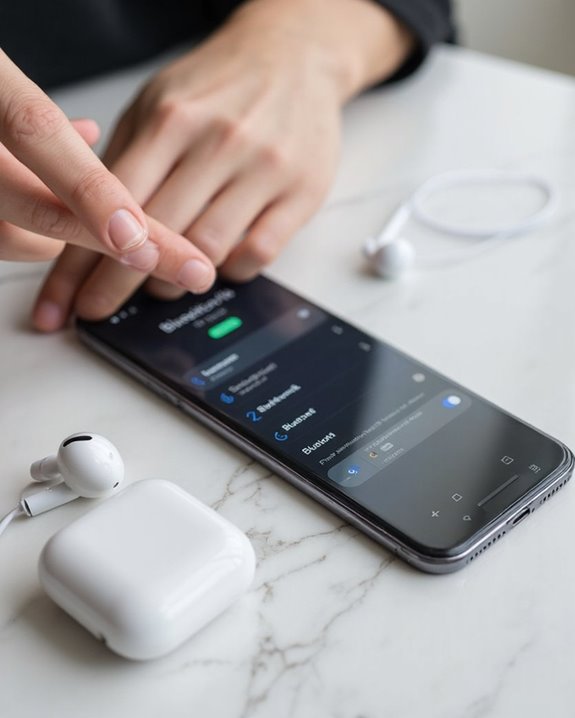
Even with proper adapters and compatible devices, headphone connections can sometimes fail due to various hardware or software issues. When troubleshooting, users should first check for physical obstructions in both the iPhone port and headphone connectors that might cause Signal Interference.
Basic troubleshooting steps include restarting the iPhone, inspecting connectors for damage, and testing with different headphones. For wireless models experiencing Battery Drainage, make sure they’re fully charged and properly paired.
Software solutions involve checking audio output settings, disabling competing connections like AirPlay or Bluetooth, and ensuring iOS is updated to the latest version. For persistent issues, cleaning ports with a soft brush can remove debris that blocks proper connection.
If problems continue after these steps, a visit to an Apple authorized service provider may be necessary.
Recommended Products

【Perfectly Compatible with Your Devices】The Lightning to 3.5mm Adapter for Your Apple iPhone 14, iPhone 14 Plus, iPhone 14 Pro, iPhone 14 Pro Max, iPhone 13, iPhone 13 Mini, iPhone 13 Pro, iPhone 13 Pro Max, iPhone 12, iPhone 12 Mini, iPhone 12 Pro, iPhone 12 Pro Max, iPhone 11, iPhone 11 Pro, iPhone 11 Pro Max, iPhone X, iPhone XR, iPhone XS, iPhone XS Max, iPhone 8, iPhone 8 Plus, iPhone 7, iPhone 7 Plus. Supports iOS 14-18 versions and TRRS 3.5mm Jack accessories.

【Premium Sound Quality】This USB C to 3.5mm headphone jack adapter adopts an advanced DAC smart chip. This 2-in-1 USB C to headphone adapter delivers rich and immersive audio. The USB C to Aux adapter enables high-resolution audio output and noise reduction up to 24bit/48kHz to enhance the original sound quality of your USB C mobile phone, giving you hi-fi stereo audio with less loss and noise

The USB-C to 3.5mm Headphone Jack Adapter lets you connect devices that use a standard 3.5mm audio plug - like headphones or speakers - to your USB-C devices
Tips for Optimal Sound Quality and Performance
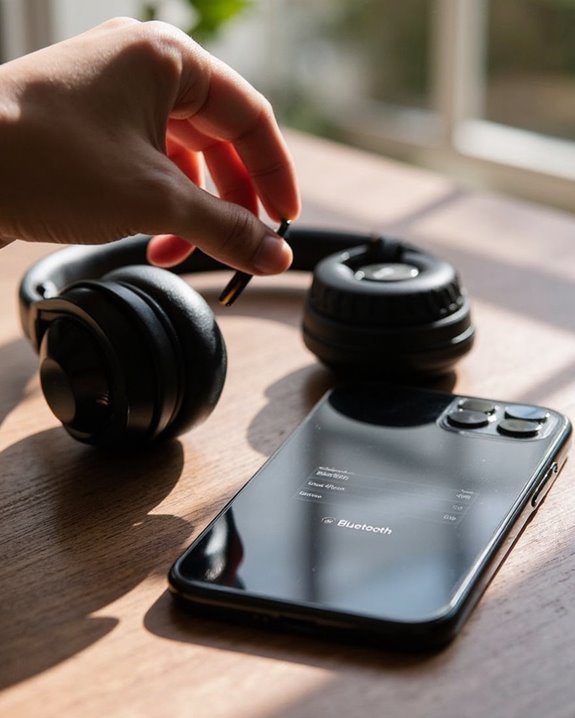
Achieving the best possible audio experience with iPhone headphones requires strategic adjustments to both device settings and physical setup conditions. Users can access Headphone Accommodations in Settings > Accessibility to customize audio based on specific hearing needs.
Audio Enhancements
For music enthusiasts, adjusting EQ settings in the Music app optimizes frequency response for different genres. Enabling Sound Check maintains consistent volume levels across tracks, while selecting high-quality audio files guarantees superior reproduction.
Environmental Tips
Conducting audio setup in quiet environments allows for more accurate adjustments. Minimizing background noise greatly improves listening clarity, especially when using features like noise cancellation. Users should also be mindful of volume limits set by iOS for hearing protection. Properly fitting headphones prevent audio feedback and enhance overall sound performance.
Frequently Asked Questions
Can I Connect Multiple Headphones to One Iphone Simultaneously?
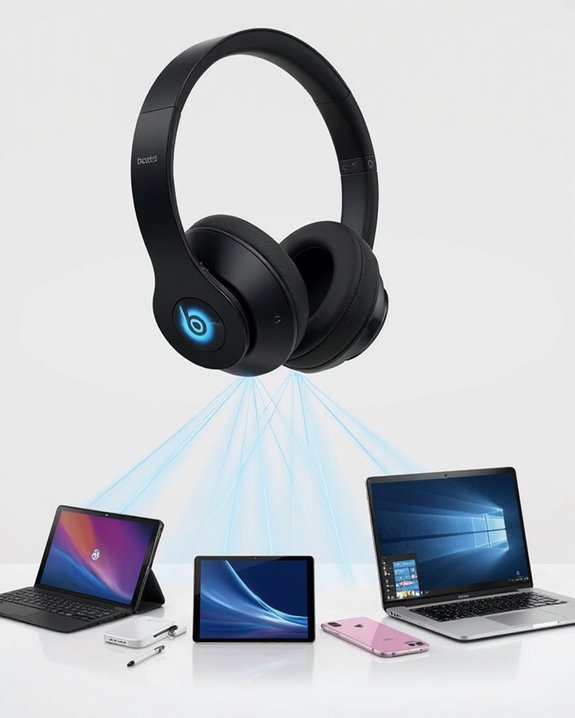
Two ears are better than one. iPhones support multiple headphones simultaneously through Share Audio, but only with compatible devices having H1/W1 chips. Wireless pairing enables group listening experiences via AirPods or specialized Bluetooth adapters.
Will Using Adapters Affect Sound Quality or Battery Life?
Adapters can affect sound quality due to signal transmission losses and build quality issues. Adapter Effects on audio depend on materials and design. Battery Impact is typically minimal, though low-quality adapters may cause slight power inefficiencies.
Are Apple-Certified Third-Party Headphones Better Than Generic Brands?
75% of consumers report better reliability with certified products. The Certified Comparison reveals Apple-certified headphones generally outperform generic brands in sound quality, device compatibility, and longevity, though the Quality Debate ultimately hinges on individual priorities.
Can I Use Headphones While My Iphone Is Charging?
Users can use headphones while charging their iPhone with dual-port adapters. These accessories permit simultaneous connection, though one should consider charging safety and possible audio latency when selecting third-party solutions over official Apple products.
How Do I Switch Between Different Connected Headphones Without Unpairing?
Like a conductor selecting instruments, users can switch between connected headphones by disabling Automatic Switching in Bluetooth settings. Simply disconnect one device without unpairing, then tap the other device in Profile Management to connect.