As an Amazon Associate, we earn from qualifying purchases. Some links on this site are affiliate links at no extra cost to you. Our recommendations are based on thorough research and editorial judgment.

How to Connect Sony Headphones to Your Iphone

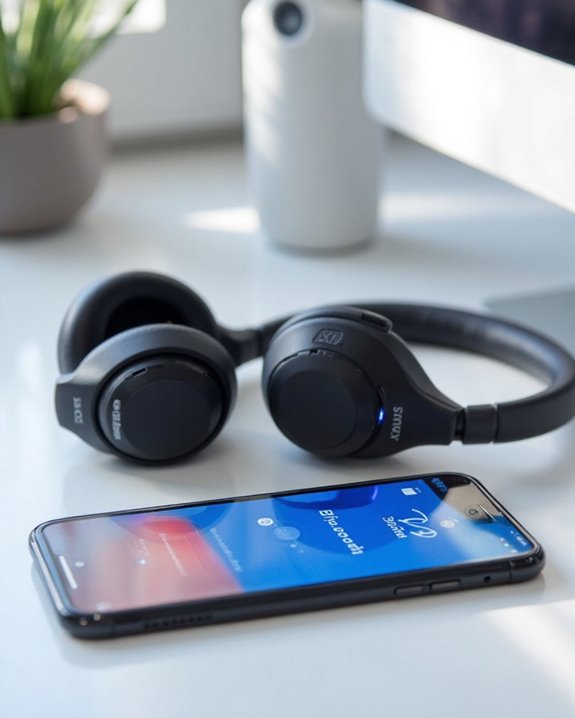
To connect Sony headphones to an iPhone, first verify both devices are charged and Bluetooth is enabled in iPhone Settings. Put the Sony headphones in pairing mode by pressing the power button for 7 seconds until the LED flashes blue (or the dedicated Bluetooth button on some models). On your iPhone, select the headphones from the “Other Devices” section in Bluetooth settings. For persistent connection issues, try resetting the headphones or updating device software. Additional connection management features await through Sony’s specialized apps.
Key Takeaways
- Put Sony headphones in pairing mode by holding the power button for 7 seconds until LED flashes blue.
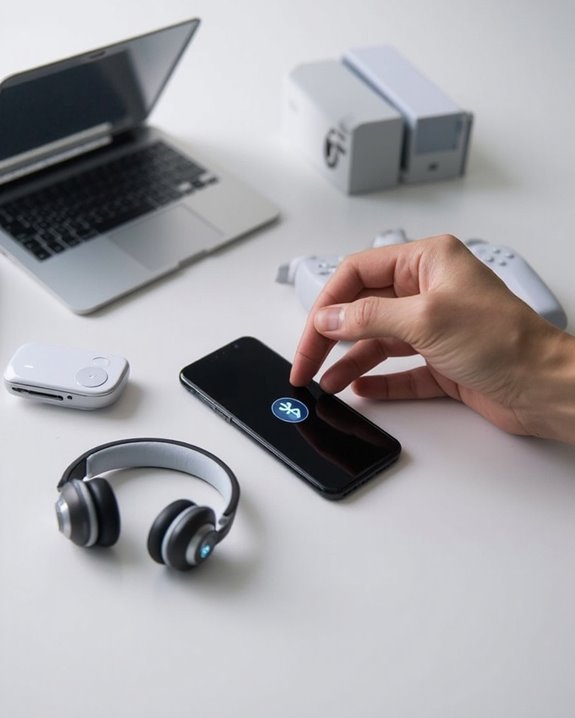
- Open your iPhone’s Settings app, tap Bluetooth, and ensure Bluetooth is turned on.
- Look for your Sony headphones under “Other Devices” and tap to connect them.
- Keep devices within 30 feet of each other for optimal connection strength.
- If connection fails, reset headphones and select “Forget Device” in iPhone Bluetooth settings before trying again.
Preparing Your Sony Headphones and Iphone for Pairing
You may be interested
Can You Connect Bluetooth Headphones to PS5?
May 26, 2025
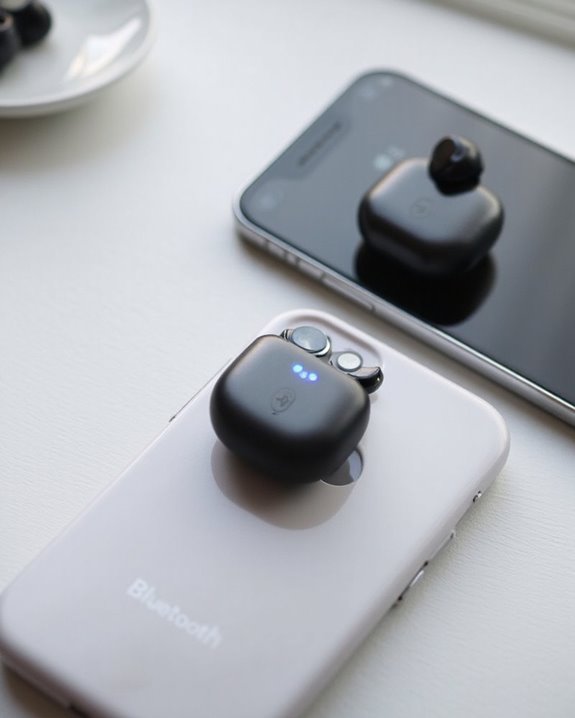
Before establishing a Bluetooth connection, users must properly prepare both their Sony headphones and iPhone. Proper Battery Maintenance is essential—fully charge the headphones to prevent power interruptions during the pairing process.
For the iPhone, users should access the device and navigate to the Settings app to access Bluetooth options. Toggle Bluetooth to the active position and verify iOS Compatibility by ensuring the device runs iOS 13 or later, which provides ideal support for headphone connectivity.
If connection issues arise, users should consider removing existing pairing information for the headphones from their iPhone. Additionally, powering on the Sony headphones requires pressing the Power button for approximately two seconds until the indicator light flashes, typically accompanied by a “Power on” voice prompt.
Since Lightning headphones provide a wired alternative with built-in microphones and volume controls, users who prefer a wired connection can consider them as a reliable option for iPhone audio needs, especially from iPhone 7 through iPhone 14 Pro Max wired solutions.
Recommended Products

2026 Bluetooth 5.4 Technology : The wireless earbuds use the bluetooth 5.4 chipset. There is a faster and more stable signal transmission and has successfully achieved low latency without interruption. With a range of up to 15 m, whether you are at home, in the office, or on the road, you don't have to worry about disconnection of the bluetooth earbuds. Automatic pairing & compatible with multiple devices.

2026 Bluetooth 5.4 Technology : The wireless earbuds use the bluetooth 5.4 chipset. There is a faster and more stable signal transmission and has successfully achieved low latency without interruption. With a range of up to 15 m, whether you are at home, in the office, or on the road, you don't have to worry about disconnection of the bluetooth earbuds. Automatic pairing & compatible with multiple devices.

Excellent Sound & 6EQ Modes: Wireless Bluetooth headphones equipped with 40mm dynamic driver, which produces hi-fi stereo sound, crisp and clean, great balanced Bassup and reduces environmental noise.Switch freely between 6 sound effects with the EQ button: Bass, pop, rock, classic, jazz and vocal. Listening to a variety of music,just like you are in a concert with a wide sense of space
Activating Bluetooth Pairing Mode on Sony Headphones
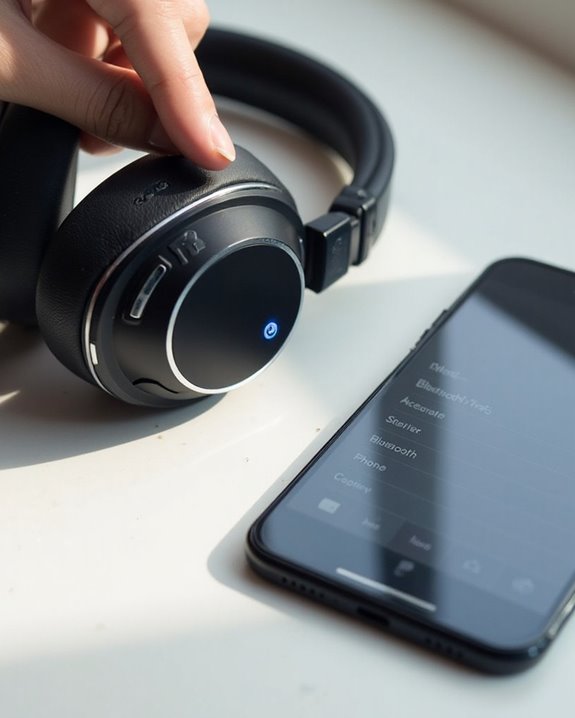
Activating Bluetooth pairing mode on Sony headphones involves a simple yet model-specific process that enables wireless connection with any iPhone. While Bluetooth history dates back to 1994, today’s wireless headphone connectivity has become increasingly streamlined.
Most Sony models require pressing and holding the power button for approximately 7 seconds until an LED indicator flashes blue. For the WH-CH520 model, users should press the dedicated Bluetooth button for about 5 seconds instead.
Before initiating pairing mode, make sure the headphones have sufficient battery charge and are positioned within close proximity to the iPhone. The pairing mode typically remains active for several minutes, allowing time for connection.
The pairing future looks promising as manufacturers continue developing simpler connection protocols and enhanced device compatibility. Modern headphones often use Bluetooth 5.0 connectivity to offer improved range and stability during wireless connections.
Recommended Products

65 Hours Playtime: Low power consumption technology applied, BERIBES bluetooth headphones with built-in 500mAh battery can continually play more than 65 hours, standby more than 950 hours after one fully charge. By included 3.5mm audio cable, the wireless headphones over ear can be easily switched to wired mode when powers off. No power shortage problem anymore.

【40MM DRIVER & 3 MUSIC MODES】Picun B8 bluetooth headphones are designed for audiophiles, equipped with dual 40mm dynamic sound units and 3 EQ modes, providing you with stereo high-definition sound quality while balancing bass and mid to high pitch enhancement in more detail. Simply press the EQ button twice to cycle between Pop/Bass boost/Rock modes and enjoy your music time!

Secure & Flexible Earhook Design for Sports:Built with soft flexible earhooks and an ultra lightweight 7.8g structure, these sports earbuds stay comfortably secure during workouts, jogging, cycling, fitness training, and outdoor activities without slipping or causing ear fatigue.
Connecting Your Sony Headphones Through Iphone Settings
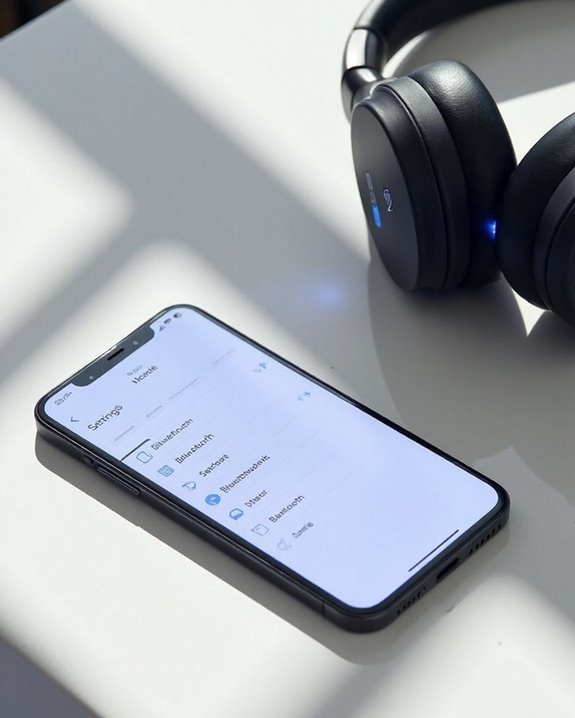
Connecting Sony headphones to an iPhone involves a straightforward process through the device’s Bluetooth settings menu. Users should first verify their iPhone’s Bluetooth is enabled by accessing the Settings app, then unsecure the screen to continue with the pairing process.
When Sony headphones are in pairing mode, they automatically appear in the “Other Devices” section of the iPhone’s Bluetooth list. Users should select the headphones from this list to initiate connection. Signal strength remains ideal within approximately 30 feet of the iPhone, though physical barriers may reduce this range.
Once paired, the Auto Connect feature allows Sony headphones to reconnect seamlessly whenever they’re powered on near the iPhone. For consistent connectivity, users should verify both devices have updated software and minimal interference from other Bluetooth devices nearby. Sony headphones also support Bluetooth 5.2 technology, ensuring stable and versatile connections for your audio experience.
Recommended Products

JBL PURE BASS SOUND: These wirelss headpones feature the renowned JBL Pure Bass sound, which can be found in the most famous venues all around the world.
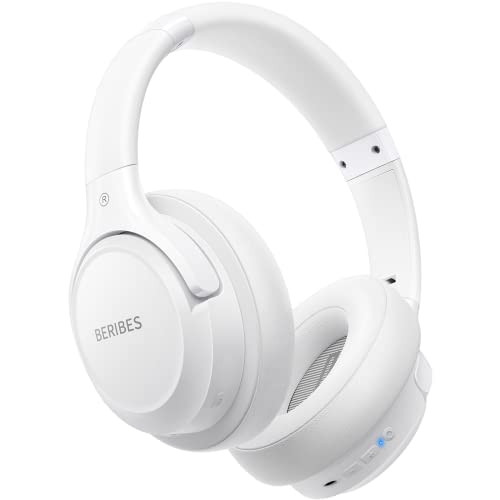
Optional 6 Music Modes: Adopted most advanced dual 40mm dynamic sound unit and 6 EQ modes, BERIBES updated headphones wireless bluetooth black were born for audiophiles. Simply switch the headphone between balanced sound, extra powerful bass and mid treble enhancement modes. No matter you prefer rock, Jazz, Rhythm & Blues or classic music, BERIBES has always been committed to providing our customers with good sound quality as the focal point of our engineering.

[Ultra-Lightweight Ear Buds Designed for Small Ears] Each earbud weighs only 3.7g and features a compact, ergonomic in-ear design made especially for small ears. Secure, low-profile, and comfortable for workouts, all-day wear or overnight sleeping.The ultra-slim profile sits flush in your ear with no hard edges poking or rubbing, so you can even sleep on your side without discomfort.
Troubleshooting Connection Problems and Tips
Persistent connectivity issues between Sony headphones and iPhones can frustrate even the most patient users. Battery Troubleshooting should be the first step – make sure headphones are fully charged for reliable connections, as low power often causes pairing failures.
When standard methods fail, resetting headphones can resolve stubborn problems. Press and hold both power and noise-canceling buttons until the LED flashes, then restart the pairing process by selecting “Forget Device” in iPhone Bluetooth settings.
App Updates are essential for proper functionality. Keep Sony | Music Center and Sony | Headphones Connect applications current, as outdated software frequently causes compatibility issues. For iOS 14 and newer, verify that Sony apps have permission to access Bluetooth and Local Network settings.
If problems persist, disconnect other paired devices to prevent Bluetooth signal interference.
Recommended Products

Compatible with AfterShokz Aeropex, AfterShokz OpenRun, AfterShokz OpenComm, AfterShokz OpenRun Pro, AfterShokz OpenRun mini. Compatible with Shokz charging cable.

【ASTONISHING SOUND PRODUCTION 】: High Definition Stereo Headphones, specially developed software and noise reduction technology designed to prevent you from heating ambient noises and makes you focus on what you want to hear. Lose yourself in immersive music even in the lowest volume levels! The goal that provide Customers with outstanding sound quality is our constant pursuit.

Dual Charging, Zero Downtime: It is designed for the PS5 ecosystem, which can charge your PS5 controller & gaming headset at the same time, fully charging devices in just 6 hours. Featuring charging contacts/interfaces fully compatible with official PS5 accessories, this charging dock eliminates cable clutter and reduces outlet congestion – all designed to maintain a clean, battle-ready setup. The dock does not support charging XBOX series controllers.
Managing Multiple Device Connections and Advanced Features
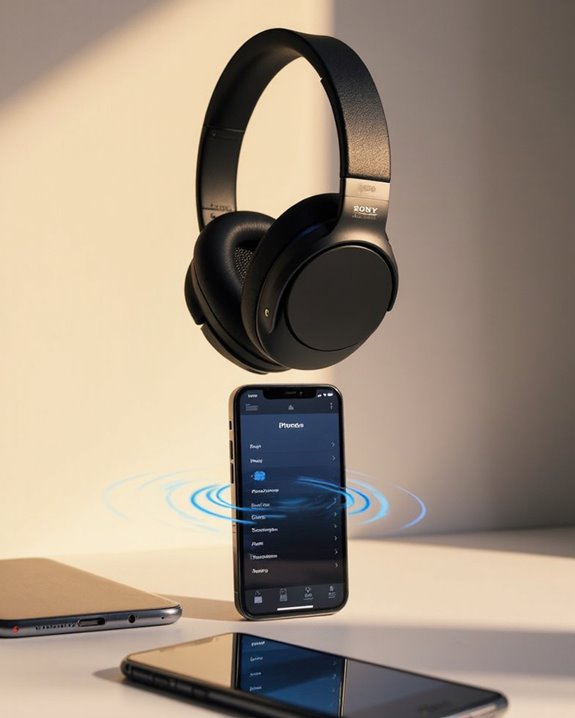
Sony headphones offer sophisticated multi-device capabilities that extend beyond basic connectivity troubleshooting. Through multipoint technology, users can connect to two devices simultaneously, enabling seamless switching between an iPhone and other devices like laptops or tablets.
The Sony Headphones Connect app serves as the control center for managing these connections. Users can enable the “Connect to 2 devices simultaneously” feature and prioritize specific devices for automatic connections. These Multipoint Benefits enhance productivity by allowing users to balance tasks across different devices without manual reconnection.
Advanced customization options include device-specific Noise Customization settings, where users can adjust noise cancellation levels based on their environment or activity. The app also provides personalized sound profiles that can be tailored to each connected device, optimizing audio quality across all platforms.
Recommended Products

Cutting-edge Noise Cancelling - Bluetooth headset with microphone adopts powerful ENC noise cancellation technology that eliminates 95% of harmful interfering noises, which means that the far-end caller won't notice even if you're calling in the noise-filled airport. Hence well loved by truckers and businessmen.

Advanced Noise Cancellation Technology: Maintain your focus with Life Q30’s hybrid active noise cancellation. Dual noise-detecting microphones pick up and filter out up to 95% of low-frequency ambient sound to ensure nothing distracts you from your music.
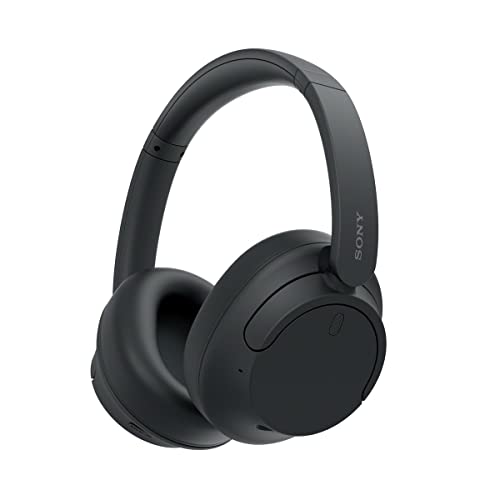
SONY’S LIGHTEST WIRELESS NOISE CANCELING HEADBAND EVER: Weighing just 192g, our lightest overhead wireless headphones with Noise Canceling yet, for incredible comfort without compromising on technology.
Frequently Asked Questions
Can I Connect Sony Headphones Without Using Bluetooth?
Sony headphones can connect without Bluetooth using wired options if supported. Adapter methods may be necessary, such as connecting via Lightning to 3.5mm adapters for iPhones lacking headphone jacks. These alternatives provide reliable non-wireless connections.
How Do I Update My Sony Headphones’ Firmware?
To update Sony headphones’ firmware, users must use the Sony | Headphones Connect app. The app downloads and transfers updates via Bluetooth. Firmware updates may encounter troubles if connections are unstable or device compatibility issues exist.
Will Sony Headphones Work With Facetime Calls?
Want to use Sony headphones for calls? Yes, Sony headphones provide FaceTime compatibility through Bluetooth connectivity. Call integration requires proper device permissions and audio routing settings in iOS, especially for versions 14 and above.
Can I Customize EQ Settings for Different Music Genres?
Users can customize EQ settings for different music genres through the Sony Headphones Connect app. The app offers various genre profiles and allows creation of custom EQ presets optimized for specific musical styles.
How Long Does the Bluetooth Connection Range Typically Extend?
As slippery as a fish, Bluetooth connection range typically extends between 30-100 feet indoors. Range factors include device technology version and power, while signal obstacles like walls and electronic interference can greatly reduce effective connectivity distances.